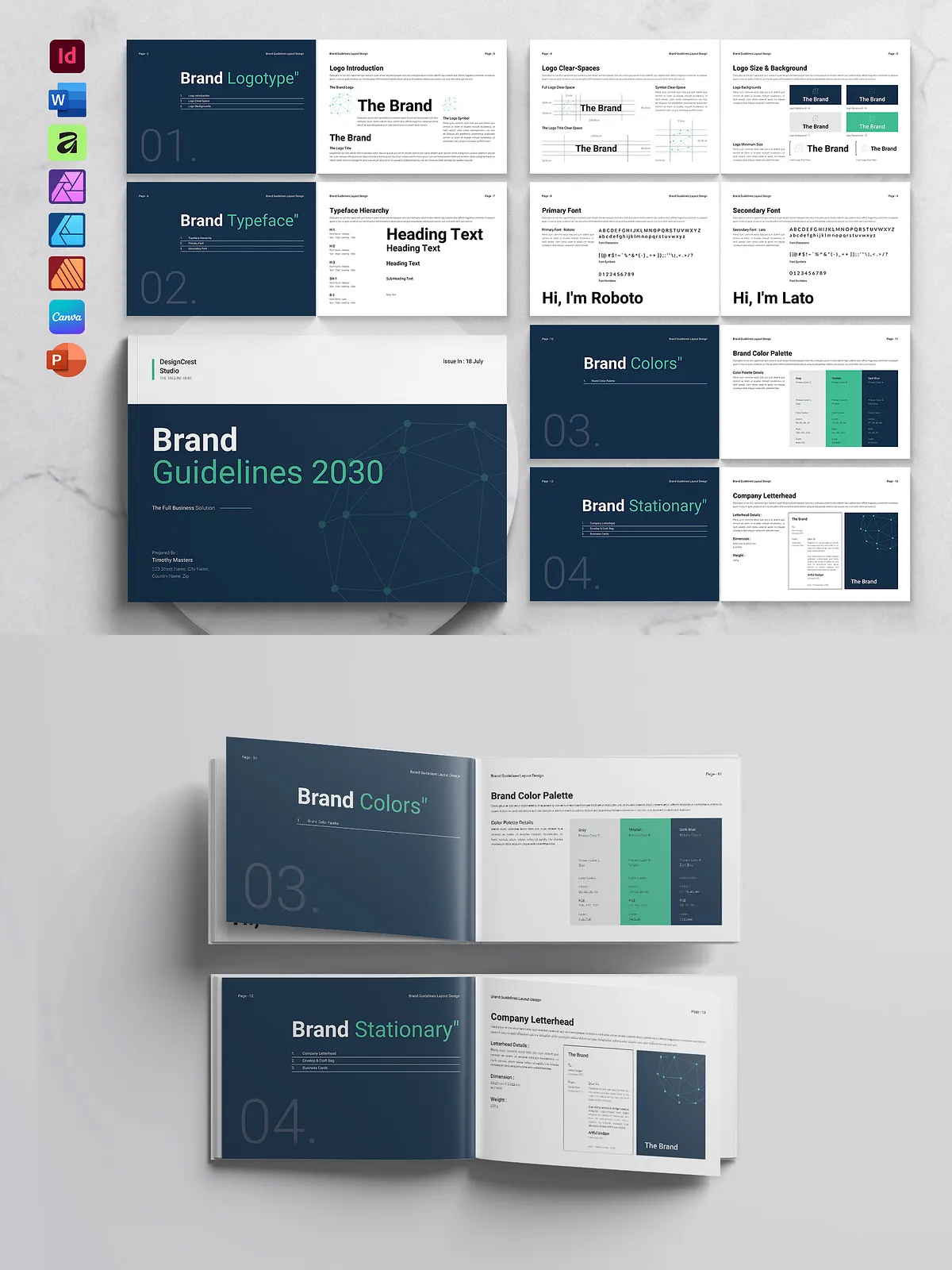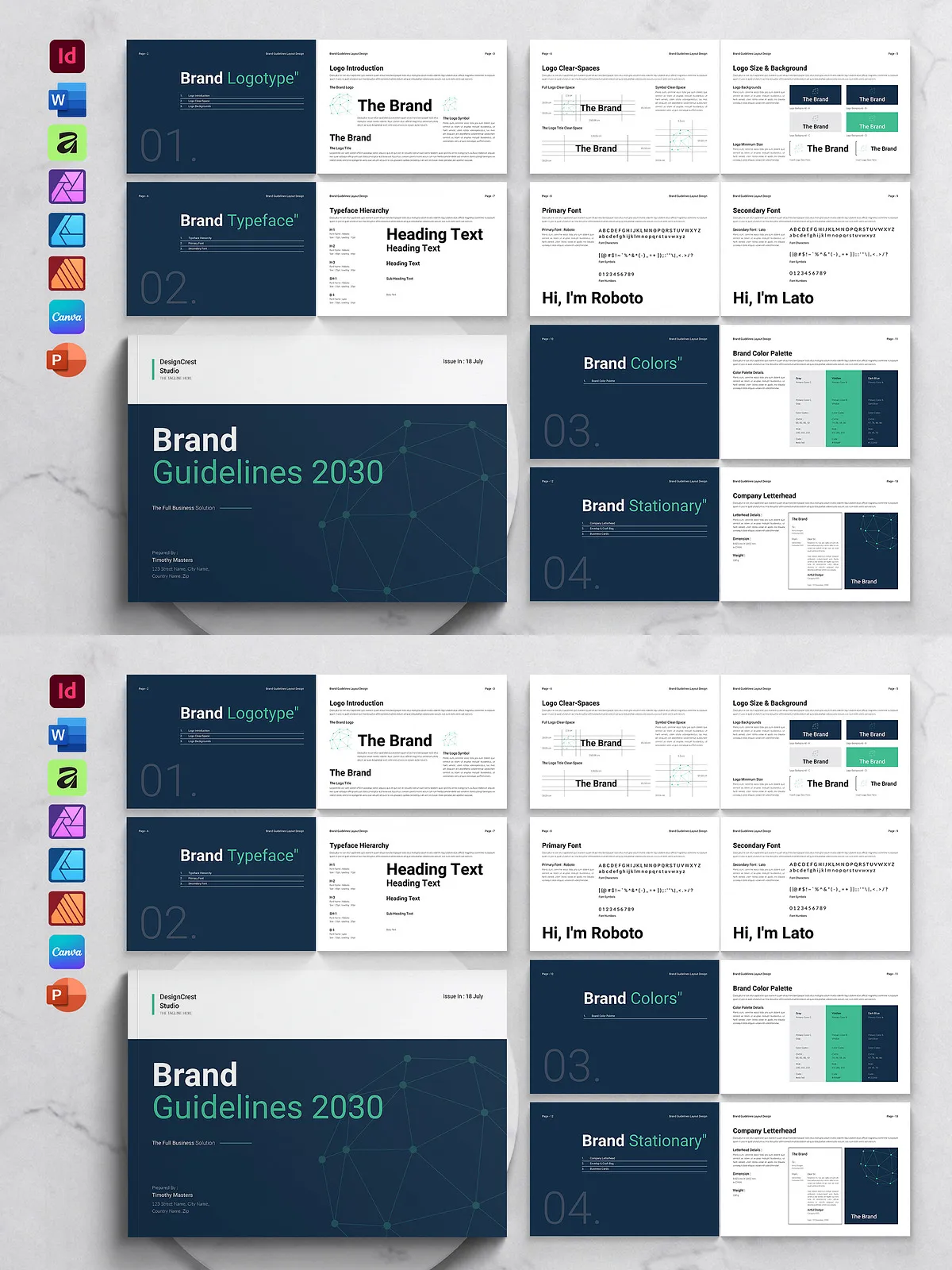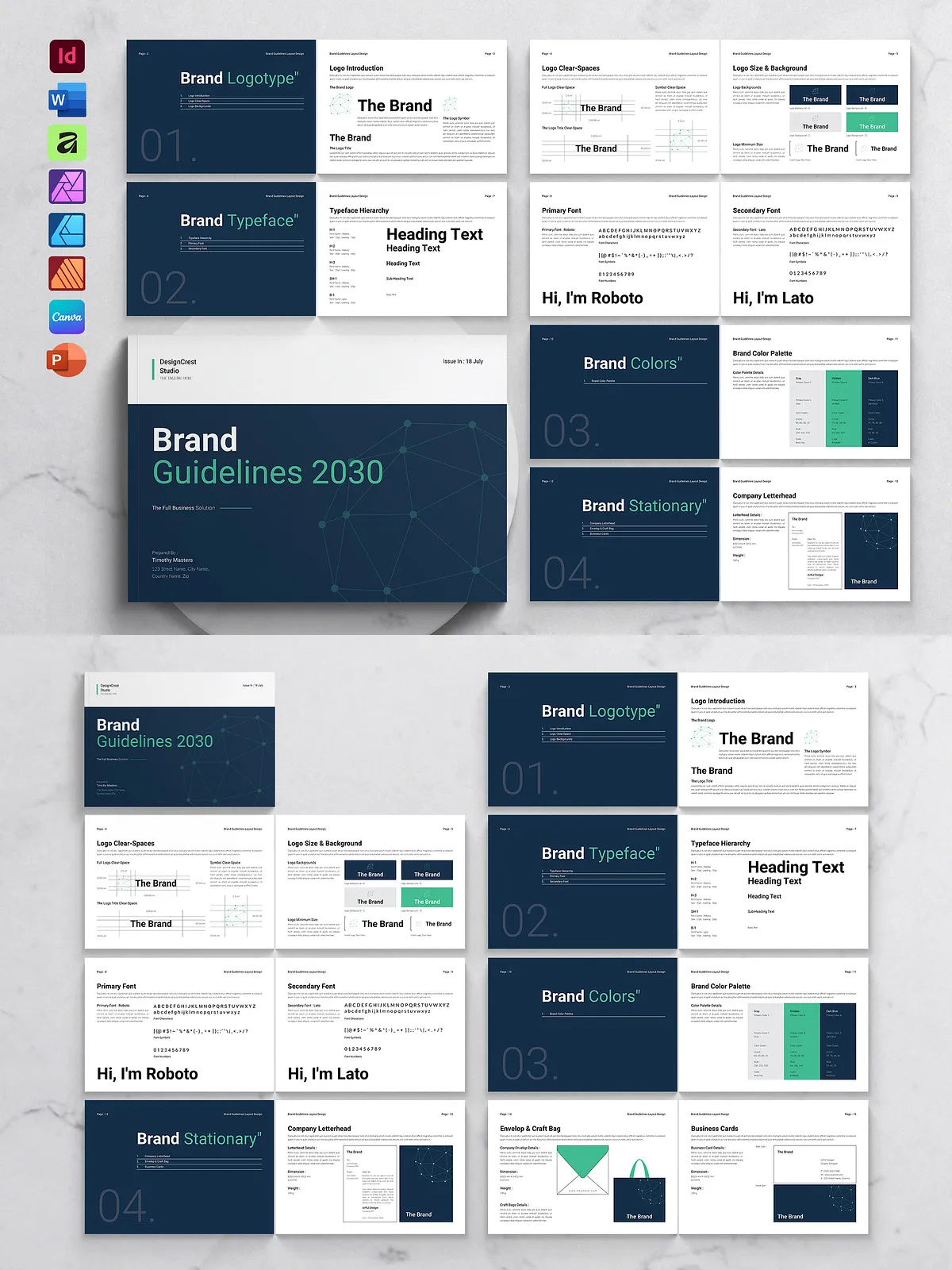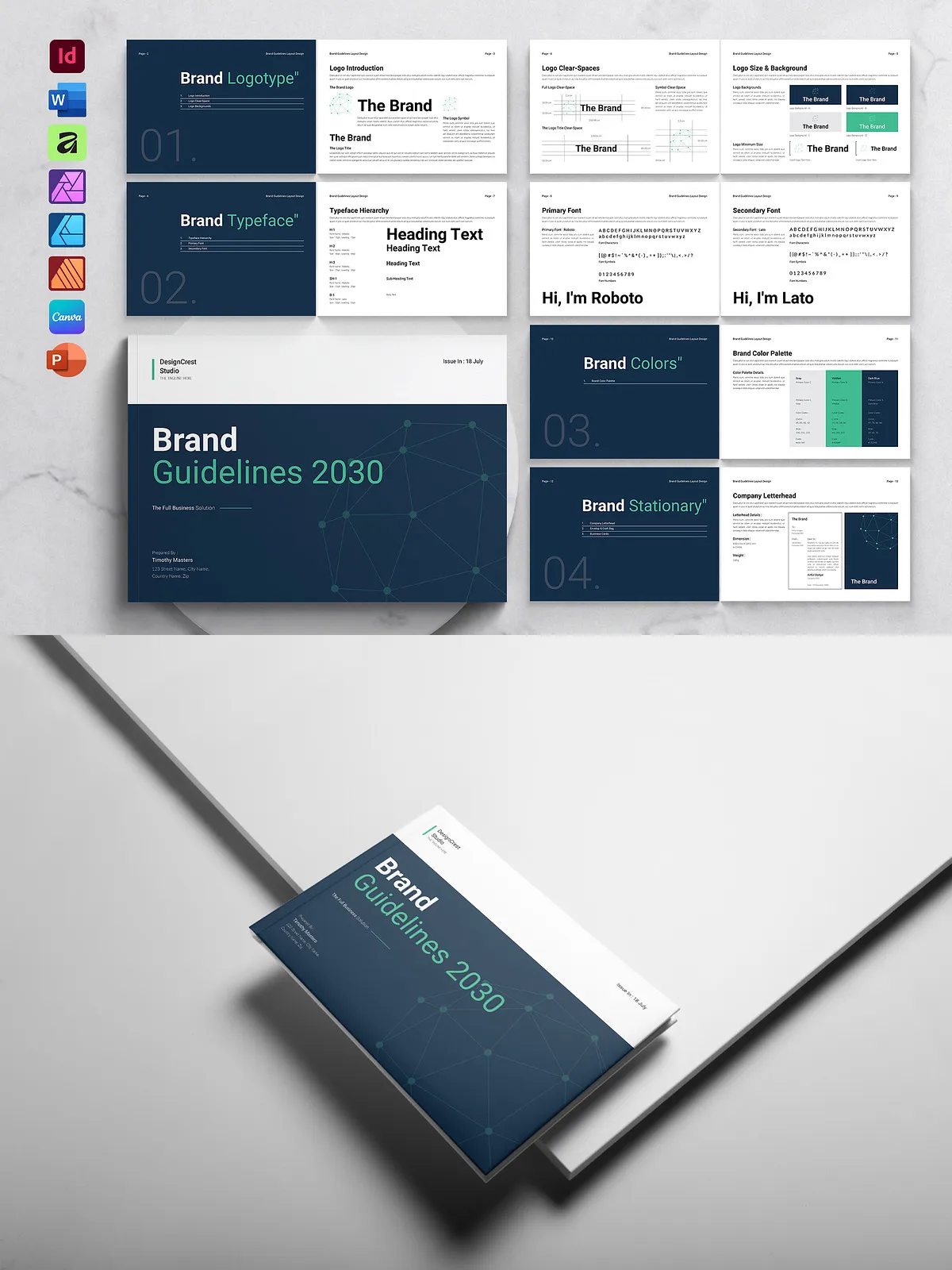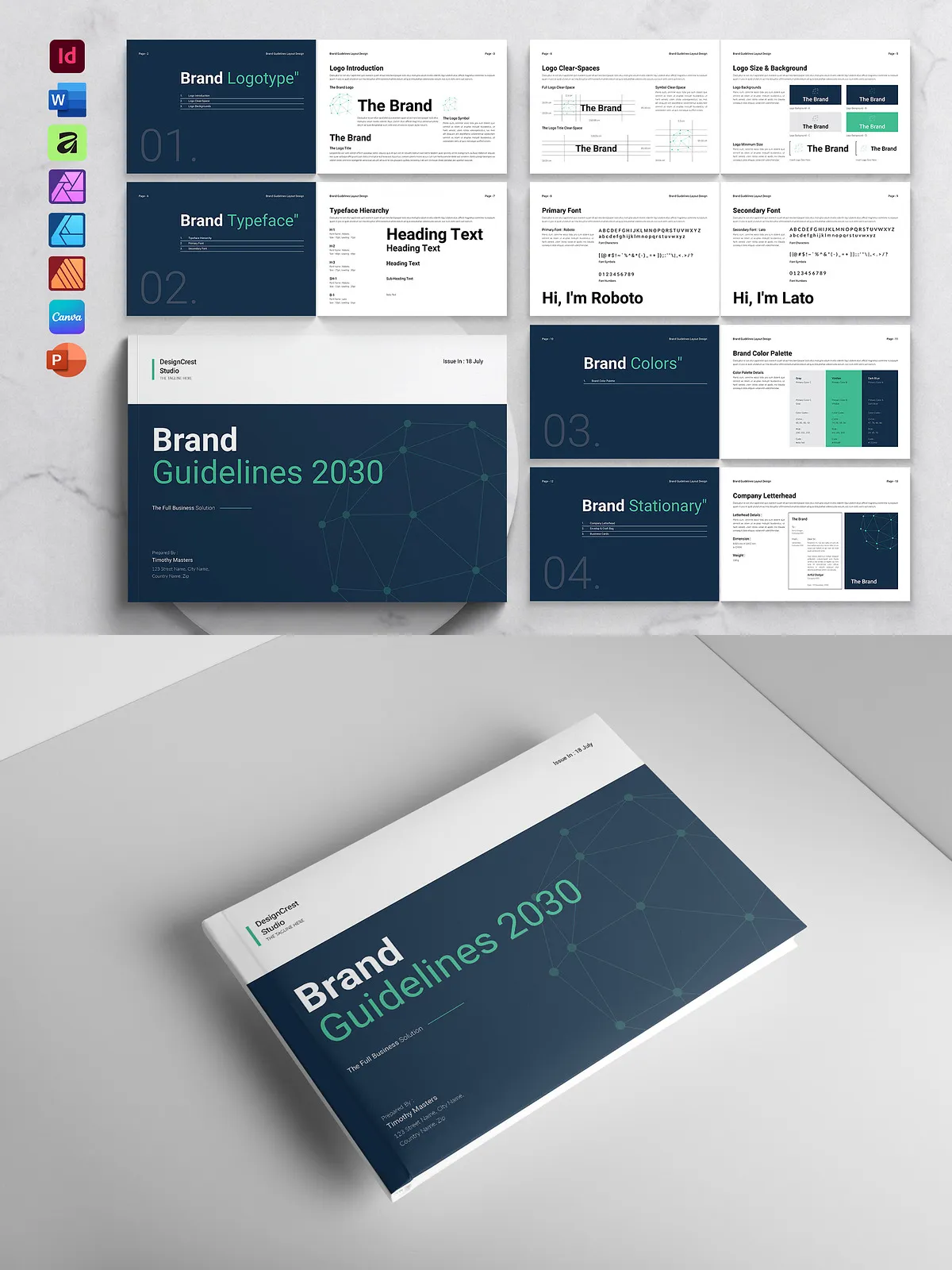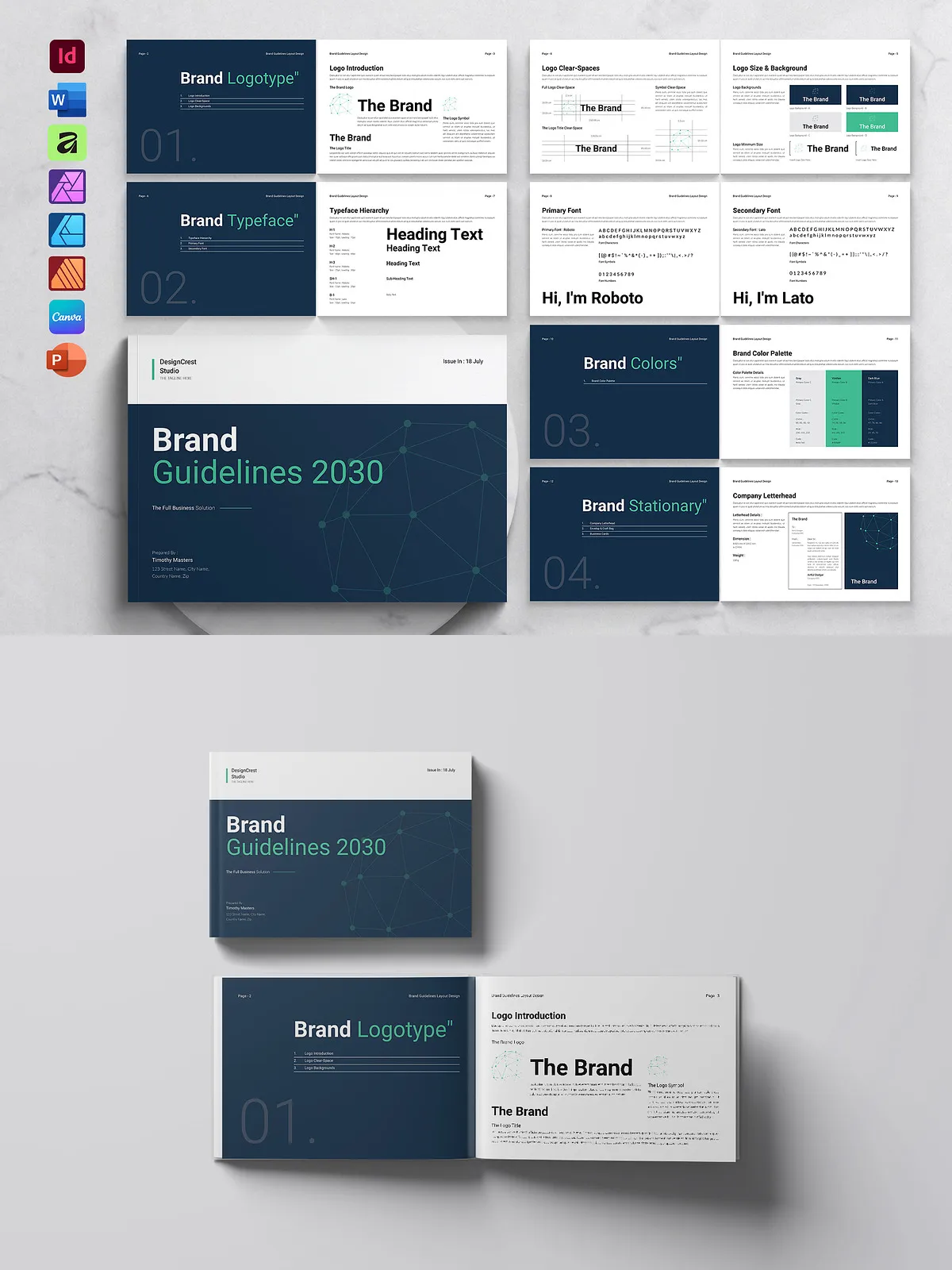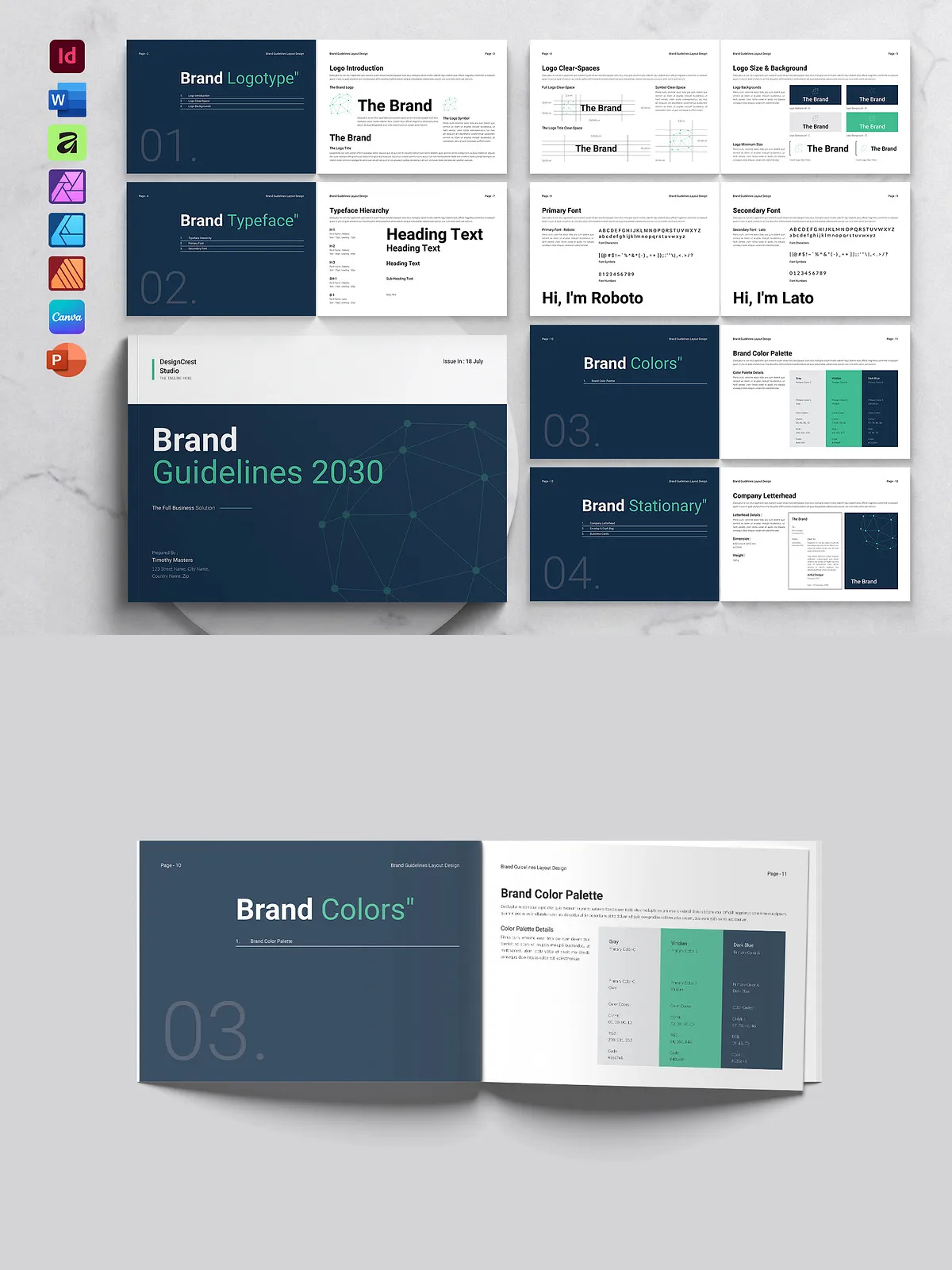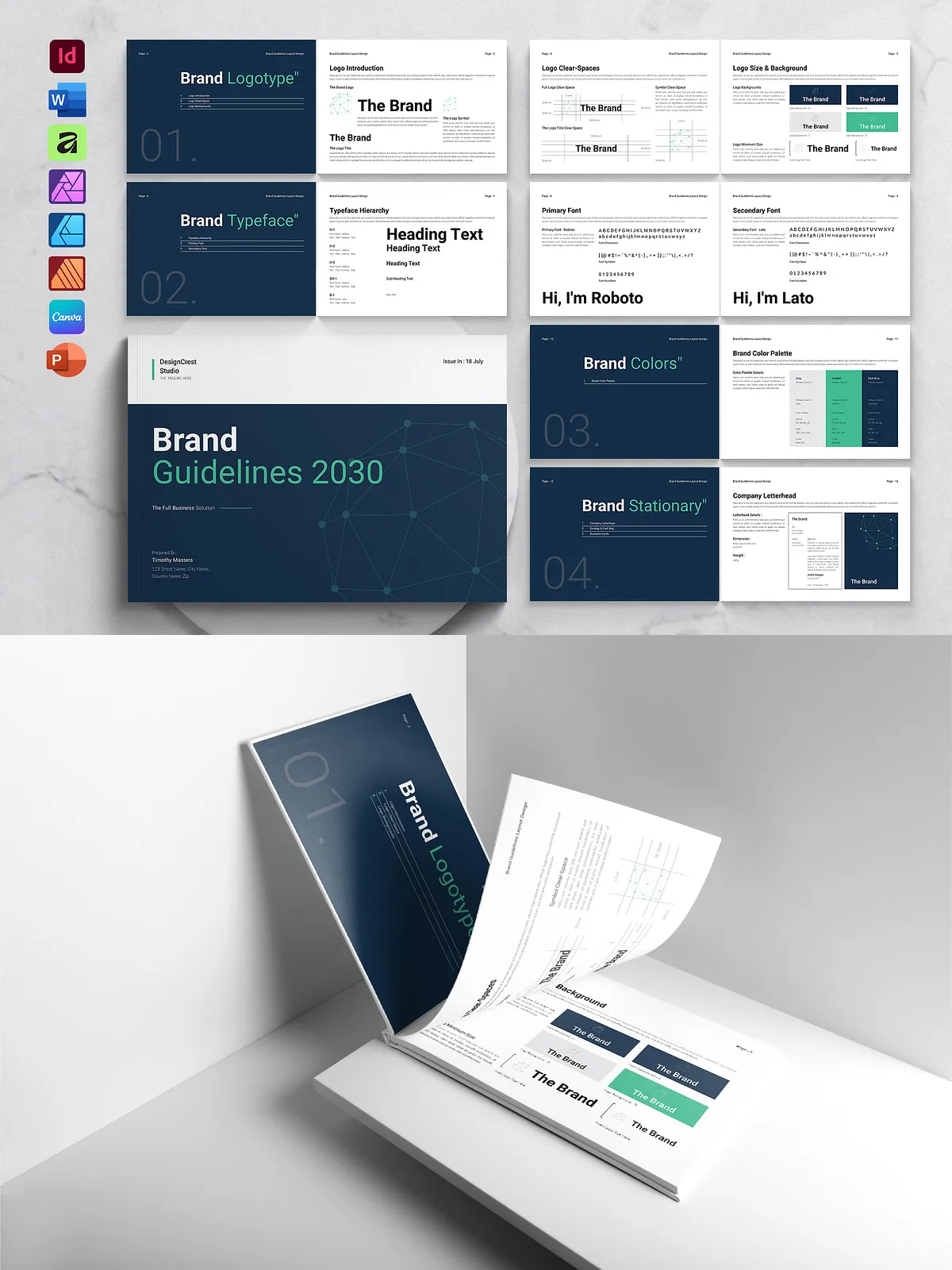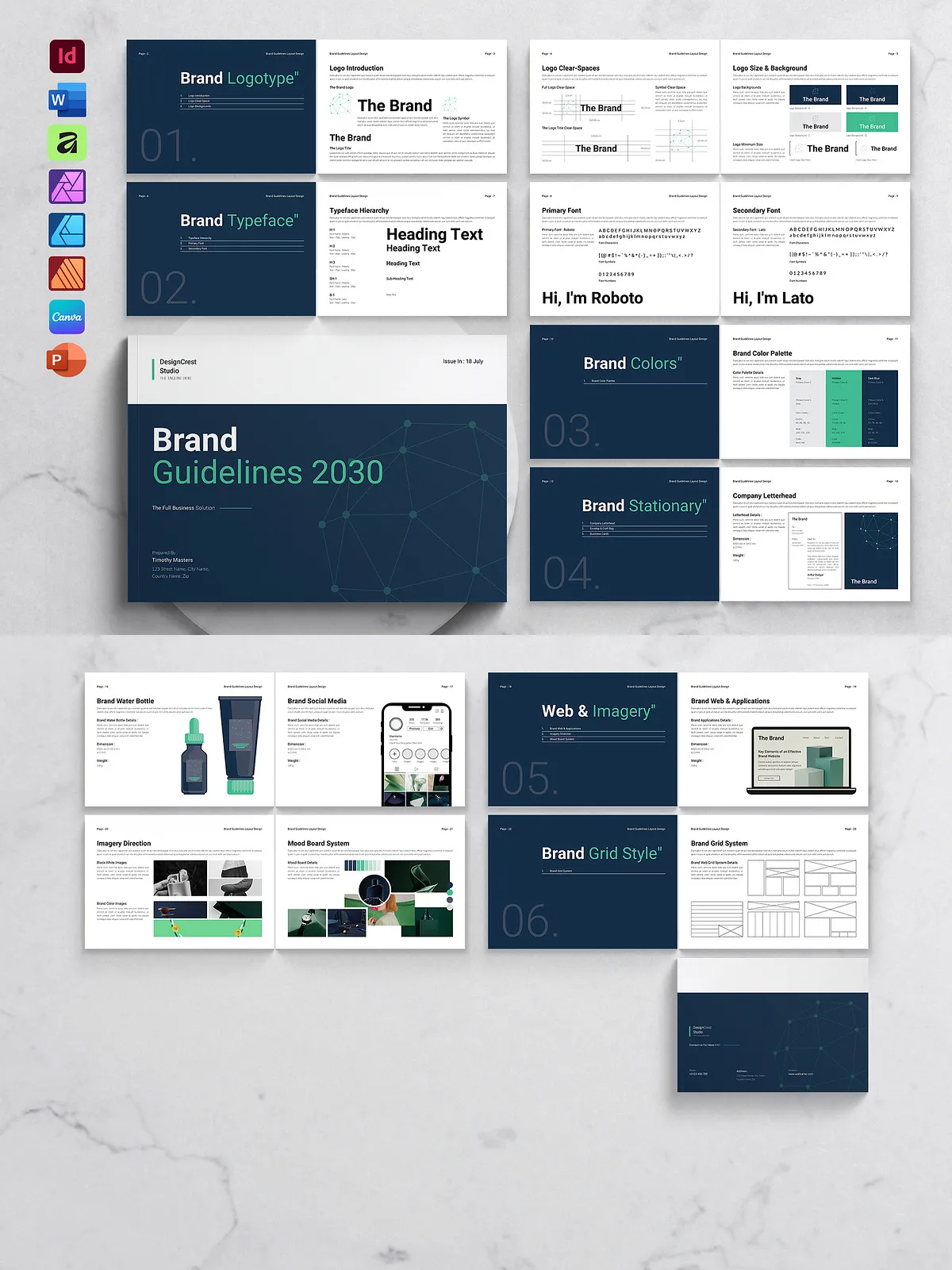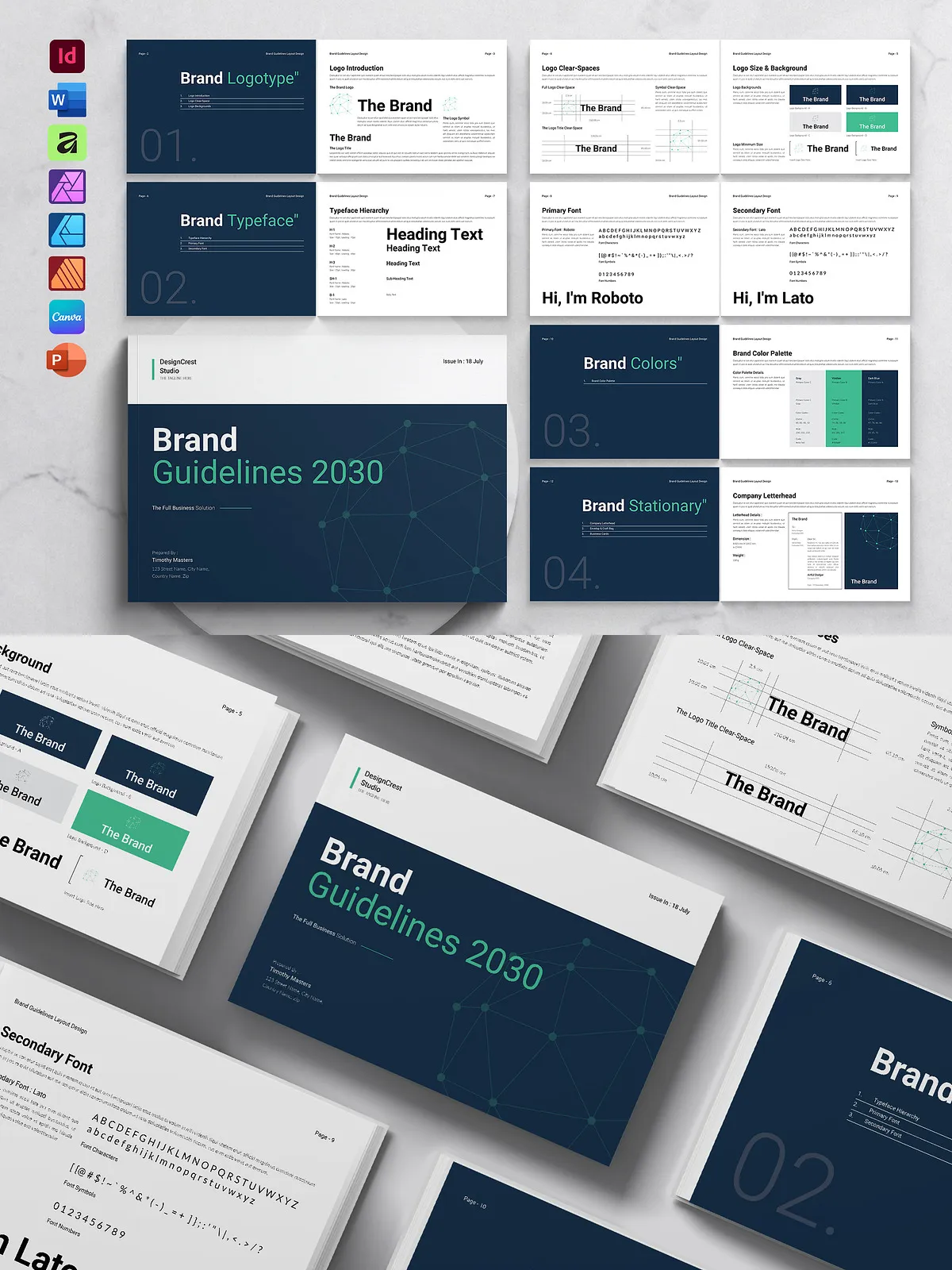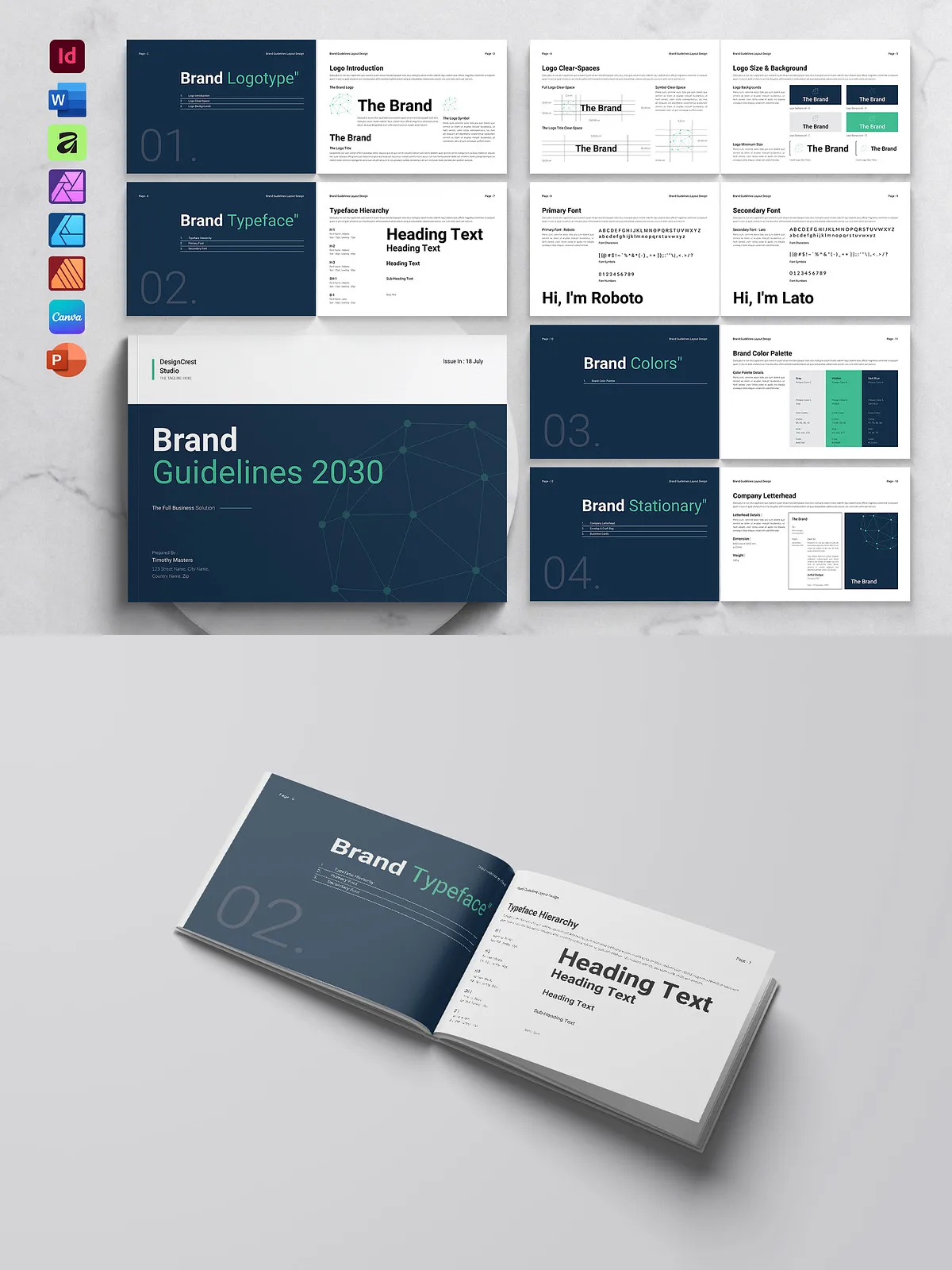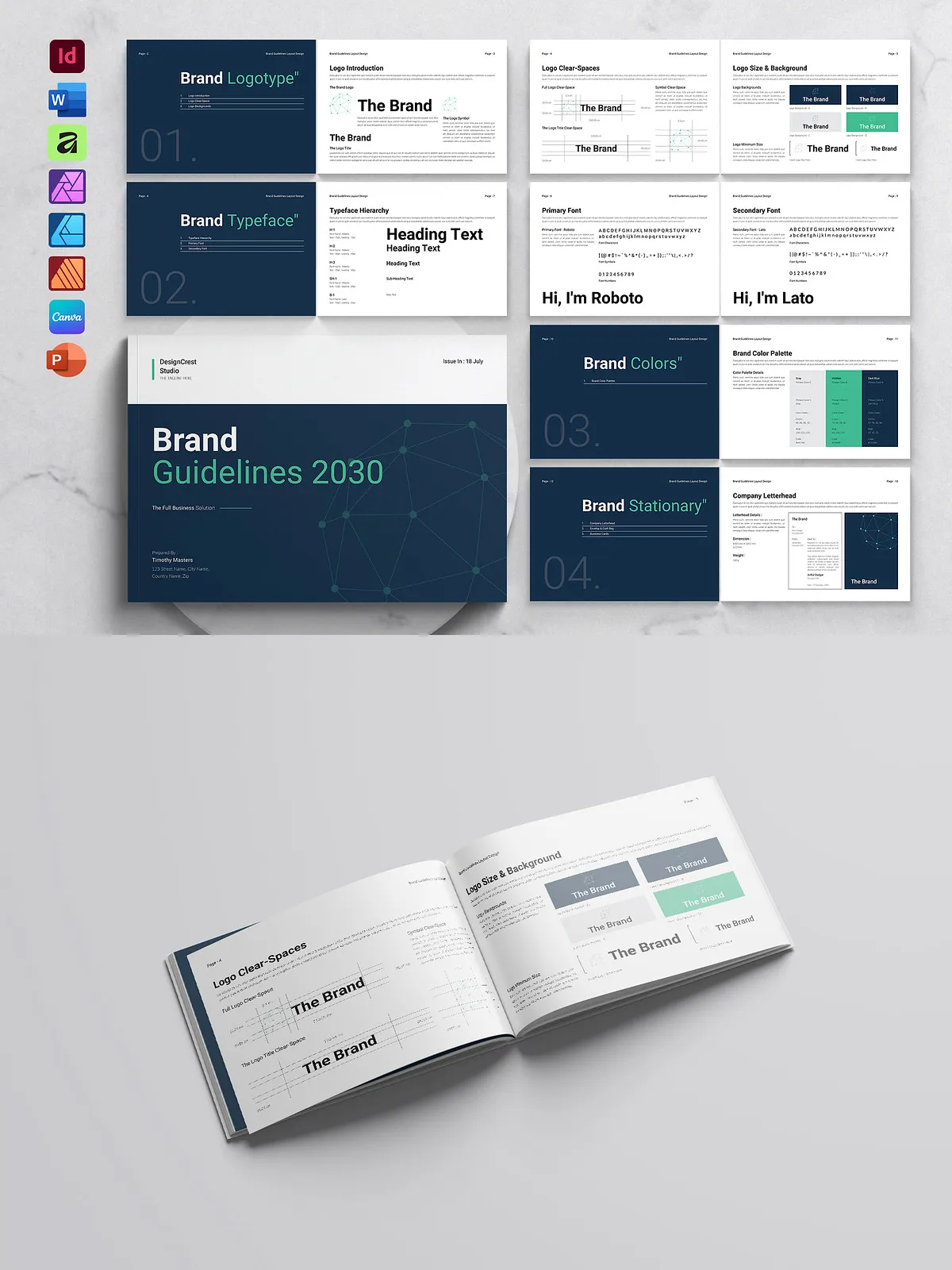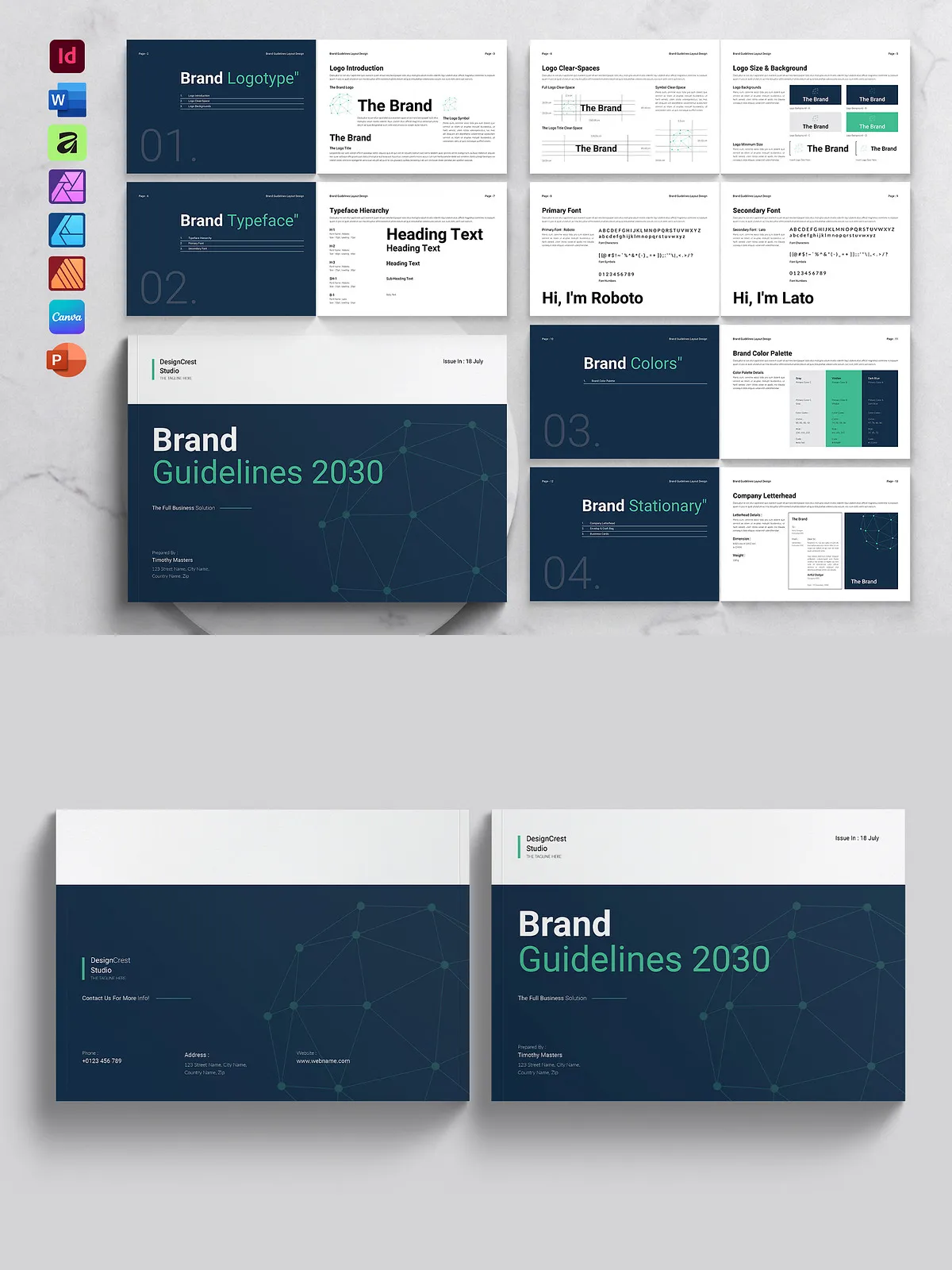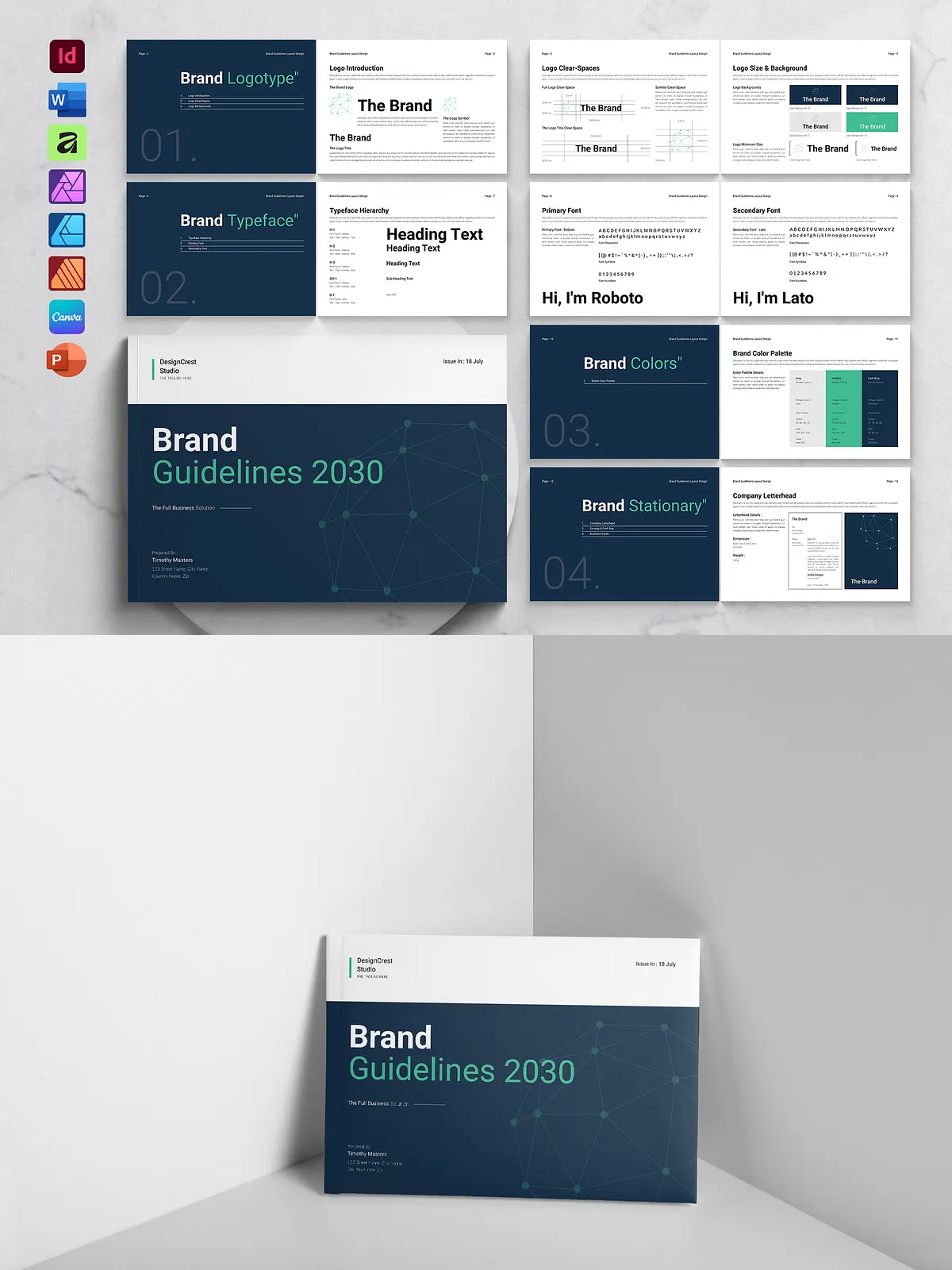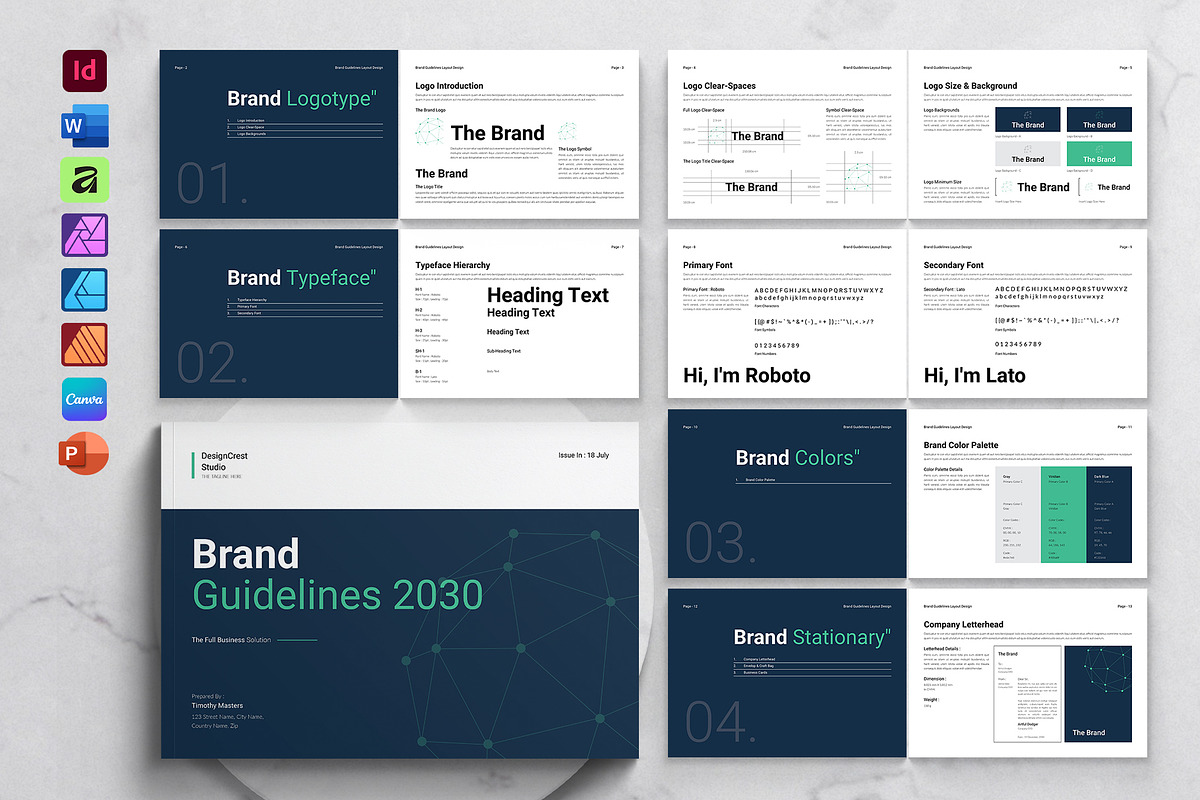

Present your brand with clarity and authority using this clean, modern, and professional Brand Guidelines Template in landscape format. Built with strong typography and thoughtful layout, this 24-page document suite provides a complete framework for documenting identity rules, visual elements, and usage guidelines. Designers, brand managers, and agencies will find the template fast to customize, easy to maintain, and reliable for print and digital delivery.
Key Features
Cross-Platform Compatibility
- Compatible with Adobe InDesign (.indd and .idml), Microsoft Word (.docx), Microsoft PowerPoint (.pptx), Affinity Suite (.afpub, .afdesign, .afphoto), and Canva (link provided).
- Delivered in multiple formats so you can work in the app that fits your workflow and deliver assets to clients with maximum flexibility.
Print-Ready Specifications
- A4 size (8.27″ × 11.69″) with 3mm bleed and US Letter size (8.5″ × 11″) with 3mm bleed.
- High-resolution 300 DPI, CMYK color profile—ready for professional printing.
Design and Usability
- 24 unique, professionally designed pages built on master pages for consistent structure.
- Strong typographic hierarchy and paragraph/text styles included for fast content updates.
- Image placeholders and organized layers speed up visual replacement and layout adjustments.
- One-click color customization using global swatches so you can apply brand colors across the entire document instantly.
Included Files
- Adobe InDesign (.indd) files
- Adobe InDesign (.idml) files
- Canva link (details in included text file)
- Microsoft Word (.docx)
- Microsoft PowerPoint (.pptx)
- Affinity Template (.af)
- Affinity Publisher (.afpub), Affinity Designer (.afdesign), Affinity Photo (.afphoto)
- Documentation (PDF) and Help File (PDF)
Customization & Workflow
Customize the template quickly without breaking the layout. Replace images in placeholders, swap fonts using the free-font references, and update text styles to match your brand voice. Use the master page system to change headers, footers, and pagination globally. When you adjust a global color swatch, the template updates consistently across all pages, saving time and preserving visual coherence.
Recommended Workflow
- Choose the file format that matches your toolset (InDesign for advanced layout control, Word for text-heavy edits, Canva for collaborative quick edits, Affinity for an affordable designer workflow).
- Install the free fonts listed in the documentation to maintain exact typographic appearance.
- Replace placeholder images with high-resolution assets sized for the layout to ensure print quality.
- Apply your brand colors via the global swatches or document color styles.
- Export print-ready PDFs using the provided bleed and 300 DPI CMYK settings, or save digital assets for web use.
Who This Template Is For
This Brand Guidelines Template suits creative studios, in-house brand teams, freelance designers, and business owners who need a consistent and professional way to document brand rules. Use it for visual identity manuals, corporate branding books, brand analysis, and business guidelines portfolios. The multi-format delivery supports collaborative teams and clients with varying software access.
Notes, Licensing, and Support
The template uses free fonts—links and font names are included in the documentation. All files are fully editable; mockups or stock images displayed in previews are not included and must be licensed separately. If you need help adapting the template to a unique brand system or exporting print-ready files, consult the included Help File or contact the author for support.