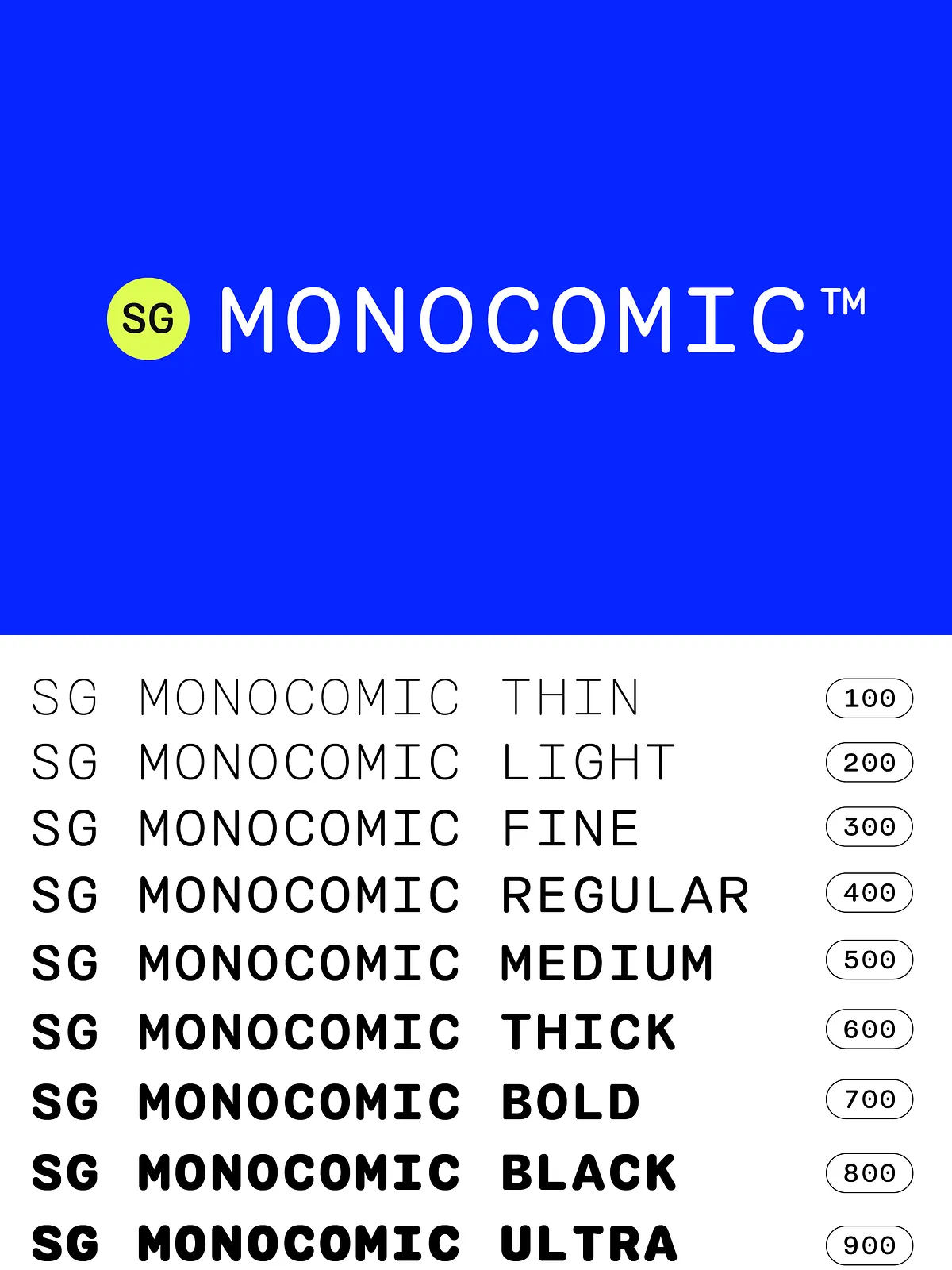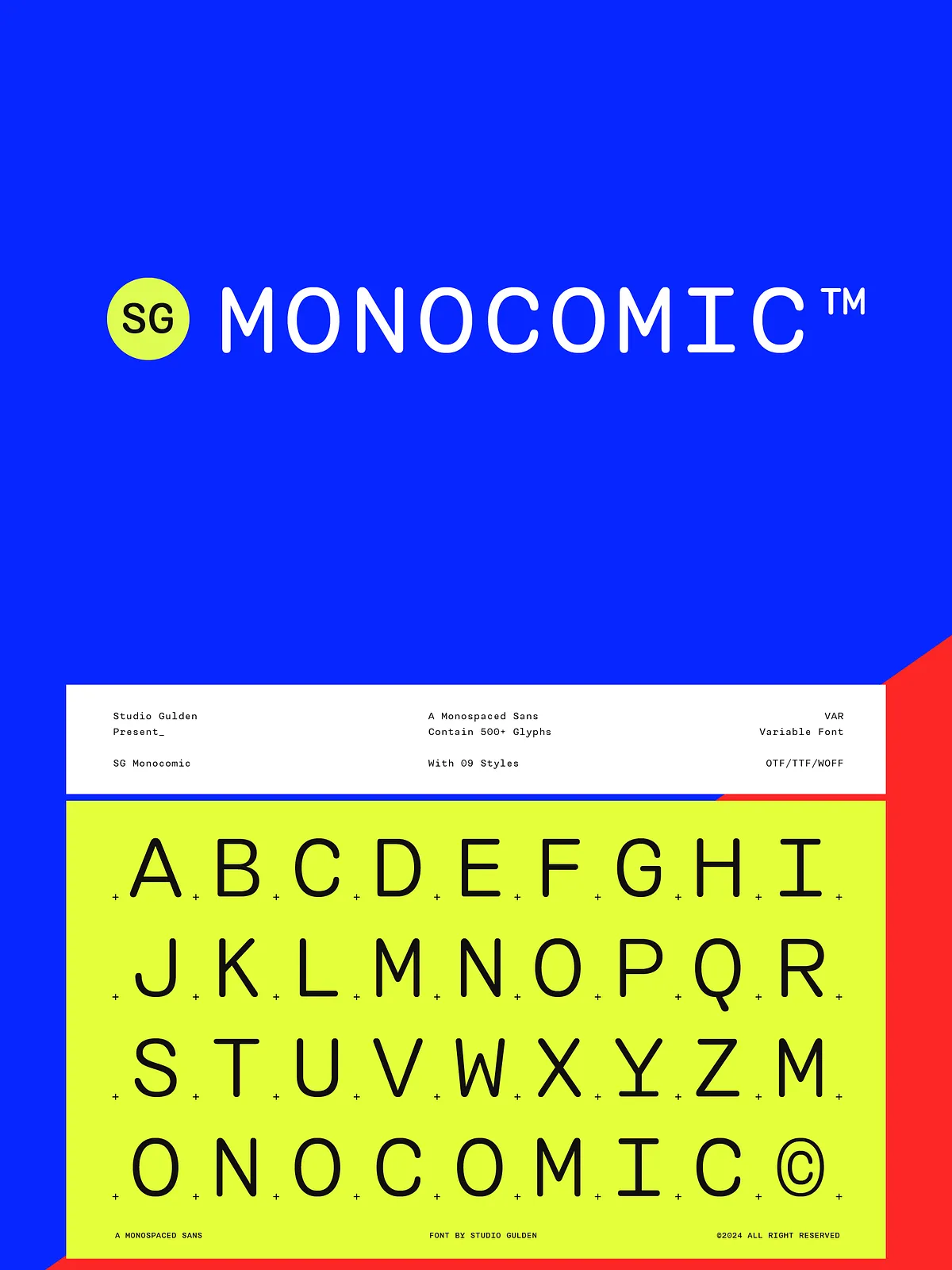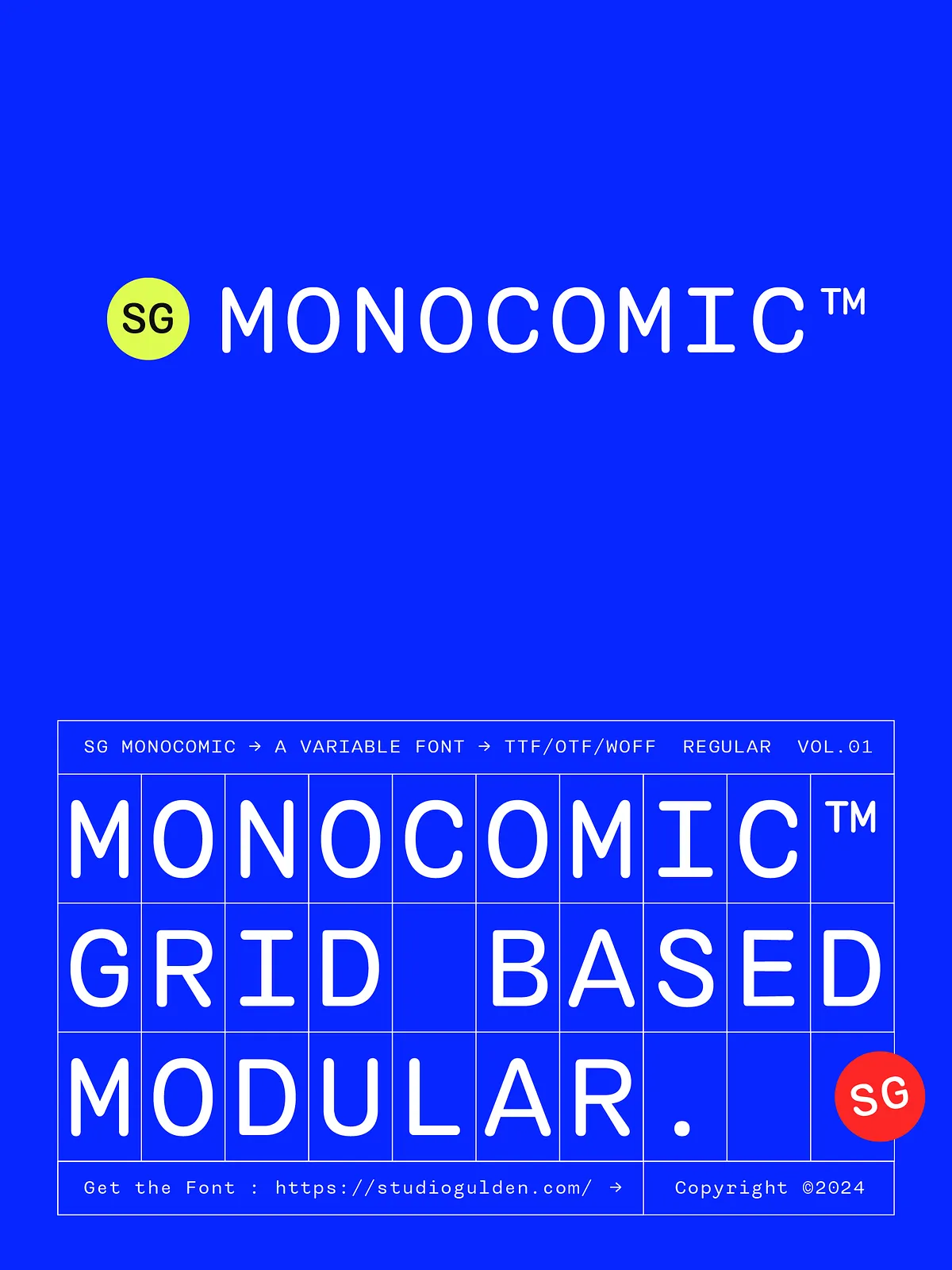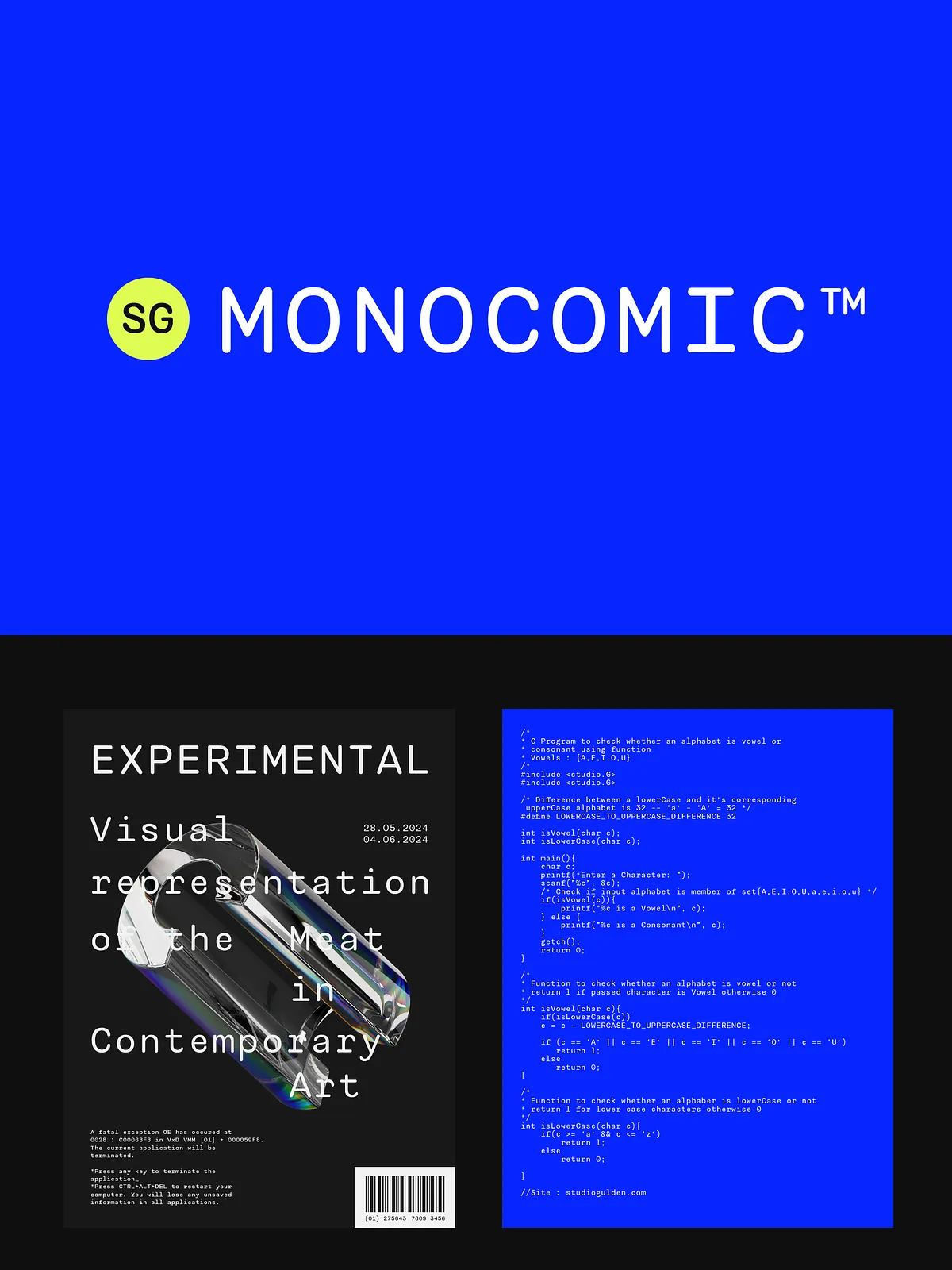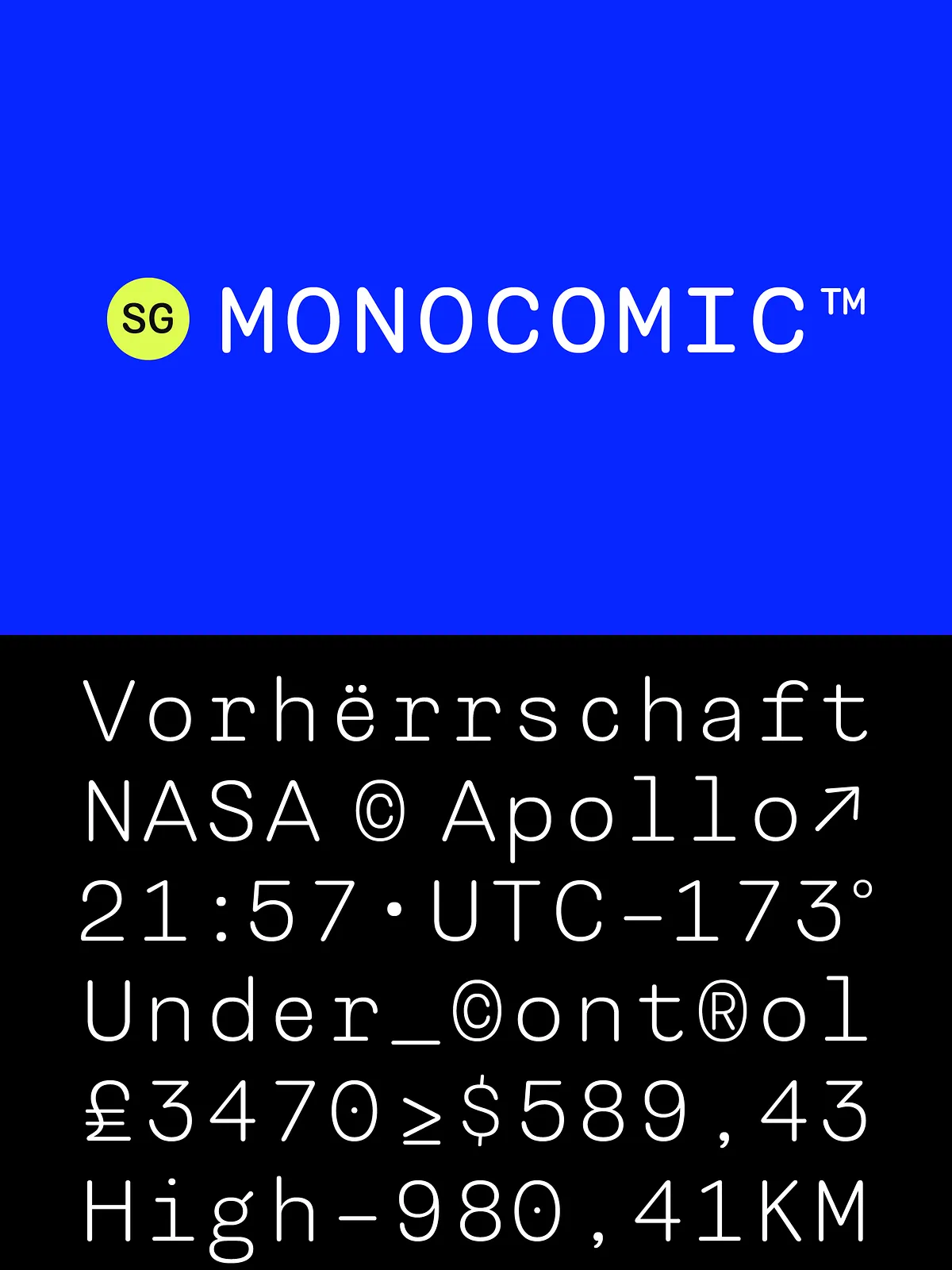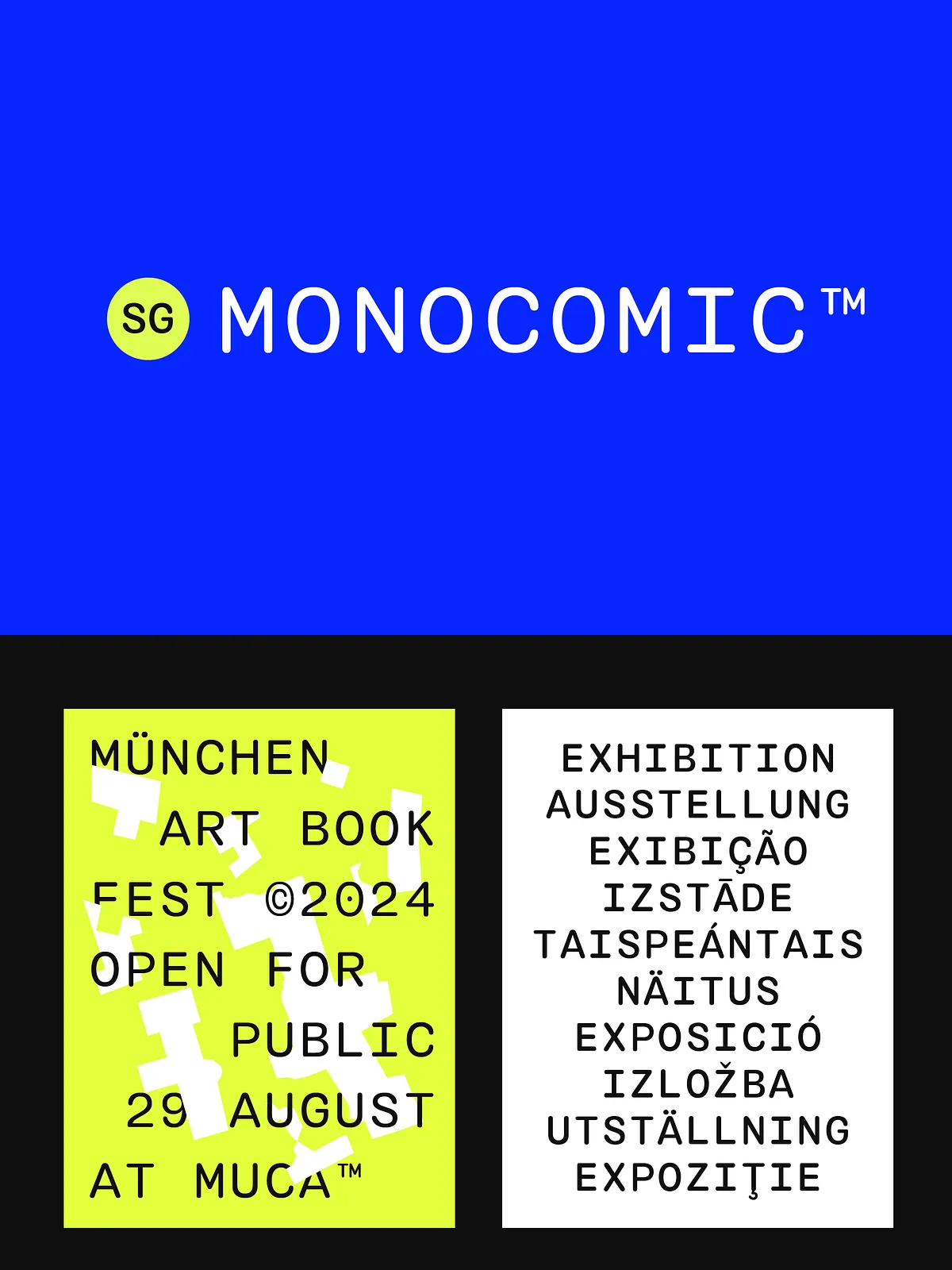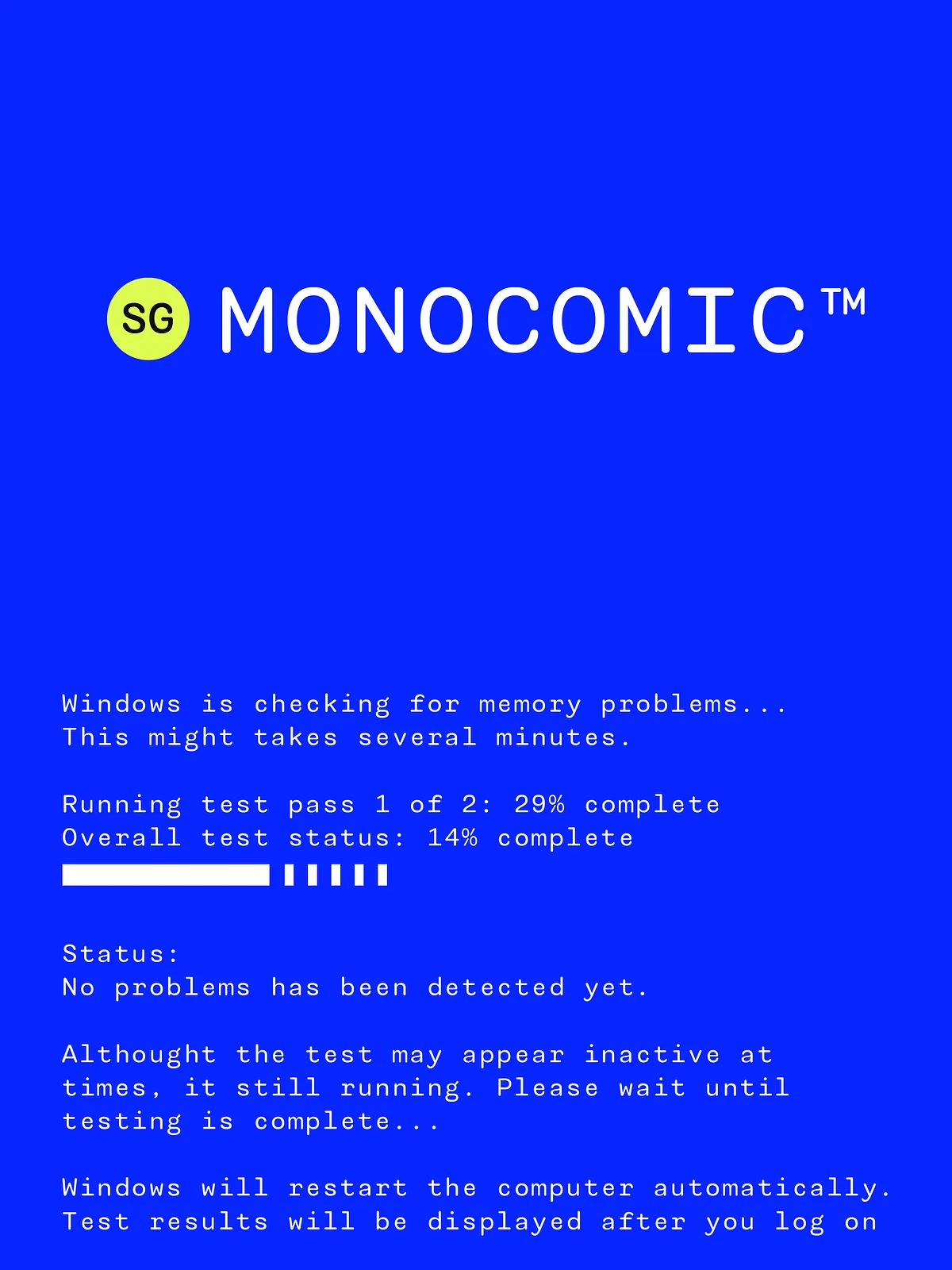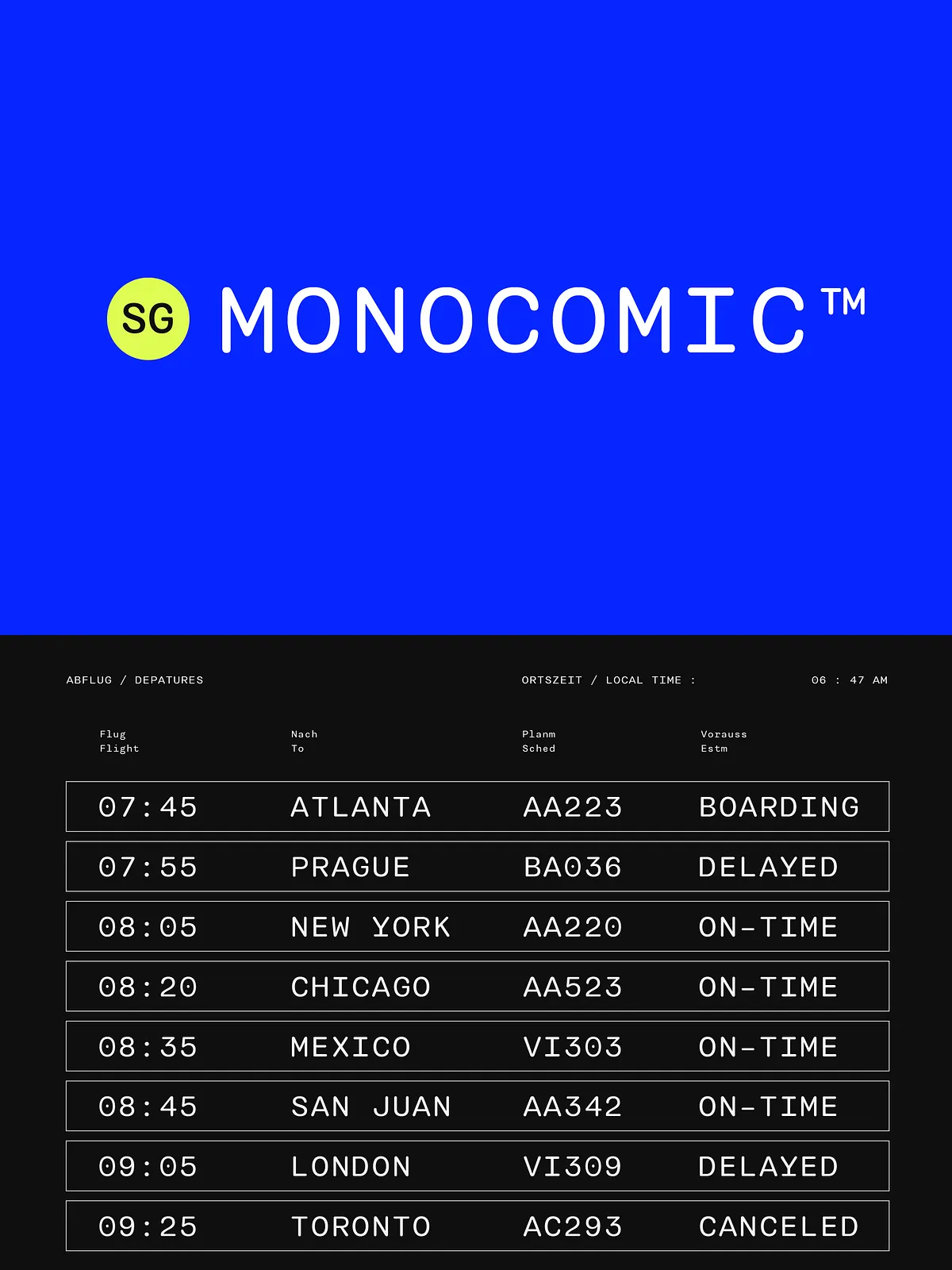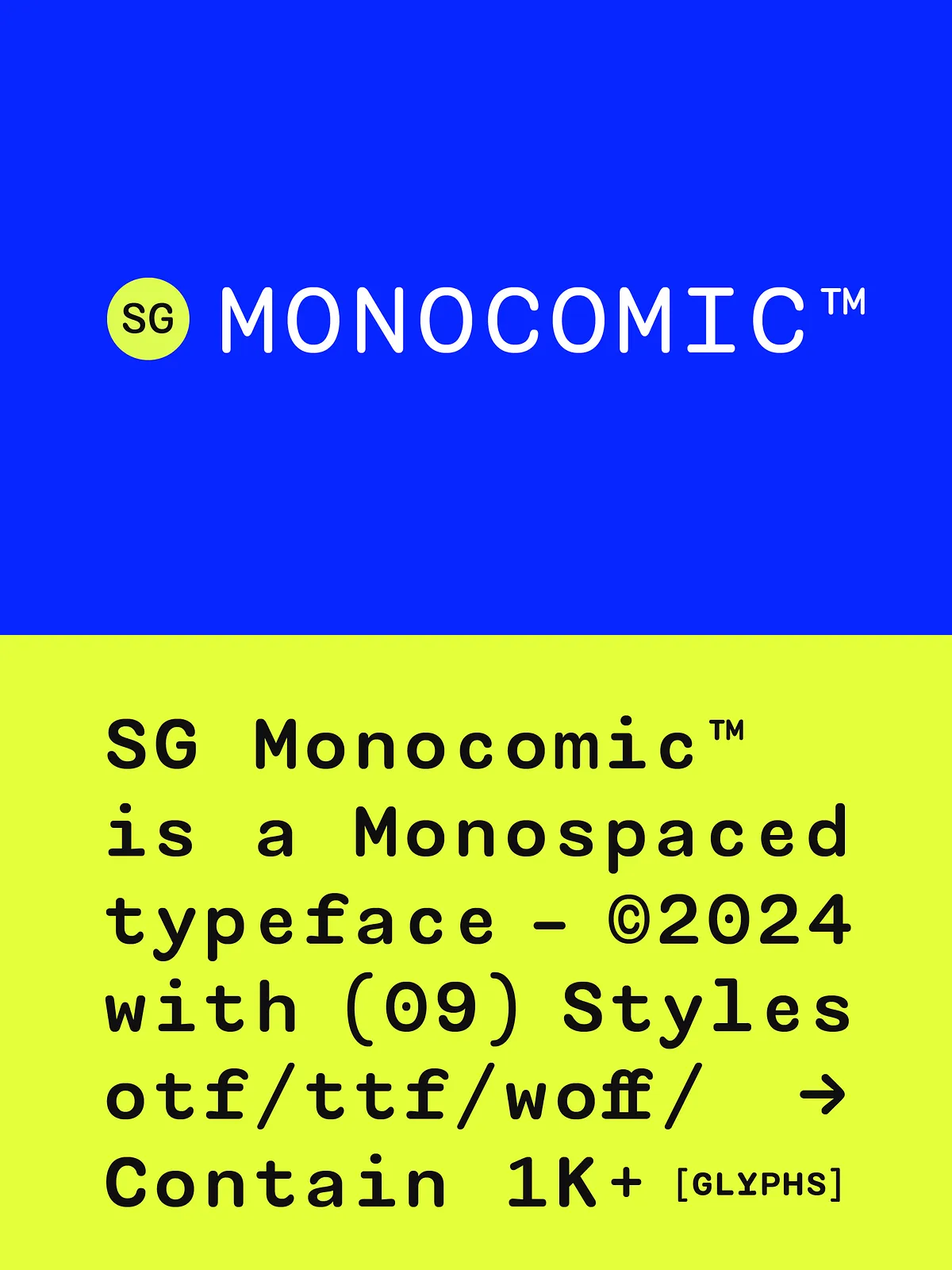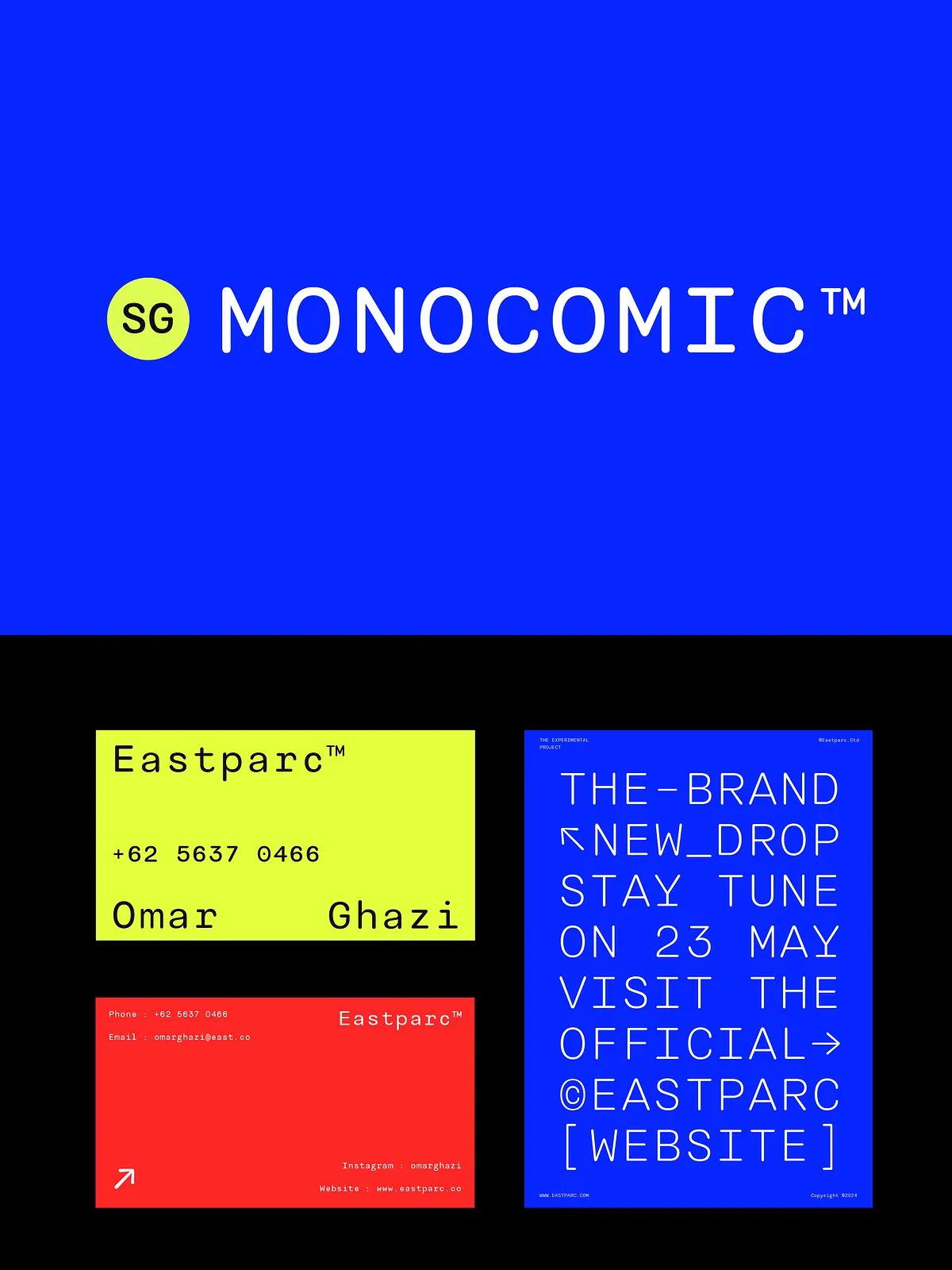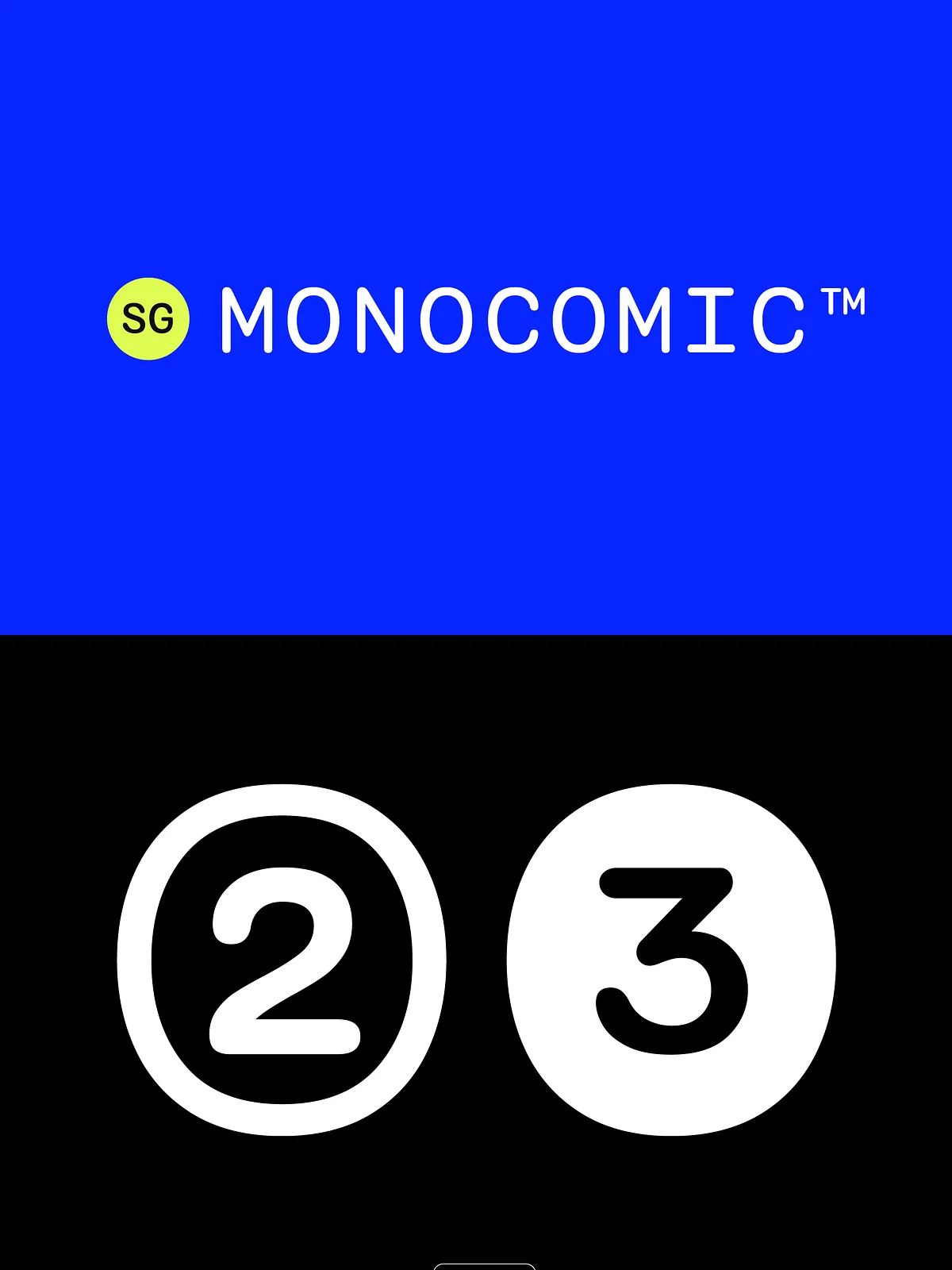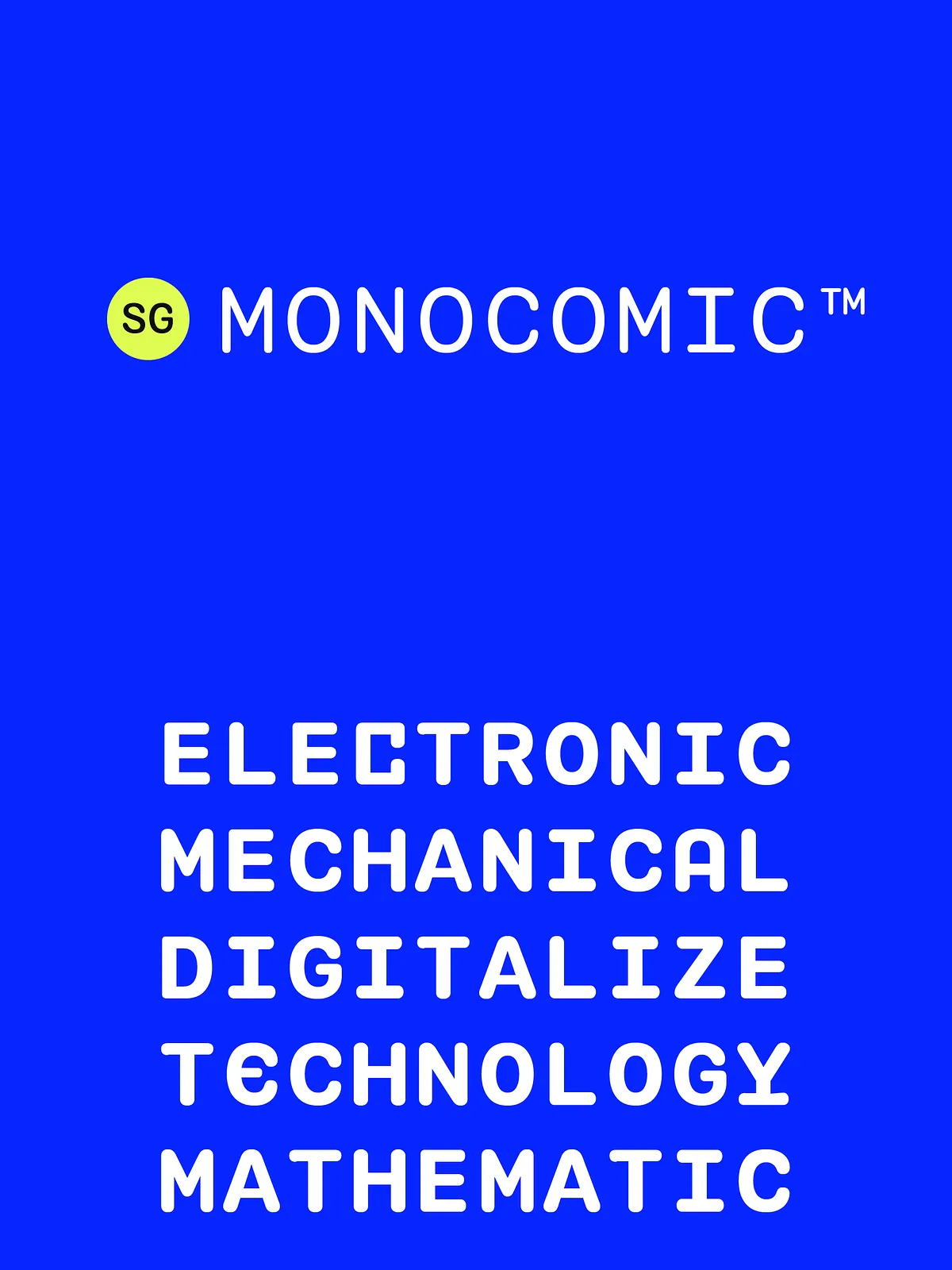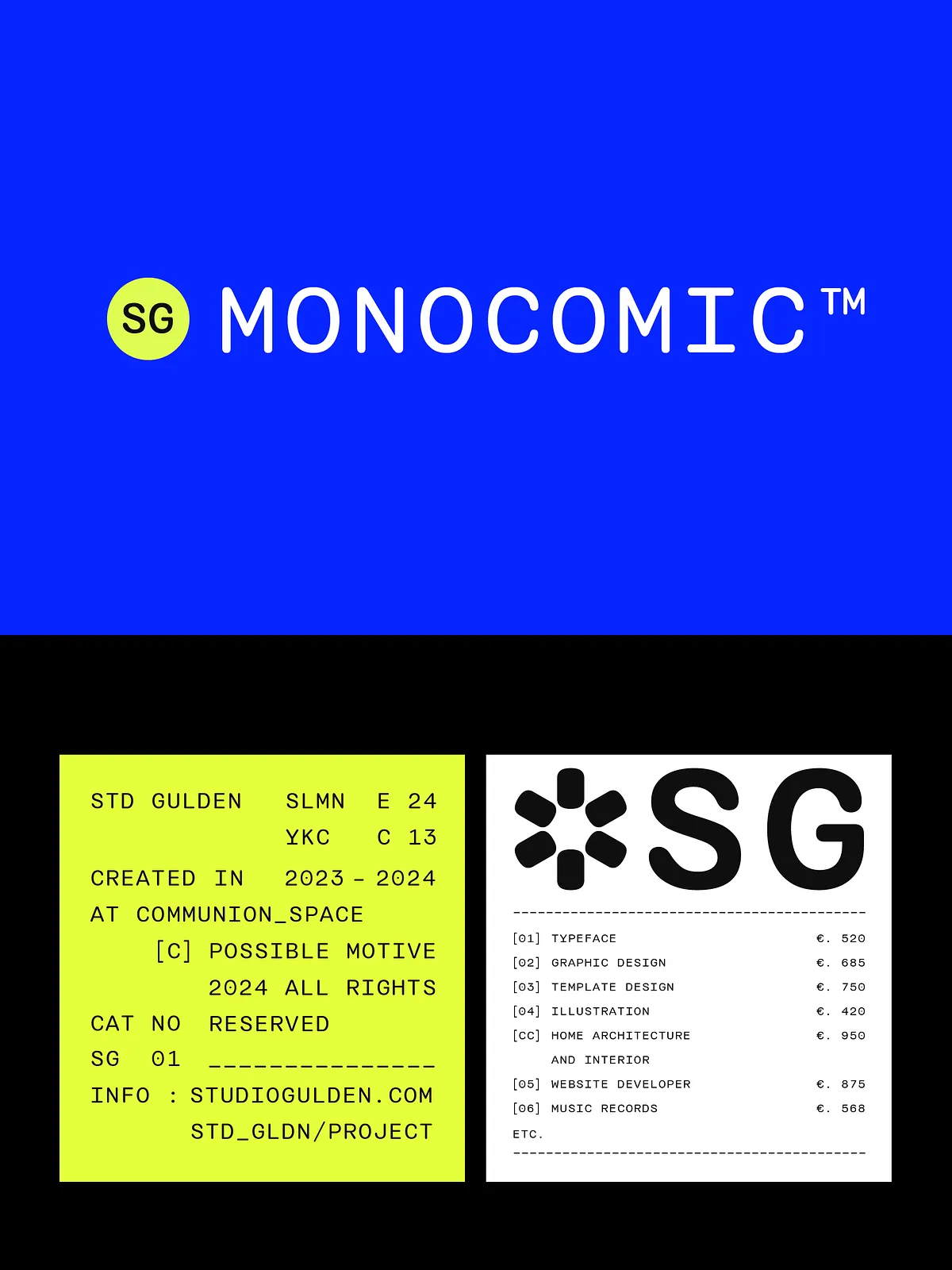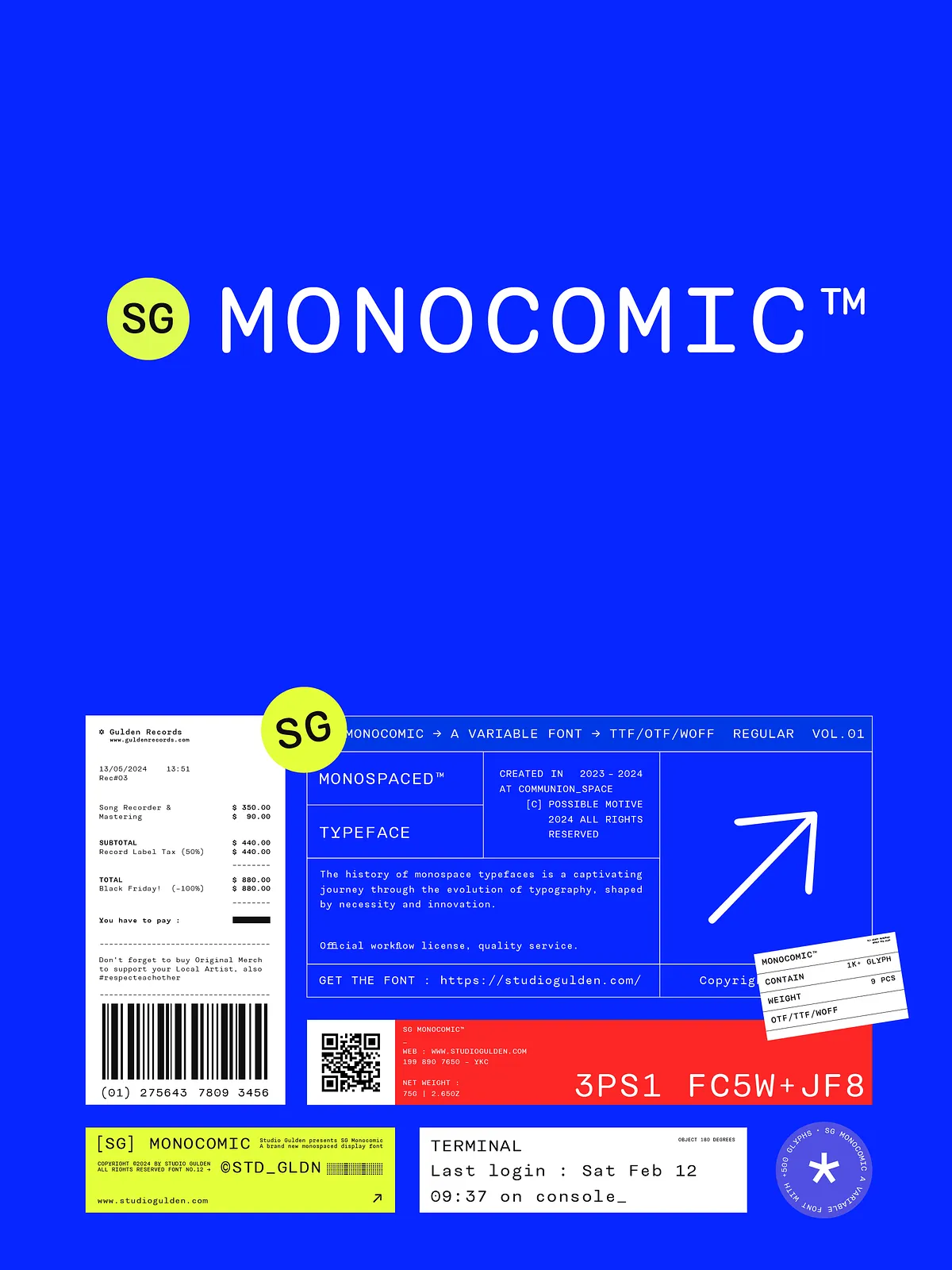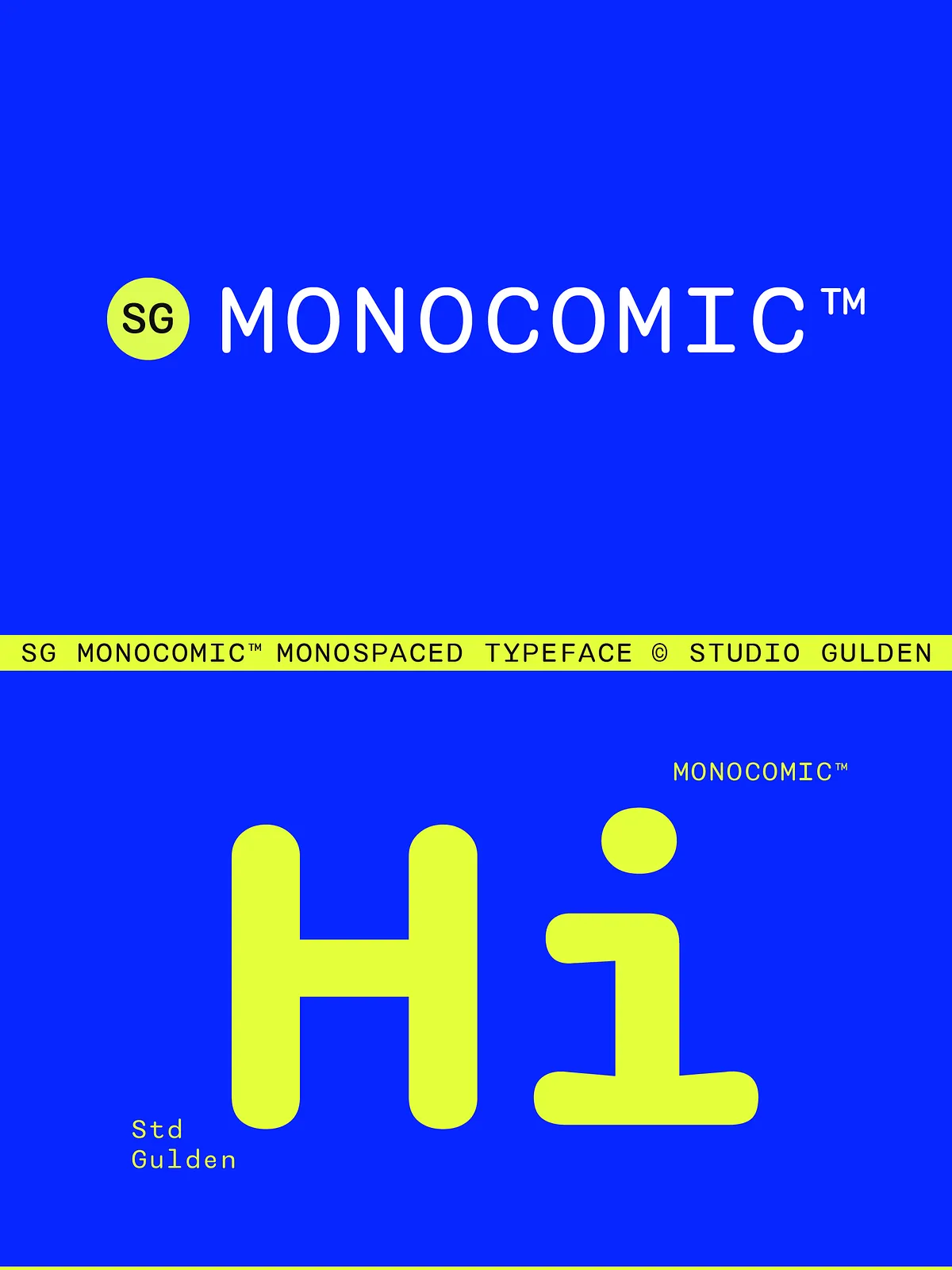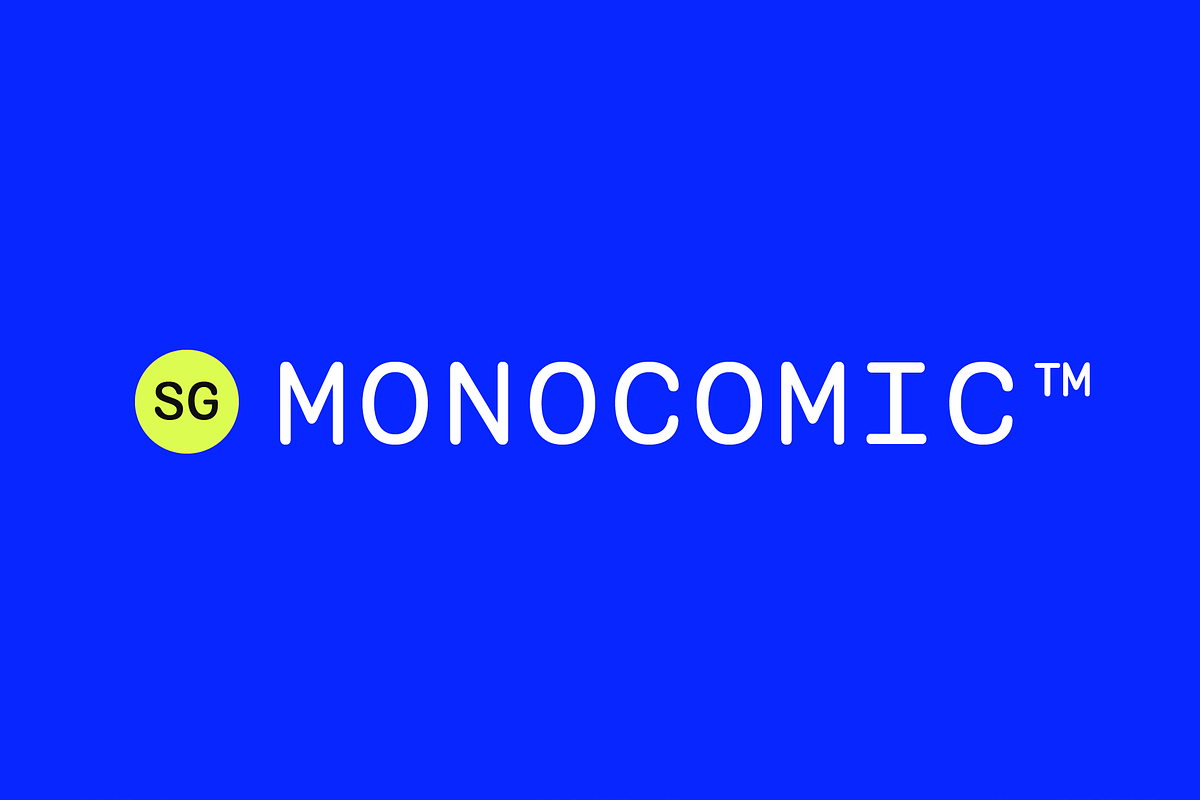

SG Monocomic offers a modern, highly usable monospaced system that adapts to many design demands. Built with nine distinct weights, this family provides everything from a delicate thin to an ultra bold display weight. Designers and developers will appreciate SG Monocomic’s precise monospacing, which guarantees consistent character alignment for code, tabular data, UI mockups, and any layout that depends on reliable glyph width. Subtly rounded corners and clean geometric construction add human warmth while preserving crisp legibility at small sizes.
What’s Included
Complete Font Files
When you download SG Monocomic, you receive the full set of weights so you can control emphasis and hierarchy with typographic clarity. The package includes:
- SG Monocomic Thin
- SG Monocomic Light
- SG Monocomic Fine
- SG Monocomic Regular
- SG Monocomic Medium
- SG Monocomic Thick
- SG Monocomic Bold
- SG Monocomic Black
- SG Monocomic Ultra
Each weight installs as a separate font file compatible with common desktop and web font managers. The family offers consistent metrics across weights so you can switch styles without disrupting layout grids or code alignment.
Key Features
Advanced Character Support
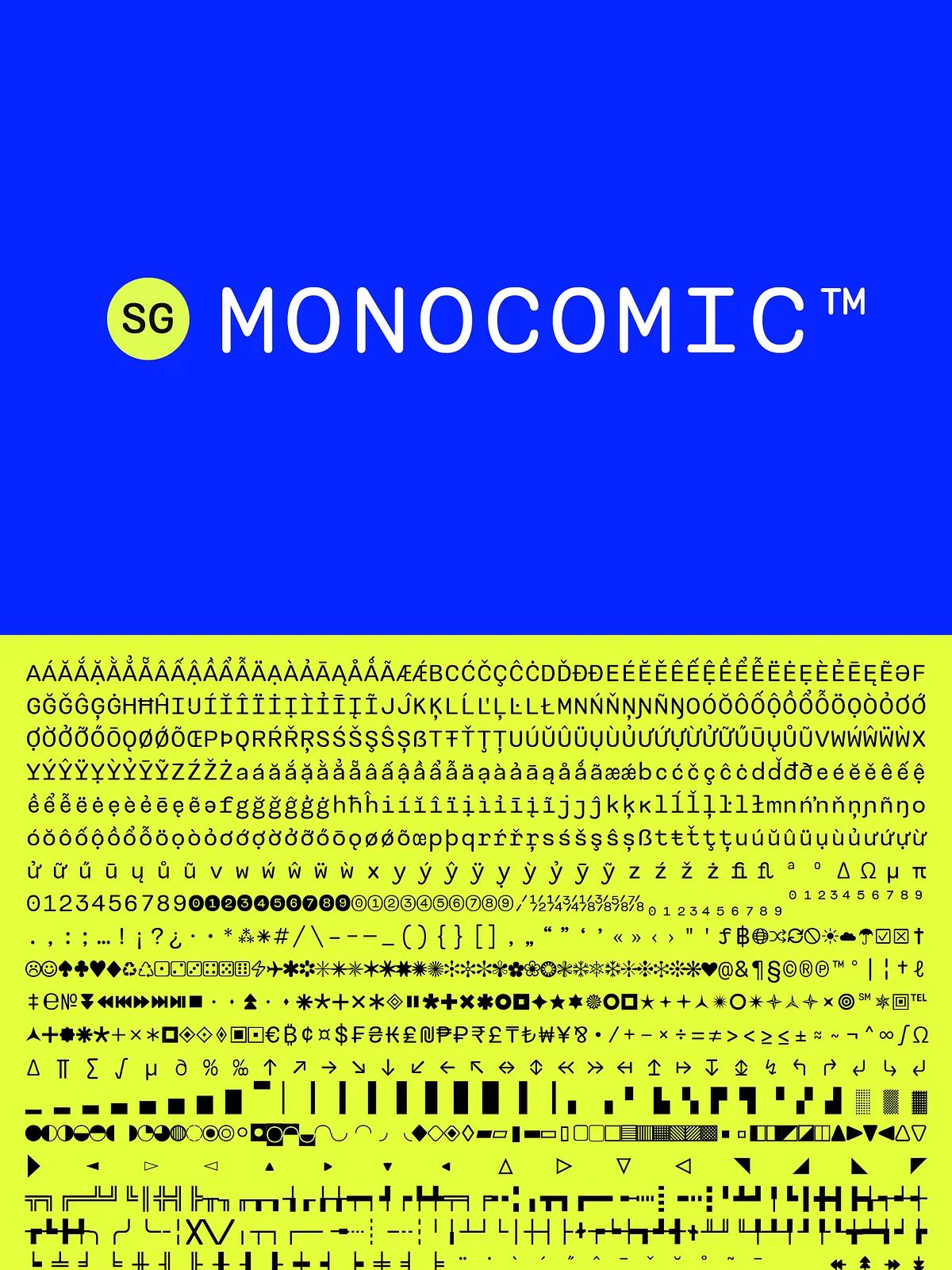
SG Monocomic includes a broad character set that extends beyond the basic Latin alphabet. You get numerals, punctuation, currency symbols, mathematical symbols, full diacritic coverage, and a rich set of alternates and stylistic options. These additions enable multilingual typesetting and precise technical documentation.
Typographic Tools
SG Monocomic equips you with professional OpenType features that enhance typesetting and layout control. Included features:
- Alternates and stylistic sets
- Standard and discretionary ligatures
- Fractions, numerators, denominators
- Superscript and subscript glyphs
- Oldstyle figures and tabular figures where applicable
- Localized forms for language-specific typographic rules
Practical Use Cases
Coding and Development
Use SG Monocomic for code editors, documentation, and terminal UIs. The even spacing ensures predictable alignment of characters and symbols, improving readability in multi-line code samples and command output. The range of weights lets you create visual hierarchy in technical documentation, note-taking apps, and developer interfaces.
UI, Dashboard and Data Design
SG Monocomic excels in interfaces that present tabular data, logs, or metrics. Its monospaced metrics keep columns consistent and numerical data aligned, which reduces visual noise and speeds comprehension. Use medium to bold weights for labels and thin to regular for detailed values.
Print and Editorial
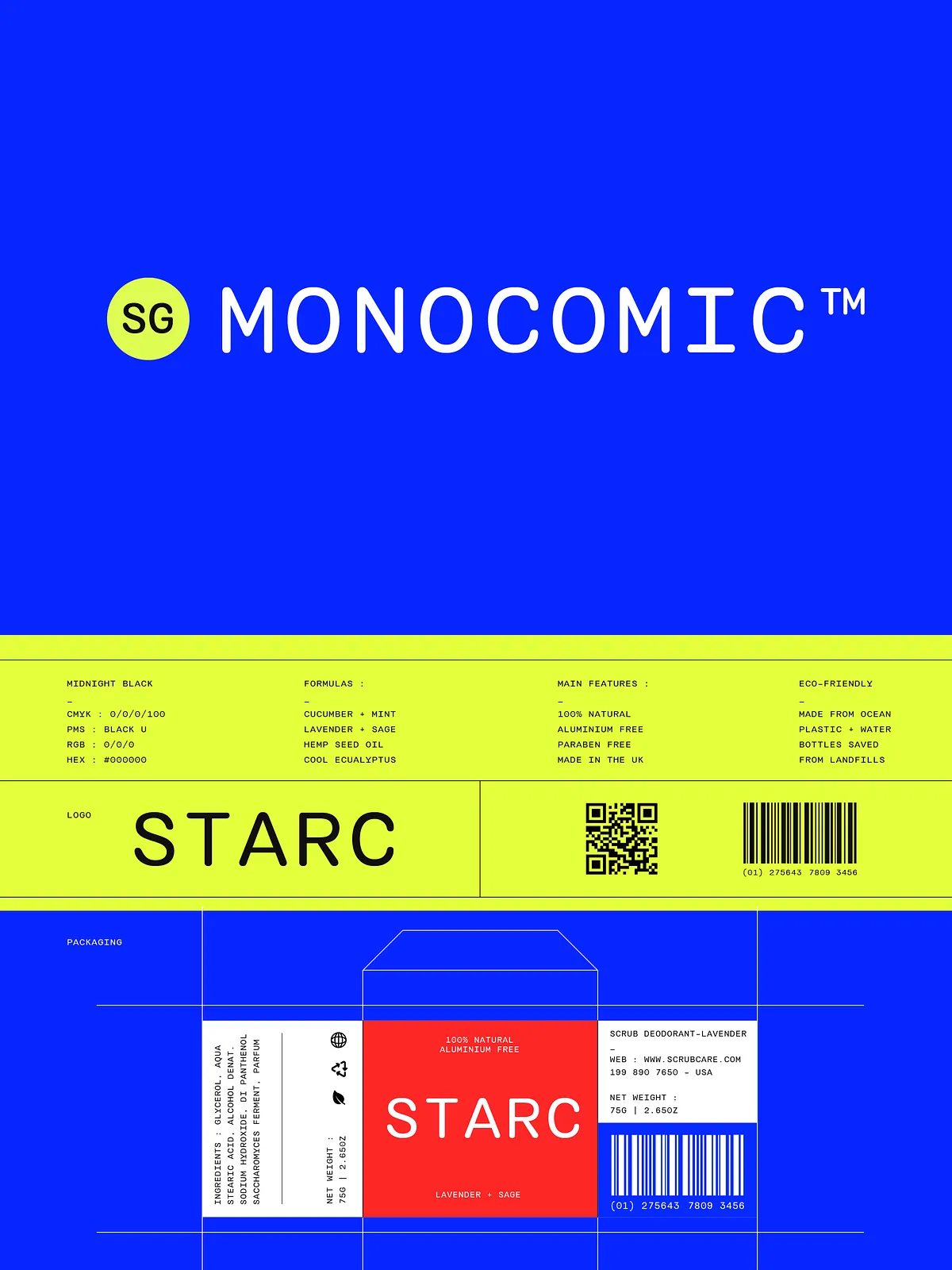
Though optimized for digital environments, SG Monocomic also performs strongly in print. The geometric construction and subtle rounding translate cleanly to offset and digital printing, making it suitable for posters, brochures, product packaging, and editorial callouts where a modern fixed-width voice is desired.
Design and Readability
Balanced Geometry and Legibility
SG Monocomic balances geometric shapes with soft terminals to create a friendly yet technical appearance. Designers can rely on its legibility at small sizes and its presence at large sizes. The family maintains consistent stroke contrast across weights, ensuring predictable color on the page and screen.
Licensing, Installation, and Support
Installation and Compatibility
Install SG Monocomic using standard font managers or embed it via webfont services following the licensing terms. Files include common desktop formats (OTF/TTF) suitable for macOS, Windows, and Linux environments. Test the fonts across browsers and devices to confirm rendering consistency for your project.
Licensing and Support
Review the included license file for permitted uses and web embedding options. If your project requires extended or commercial licensing, contact the font provider for enterprise or multi-seat arrangements. For installation help or technical issues, reach out to the designer or seller — they typically provide prompt guidance and troubleshooting tips.