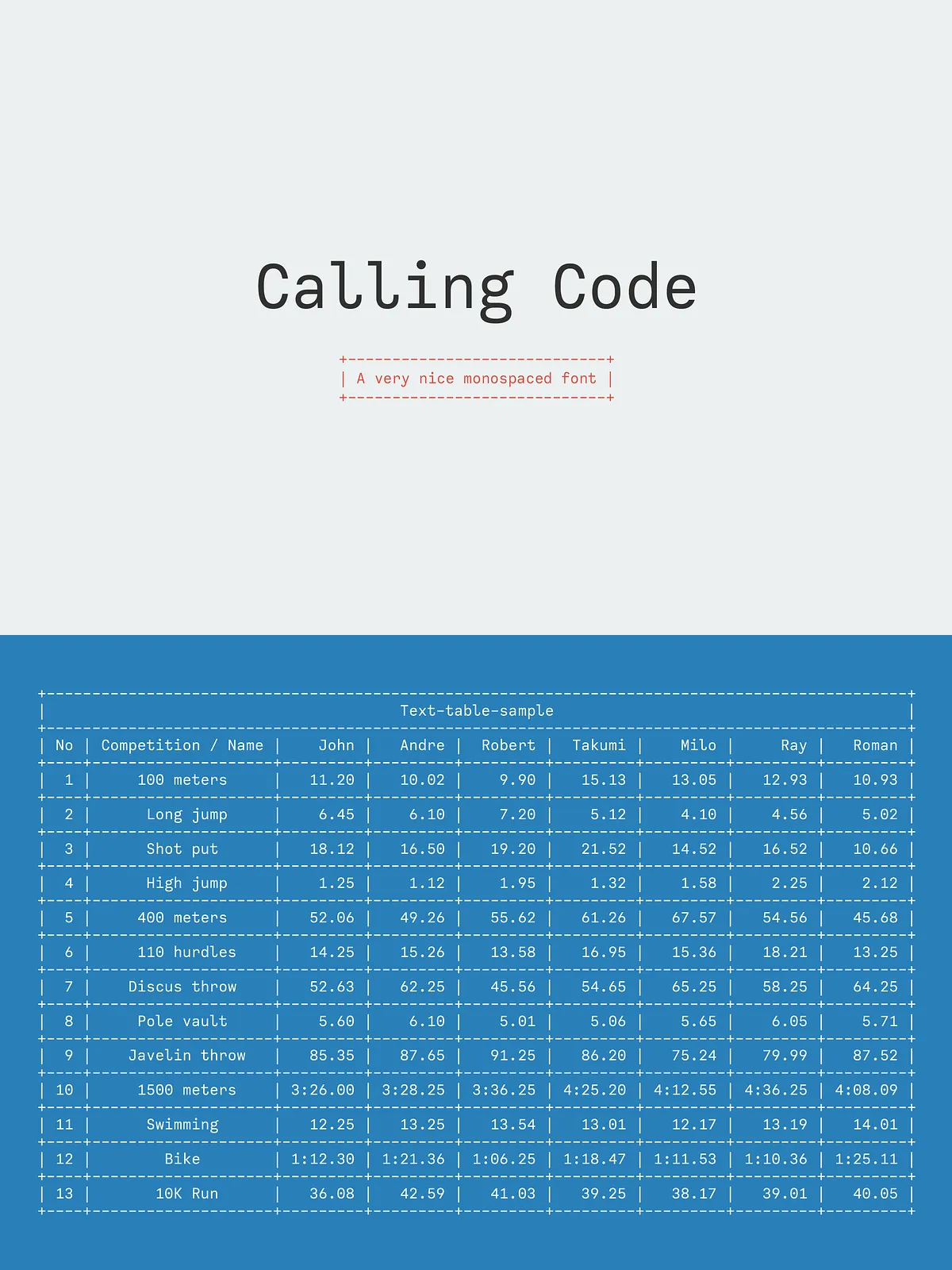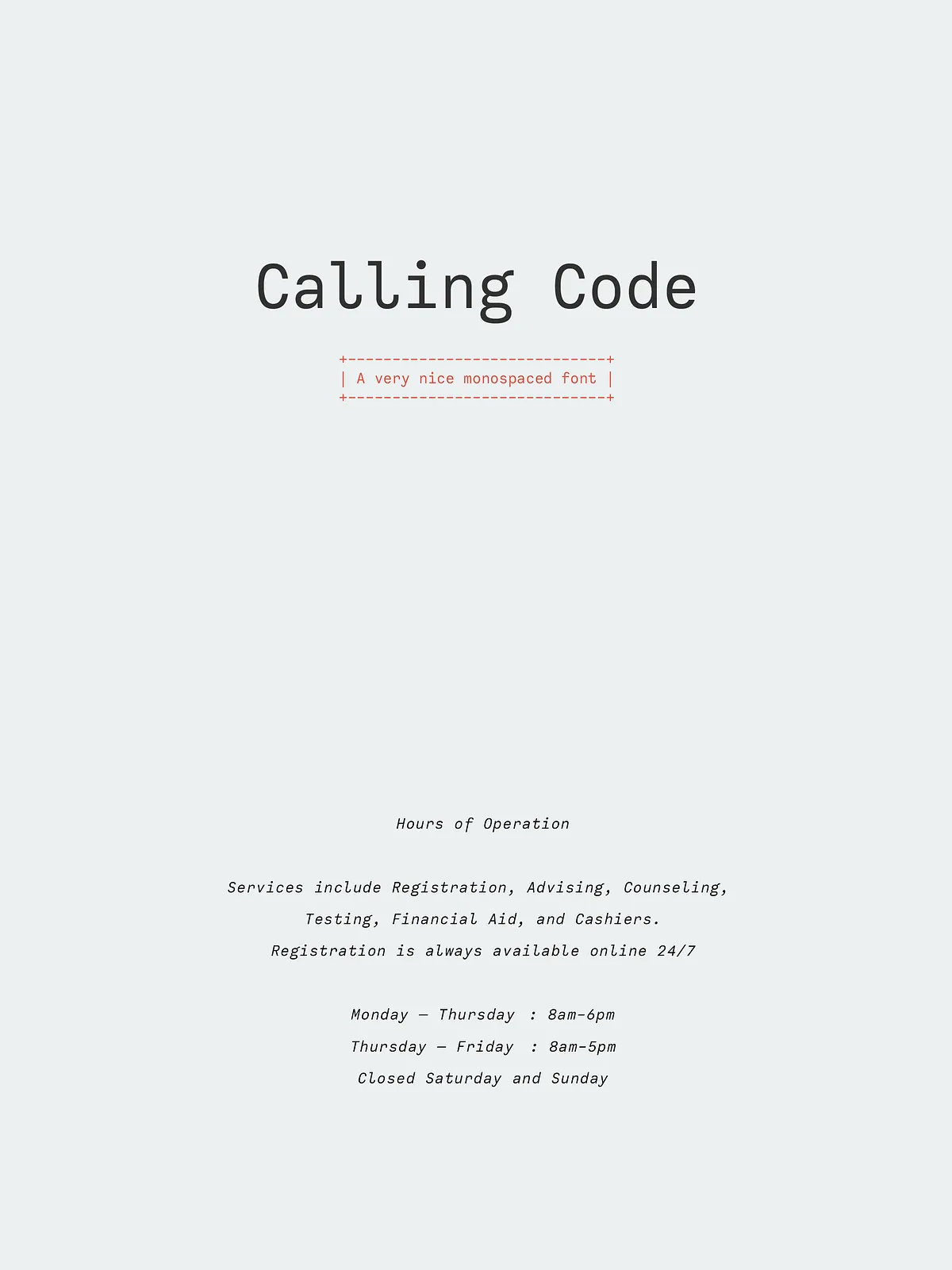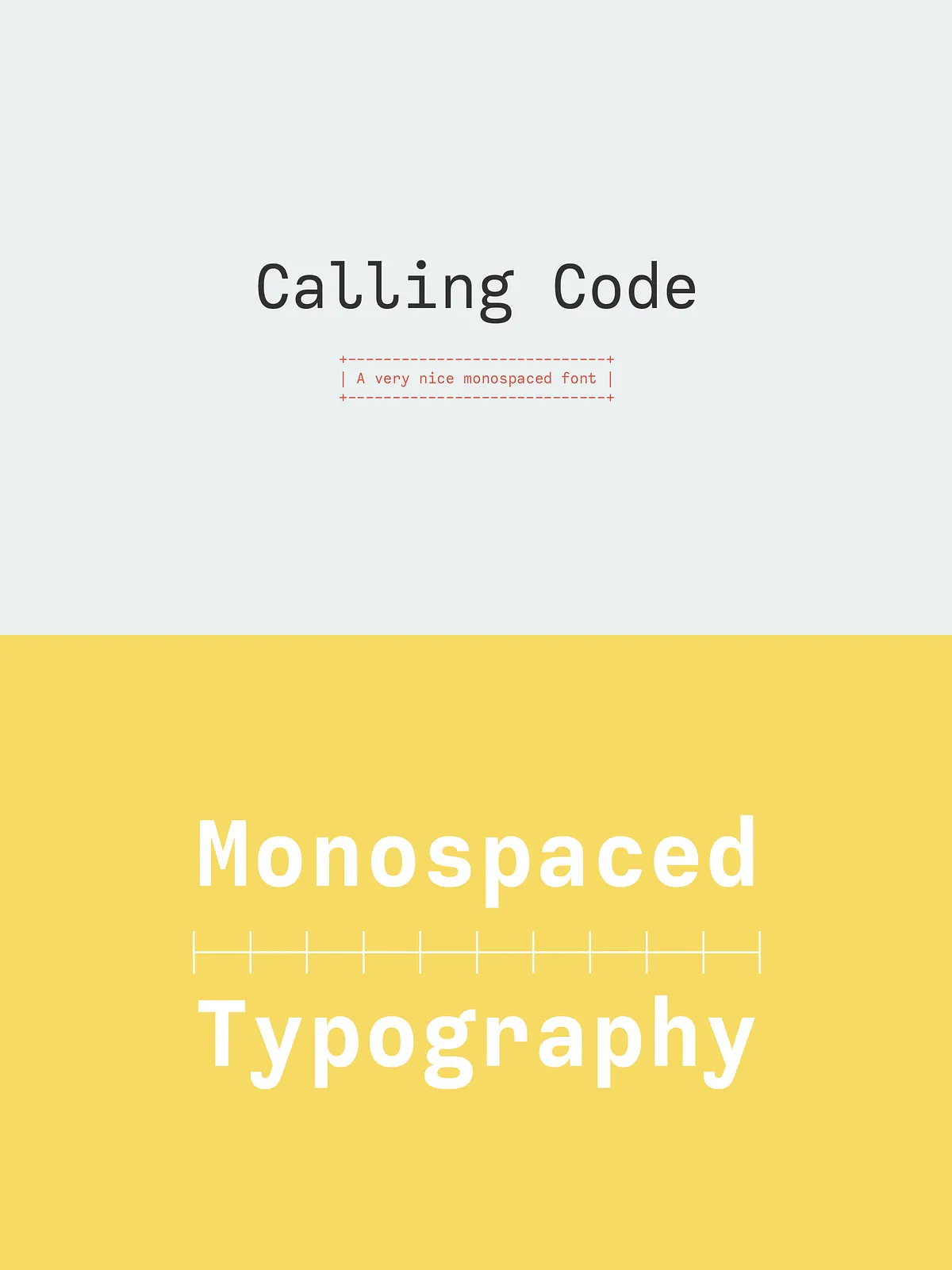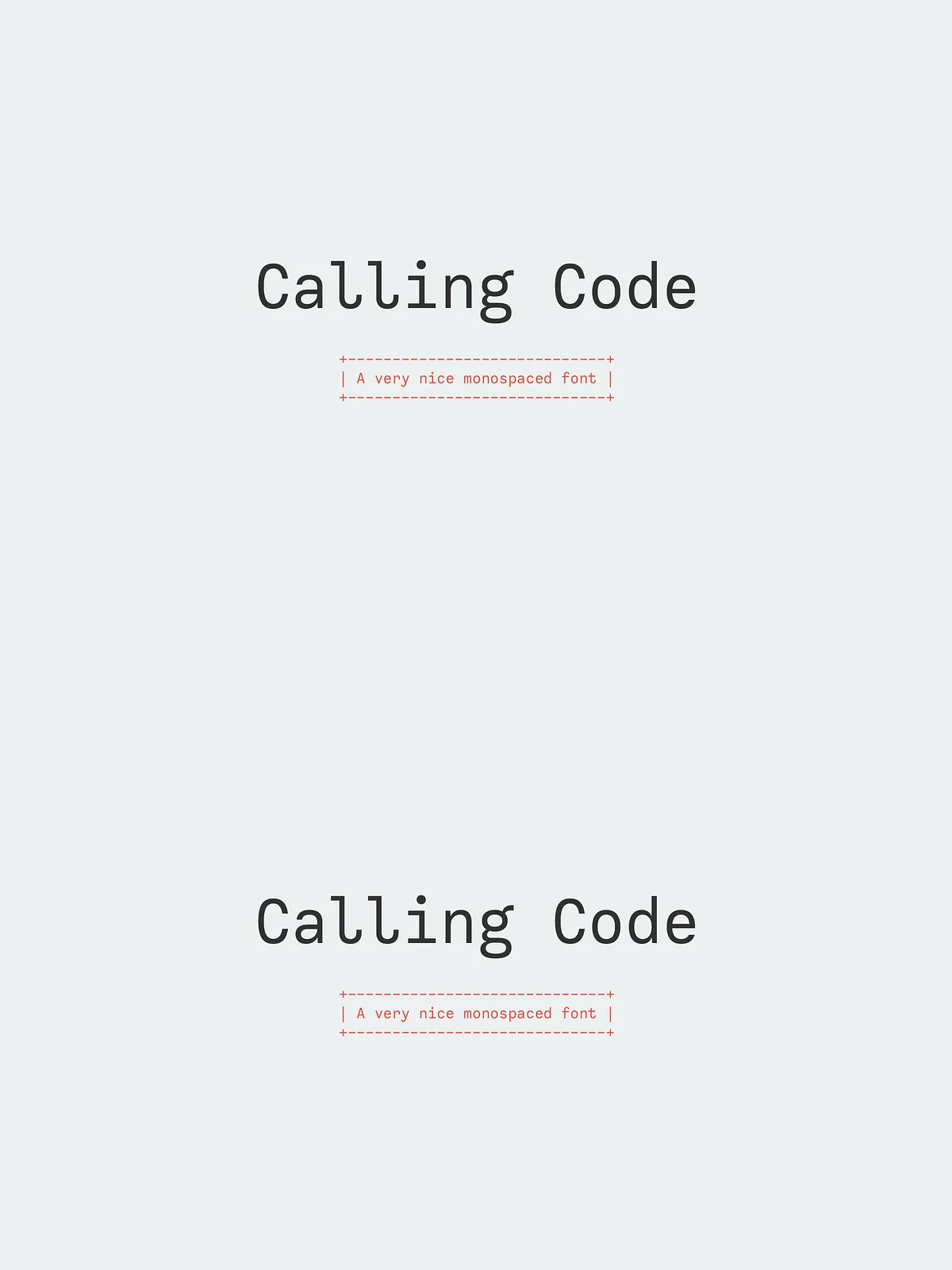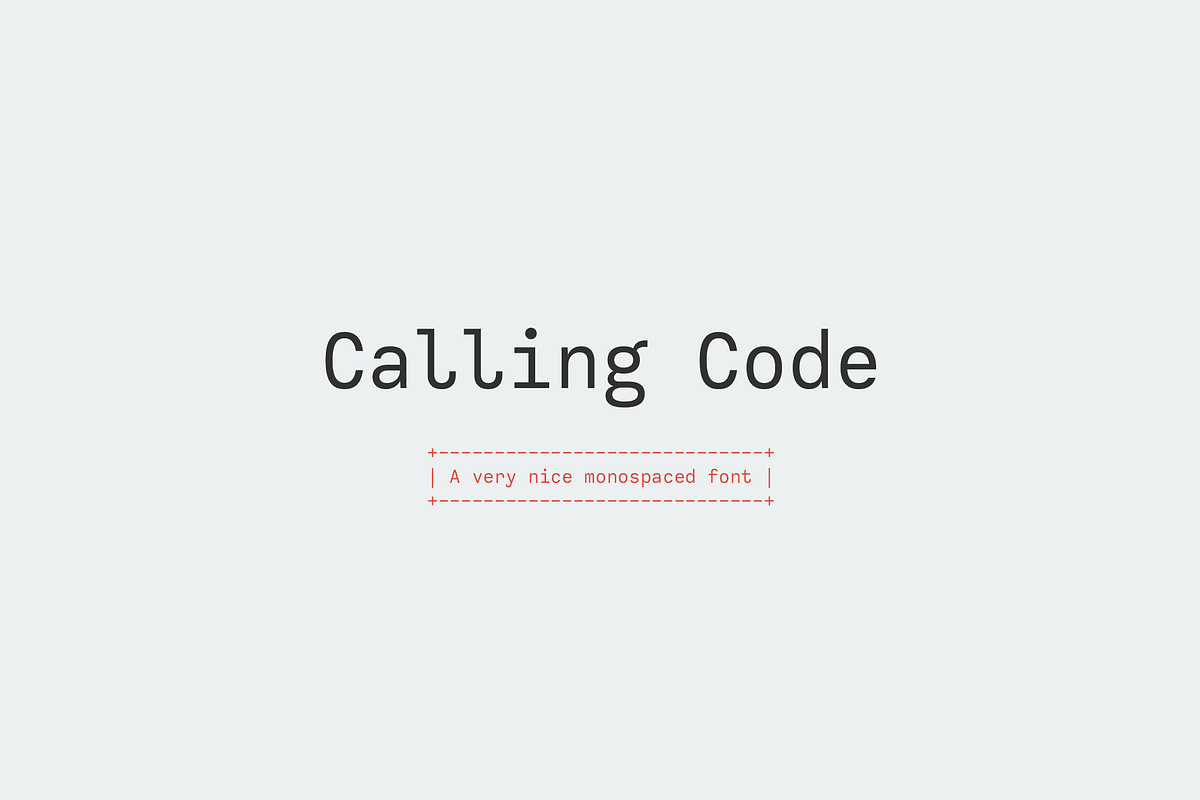

Calling Code revitalizes the traditional monospaced genre with a clean, contemporary approach. Engineered for coding and tabular layouts, it pairs technical precision with subtle personality. The typeface adopts a slightly condensed width to maximize usable space without sacrificing clarity, and refined curled terminals add a friendly, human touch. Calling Code performs reliably across developer tools, user interfaces, documentation, and editorial applications where consistent character alignment matters.
What’s Included
Font Styles
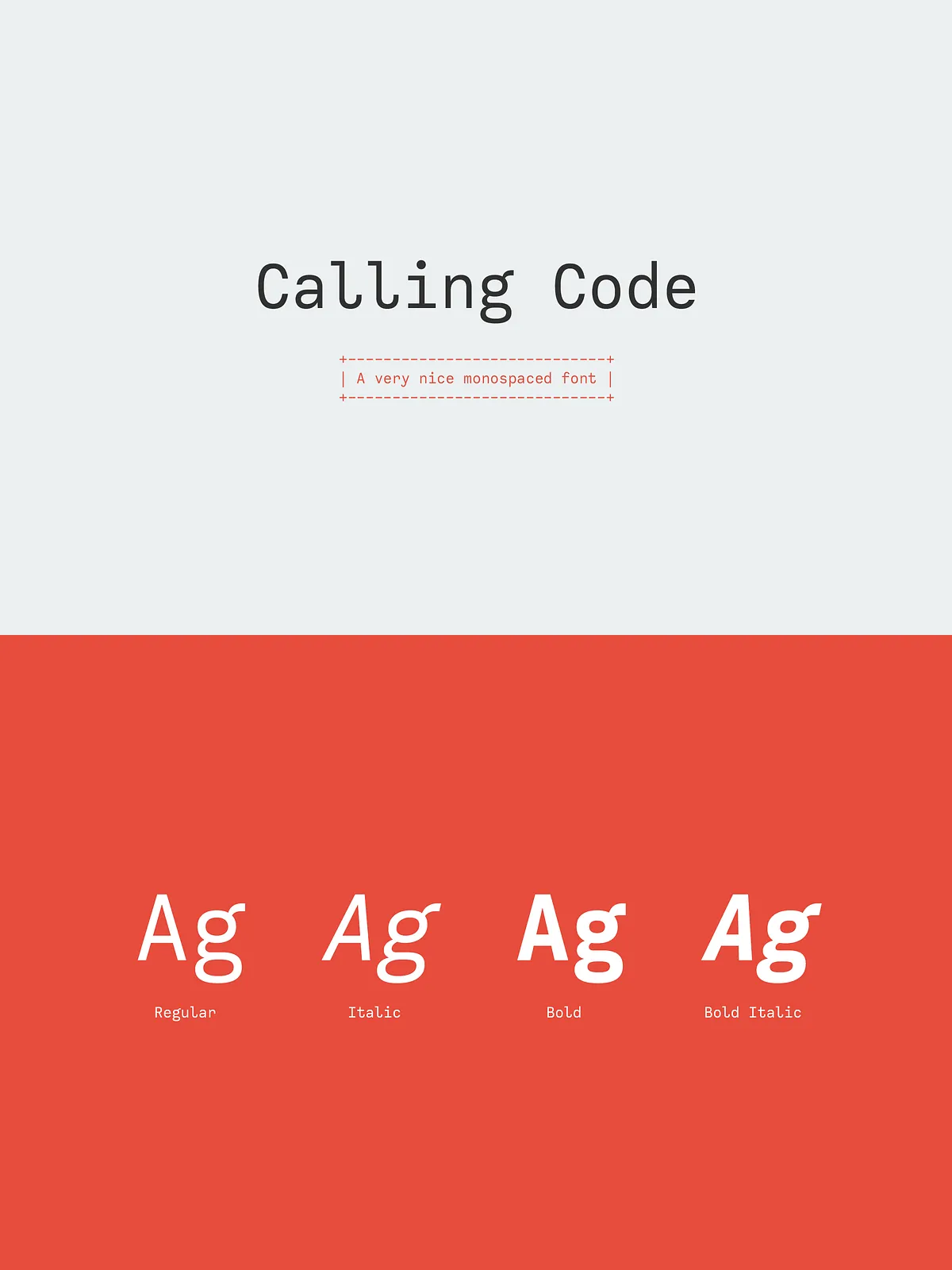
The family ships as a compact, practical set of four styles designed to meet everyday typographic needs:
- Calling Code Regular
- Calling Code Italic
- Calling Code Bold
- Calling Code Bold Italic
Each style installs as a standard desktop font file (OTF/TTF) and integrates smoothly with most font managers and modern design tools. The consistent metrics across styles ensure stable alignment in monospaced layouts and predictable switching between weights for hierarchy.
Key Features
Condensed Width for Efficient Layouts
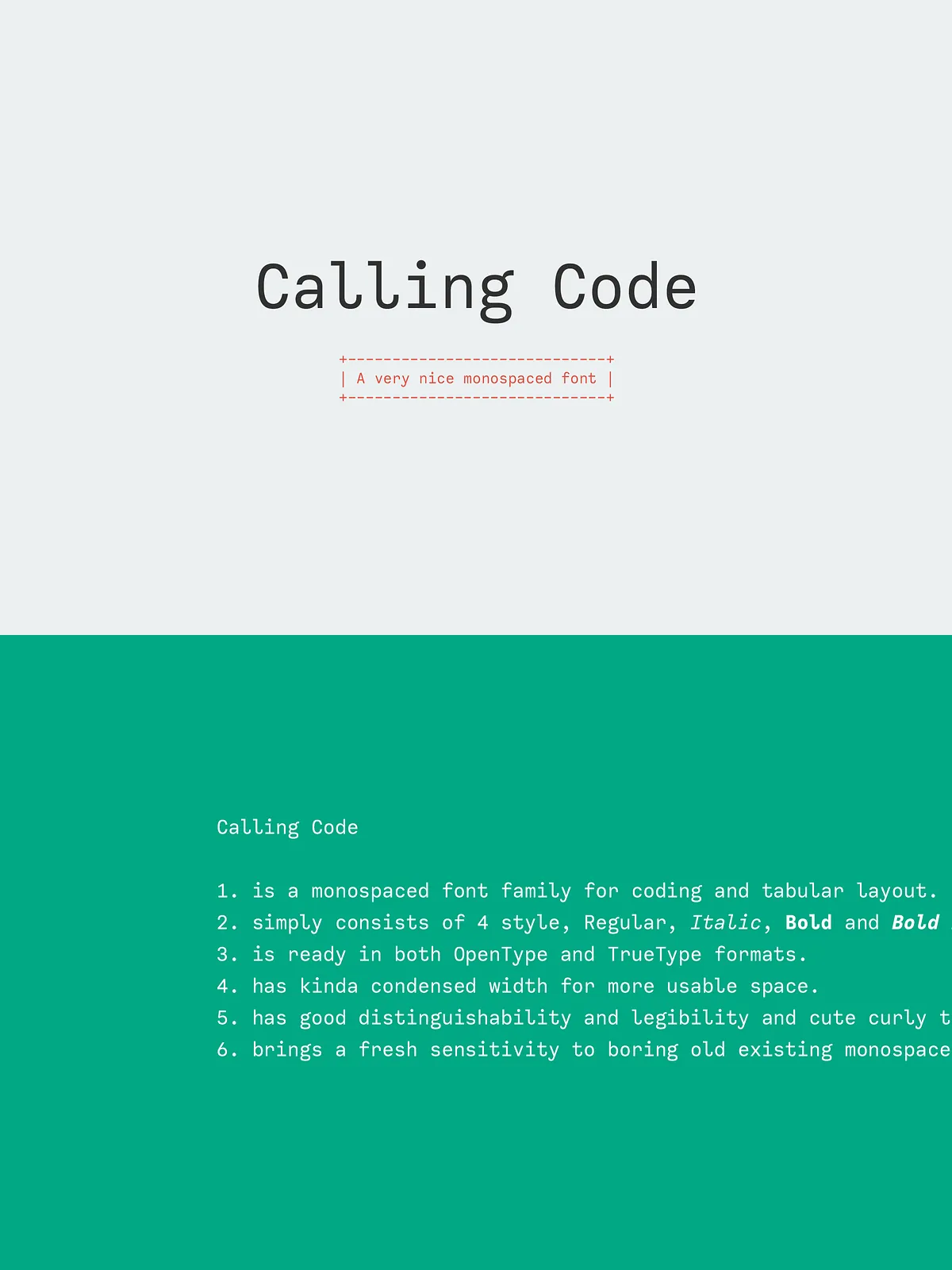
Calling Code’s slightly condensed proportions deliver more characters per line without compressing strokes or harming legibility. This makes it ideal for narrow sidebars, documentation columns, and dense code blocks where horizontal space is at a premium.
Clear Distinguishability and Legibility
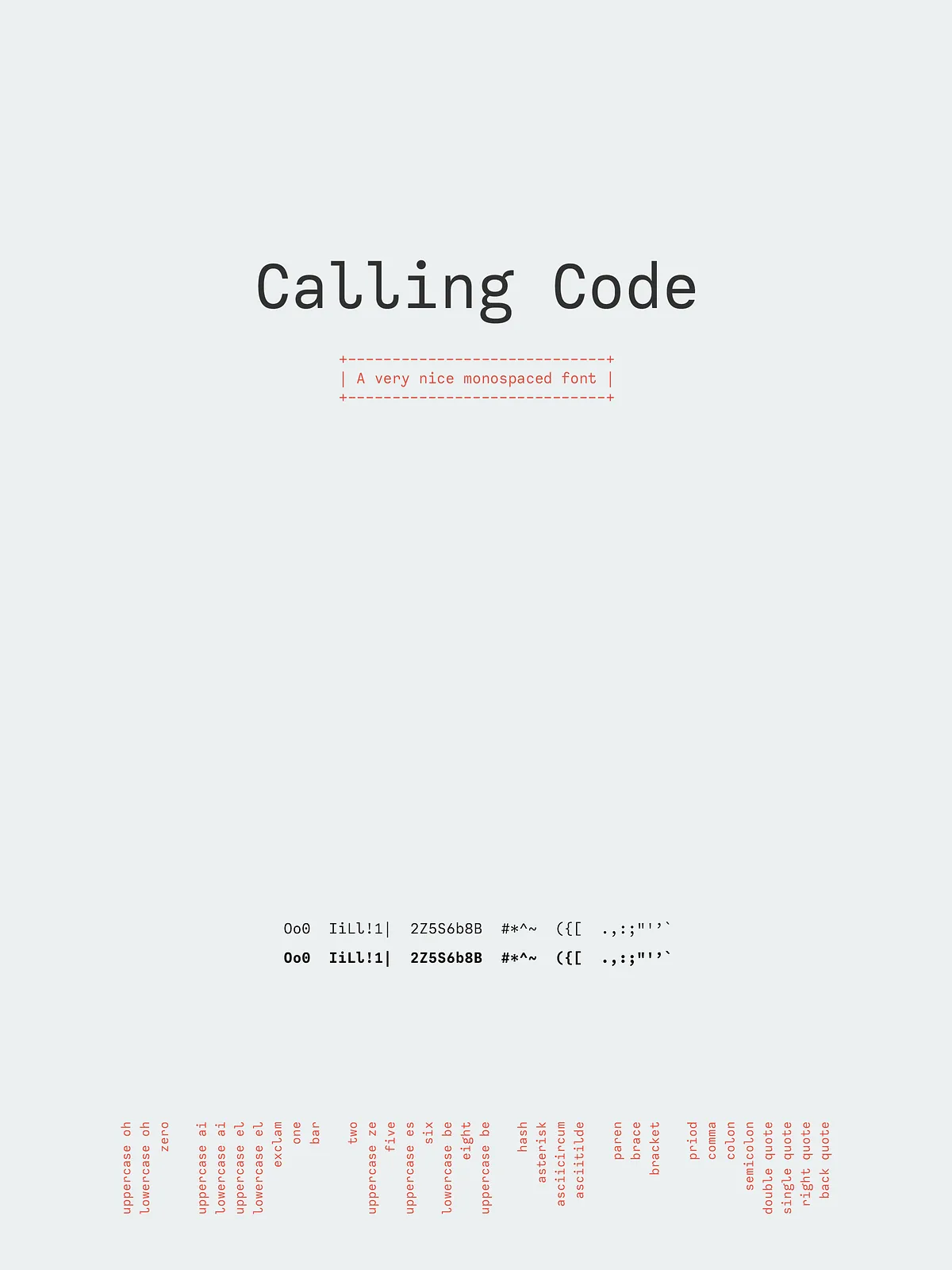
The design emphasizes distinct glyph shapes to prevent common character confusion—such as between zero (0) and the uppercase O, or one (1), lowercase l, and capital I. These deliberate distinctions improve readability in long sessions of coding or data review and reduce cognitive load for developers and readers.
Friendly Curly Terminals
Subtle curled tails and gentle terminals inject warmth into Calling Code’s otherwise technical voice. These small details enhance the typeface’s aesthetic appeal while preserving the functional clarity required of a monospaced family.
Practical Use Cases
Coding and Development Environments
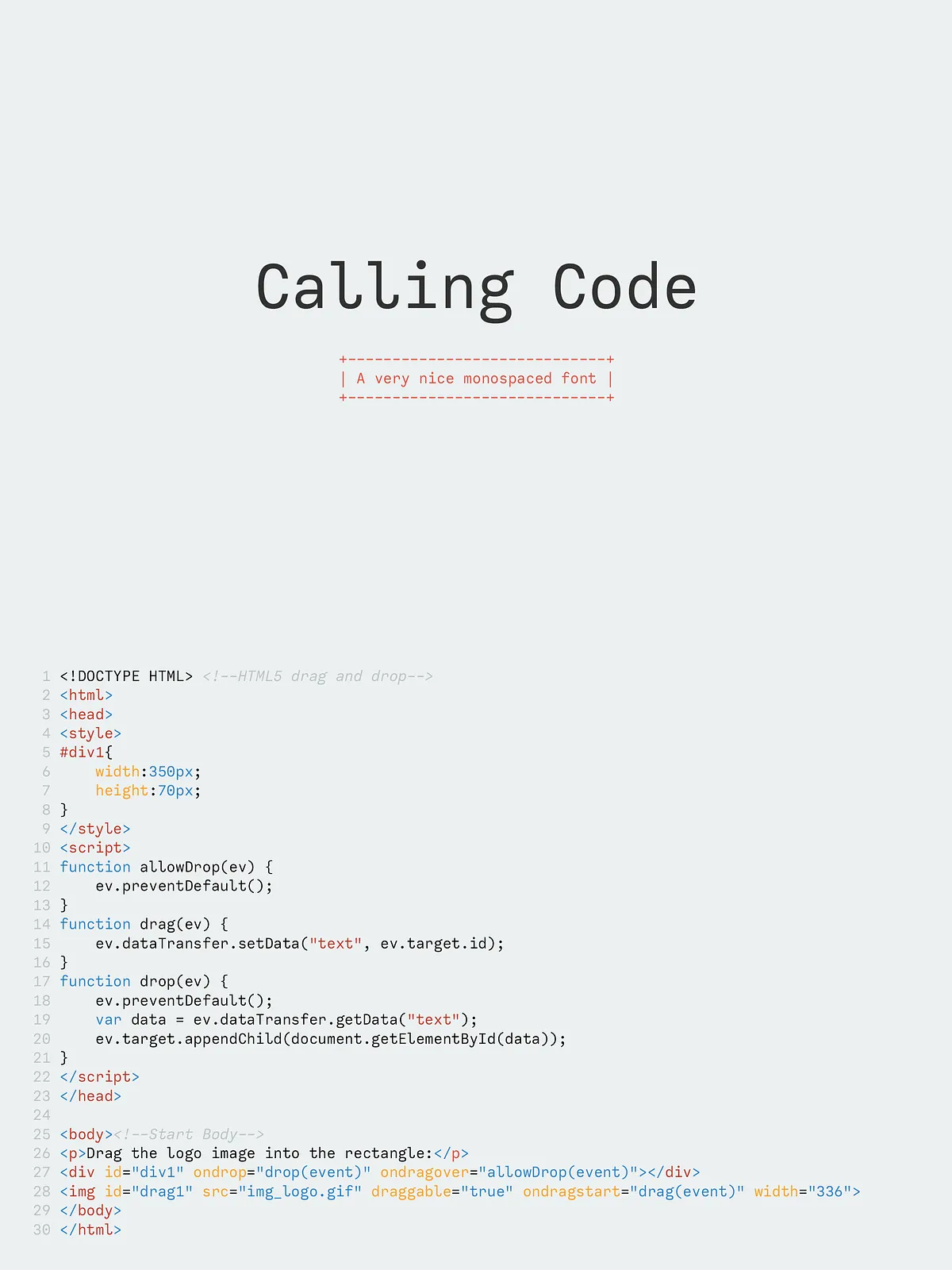
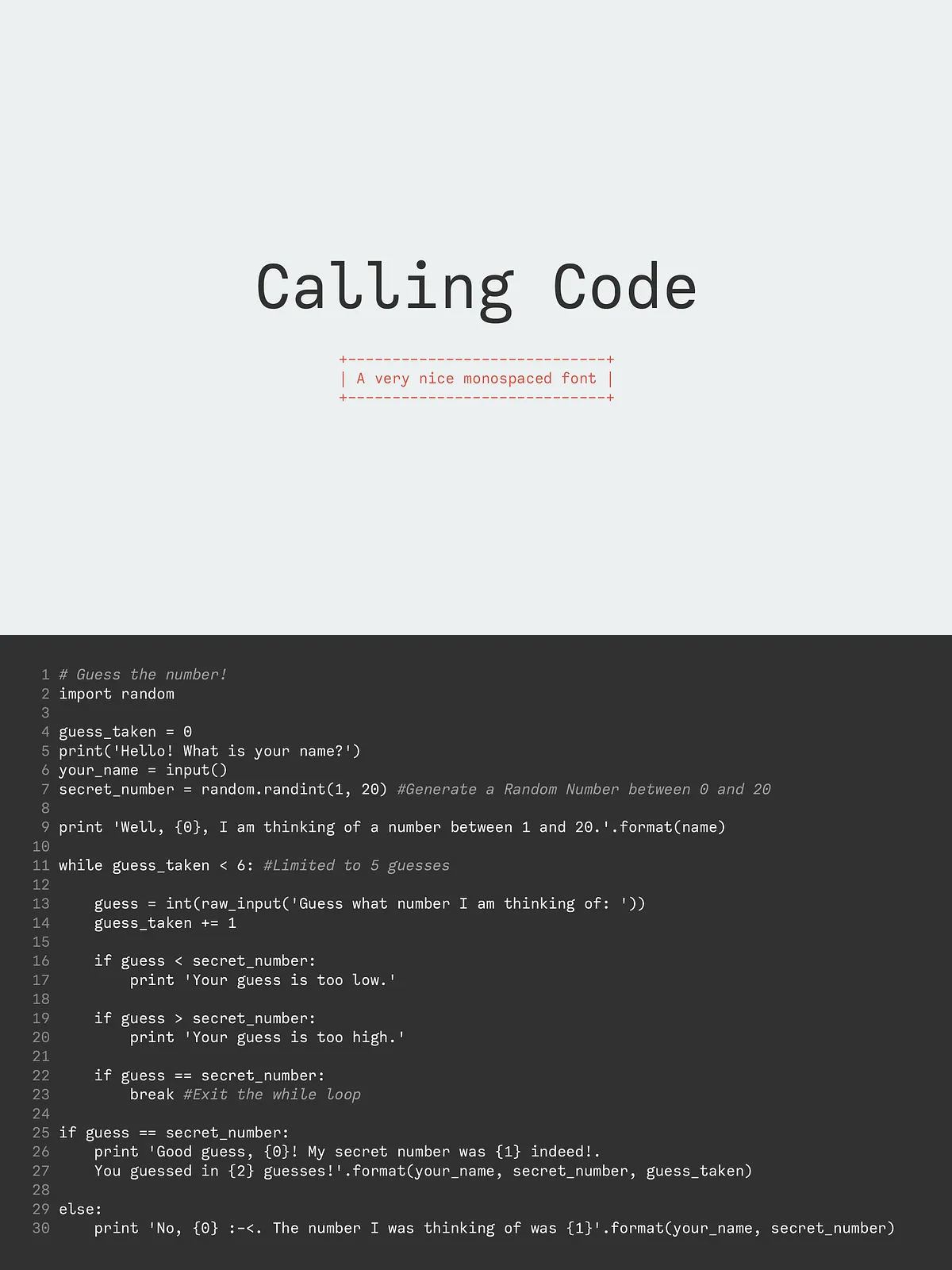
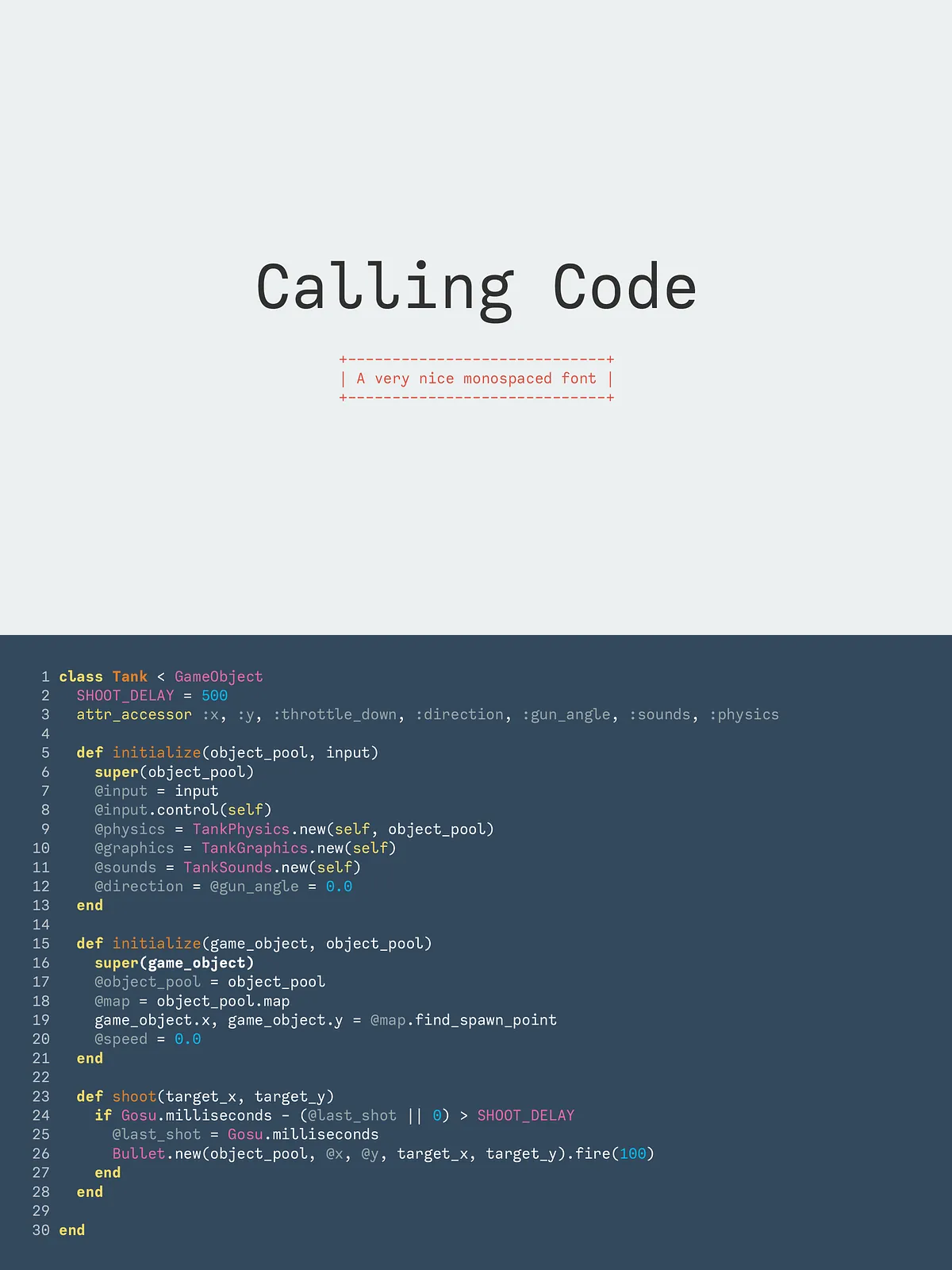
Calling Code excels in code editors, IDEs, terminals, and documentation. Its monospaced metrics guarantee consistent column alignment, which aids code readability and diff comparisons. Use Regular for main code, Italic for comments or annotations, and Bold variants for emphasis in README files or tooling UIs.
Tabular Data, Logs, and Dashboards
When precise alignment of numbers and symbols is essential, Calling Code keeps columns neat and predictable. The condensed width allows more data to fit horizontally without line wrapping, which is especially useful in dashboard widgets, command output, and log viewers.
UI, Product Interfaces, and Editorial Design
Calling Code’s clean geometry and subtle charm translate well to UI labels, input fields, and settings screens. The family also adapts to editorial contexts where a technical aesthetic is desired—think product spec sheets, API documentation, and technical brochures.
Design Details and Technical Notes
Character Set and Typographic Support
Calling Code provides a robust basic character set suitable for English and common Latin-based languages. It includes numerals, punctuation, and essential symbols used in coding and technical writing. Verify specific language or symbol coverage if your project requires extended diacritics or specialized glyphs.
Installation and Compatibility
Install Calling Code using your operating system’s font manager or embed it via webfont services if the license permits web use. The family includes standard desktop formats compatible with macOS, Windows, and Linux. Test rendering in your target environments to confirm spacing and display consistency.
Licensing and Support
Usage and Licensing
Review the included license file for permitted uses, commercial terms, and web embedding options. If you anticipate enterprise distribution or high-volume deployment, contact the vendor to arrange extended licensing. Licensing details ensure you deploy Calling Code correctly across products and teams.
Help and Troubleshooting
If you encounter installation issues or need help selecting weights for a specific workflow, contact the designer or seller. Many creators provide responsive support and usage guidance to help you integrate the font seamlessly into your projects.