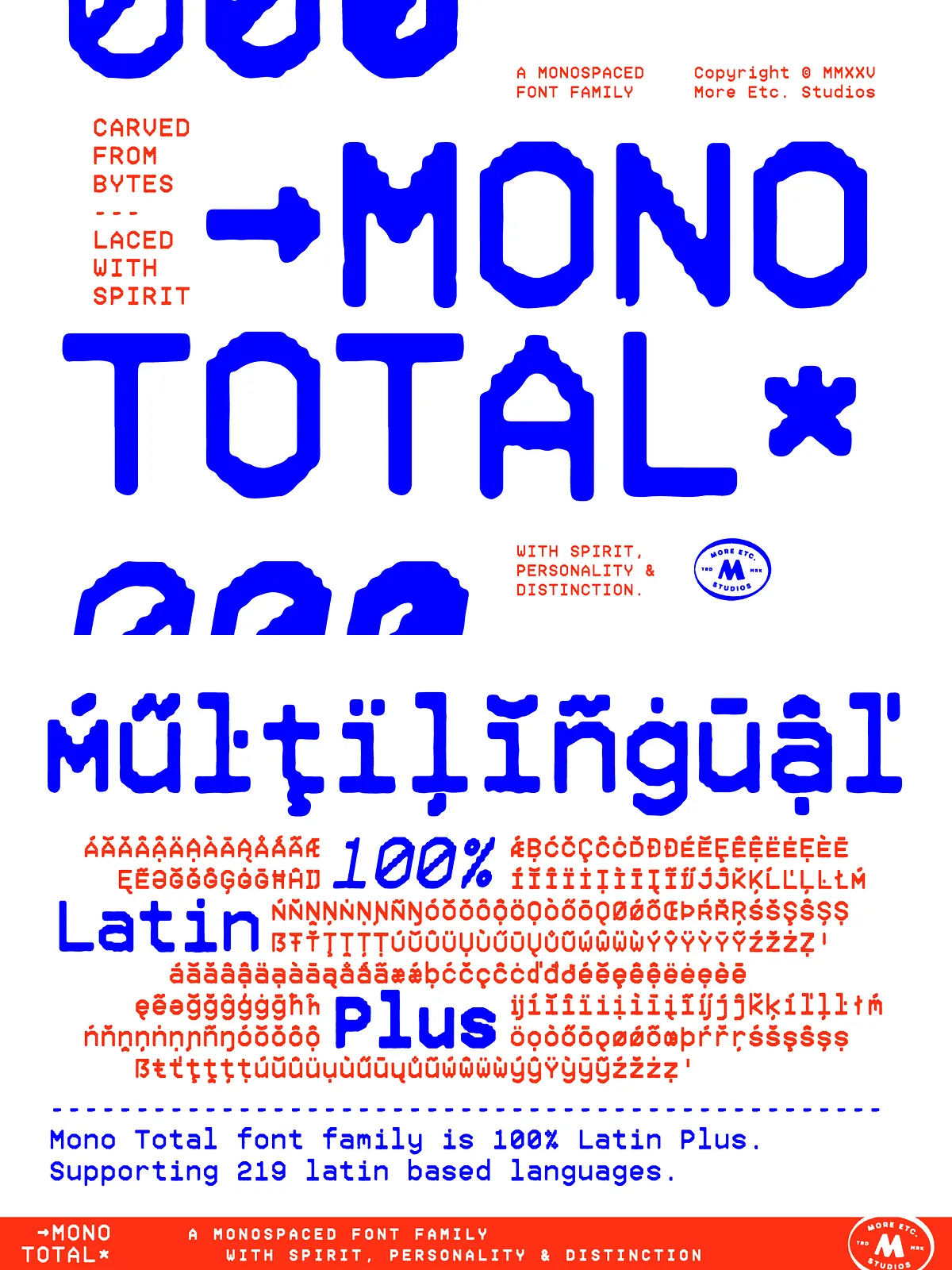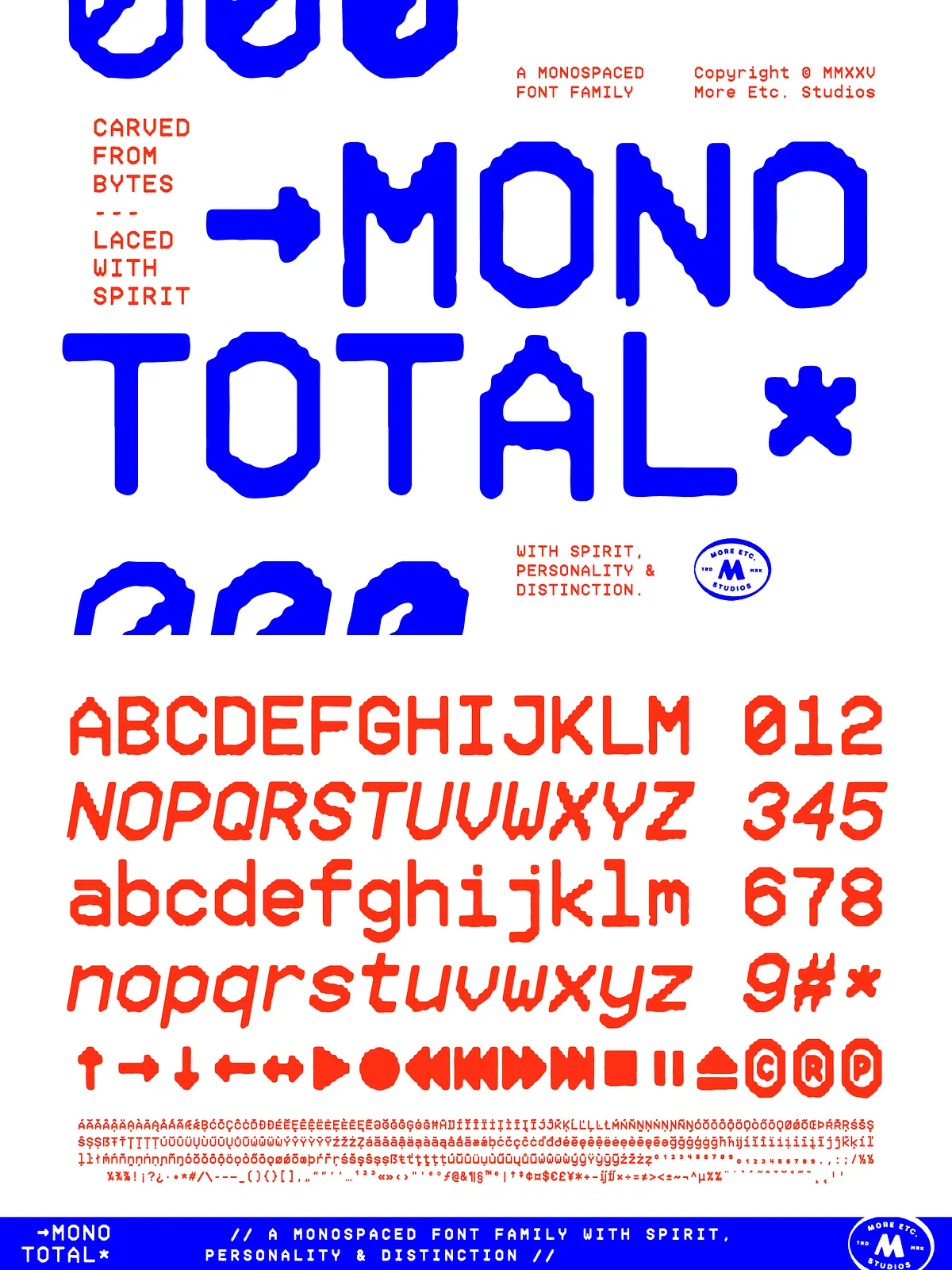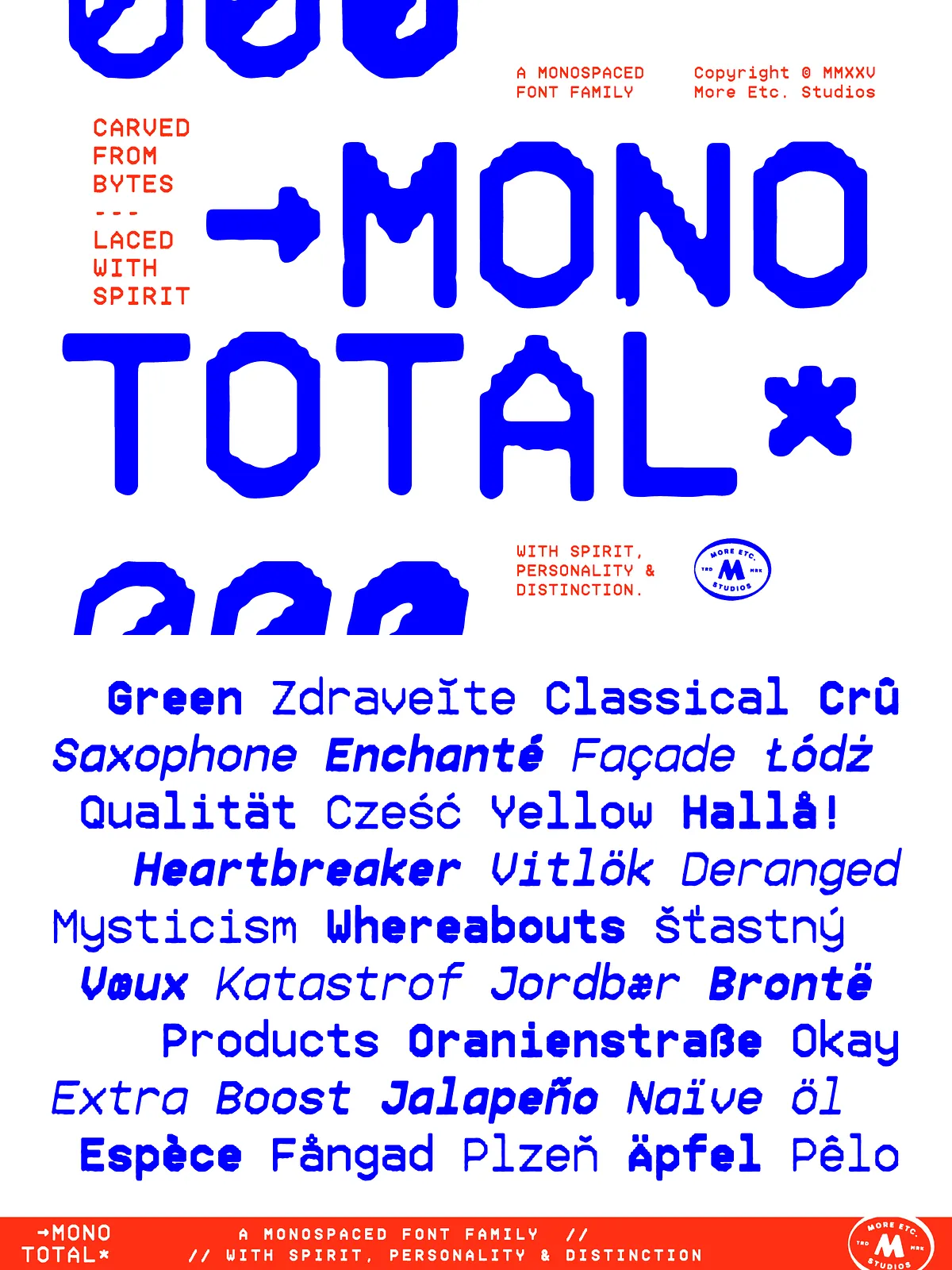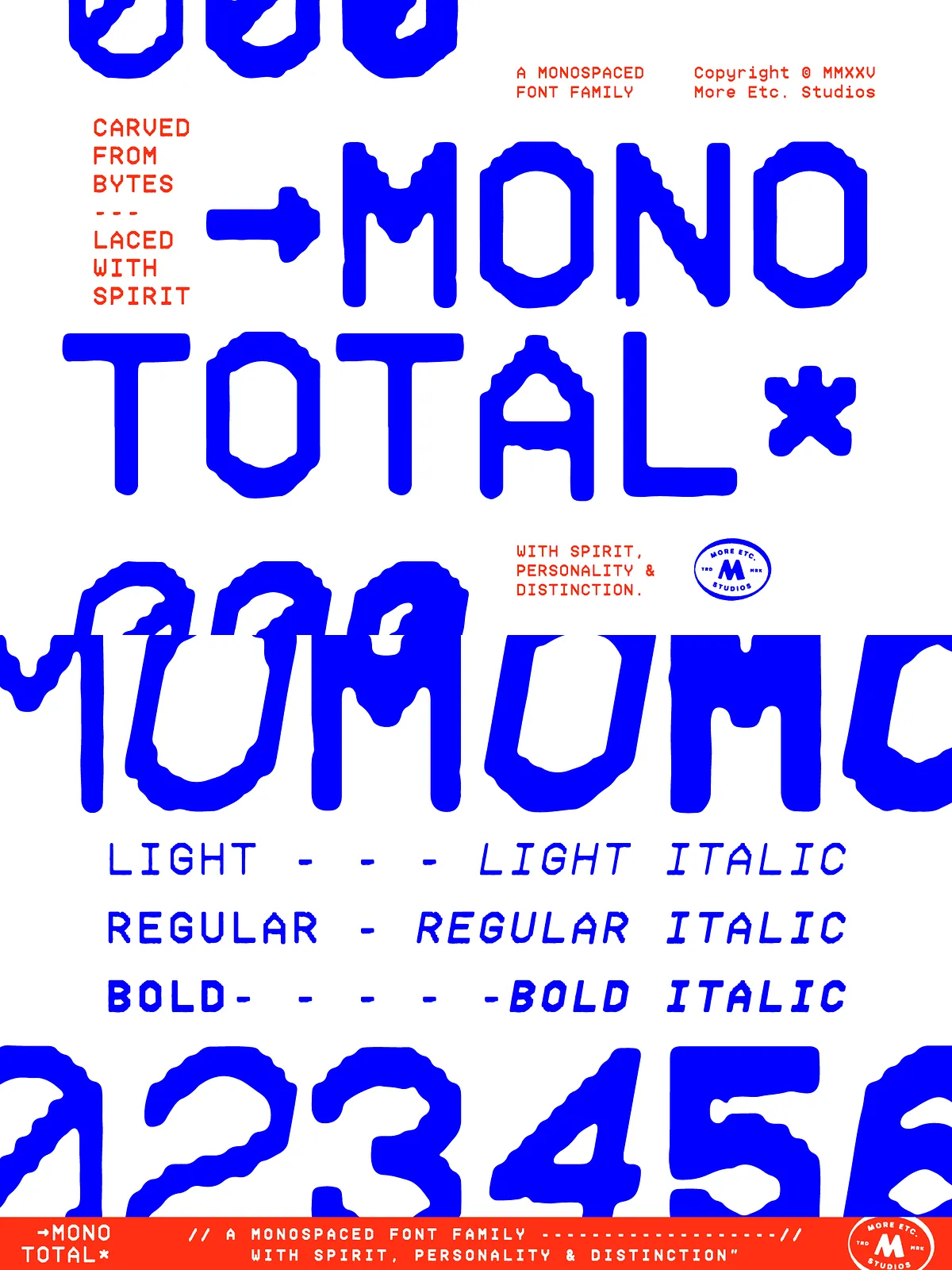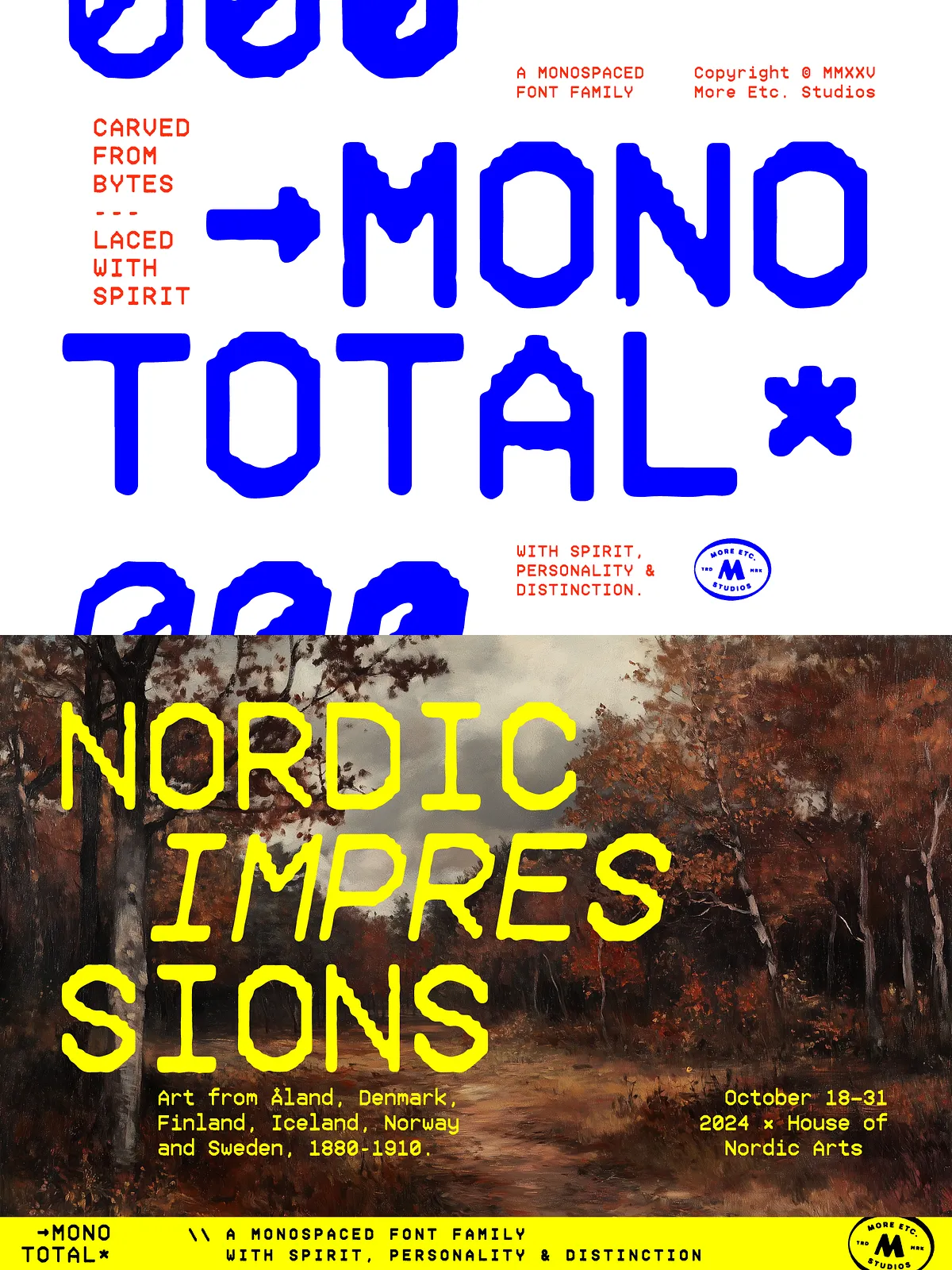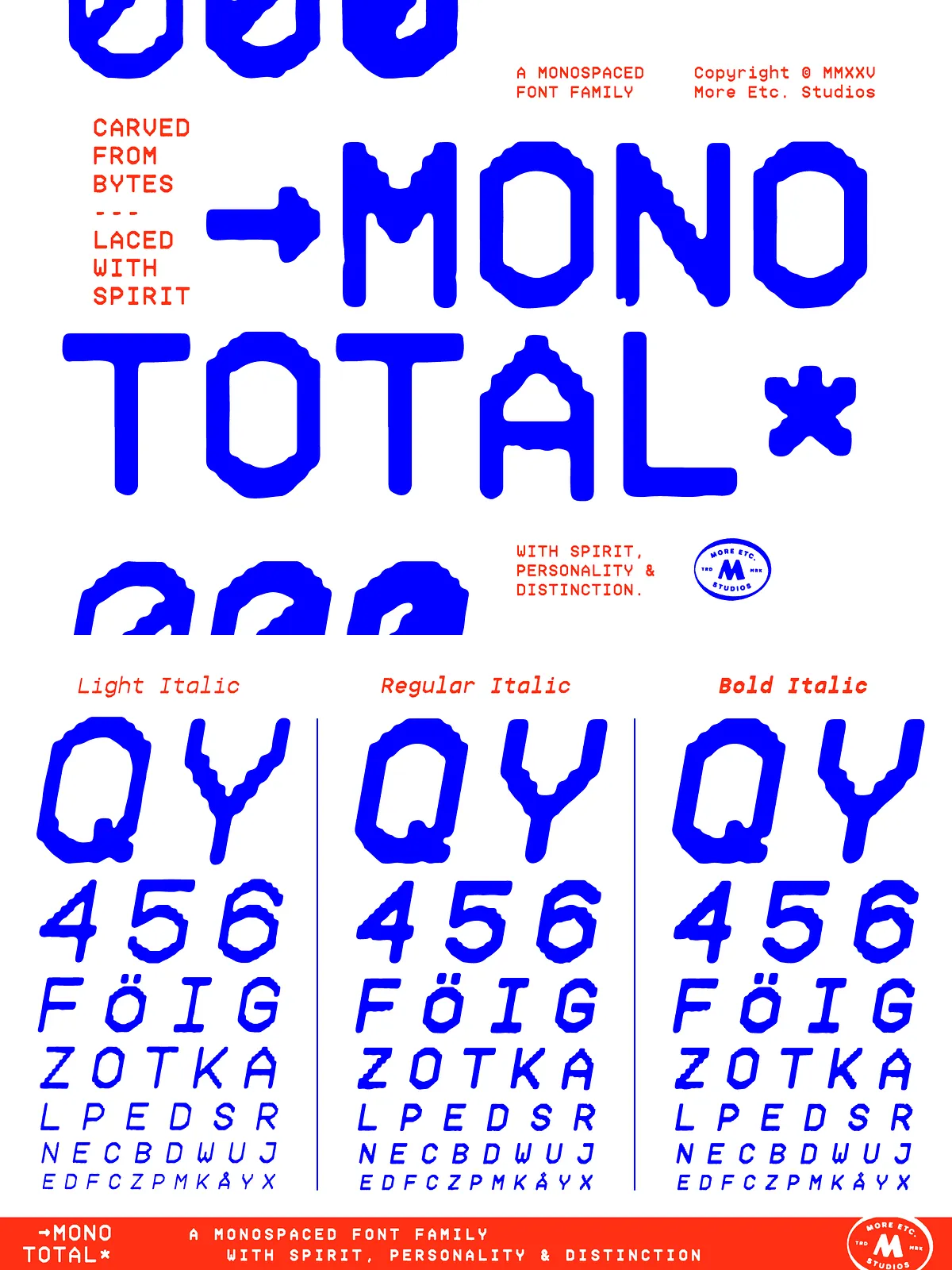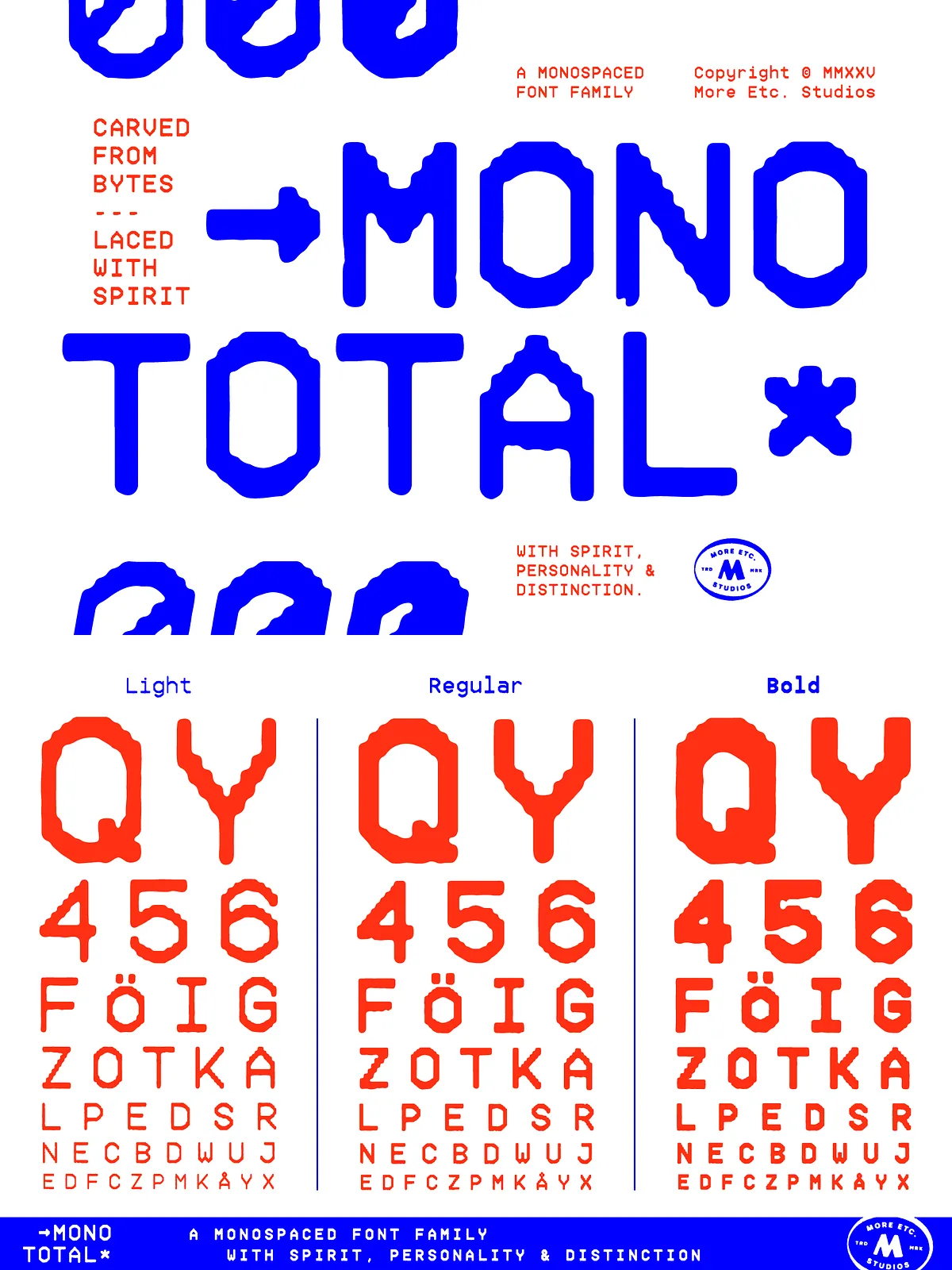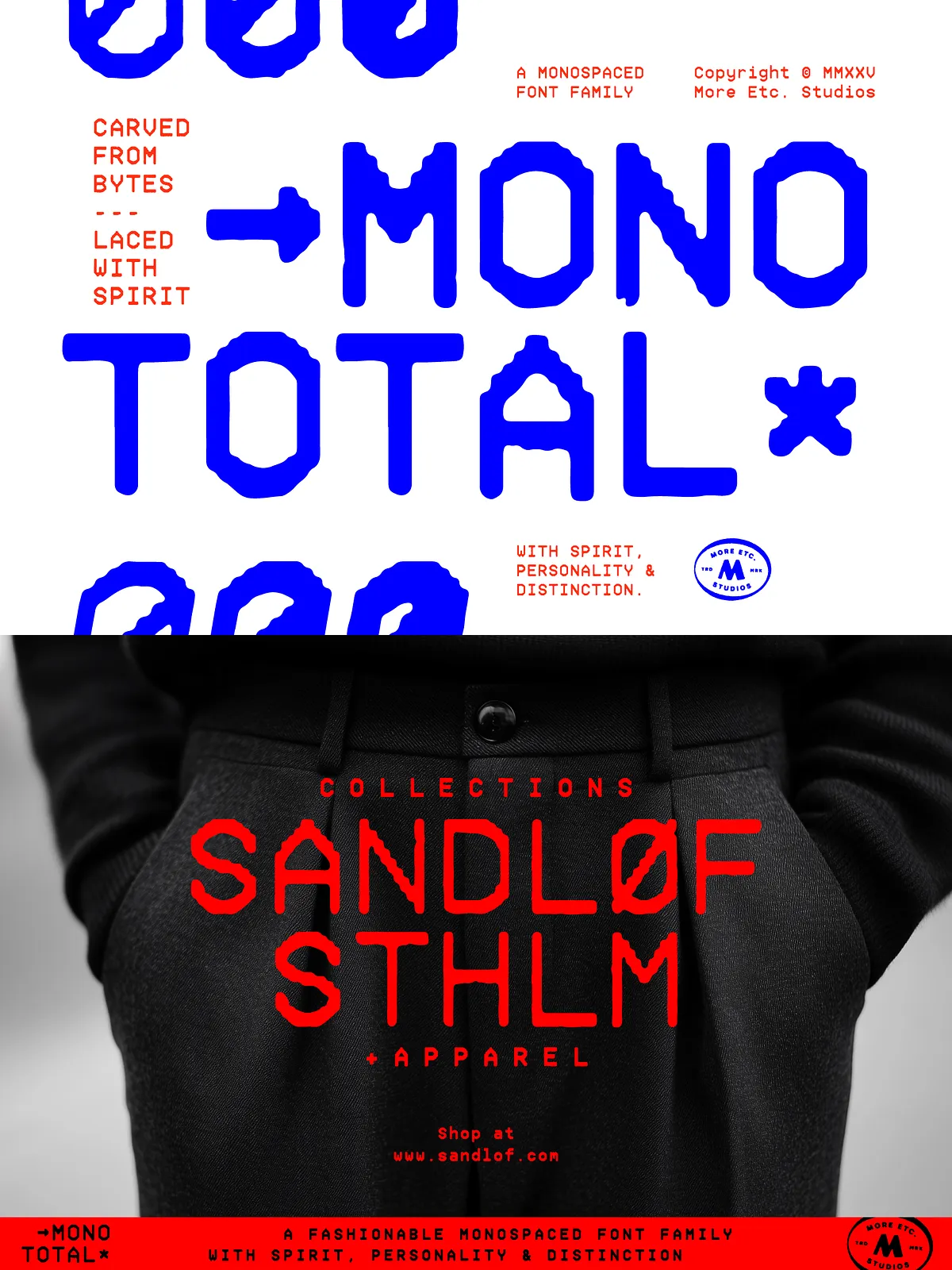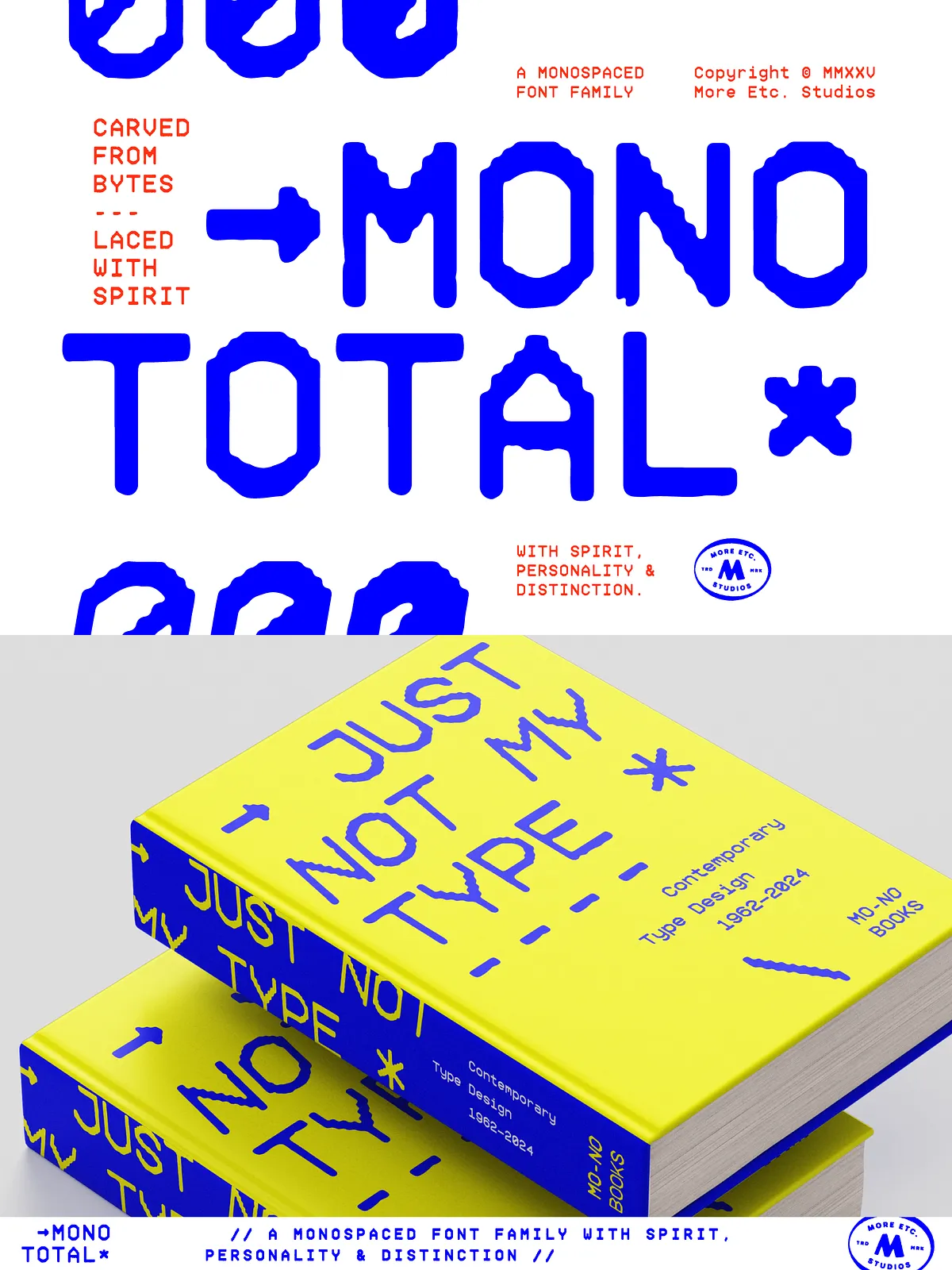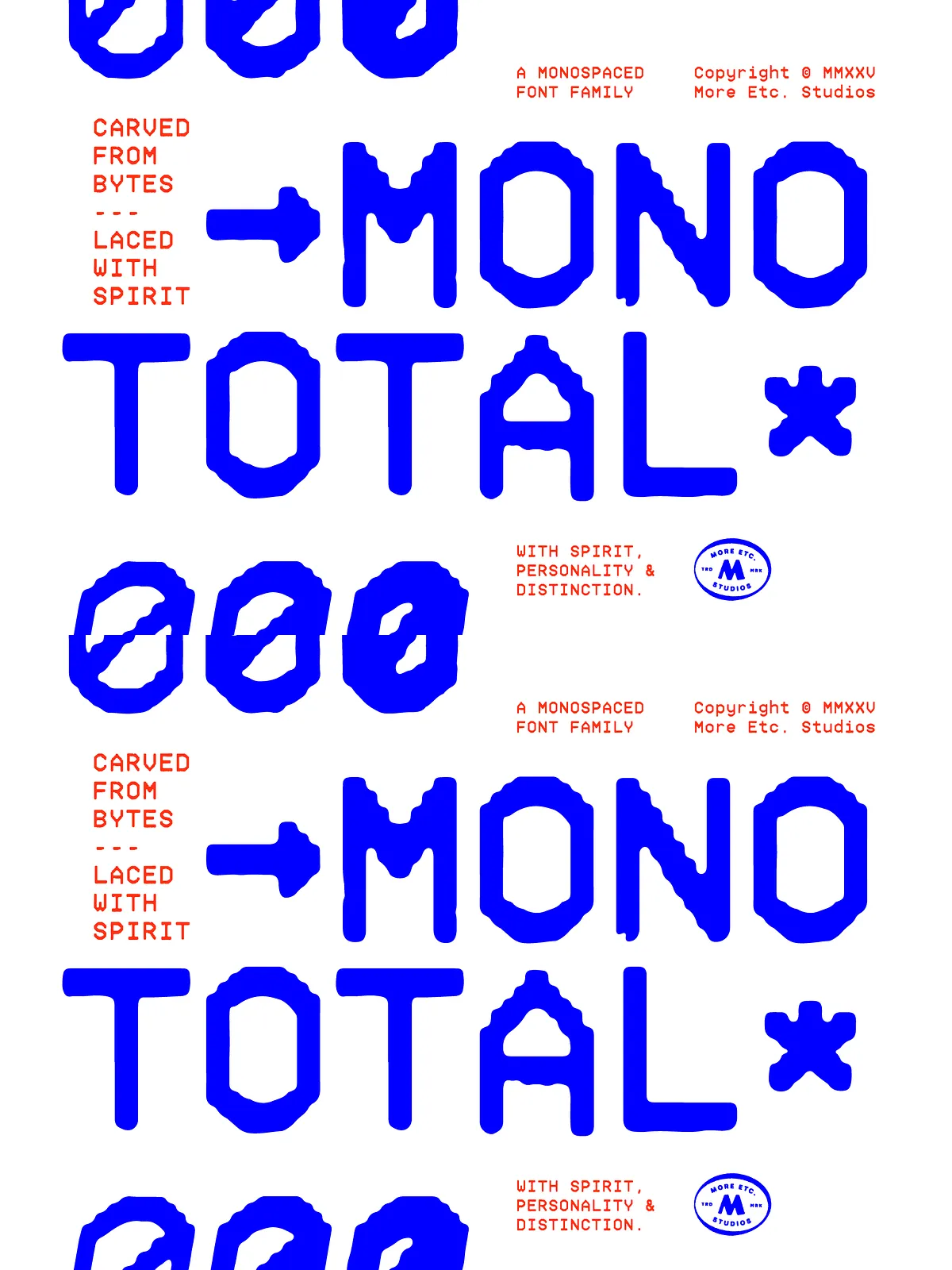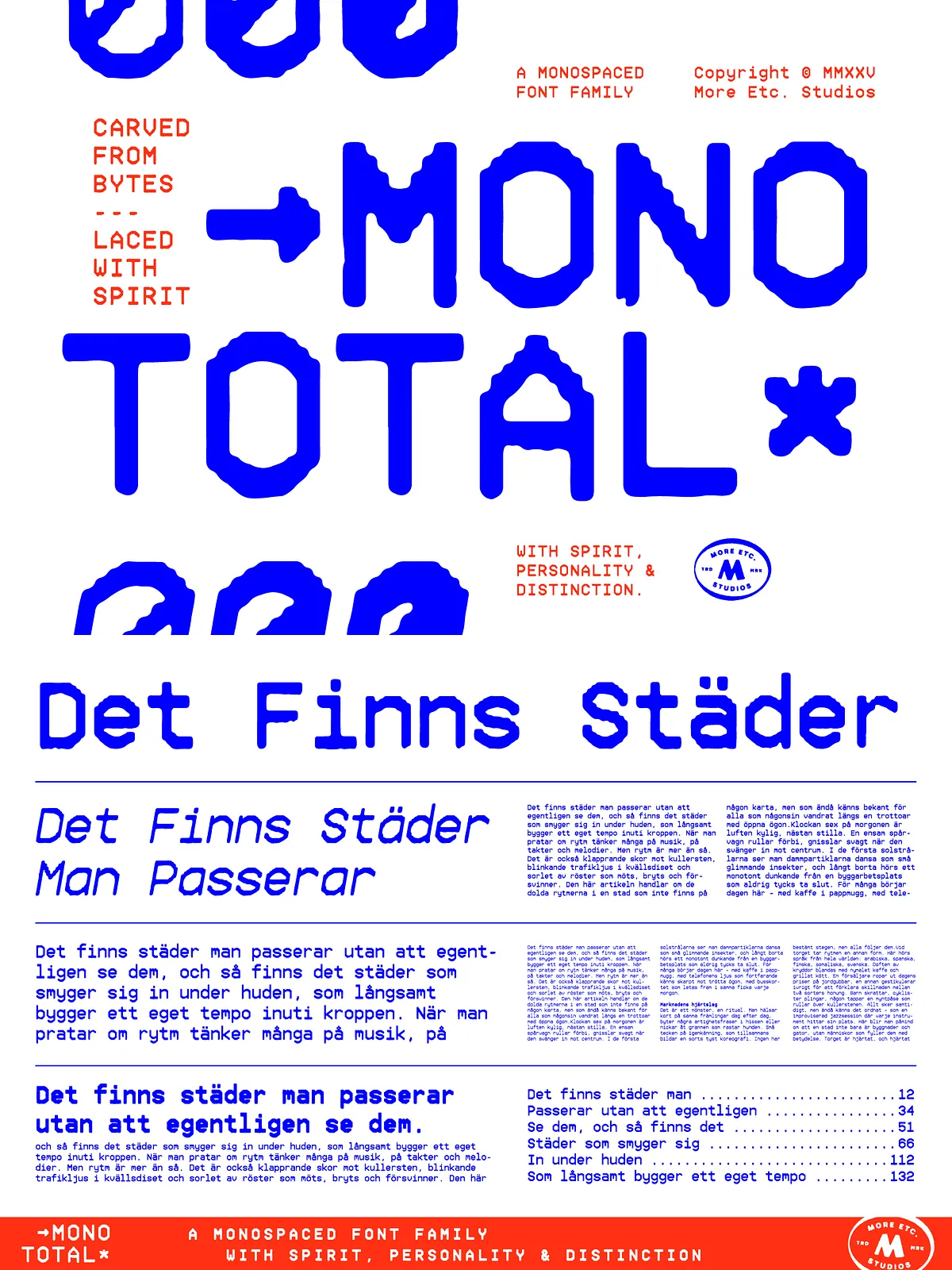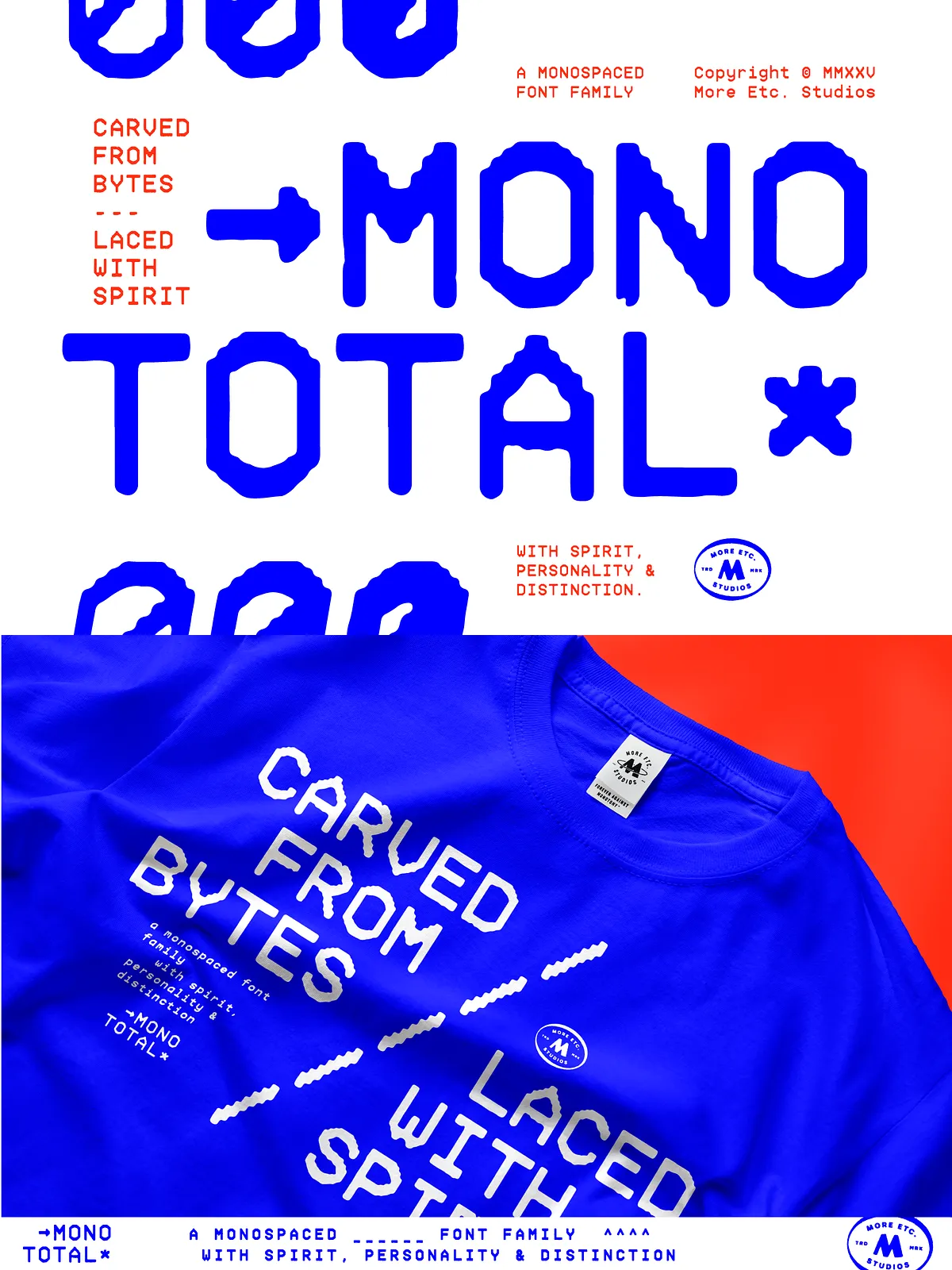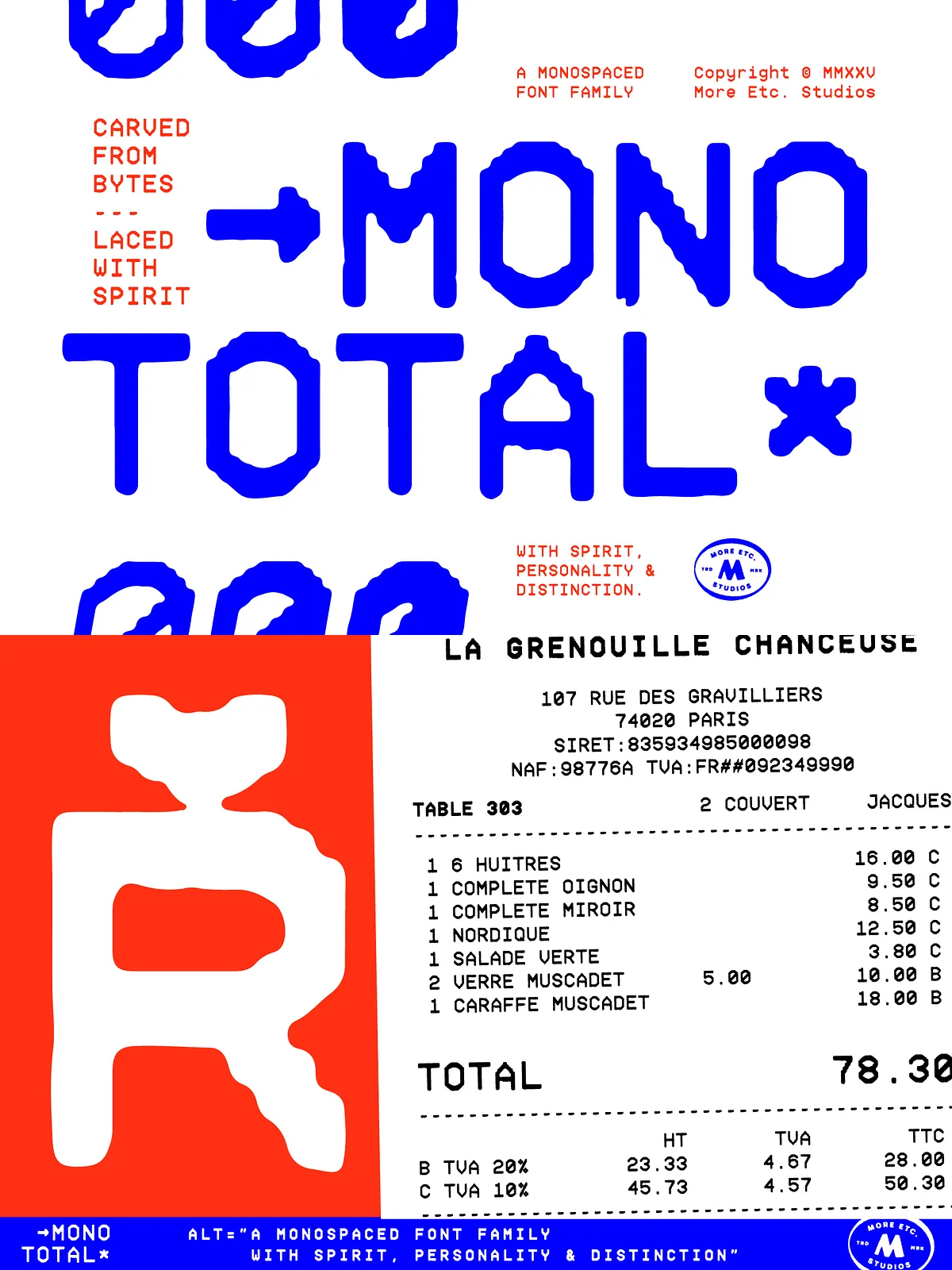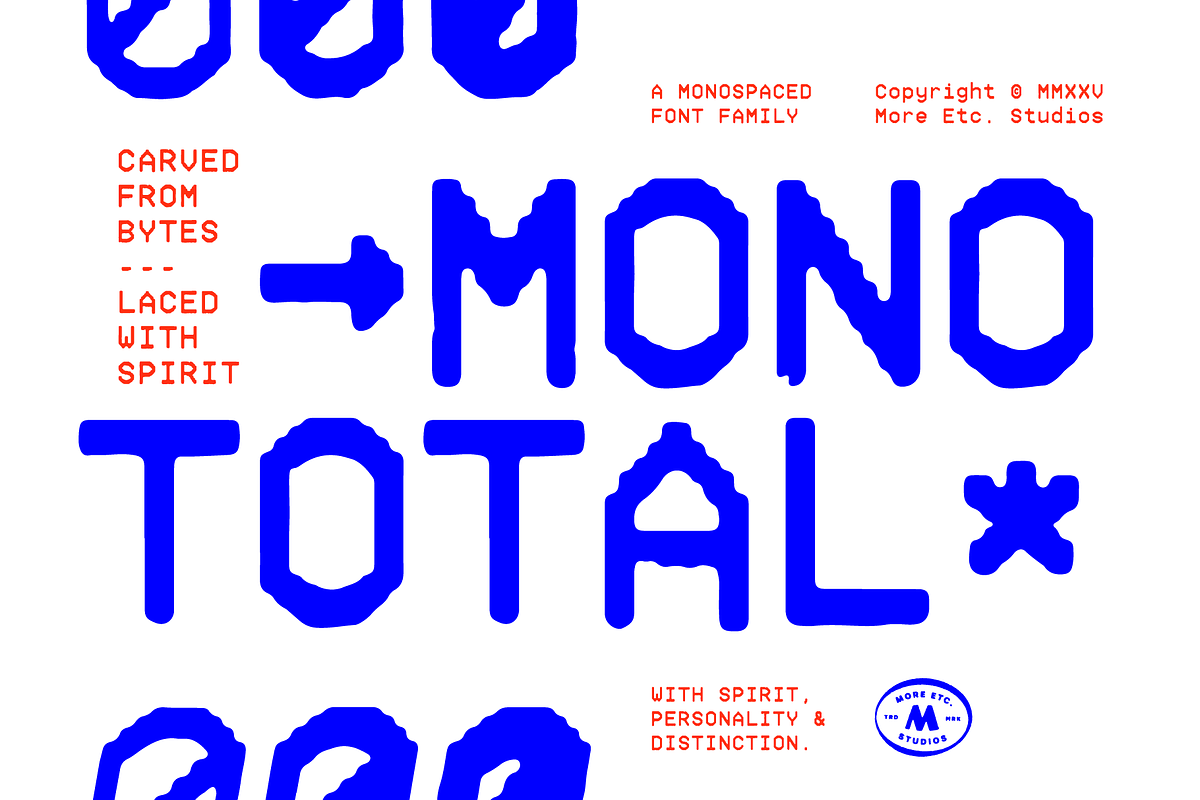

Carved from bytes and laced with spirit, Mono Total reimagines monospaced typography for modern creative workflows. More Etc. Studios transforms strict digital geometry into letterforms that breathe with warm, analog expression. Mono Total resists sterile neutrality and delivers a distinct identity that reads clearly at a glance and resonates across print and screen.
Voice and Personality
Mono Total balances technical precision with expressive detail. While it preserves the alignment and predictability that monospaced layouts require, it also introduces subtle human touches—proportions, terminals, and stroke modulation—that enhance visual warmth. The result: a family that communicates clarity and character simultaneously.
What’s Included
Family Composition
The Mono Total family comprises six carefully crafted fonts: three weights (Light, Regular, Bold) each paired with a matching italic. This configuration gives designers and developers immediate typographic hierarchy and emphasis options without sacrificing metric consistency.
Glyph Coverage
Each Mono Total font includes 490 glyphs, covering numerals, punctuation, currency symbols, and extended Latin characters. Built to serve global projects, the family offers 100% Latin Plus compatibility and robust language support for 219 Latin-based languages. This makes Mono Total a practical choice for multilingual products, global marketing, and international editorial work.
Technical Details
Format and Compatibility
Mono Total ships in standard desktop font formats (OTF/TTF) and integrates smoothly with contemporary design tools, IDEs, and web platforms (subject to license allowances). The family’s consistent metrics guarantee stable alignment across weights, ensuring neat columnar presentation in code editors, tables, and layouts that require monospaced precision.
Readability and Distinguishability
The design emphasizes clear character differentiation to prevent confusion in dense contexts—important for coding, data tables, or dense editorial spreads. Designers will appreciate the deliberate choices that enhance legibility: clear zero and uppercase O separation, distinct one/ell/I forms, and carefully tuned proportions that support long reading sessions and close inspection alike.
Practical Use Cases
User Experience and Interfaces
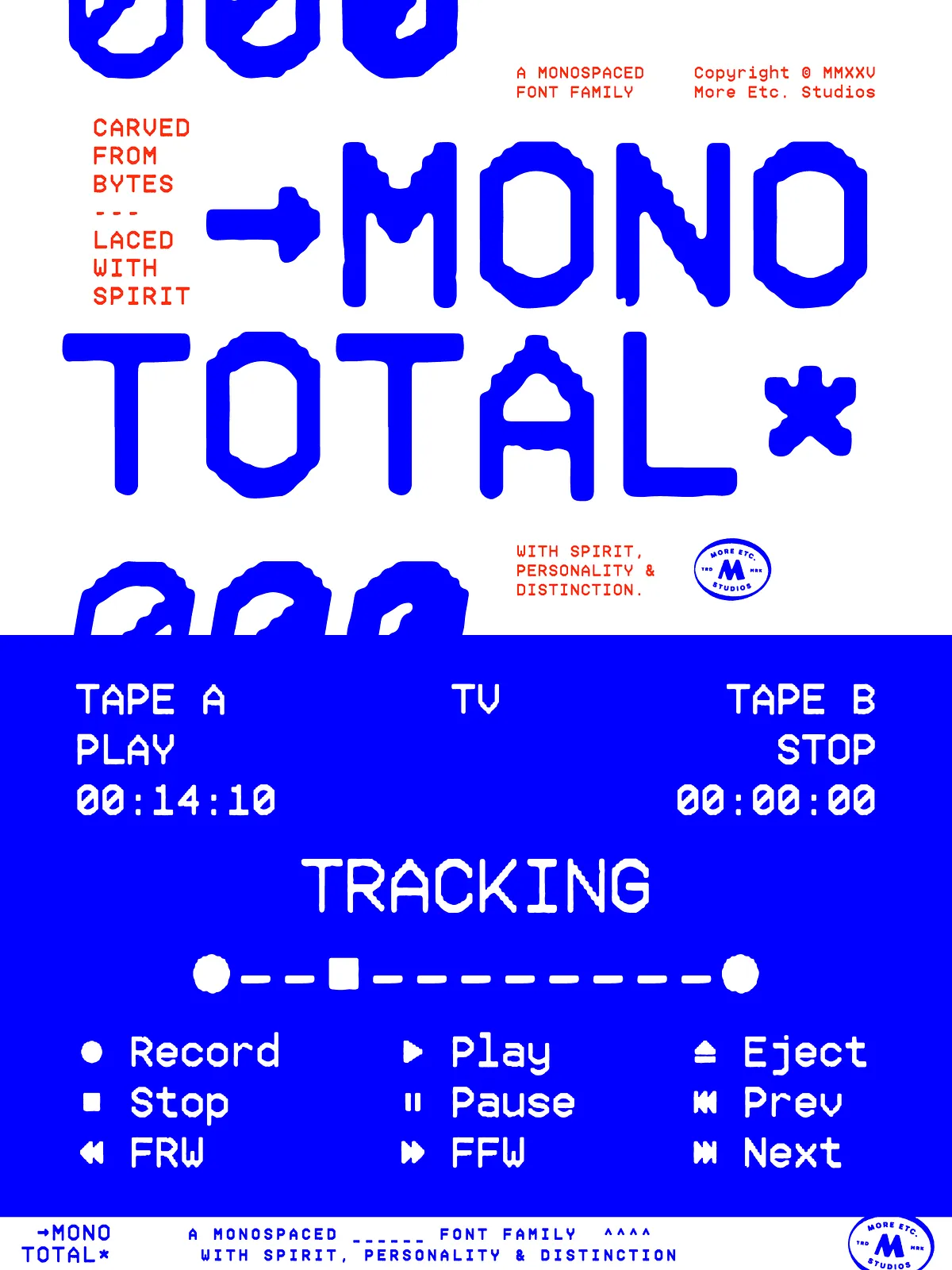
Mono Total excels in UI contexts where alignment and clarity matter. Use it for labels, form fields, settings panels, and developer-facing interfaces. Its clean rhythm and genteel personality make interfaces feel intentional and approachable while preserving strict monospaced grid behavior.
Code, Documentation, and Tools
In code editors, terminals, and documentation, Mono Total delivers predictable columns and improved readability. The matching italics and bold weights provide simple mechanisms to distinguish commentary, highlights, or special notations without breaking alignment—useful for READMEs, technical guides, and developer portals.
Editorial, Print, and Branding
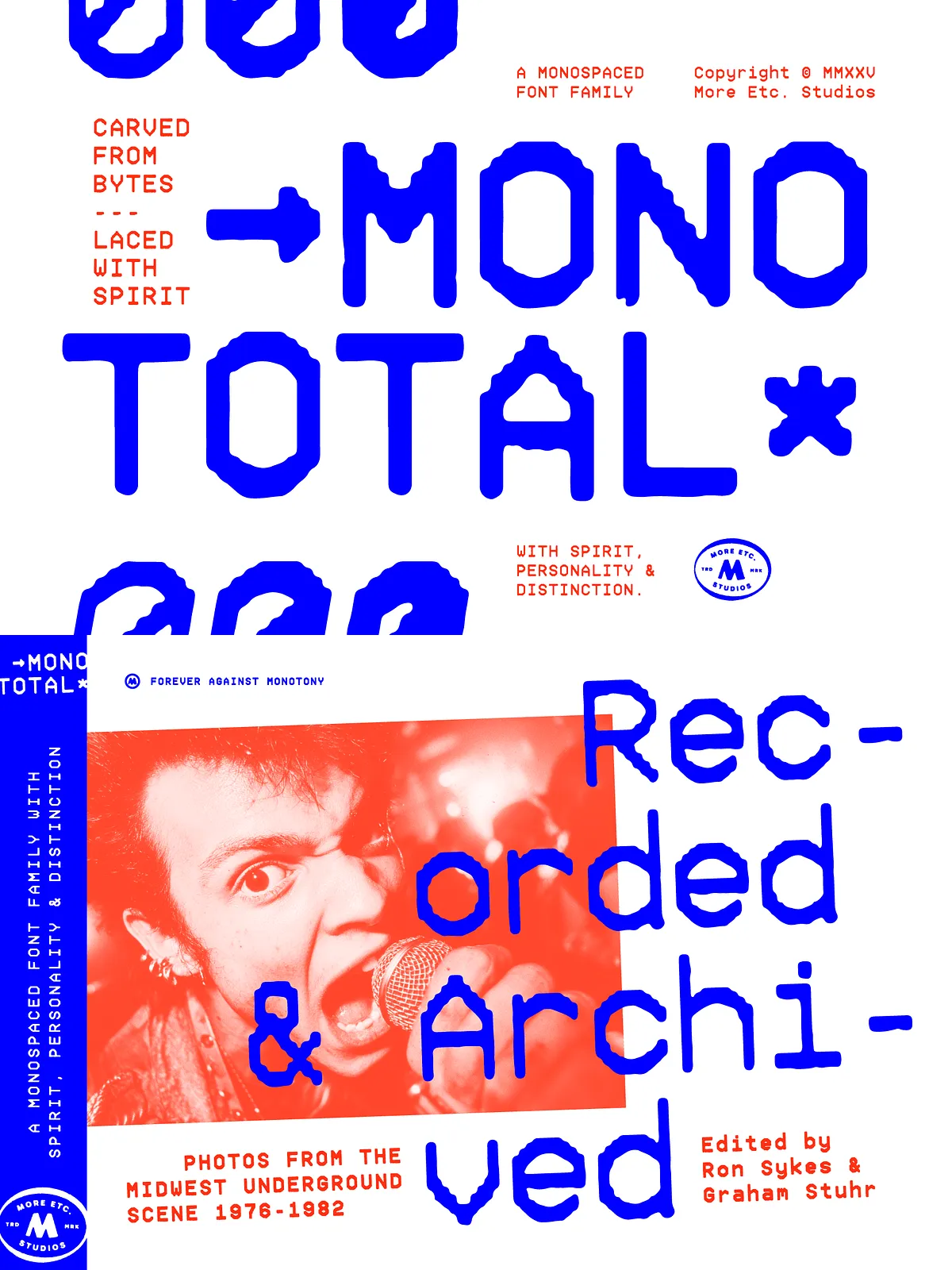
Mono Total adapts to expressive editorial layouts, posters, and branding systems that seek a technical yet human voice. The family’s personality supports headline treatments, pull quotes, and tabular data while giving brand systems typographic cohesion that stands apart from generic monospace choices.
Language Support & Glyphs
Global Readiness
With full Latin Plus support across 219 languages, Mono Total meets the needs of international projects. The broad glyph set removes common barriers to multilingual deployment and allows teams to maintain typographic consistency across markets without fallback compromises.
Extended Characters
Each font’s 490 glyphs include essential diacritics, punctuation, and symbols for common technical and editorial use. If your project demands specialized glyphs or non-Latin scripts, verify coverage against your required character list or contact the foundry for extended options.
Licensing, Installation, and Support
Installation Notes
Install Mono Total via your operating system’s font manager or include it in design suites according to the provided instructions. If web embedding is required, check the license file to confirm permitted use and available webfont formats.
Licensing and Assistance
Review the included license for commercial, desktop, and web usage terms. For enterprise deployments or custom licensing needs, reach out to More Etc. Studios or the vendor. The creator typically provides guidance for integration, deployment, and troubleshooting.