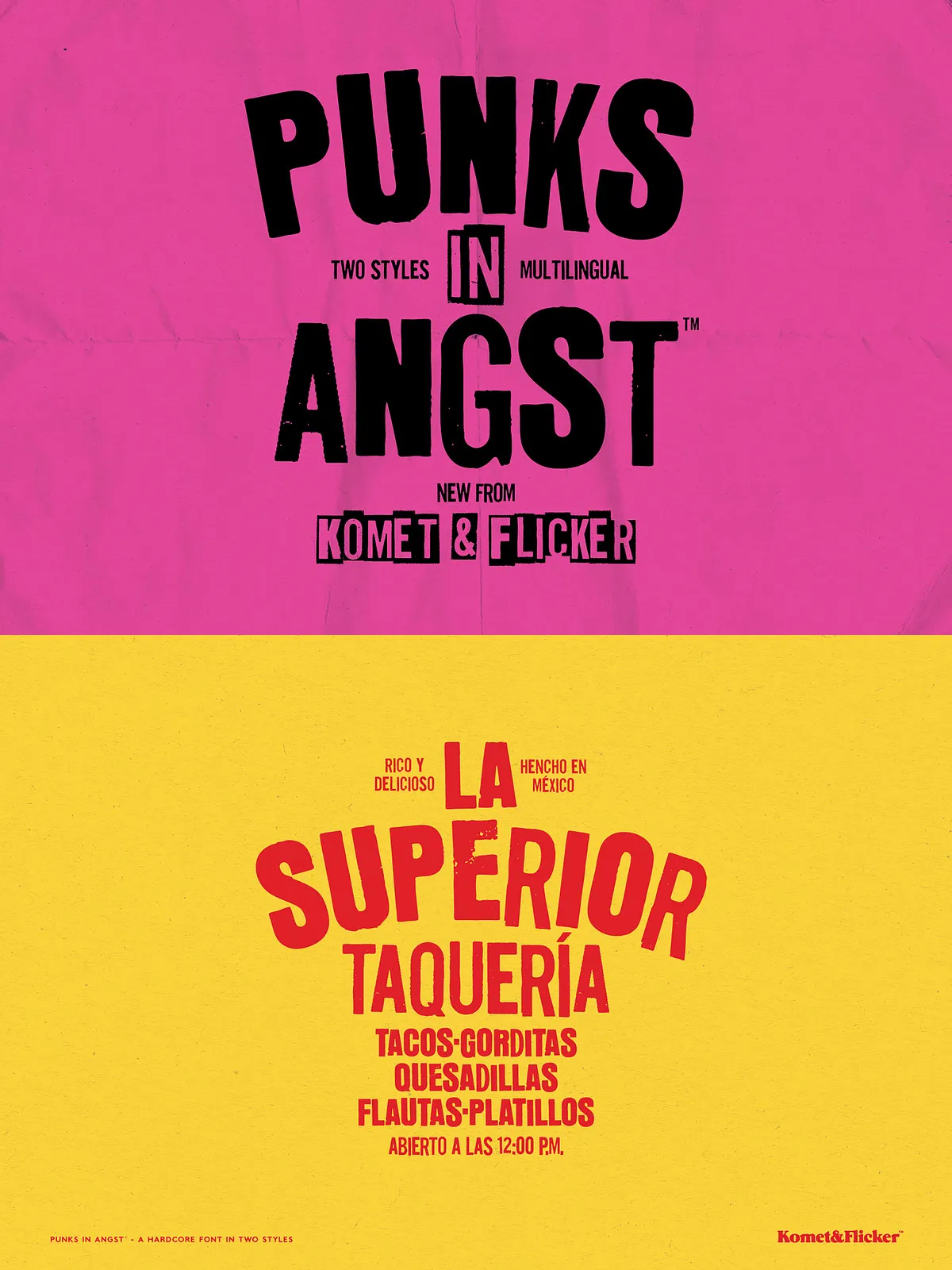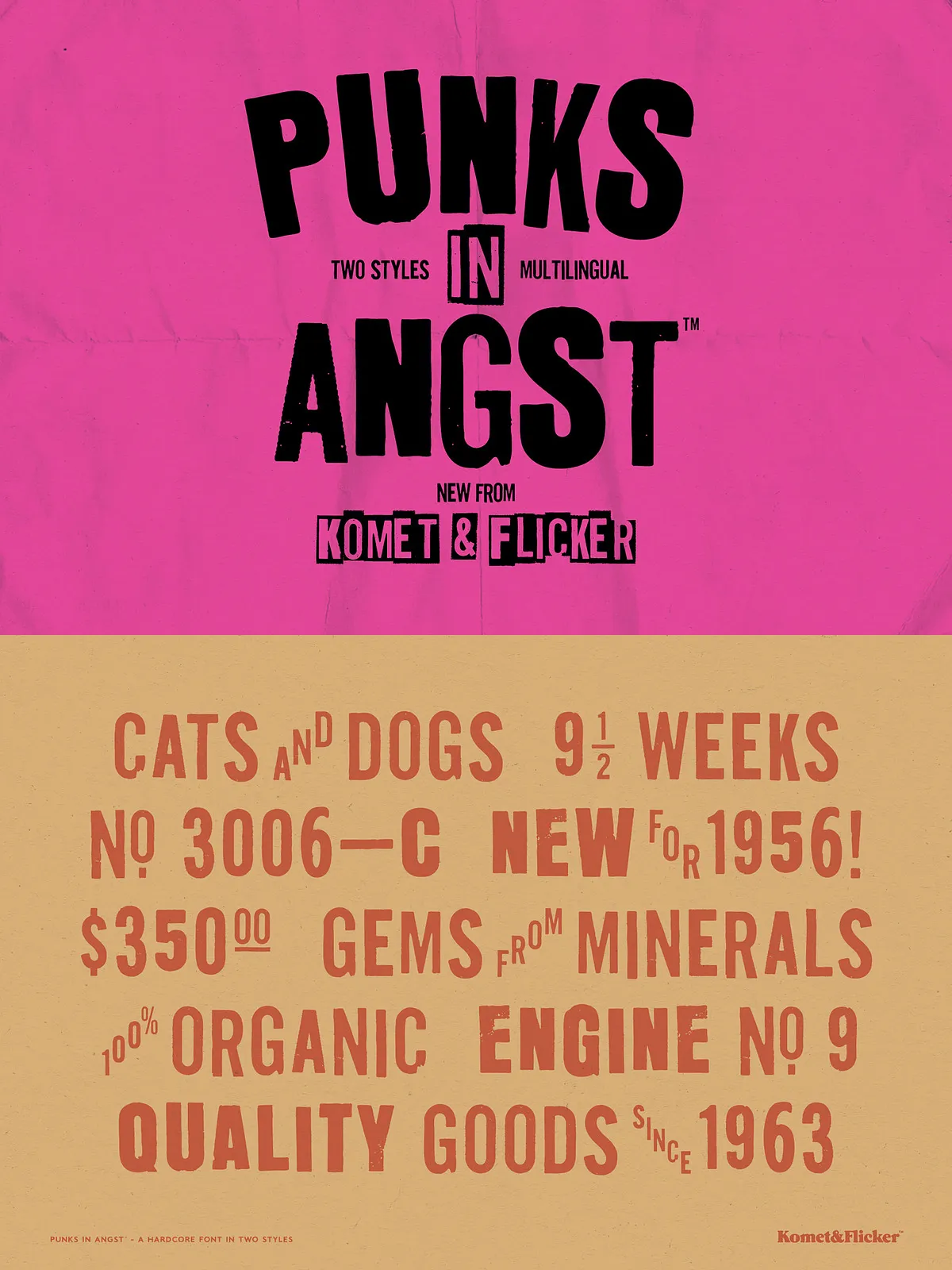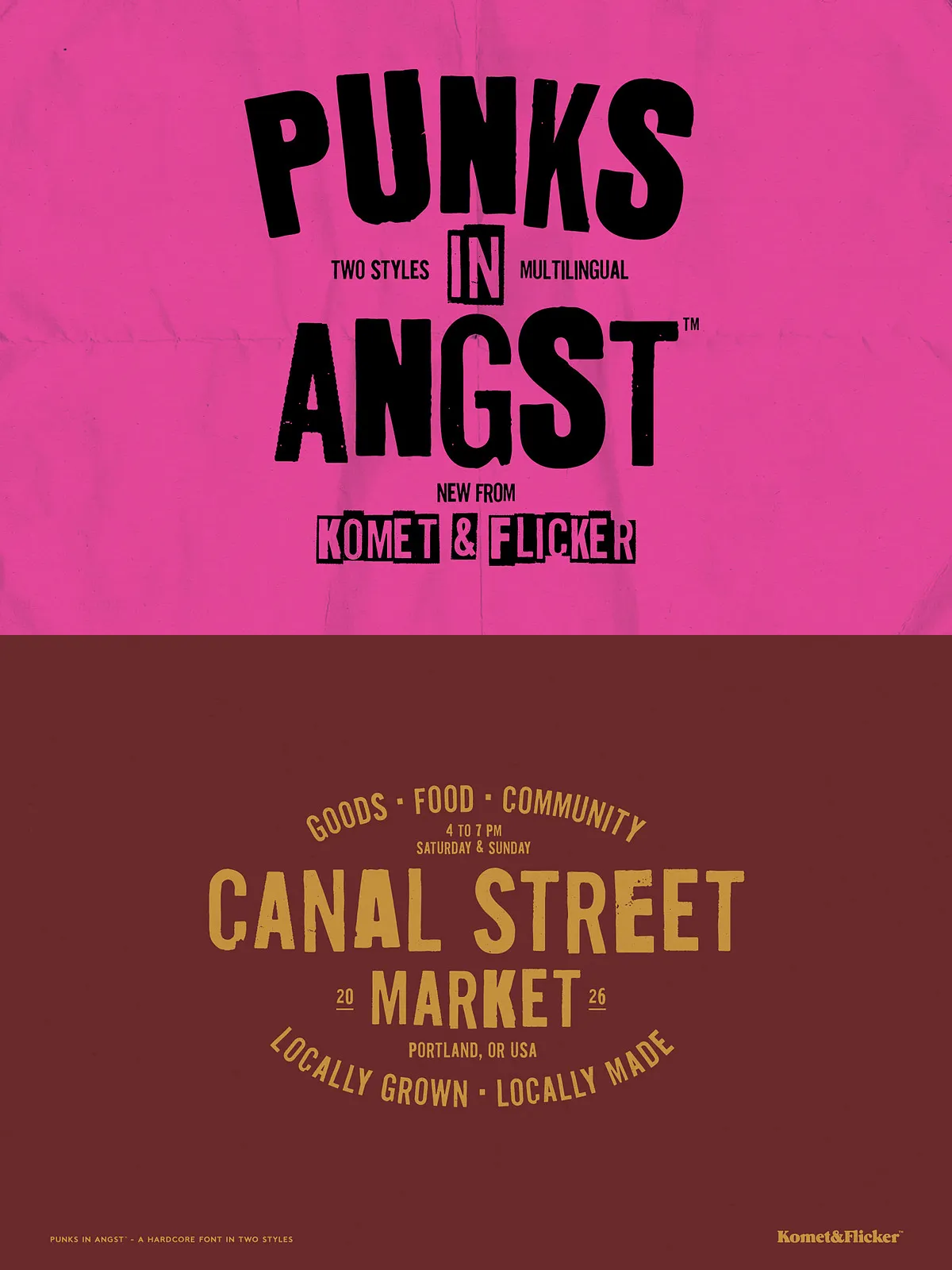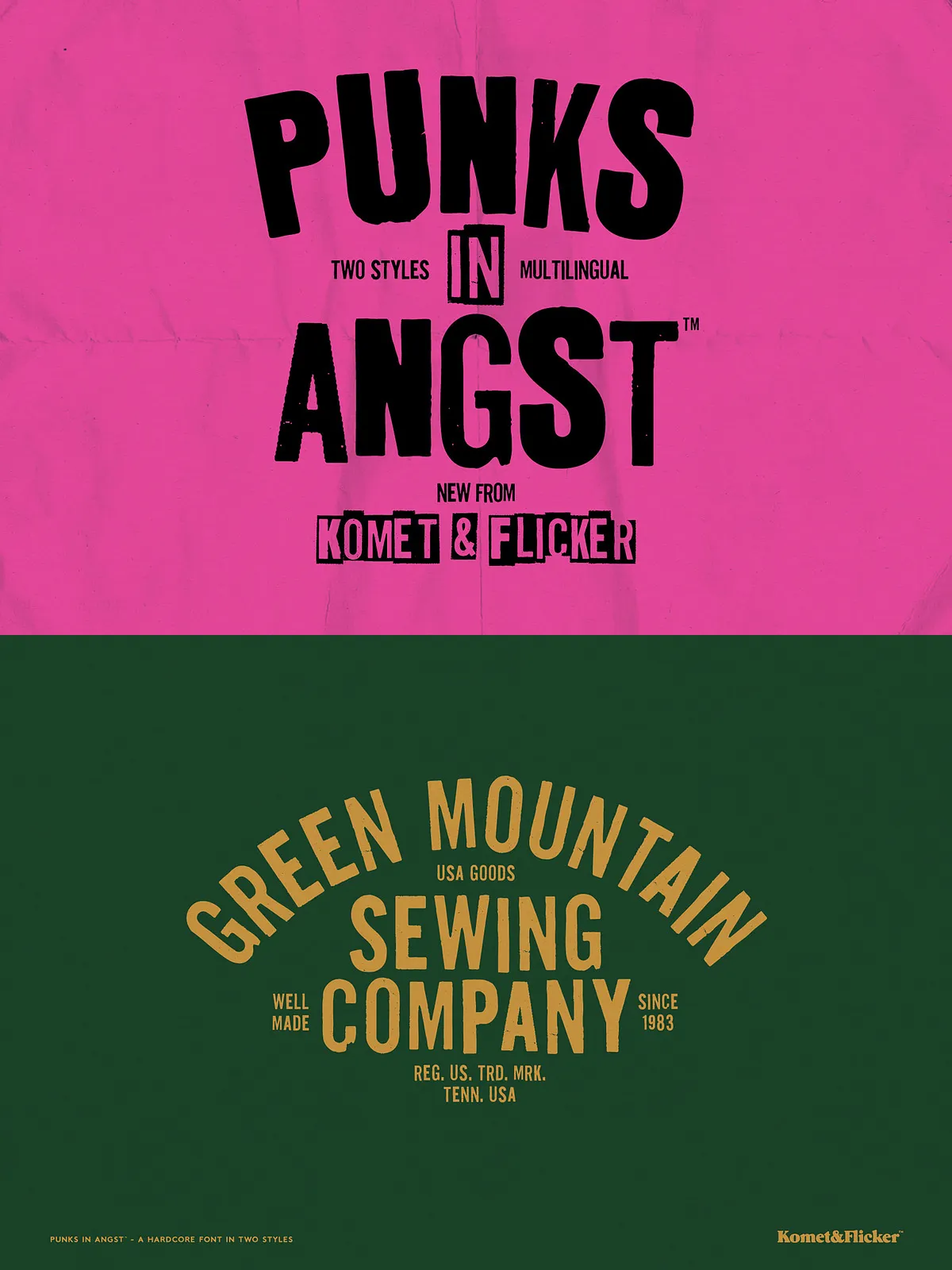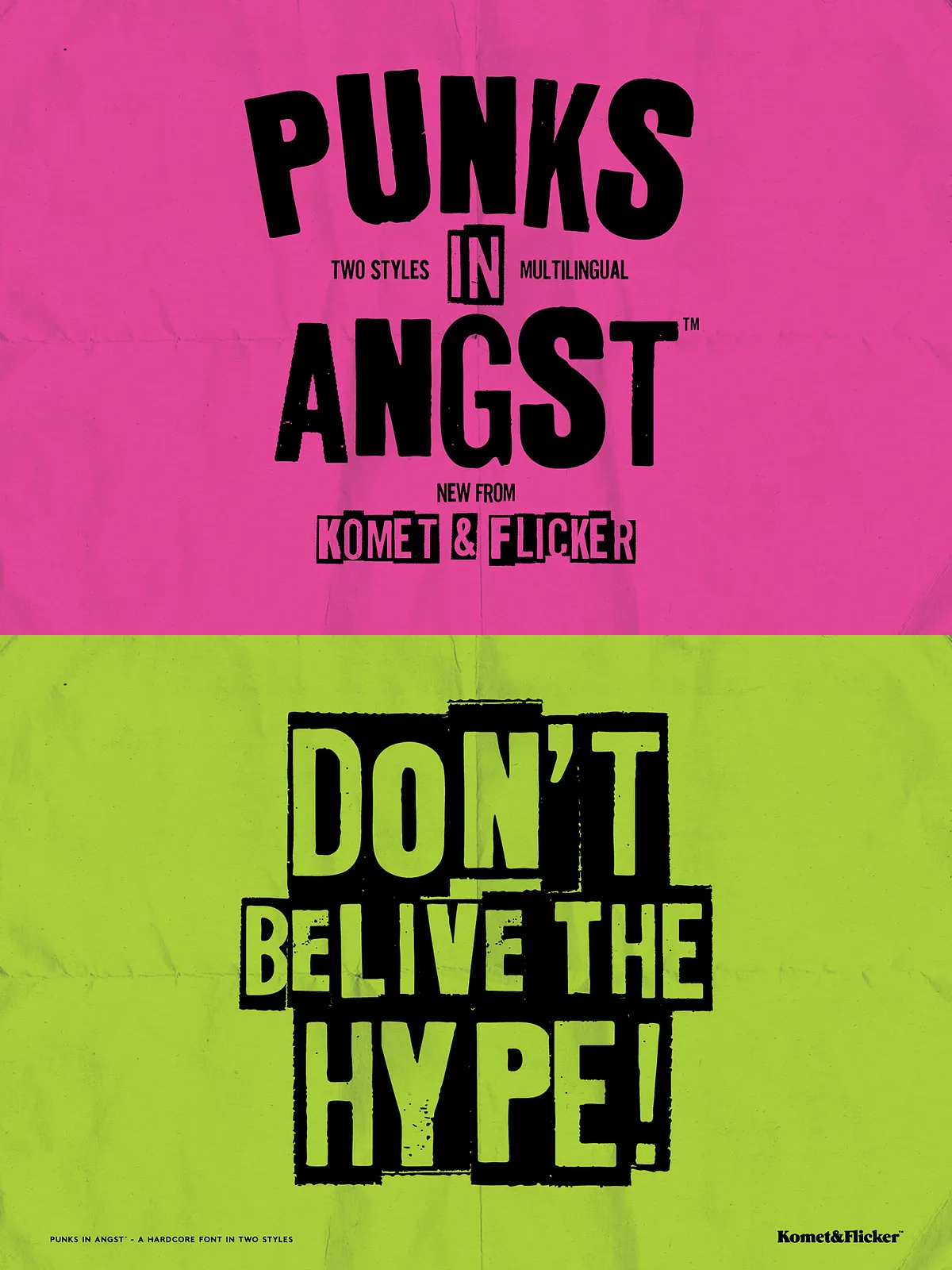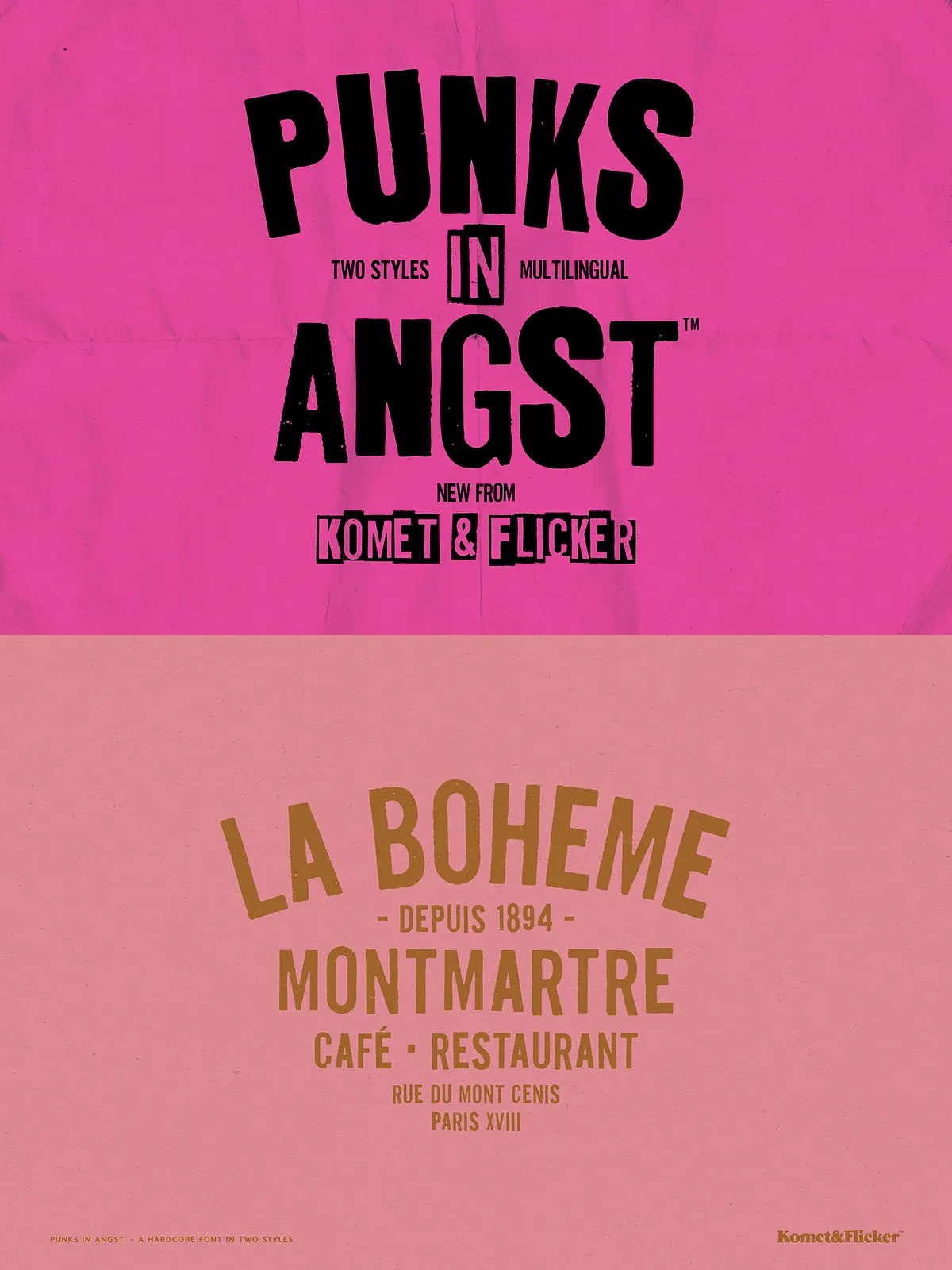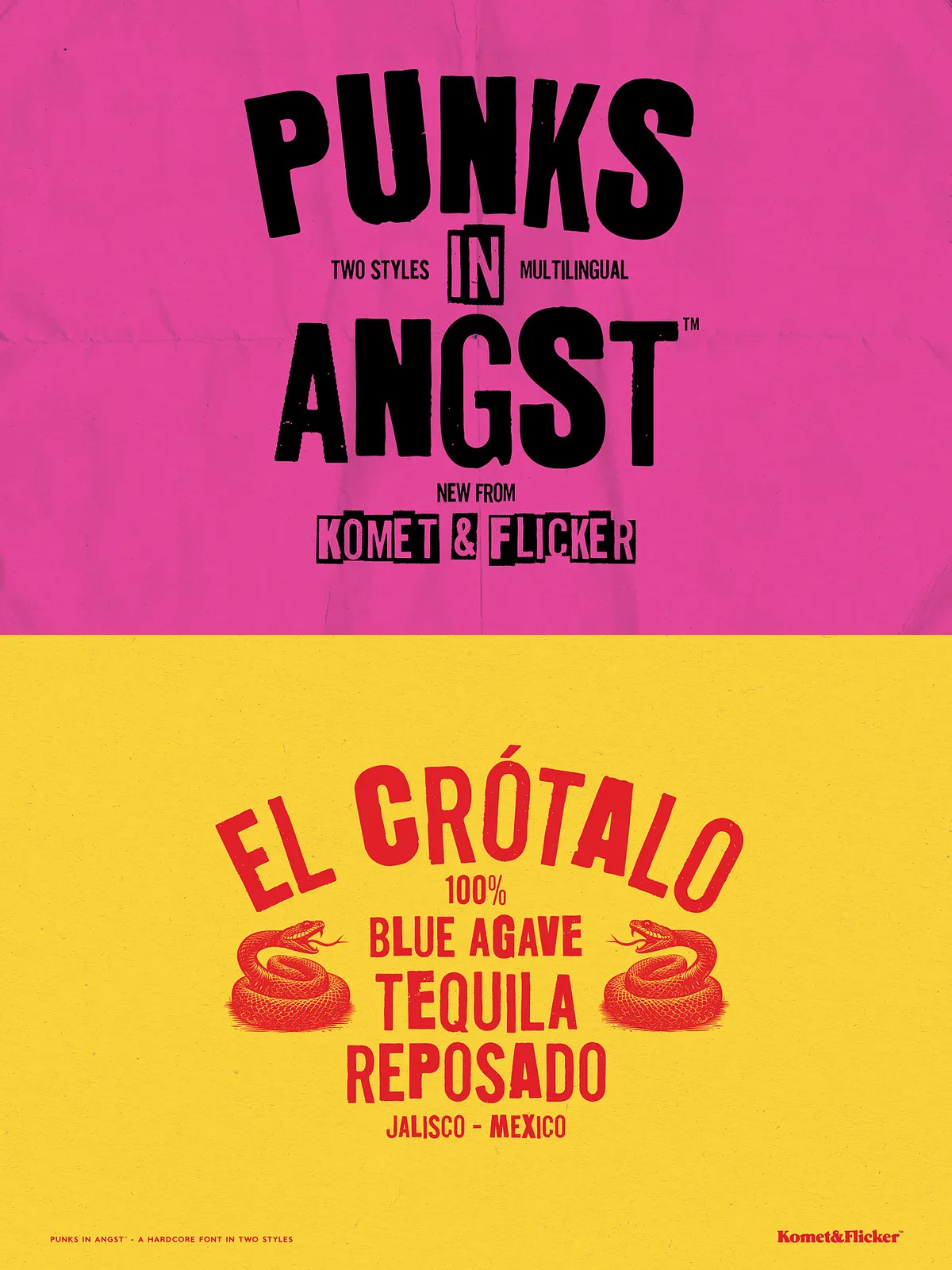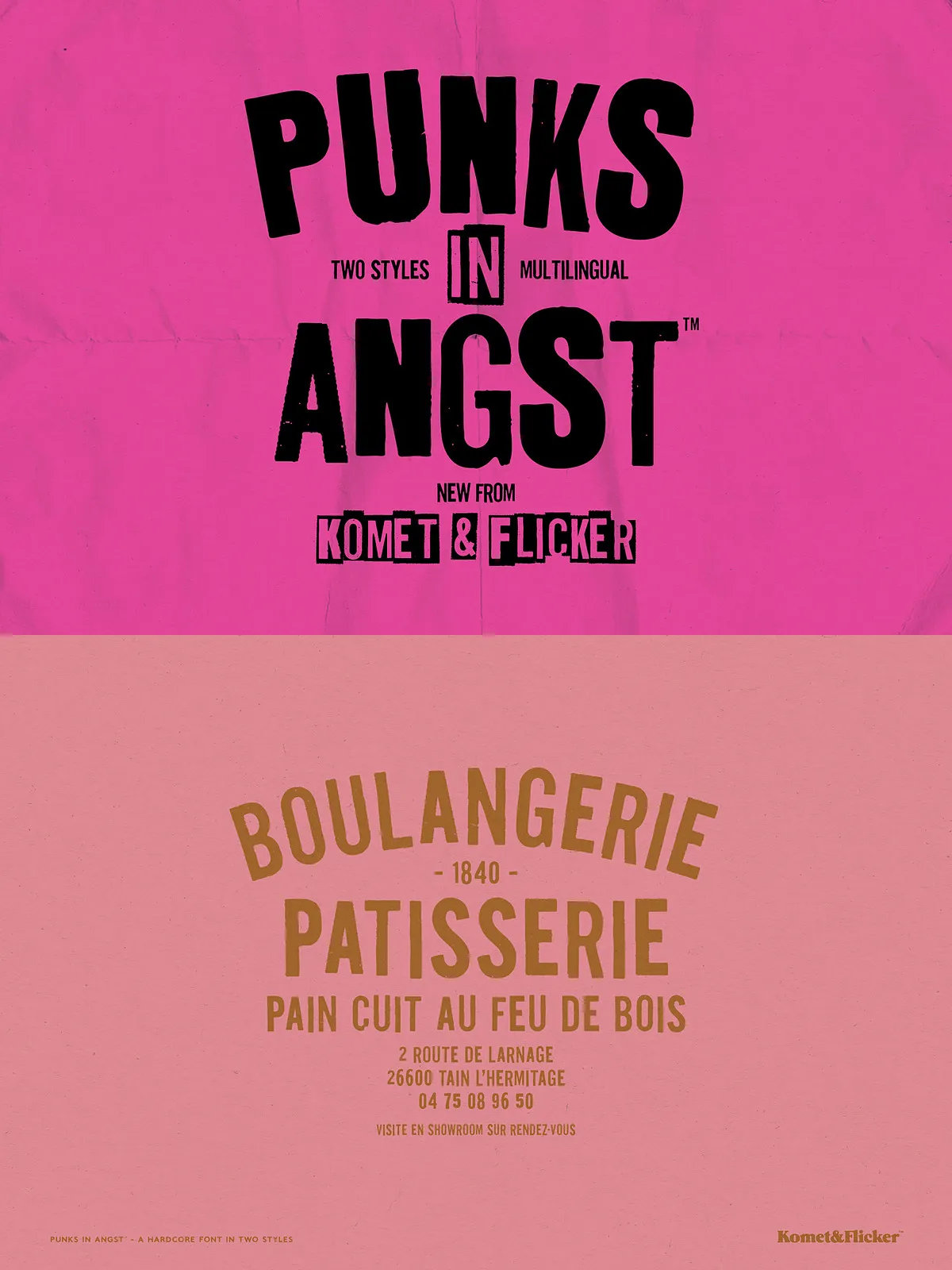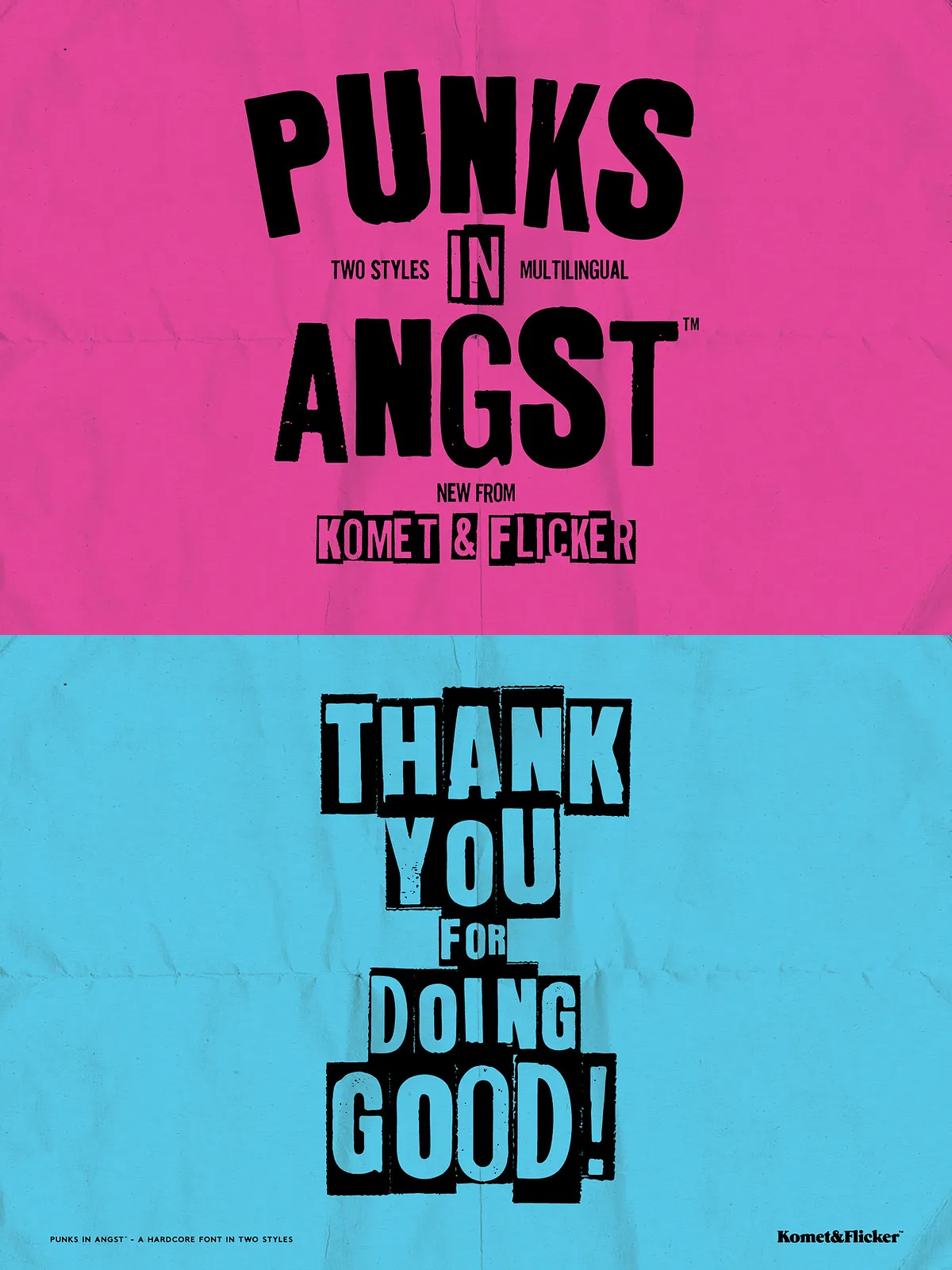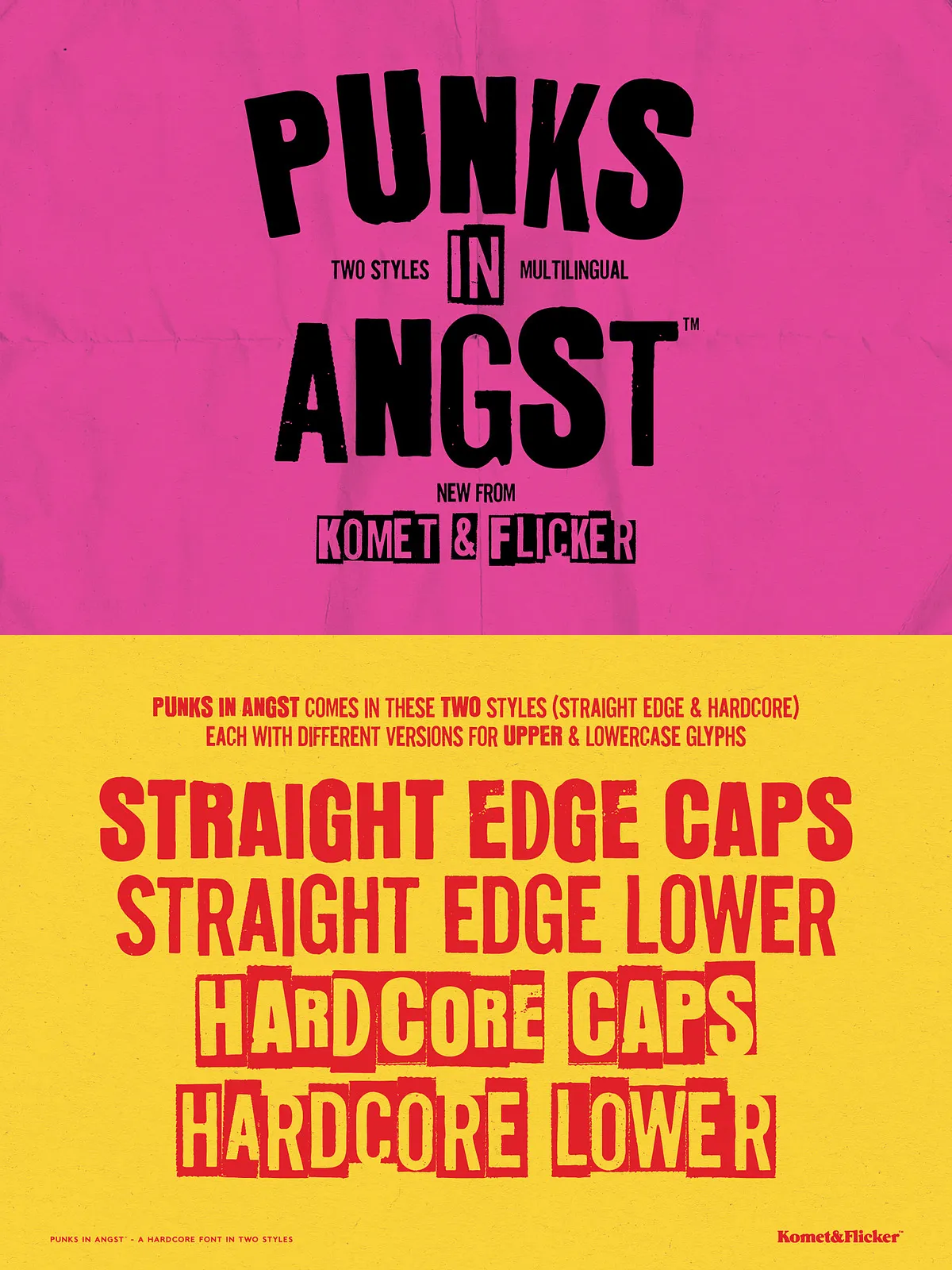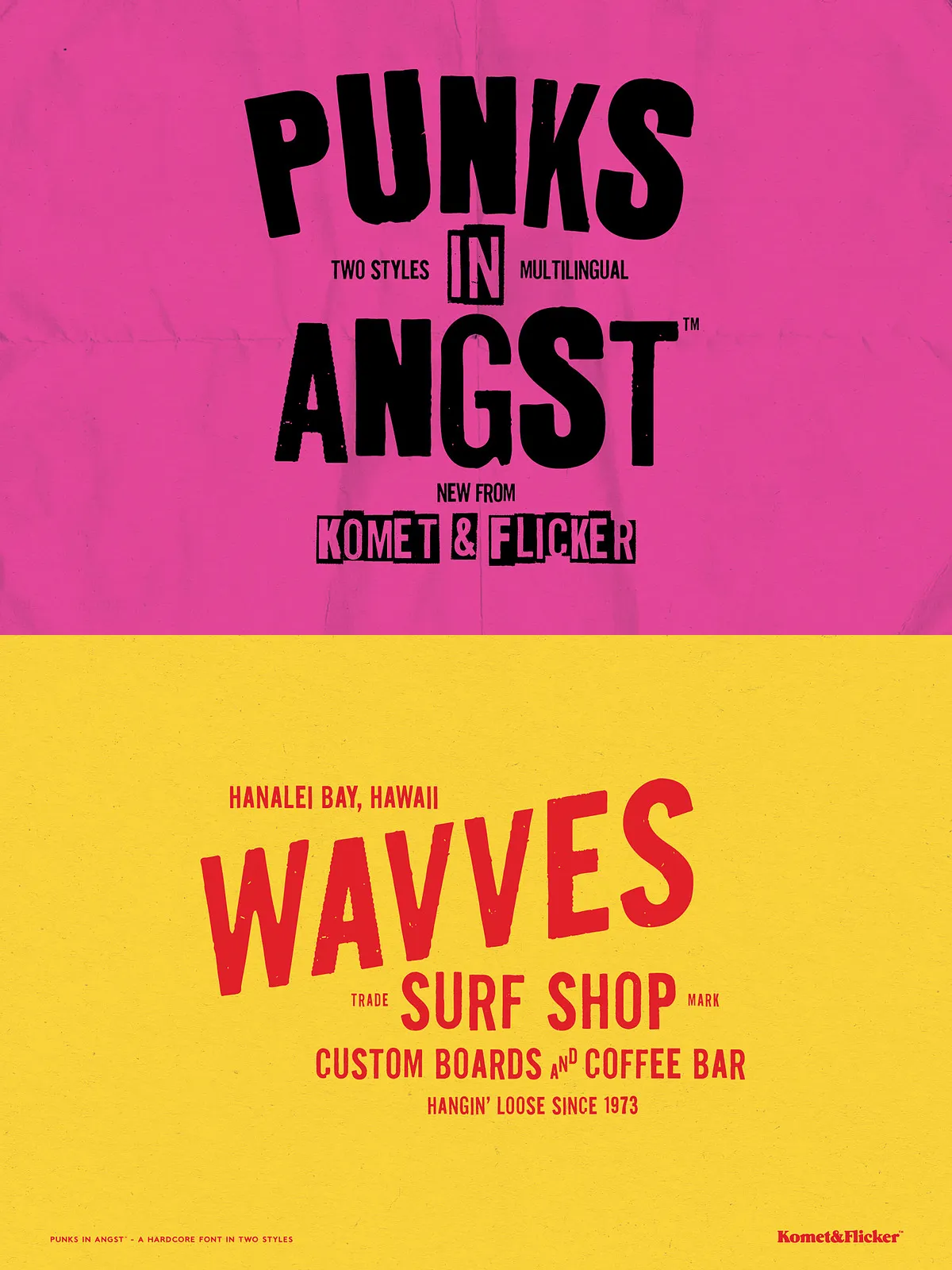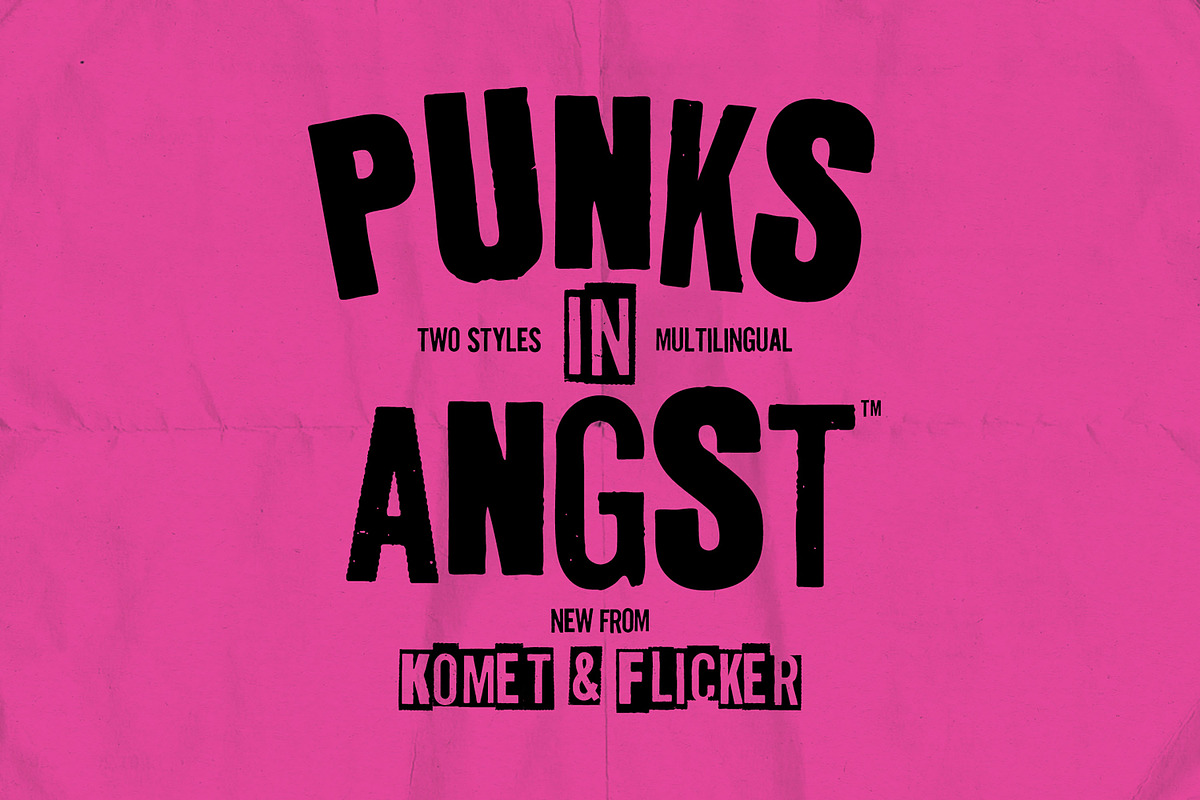

Punks in Angst channels the cut-and-paste energy of 1970s and 1980s punk show flyers and underground zines. This sans-serif family delivers a gritty, ransom-note aesthetic that reads like it was taped to a telephone pole and photocopied until the edges blurred. The collection offers two distinct styles—Straight Edge and Hardcore—each intentionally rough, energetic, and unapologetically handmade. Use Punks in Angst when you want designs that punch hard, feel raw, and celebrate a do-it-yourself spirit.
What’s Included
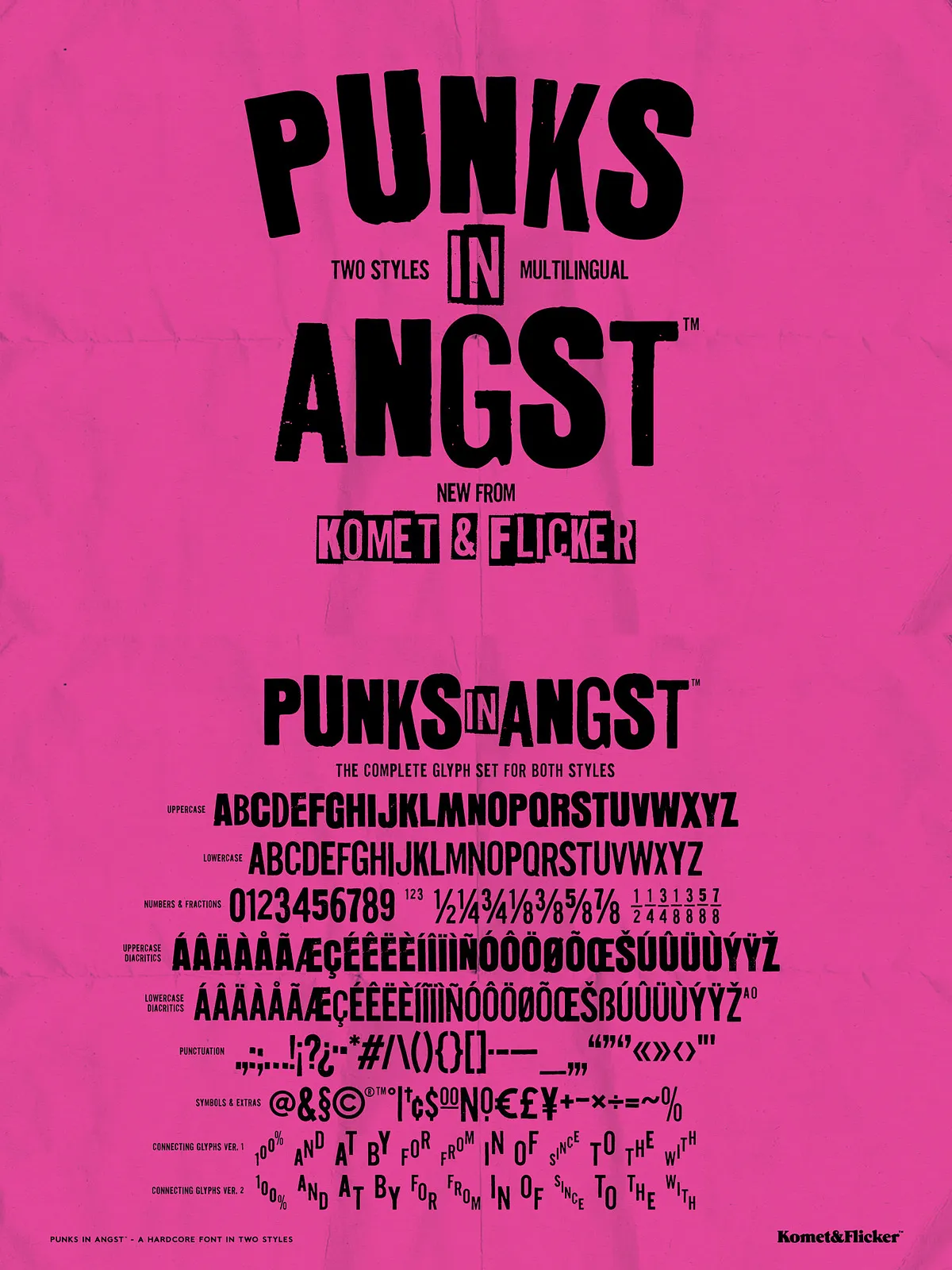
- Two styles: Straight Edge and Hardcore, each with a unique cut-paper texture and irregularities that reinforce the punk aesthetic.
- Full Latin A–Z uppercase characters in both styles for immediate headline and display use.
- Select European characters to support broader Latin-based language needs.
- Numbers, punctuation, and select symbols to complete typographic compositions.
- Two pre-made fraction styles for editorial or design needs that require numeric variations.
- Set of 12 connecting word glyphs available in two styles so you can apply ready-made attitude to common words without assembling letters individually.
Design Character
Punks in Angst emphasizes contrast and disruption. The mismatched-letter treatments between uppercase and lowercase foster a chaotic, hand-assembled look that communicates urgency and rebellion. The fonts behave like tactile collage: torn edges, uneven baselines, and irregular weights contribute to a visual language that reads both retro and timelessly subversive.
Recommended Uses
Apply Punks in Angst to projects that benefit from loud, immediate personality. Typical use cases include:
- Gig posters, concert flyers, and band promotions
- Album covers, cassette art, and tour merchandise
- Underground zines, DIY publications, and collage layouts
- Streetwear branding, stickers, and patch designs
- Editorial headlines, posters, and web hero banners that demand a raw edge
Accessing Special Glyphs
To use the extra custom glyphs, open the Glyphs panel in your design app. In Adobe Illustrator, go to Type → Glyphs. In Adobe Photoshop, open Type → Panels → Glyphs Panel. The connecting word glyphs appear alongside standard characters—insert them directly for ready-made word treatments. If your software lacks a glyph panel, use a character map utility or copy-and-paste glyphs from a glyph viewer to access alternates.
Technical Compatibility
Punks in Angst installs as standard desktop fonts and works across major design platforms that support OpenType/TrueType fonts. The package includes the characters and glyphs necessary for display work and short-run text; however, its distressed texture performs best at larger display sizes where the torn-paper details remain legible. Test print proofs when using heavy texture or low-resolution output to ensure the intended gritty look translates cleanly.
Design Tips
- Reserve Punks in Angst for headlines and display elements—its strong personality can overwhelm long-form body copy.
- Combine the font with minimal, neutral body types to maintain legibility and hierarchy.
- Use the connecting word glyphs to speed up workflow and preserve visual consistency in repeated phrases.
- Experiment with high-contrast backgrounds, photocopy textures, and halftone overlays to amplify the DIY aesthetic.
- For print, choose stock with slight tooth or matte finishes to complement the font’s tactile character.