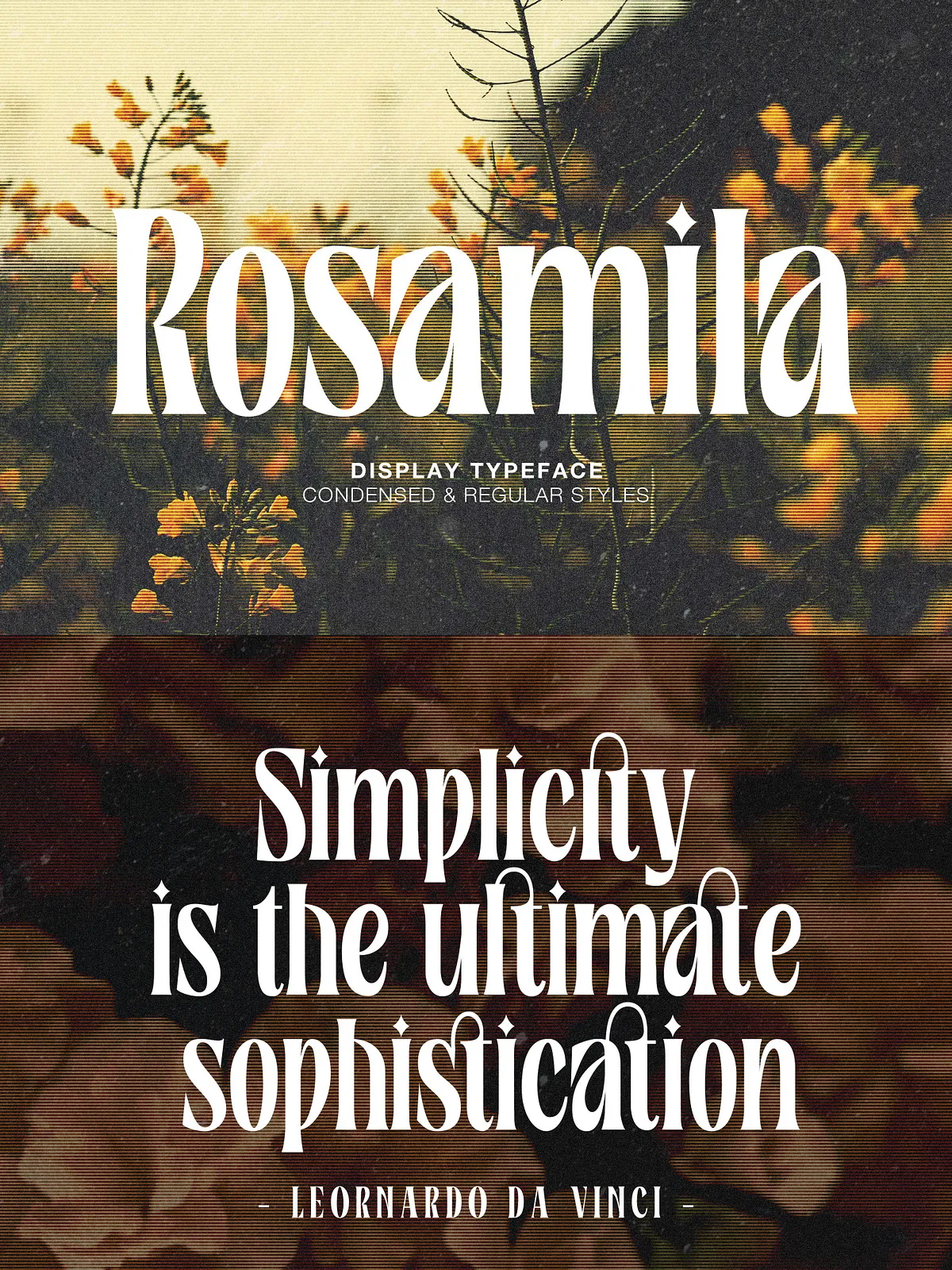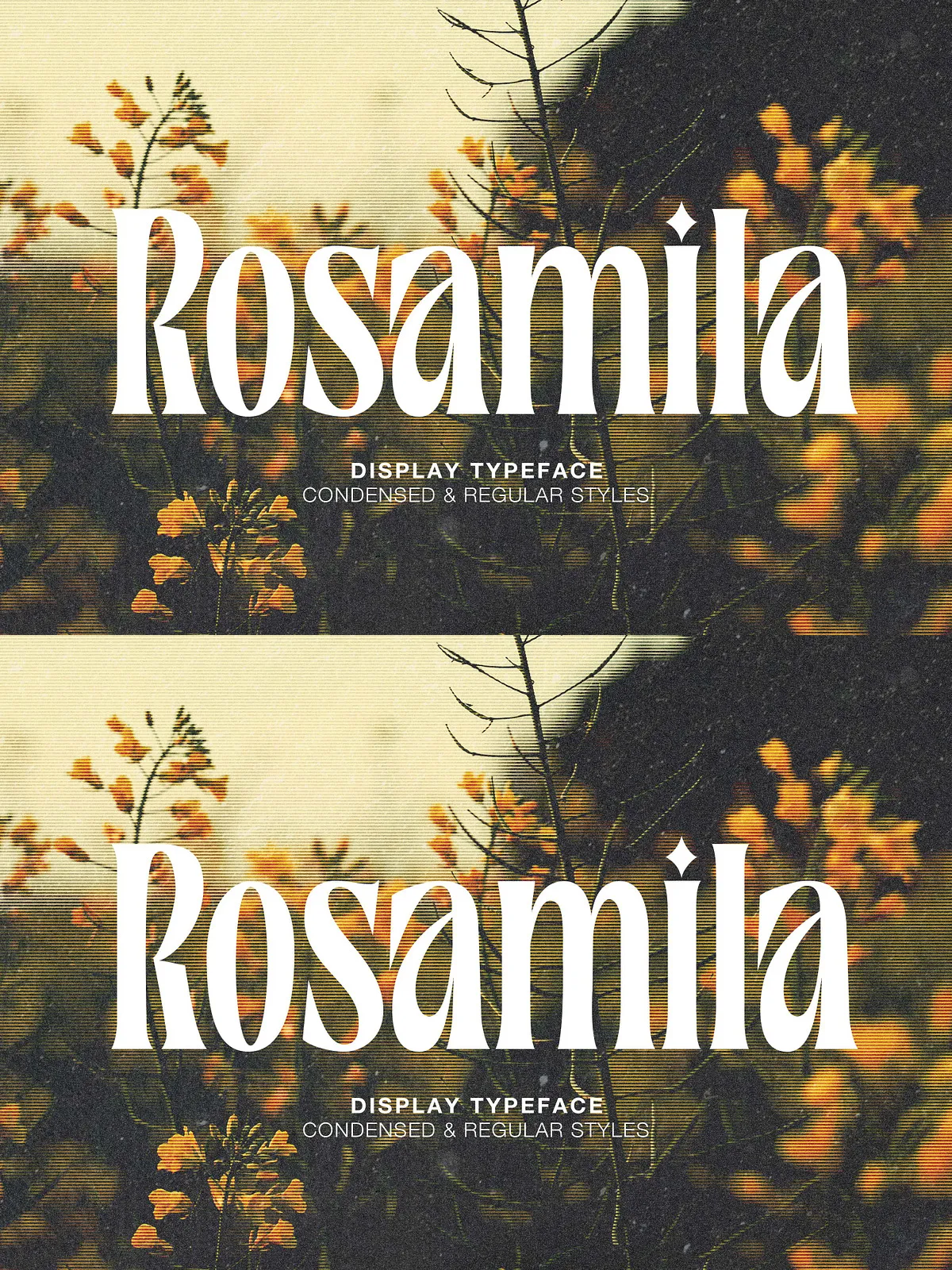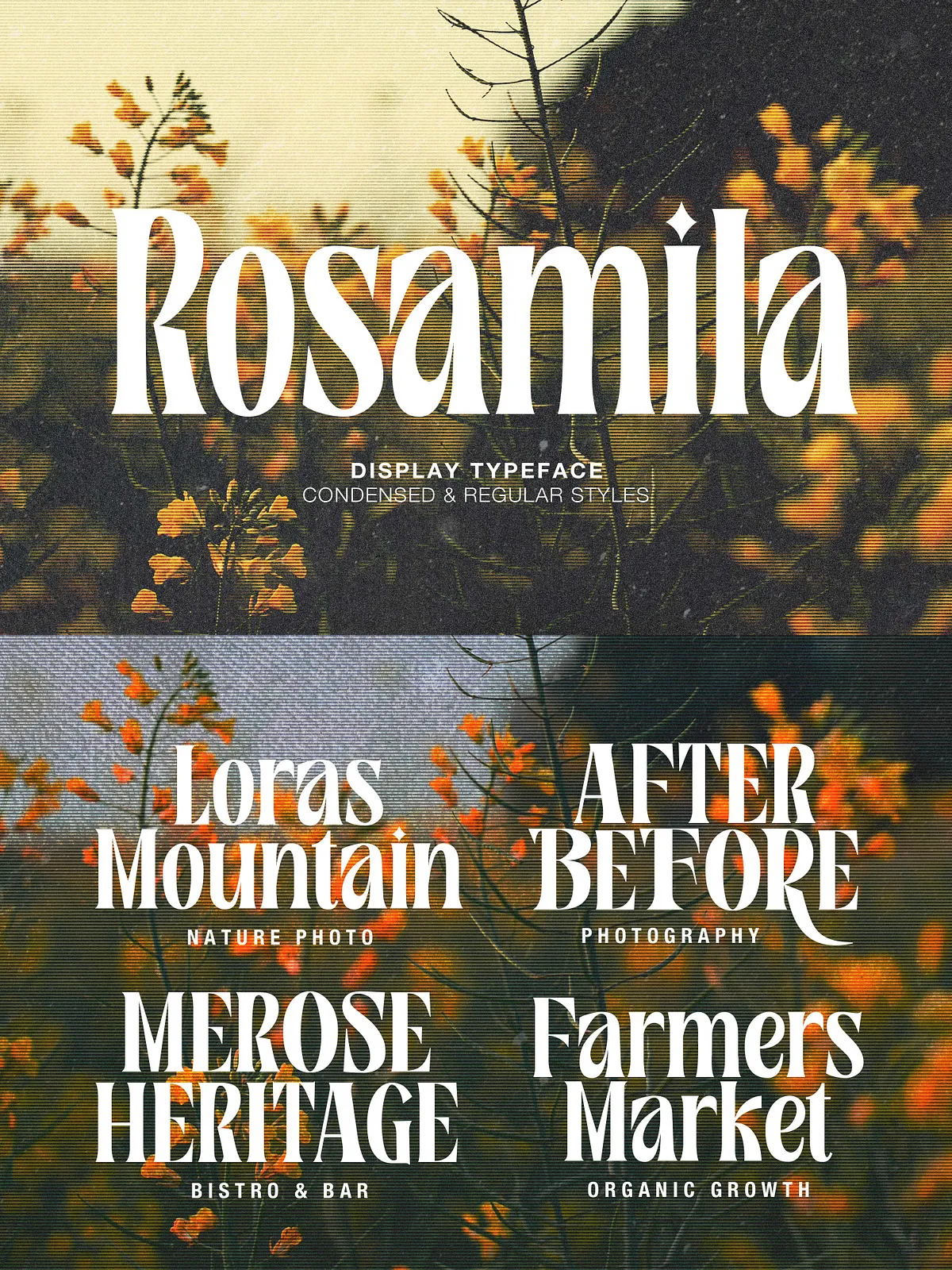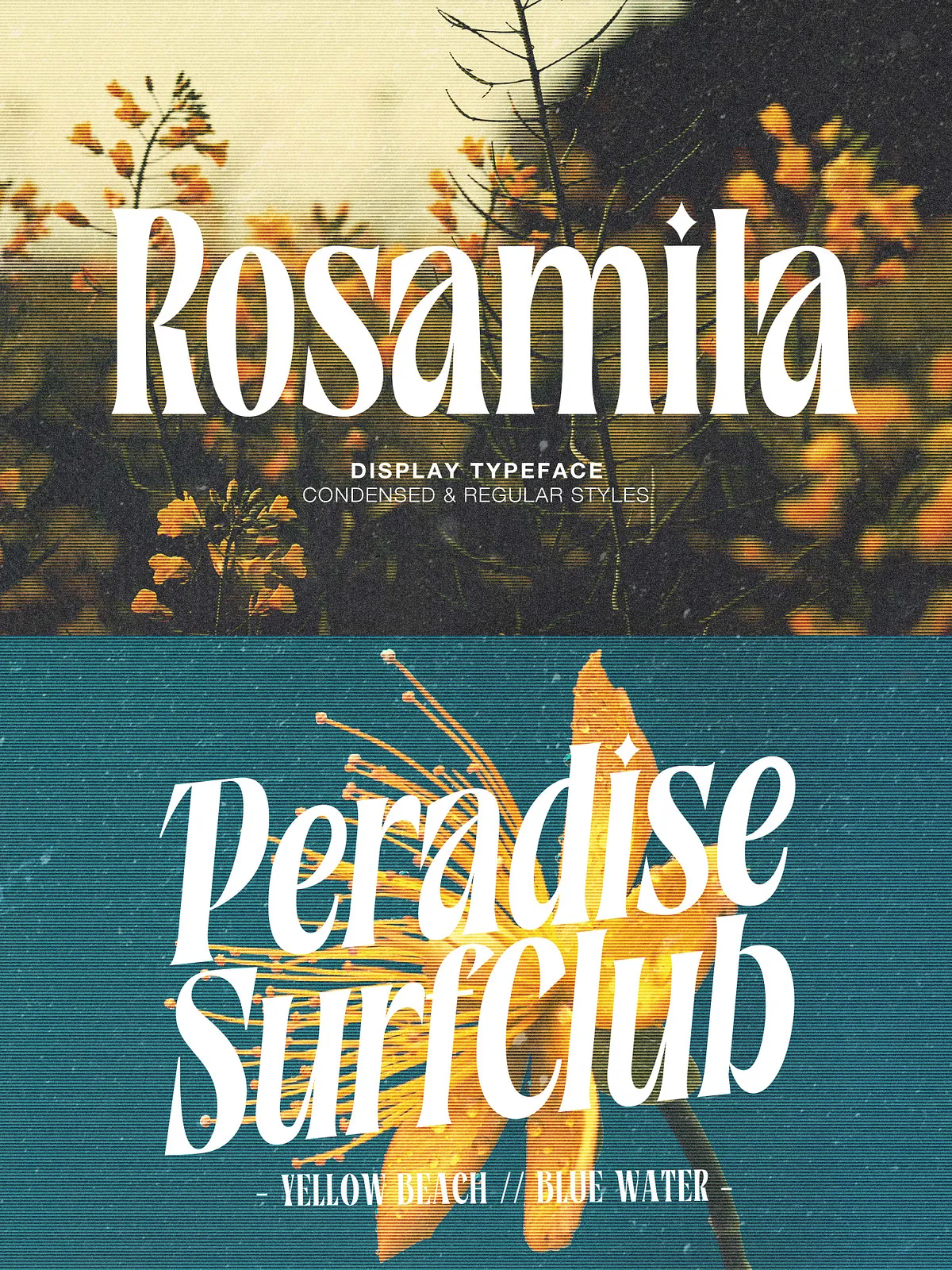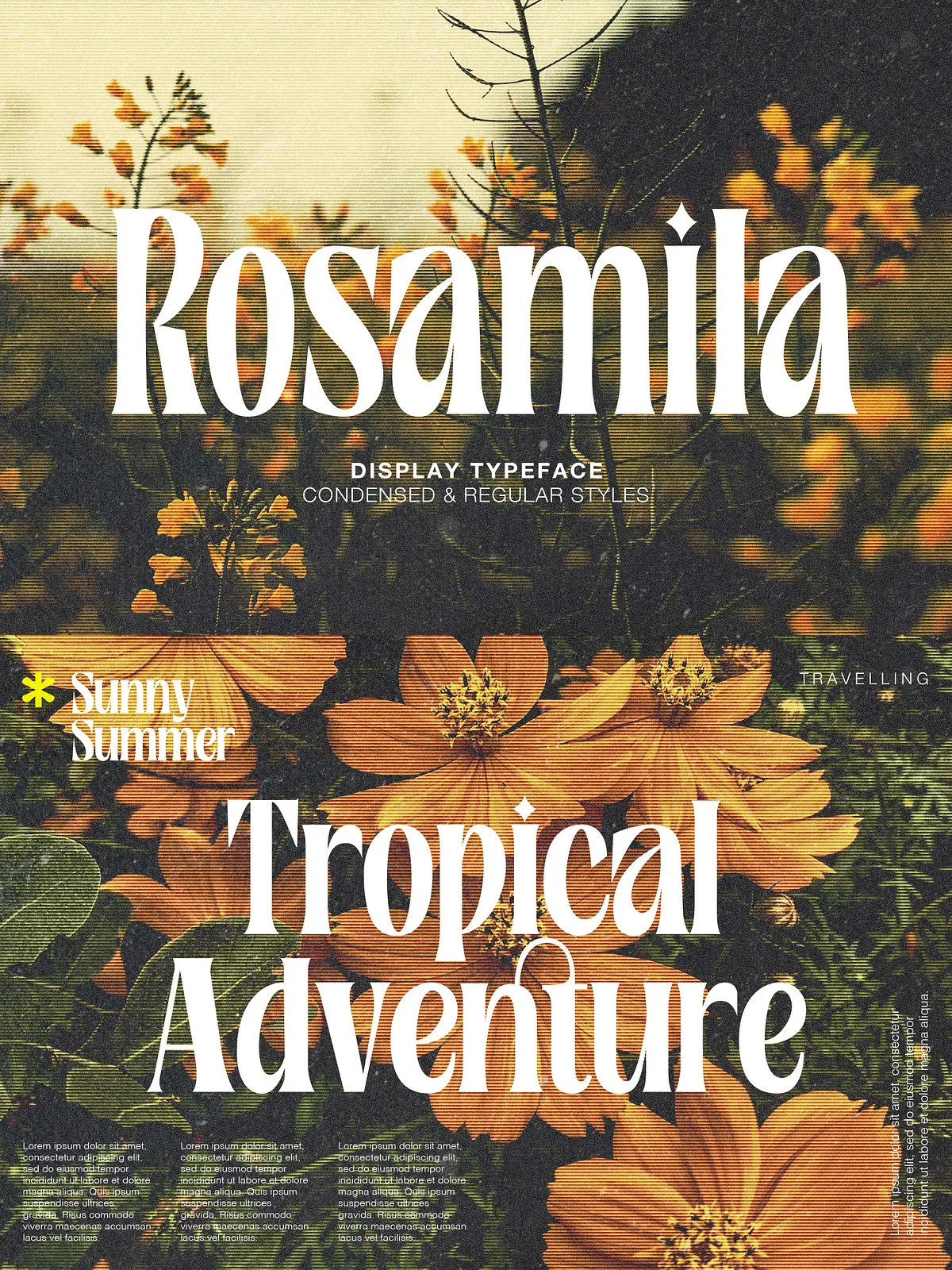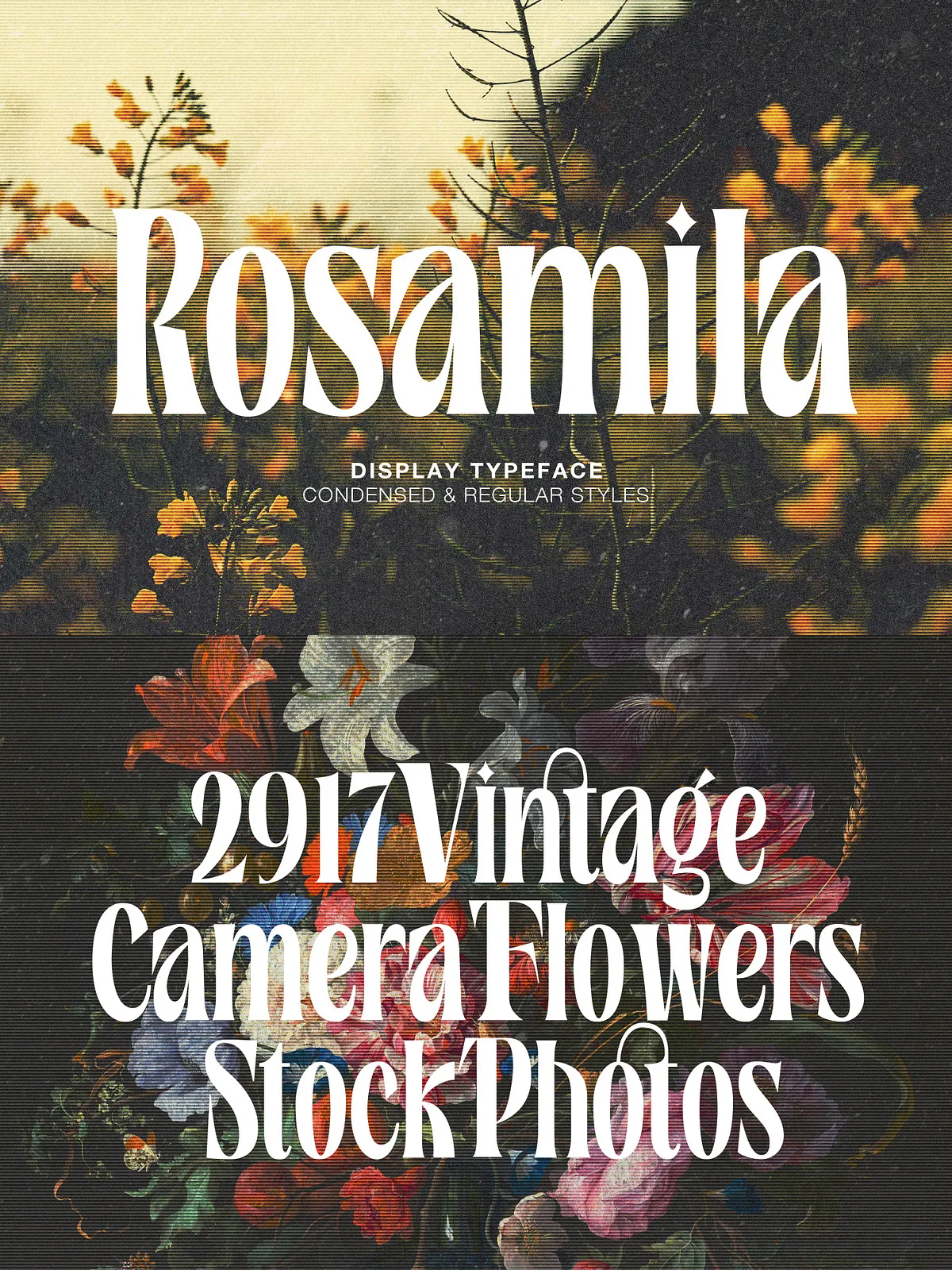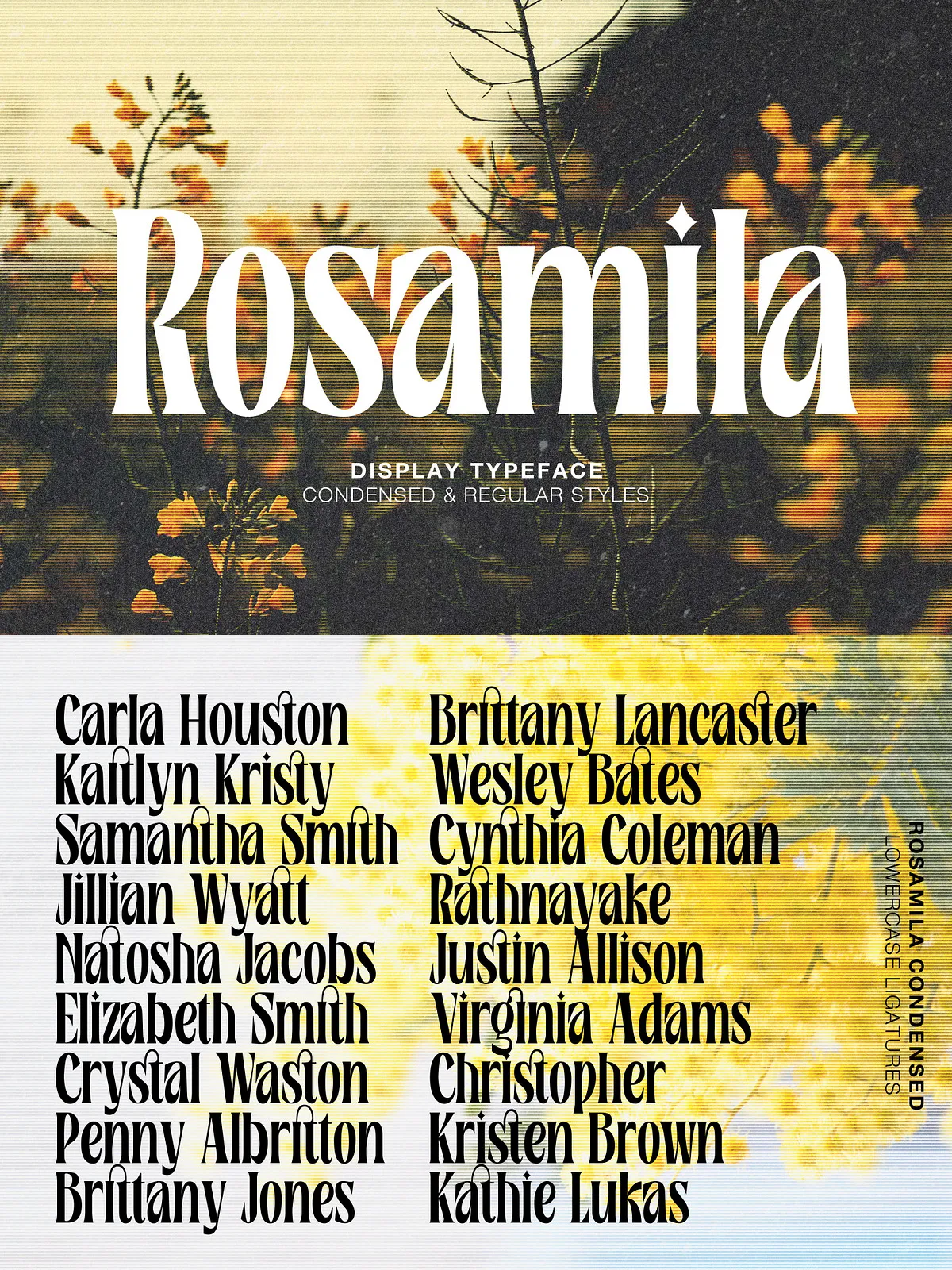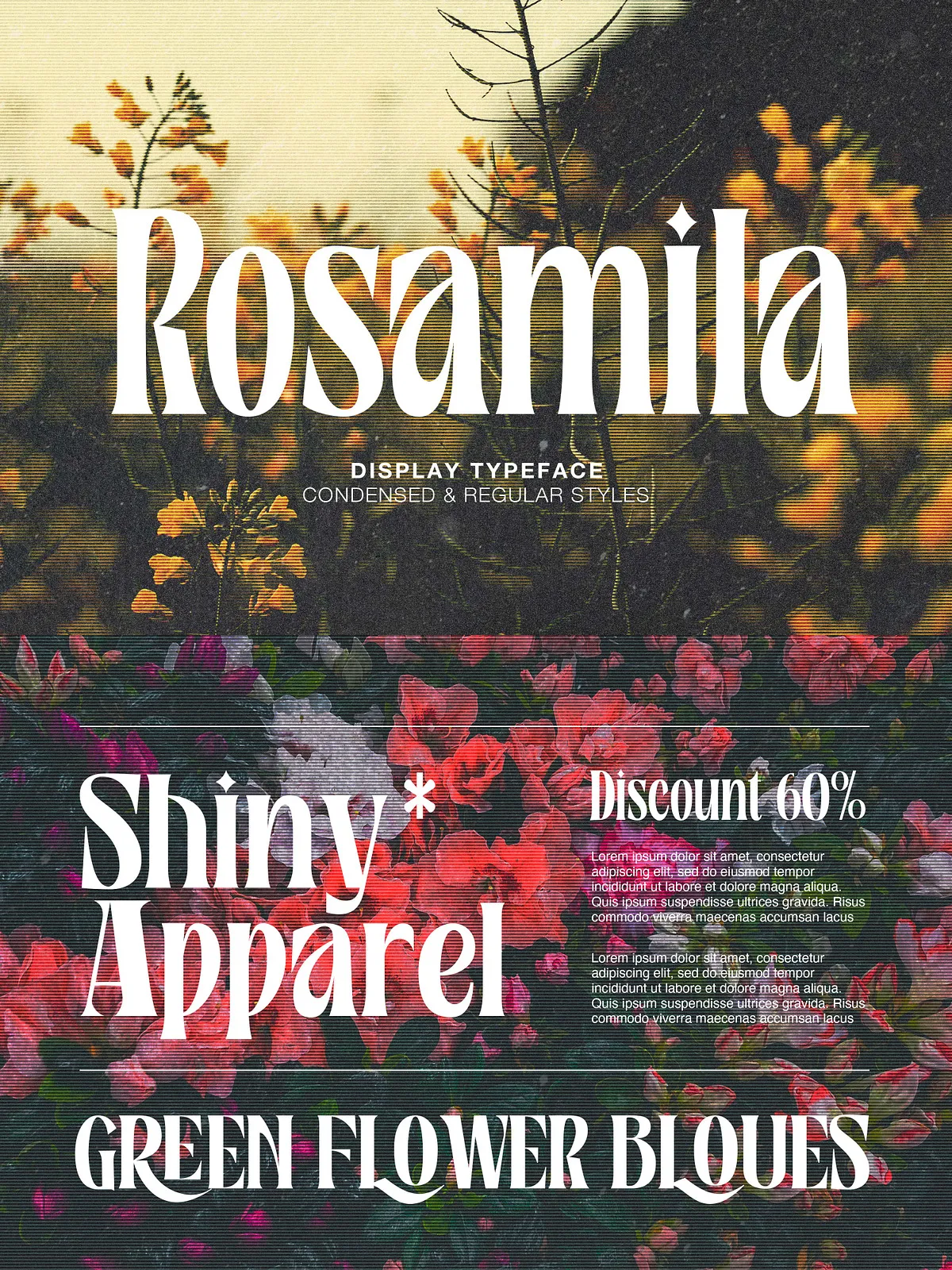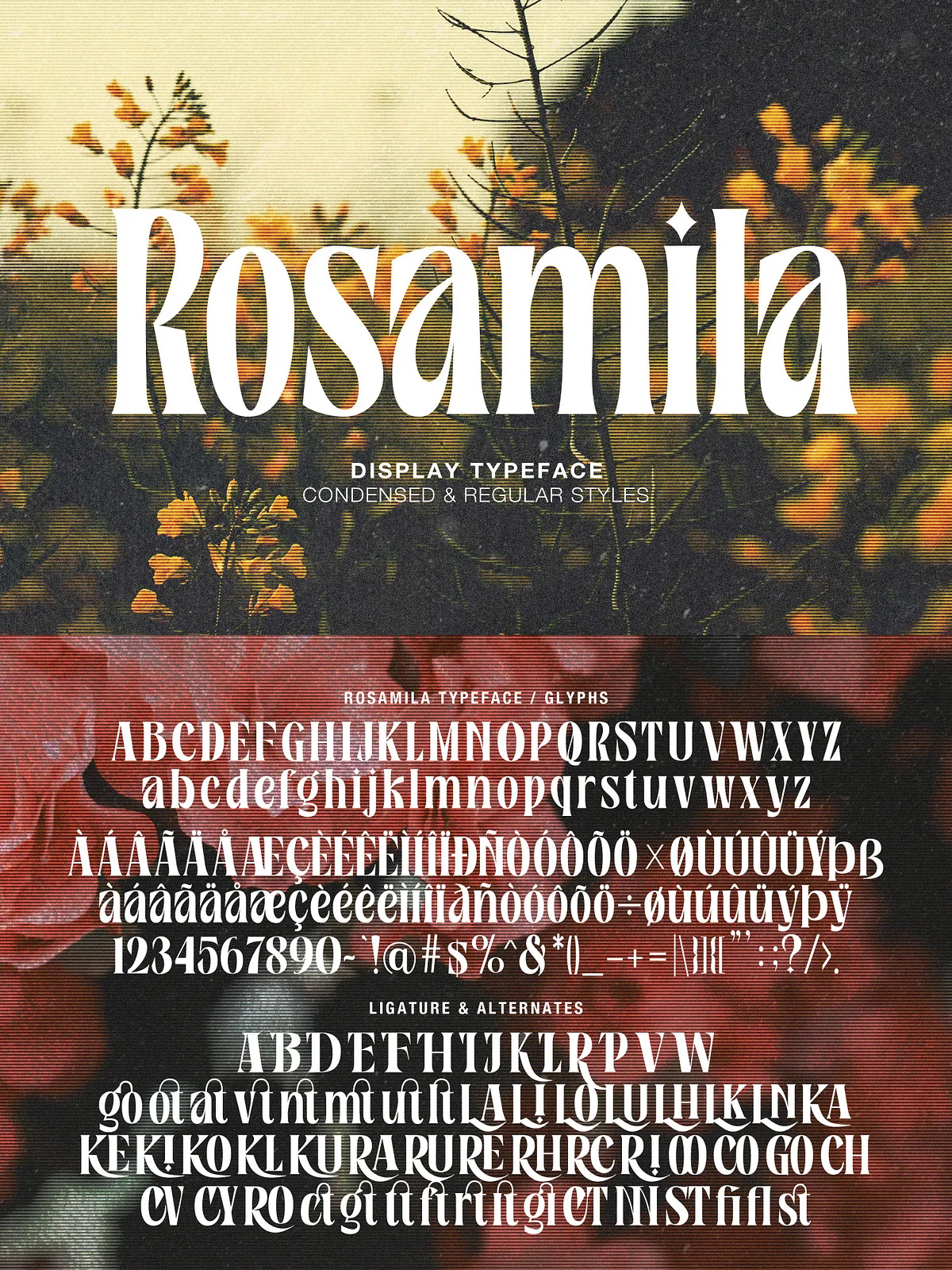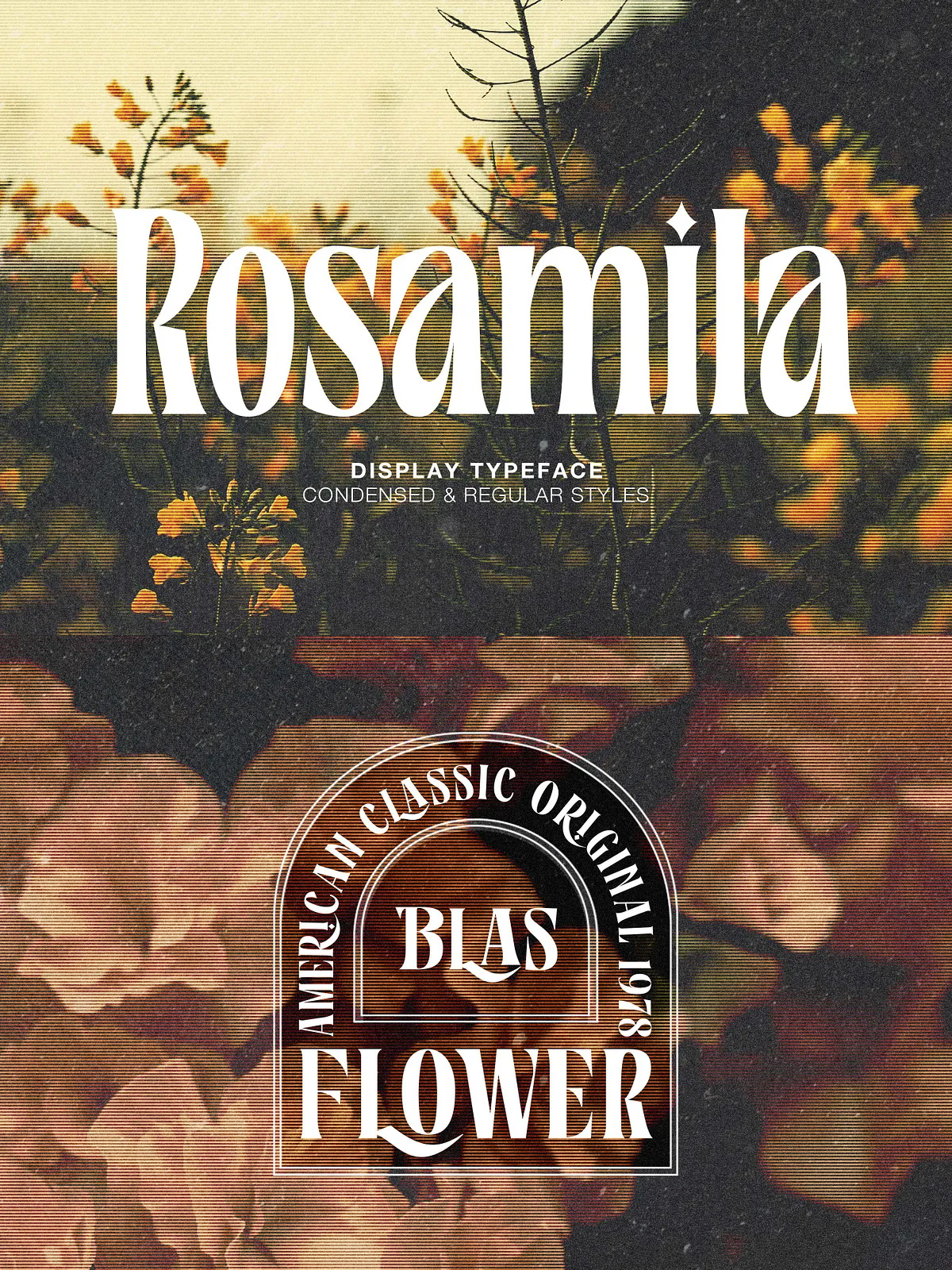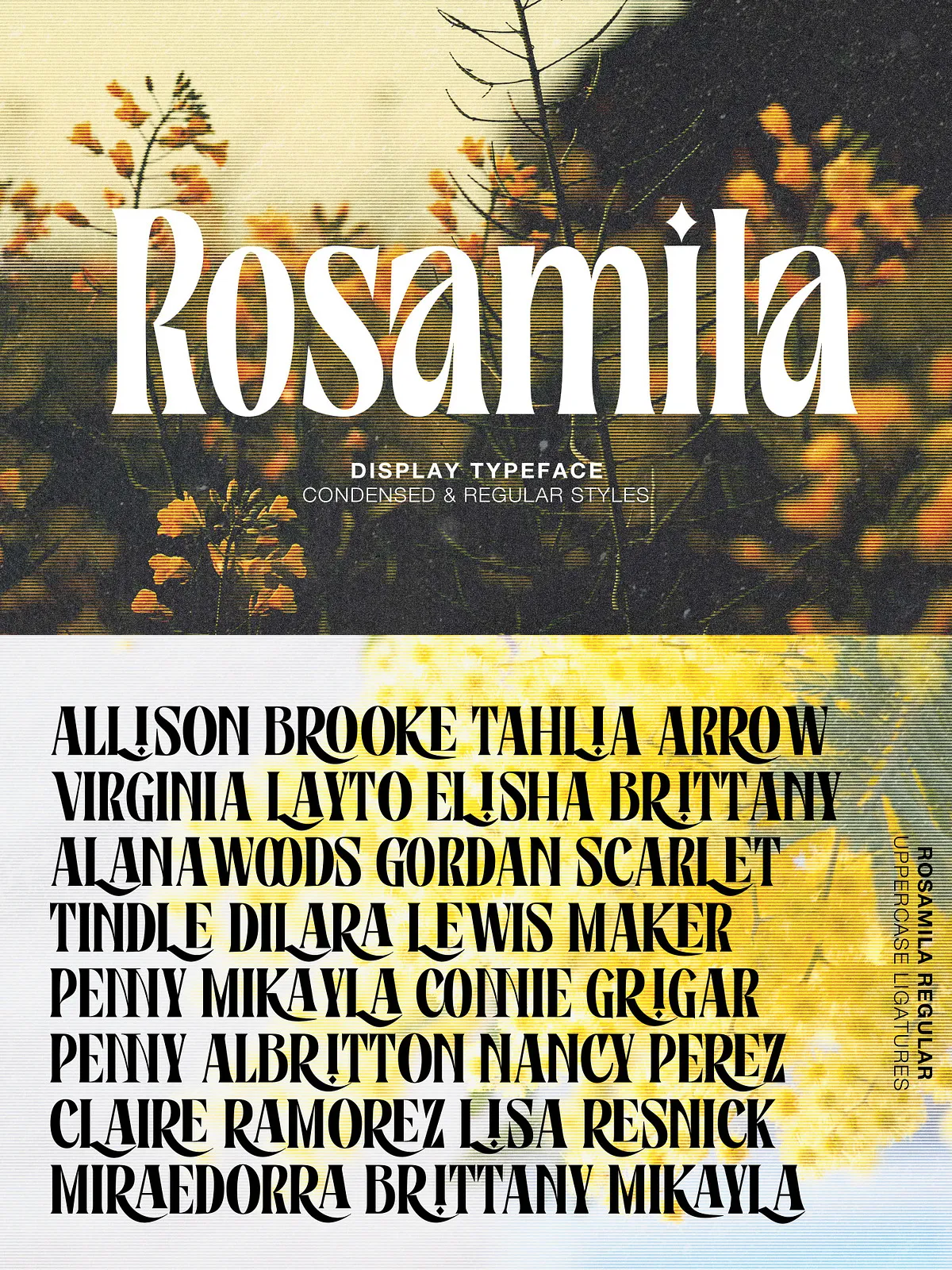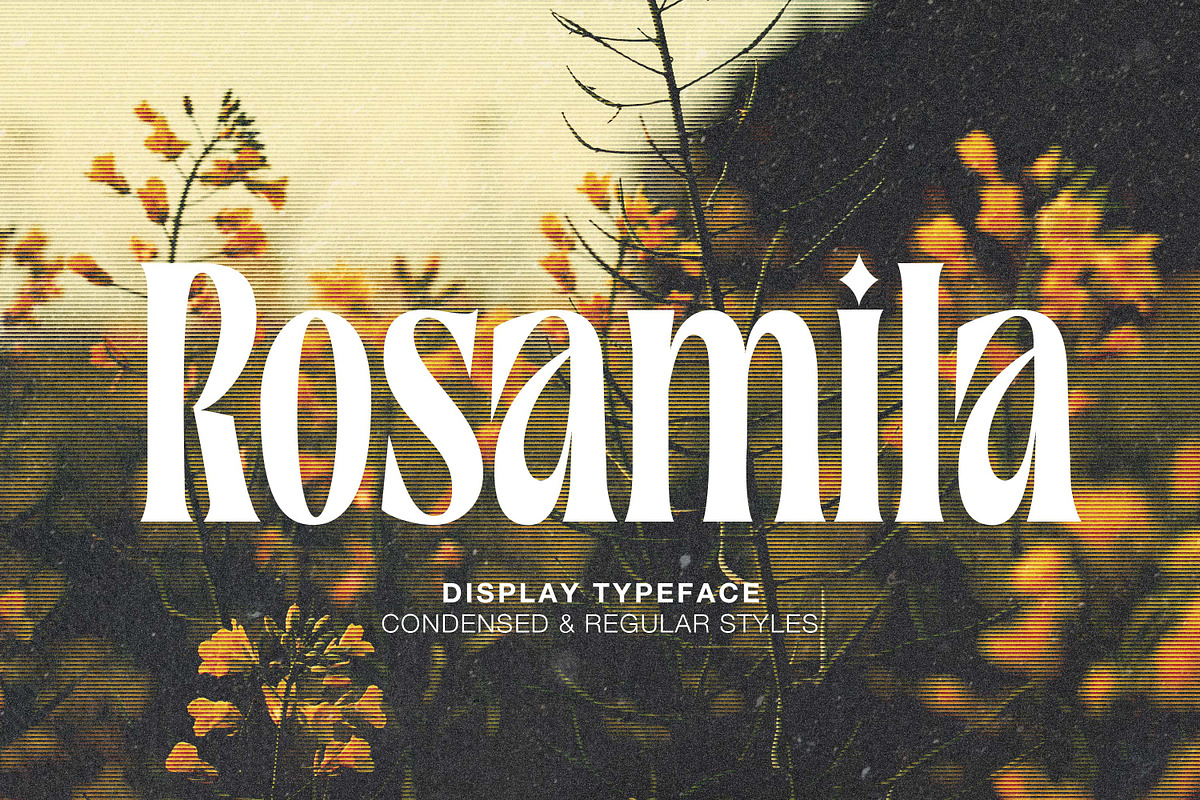

Rosamila Display is a stylish serif typeface crafted to deliver elegance and versatility. Available in two complementary styles — Regular and Condensed — the family balances refined proportions with decorative details. Rosamila’s carefully drawn serifs and fluid connections make it ideal for projects that demand a polished, expressive look. The font’s sophisticated ligatures and alternate forms provide designers with expressive typographic tools for wedding invitations, premium stationery, packaging, social media graphics, and refined editorial layouts.
Design Features
Elegant ligatures and alternates
Rosamila Display includes an extensive set of OpenType ligatures and alternate glyphs that enhance word shapes and create graceful letter connections. Standard and discretionary ligatures smooth common letter pairs, while stylistic alternates add a decorative flourish where desired. These features let you craft designs with natural rhythm, creating typography that reads beautifully and looks bespoke.
Two complementary styles
The Regular style delivers comfortable proportions for display and short paragraphs, while the Condensed style conserves horizontal space and emphasizes vertical elegance. Use Regular for headings and invitations that call for roomy letterforms; choose Condensed where vertical emphasis and tight composition support striking posters, labels, or narrow-format layouts.
Technical Details
File formats and glyph support
Rosamila ships in modern, web-ready formats (OTF, TTF, WOFF/WOFF2) so you can apply it across print, web, and digital products. The family includes PUA-mapped decorative glyphs for software that does not expose OpenType features directly. Confirm the available formats in your purchased package and install the appropriate files for your workflow.
Accessing OpenType features and PUA glyphs
To use ligatures and alternates, work in software that supports OpenType features. Common workflows and steps:
- Adobe InDesign — Use the Character panel and the OpenType panel (Type > OpenType) to enable Standard and Discretionary Ligatures, Contextual Alternates, and Stylistic Sets. The Glyphs panel (Type > Glyphs) lets you insert specific glyphs manually.
- Adobe Illustrator — Open the Glyphs panel (Window > Type > Glyphs) to see and insert alternates and ligatures. Activate OpenType features in the Character panel where available.
- Adobe Photoshop — Use Type > Panels > Glyphs to insert PUA characters and alternates. For automatic ligatures, enable OpenType options in the Character panel.
- Affinity Designer / Publisher — Use the Typography or Glyphs panel to access alternate glyphs and ligatures where supported.
- Microsoft Word — Word has limited OpenType support. For specific decorative glyphs mapped to the PUA, open the Windows Character Map or Mac Font Book to copy and paste the glyphs into your document.
- Google Docs — Google Docs does not reliably support OpenType features. For complex typography create art in a layout app or export text as vector/PNG for insertion into Docs.
Practical Applications
Where Rosamila shines
Apply Rosamila Display wherever you need an elegant, distinctive voice:
- Wedding invitations and event stationery — Use ligatures and alternates to create custom typographic compositions that feel hand-crafted.
- Branding and packaging — Combine Condensed and Regular styles to build hierarchical systems that read clearly on labels and boxed products.
- Social media and promotional graphics — Leverage the display qualities and decorative glyphs to craft eye-catching posts and covers.
- Editorial headings and pull quotes — Pair Rosamila with a neutral sans for body text to emphasize headings and create contrast.
Design and Pairing Tips
Effective combinations and layout advice
For balanced, modern designs pair Rosamila with a clean sans-serif (for example a humanist or geometric sans) to maintain legibility in body text while letting Rosamila provide character in headings. For romantic editorial or invitation design, combine Rosamila with a light script or neutral serif for subtle texture. Use the Condensed style to anchor vertical layouts and the Regular for generous headline spaces. Activate ligatures selectively to avoid overly ornate lines in long text passages.
Licensing, Support, and Installation
Licensing and usage
Review the license included with your purchase to confirm permitted uses (desktop, webfont, app embedding, or extended commercial usage). When deploying on the web, use WOFF/WOFF2 formats and follow the licensing terms to ensure correct embedding. For broad commercial or product embedding, contact the foundry or marketplace for an extended license if necessary.
Support and updates
If you encounter technical issues or need custom alternates, consult the product page or the designer’s support channel for guidance. Keep font files backed up and update your workflow apps to the latest versions to ensure best compatibility with OpenType features.