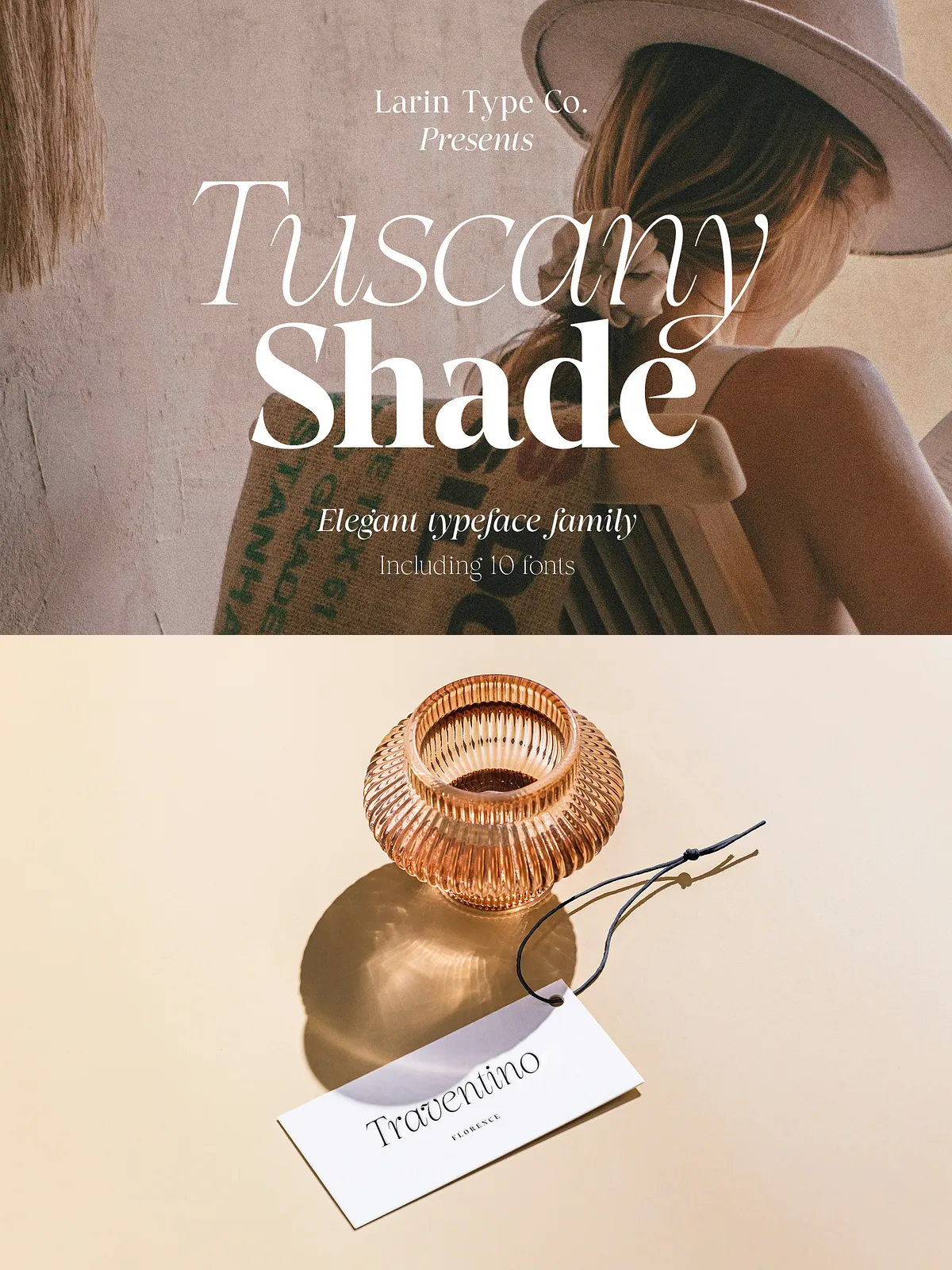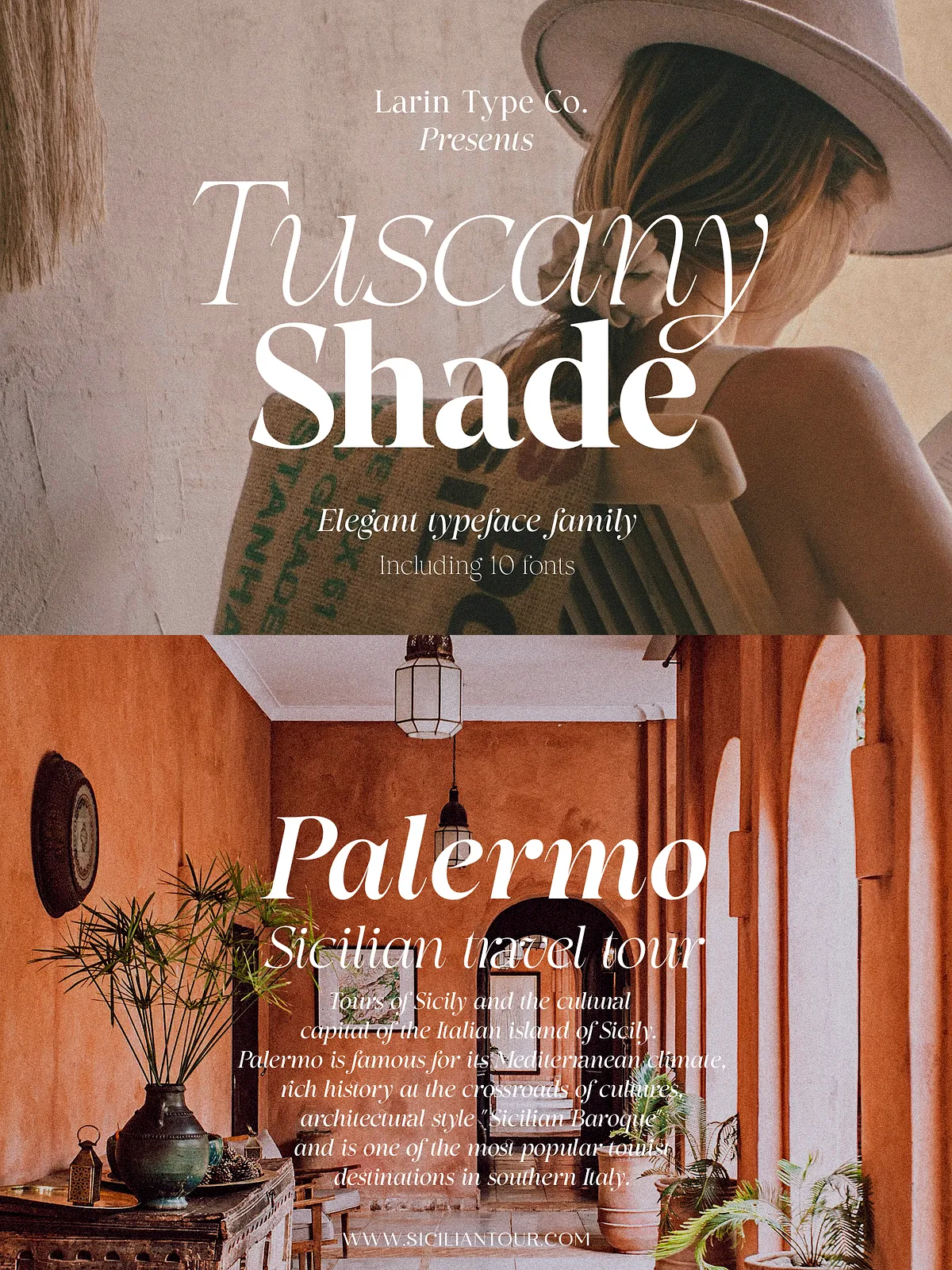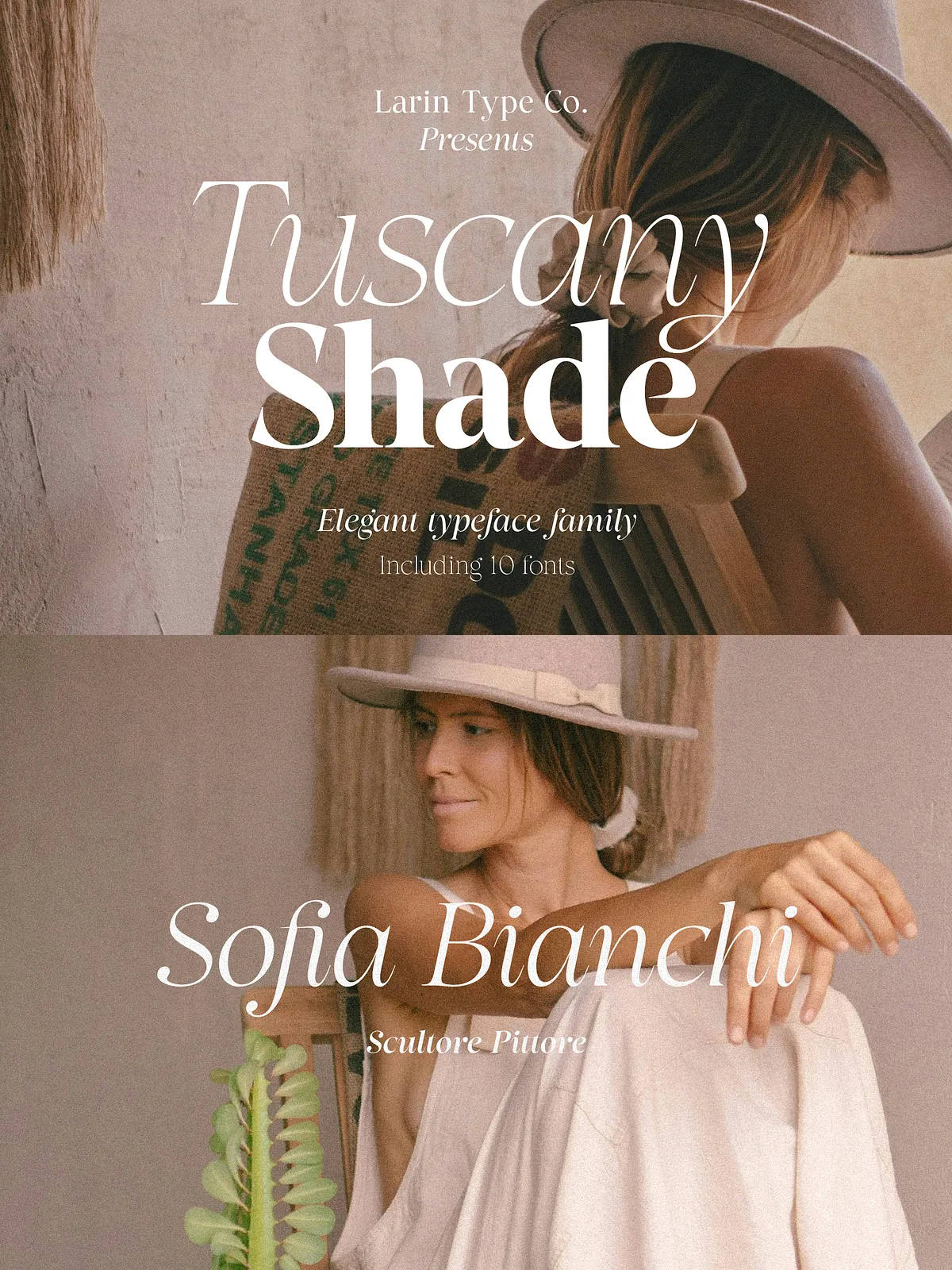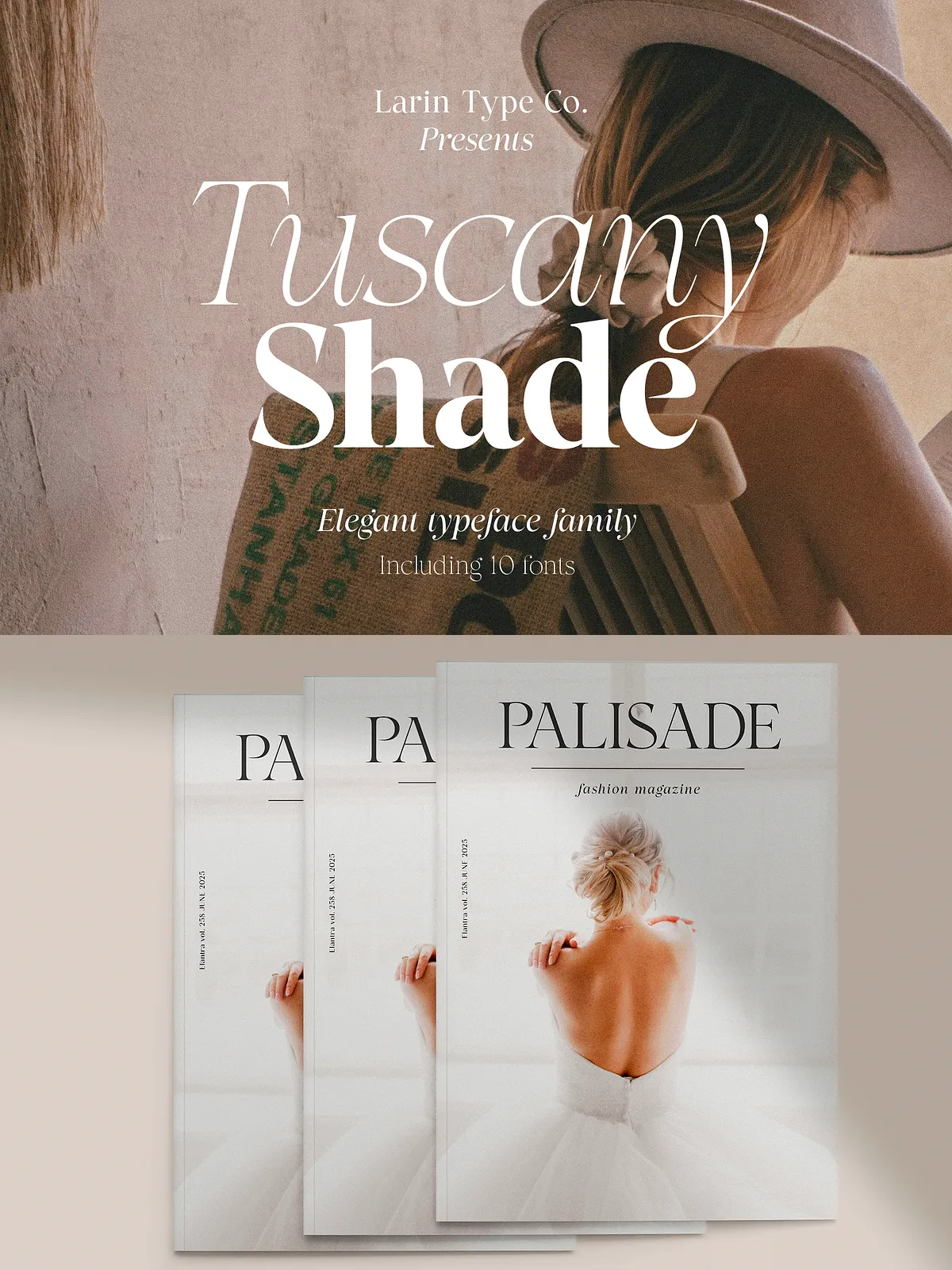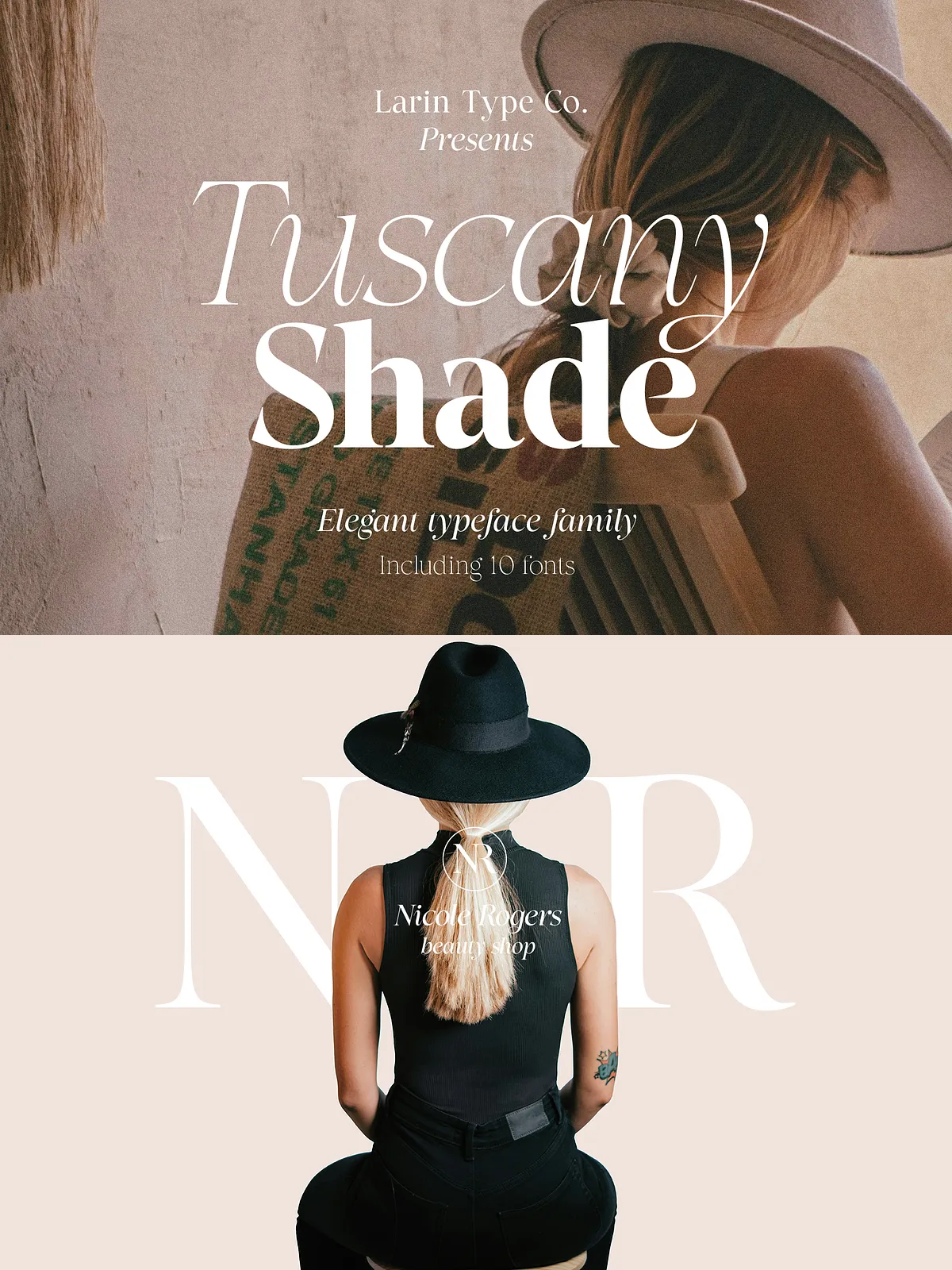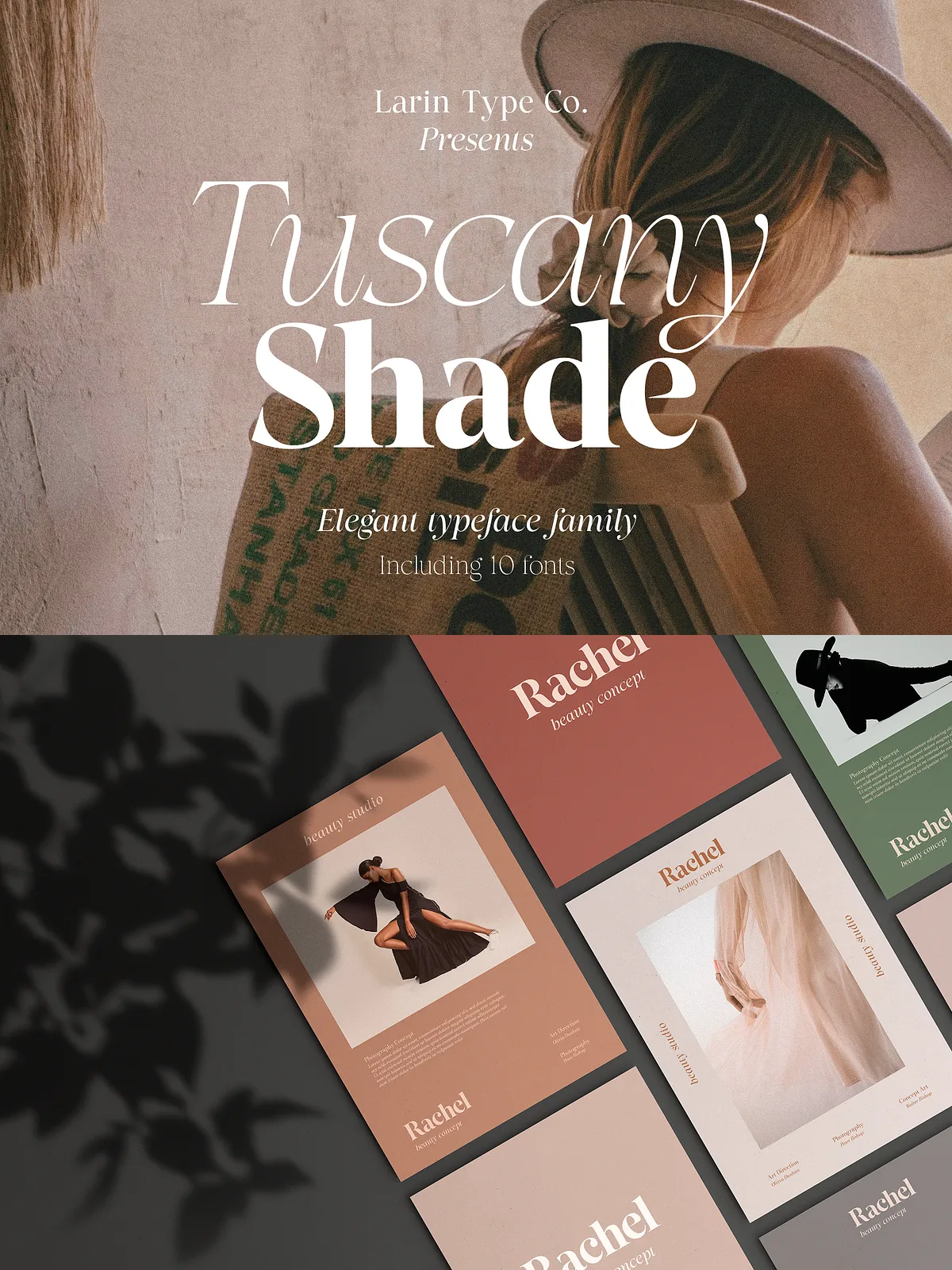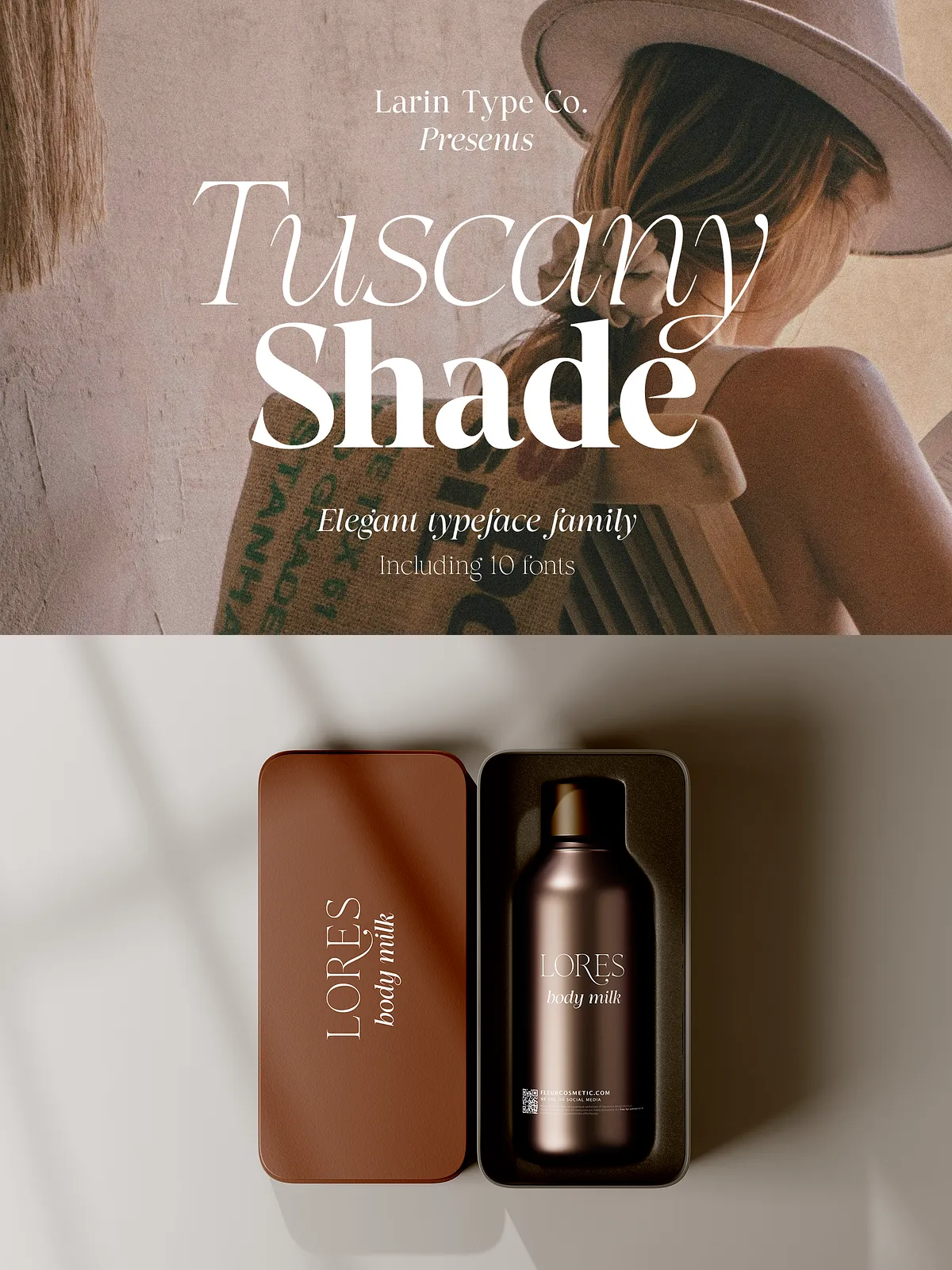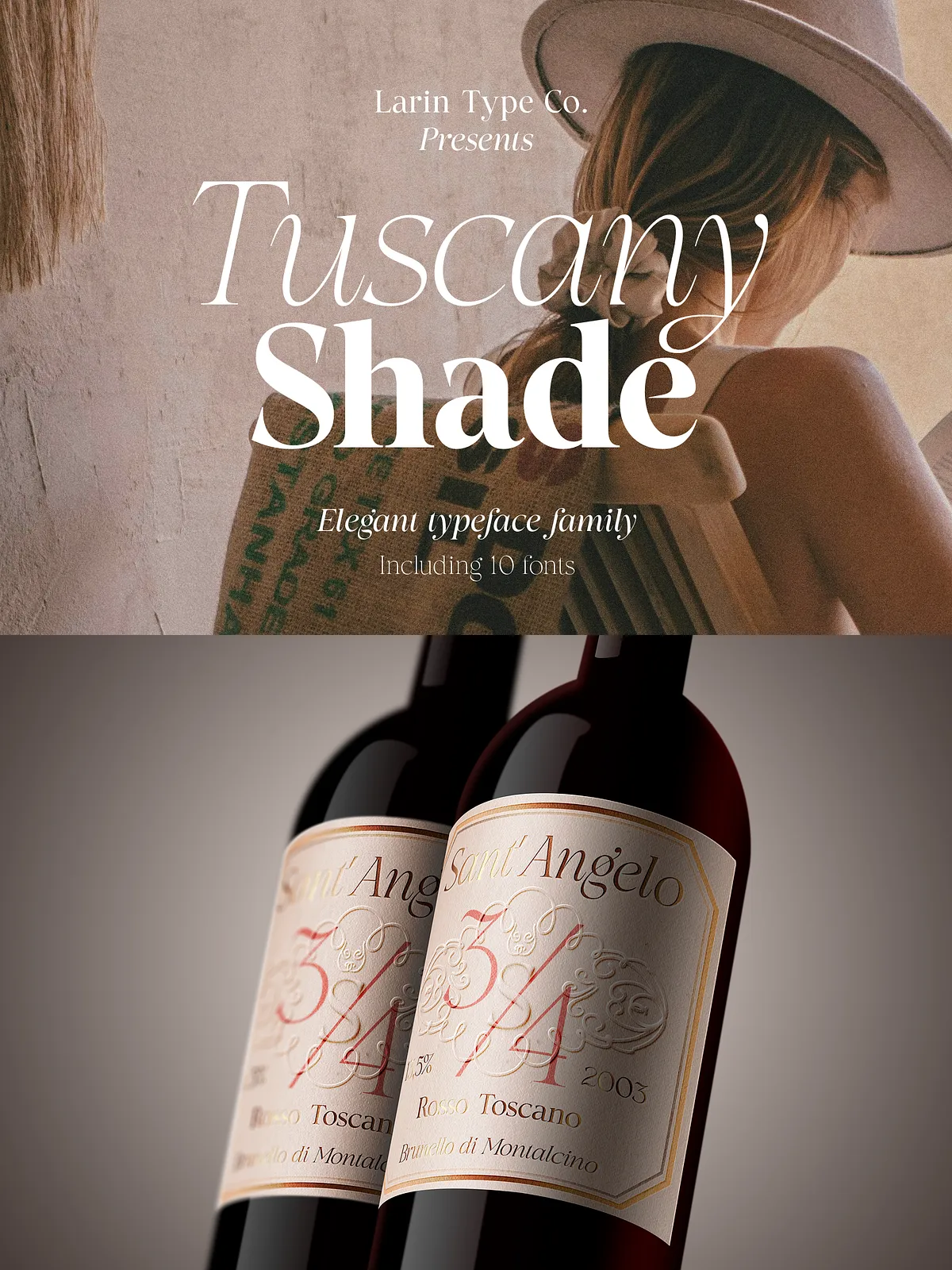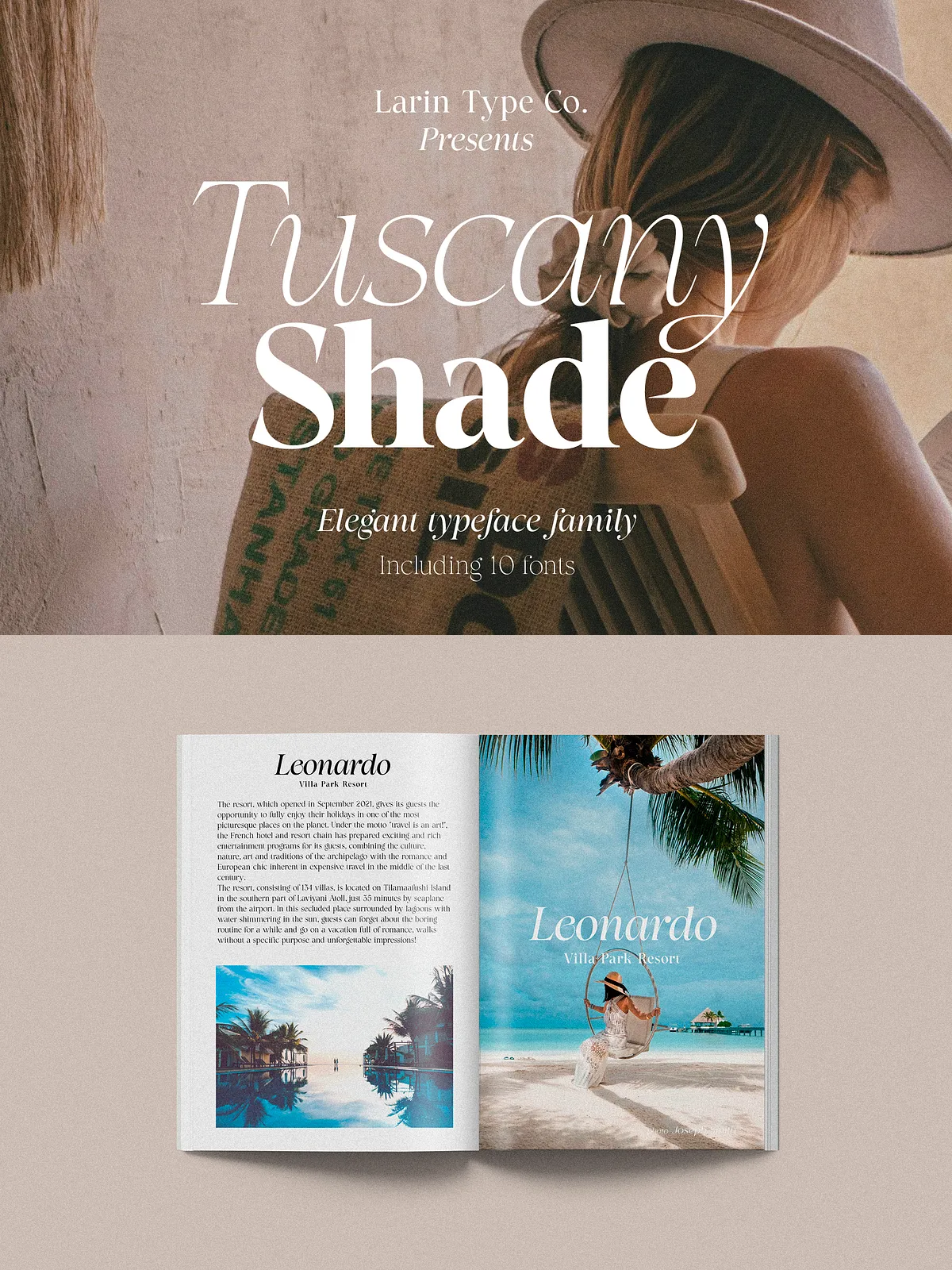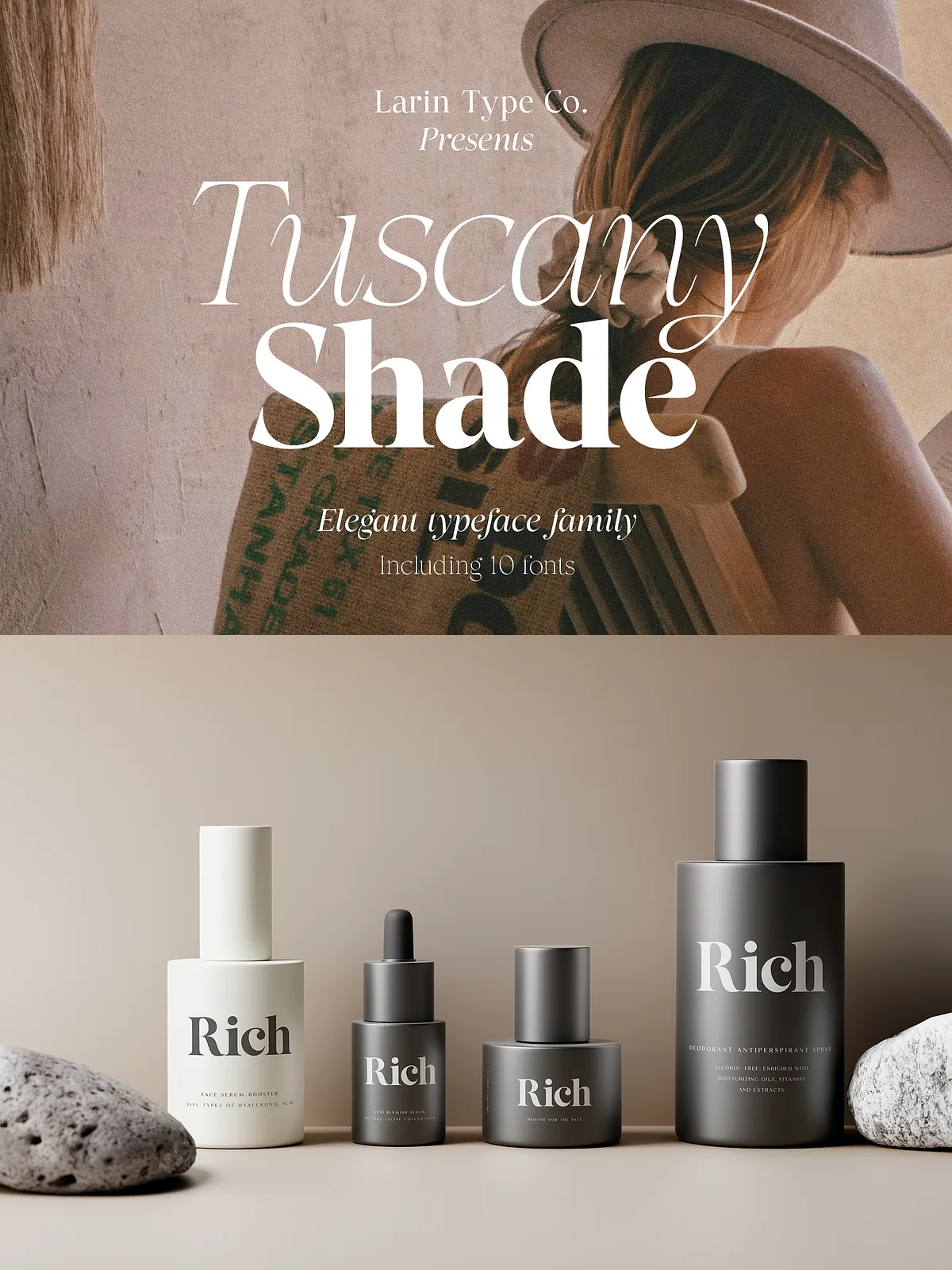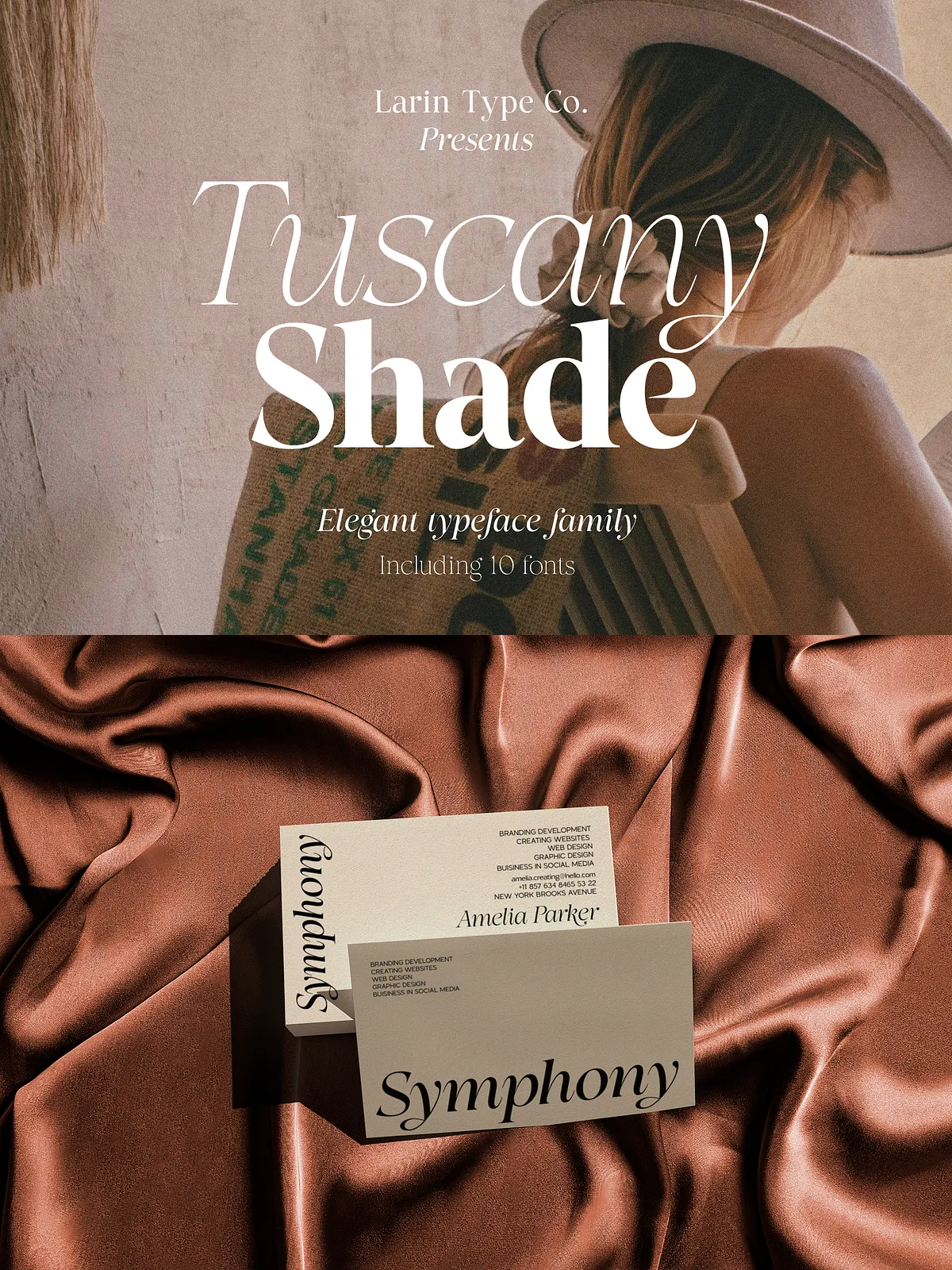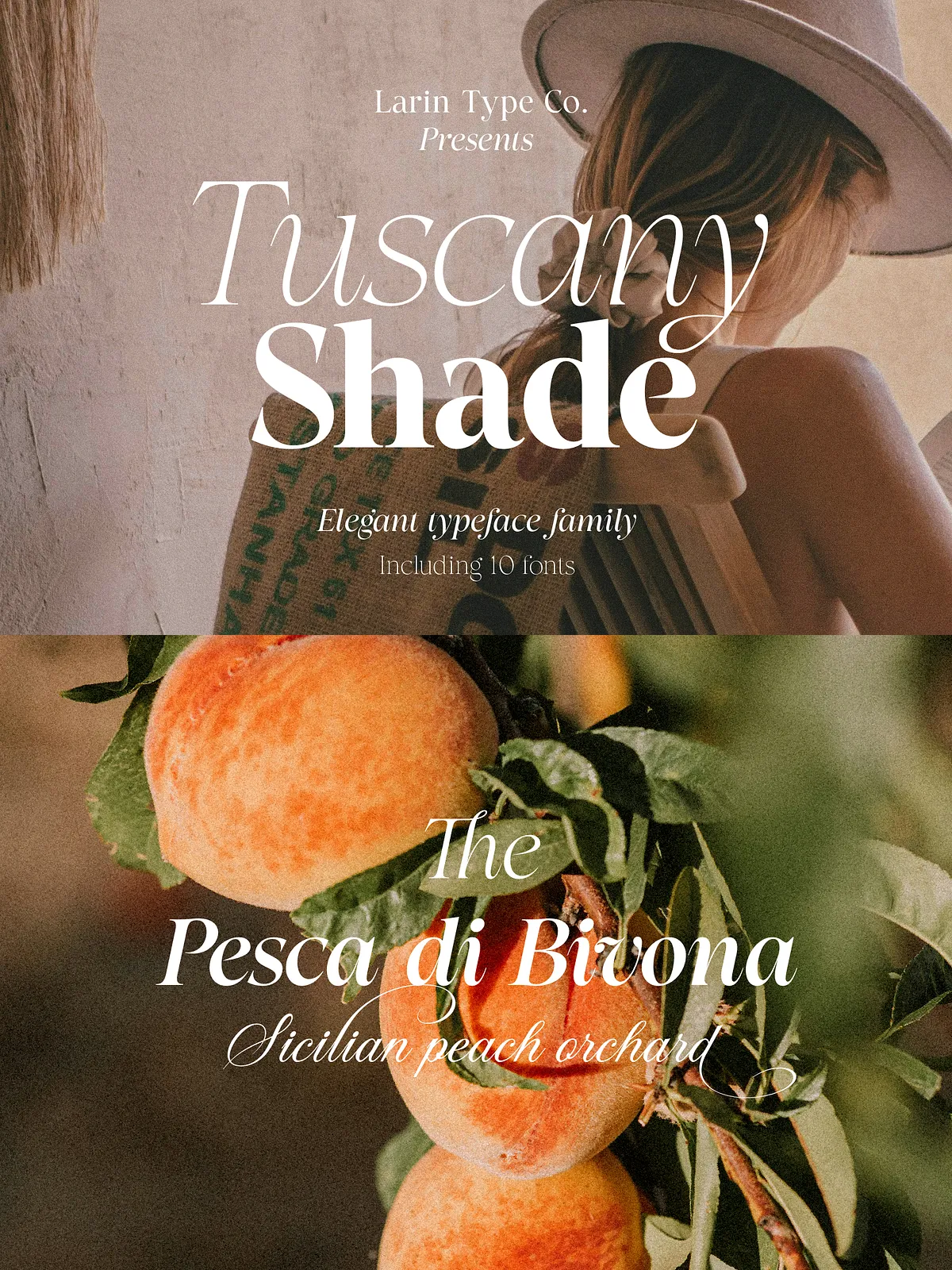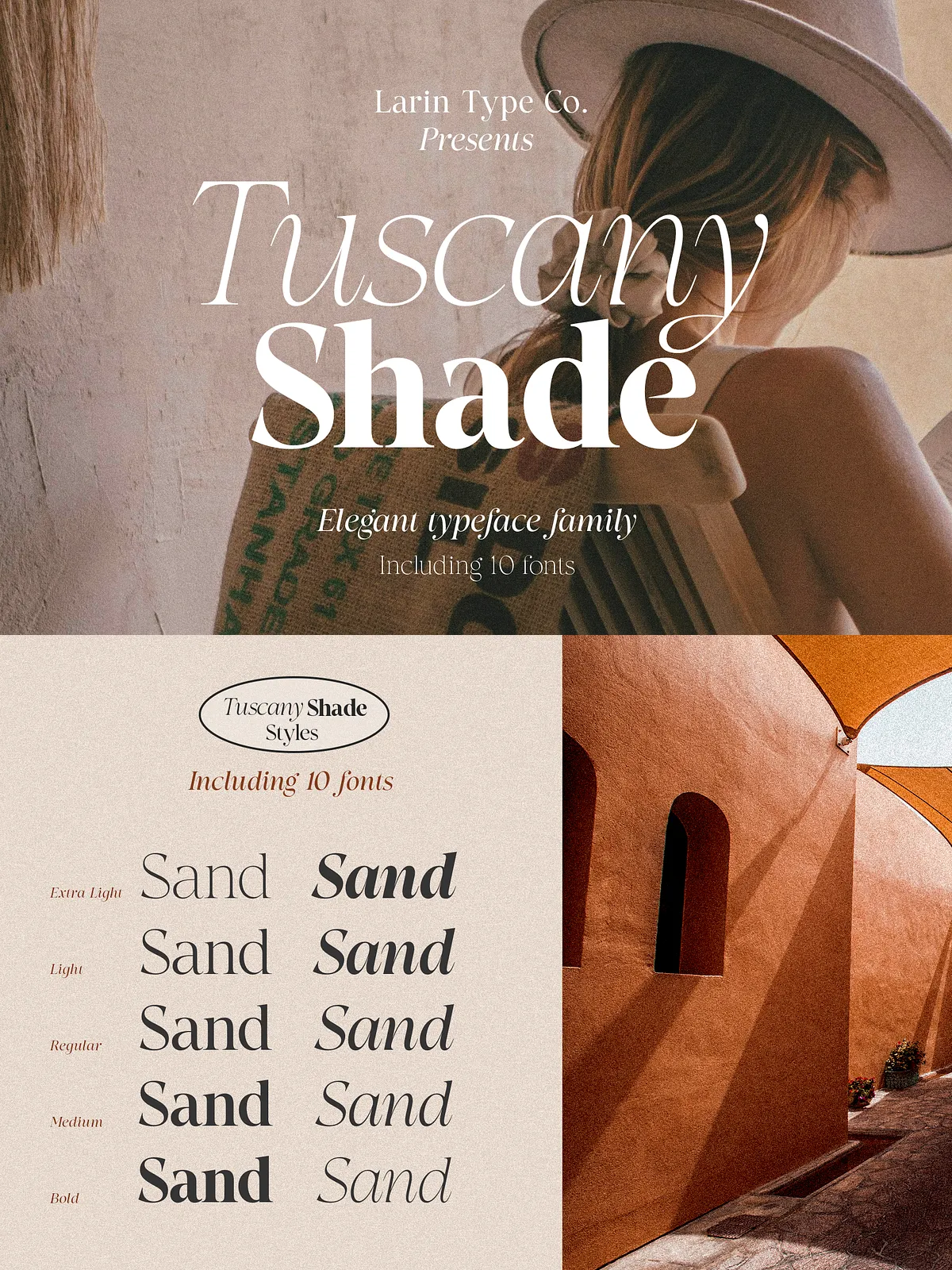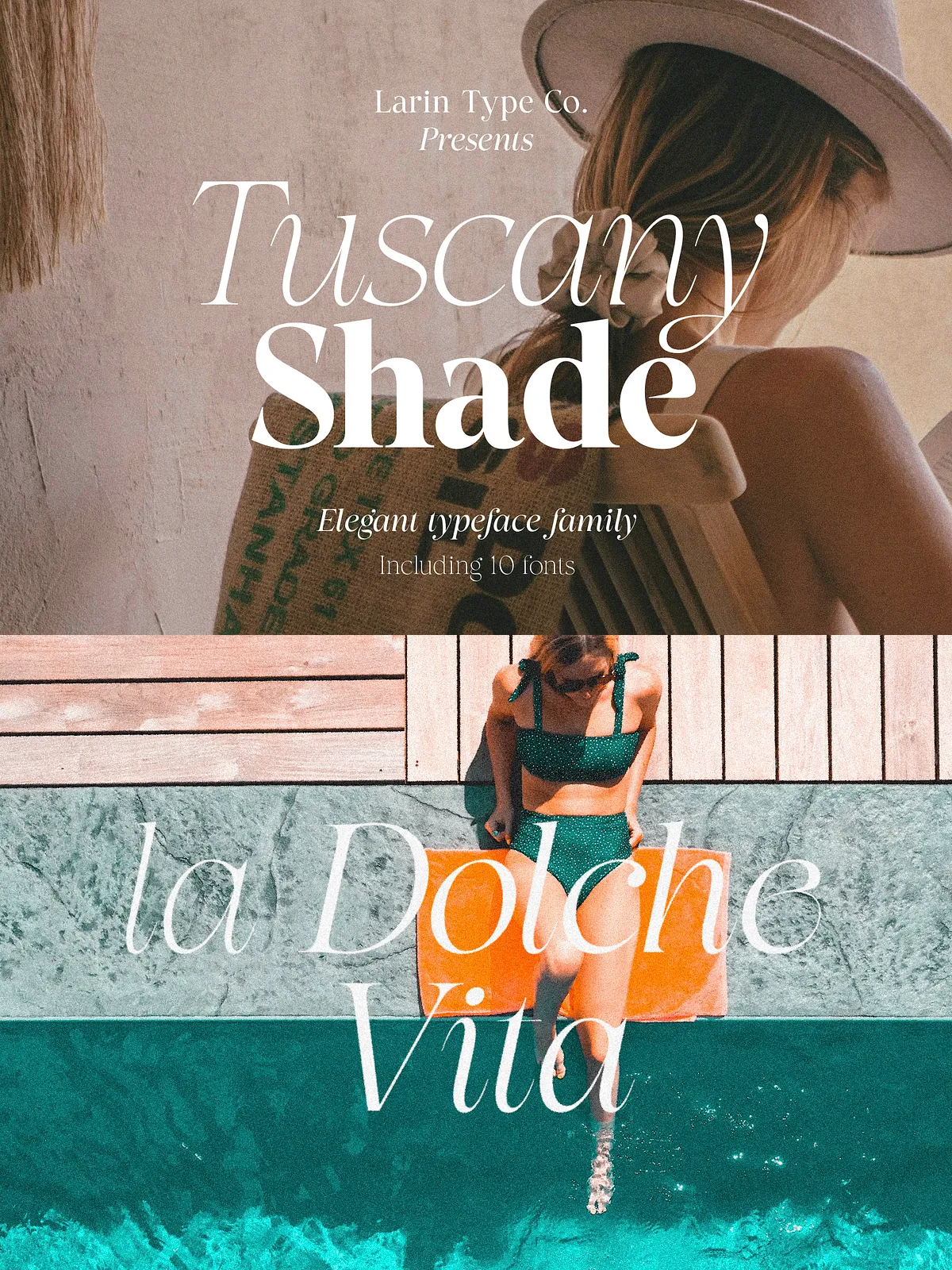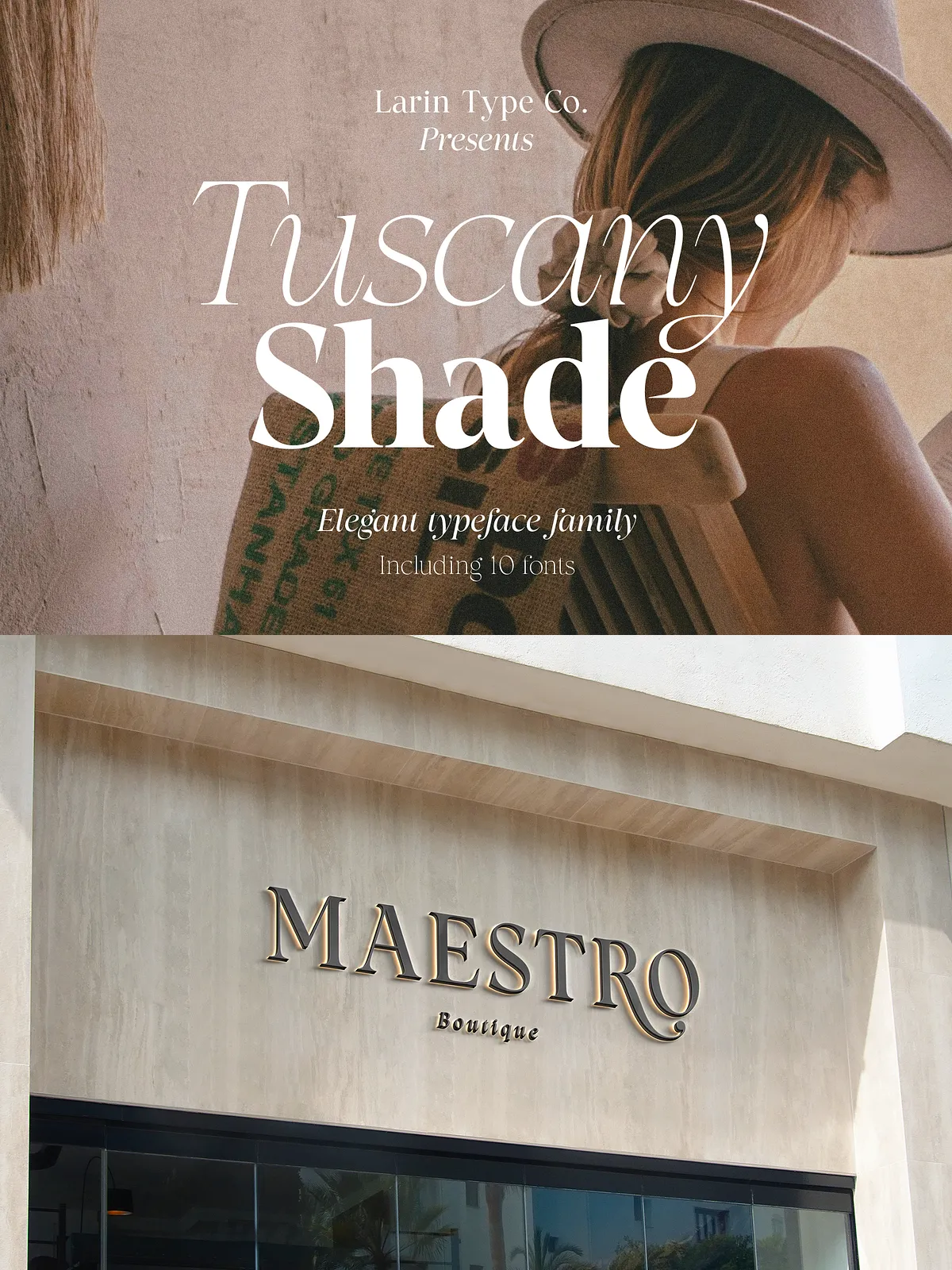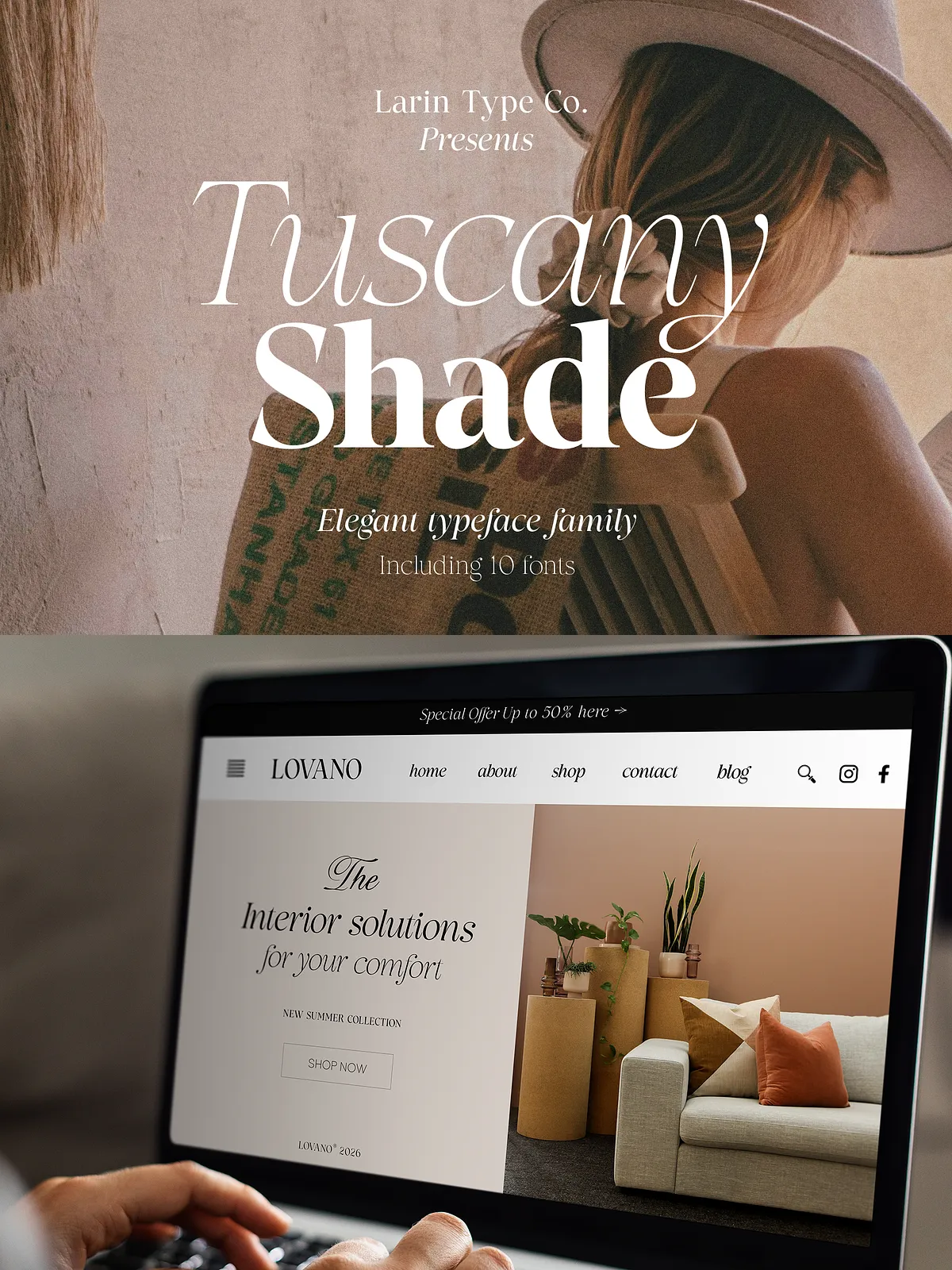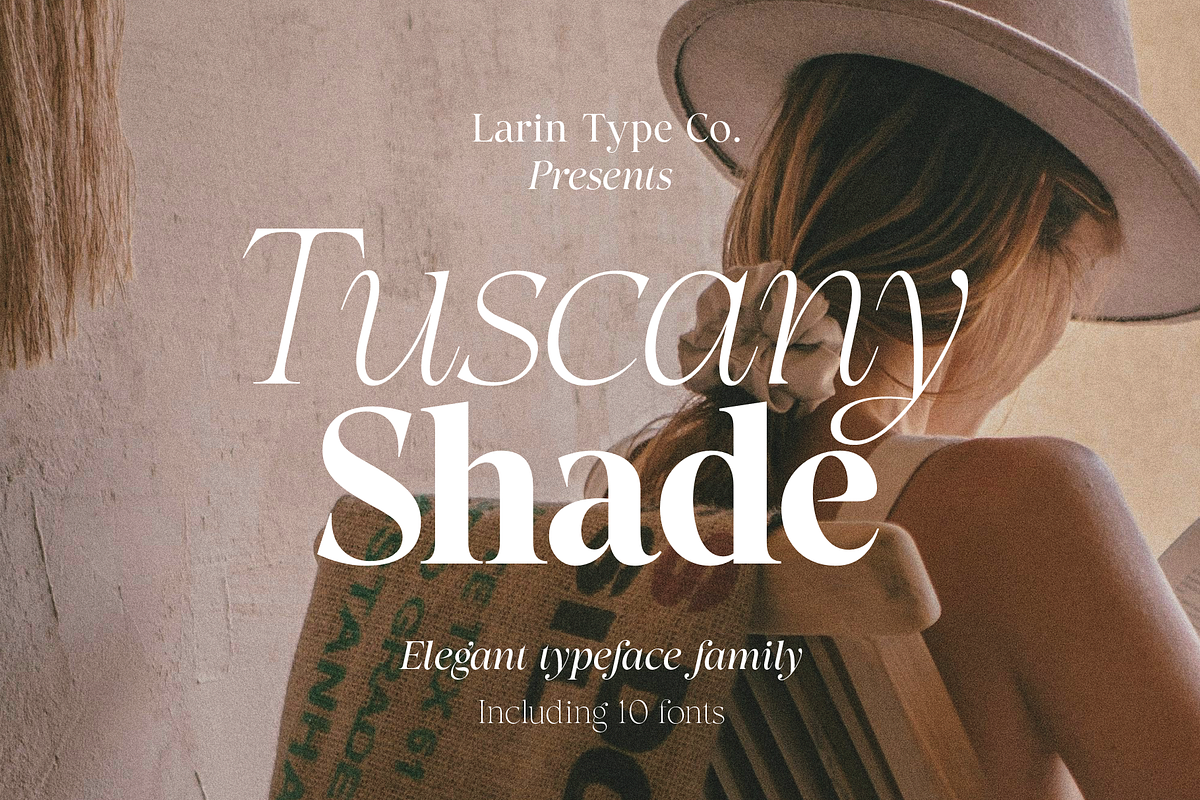

Tuscany Shade is an elegant, contrast serif font family crafted to deliver refined, fashionable typography for modern creative projects. The family balances strong contrast with clear legibility, making it an excellent choice for fashion branding, editorial layouts, packaging, and premium printed or digital materials. Each style emphasizes careful stroke contrast and graceful terminals to produce a timeless yet contemporary appearance.
Family Structure
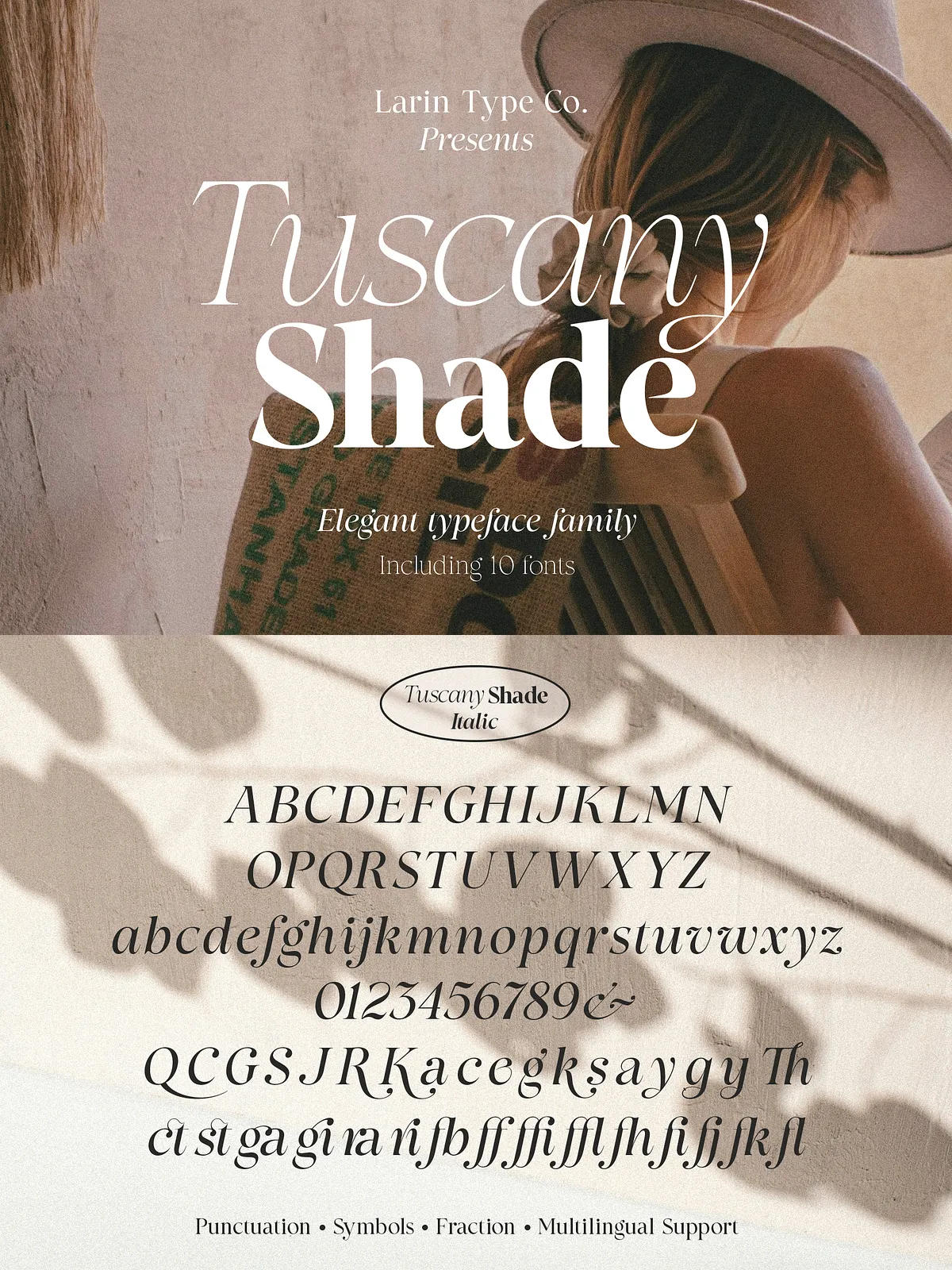
The family contains two primary styles — Regular and True Italic — and each style ships in five distinct weights ranging from Extra Light to Bold. This ten-font system provides designers with flexible typographic hierarchy and consistent tonal control for headings, subheads, captions, and display applications.
Key Features
Weights & Styles
- Extra Light, Light, Regular, Medium, Bold (Regular)
- Extra Light Italic, Light Italic, Regular Italic, Medium Italic, Bold Italic (True Italic)
Typographic Details
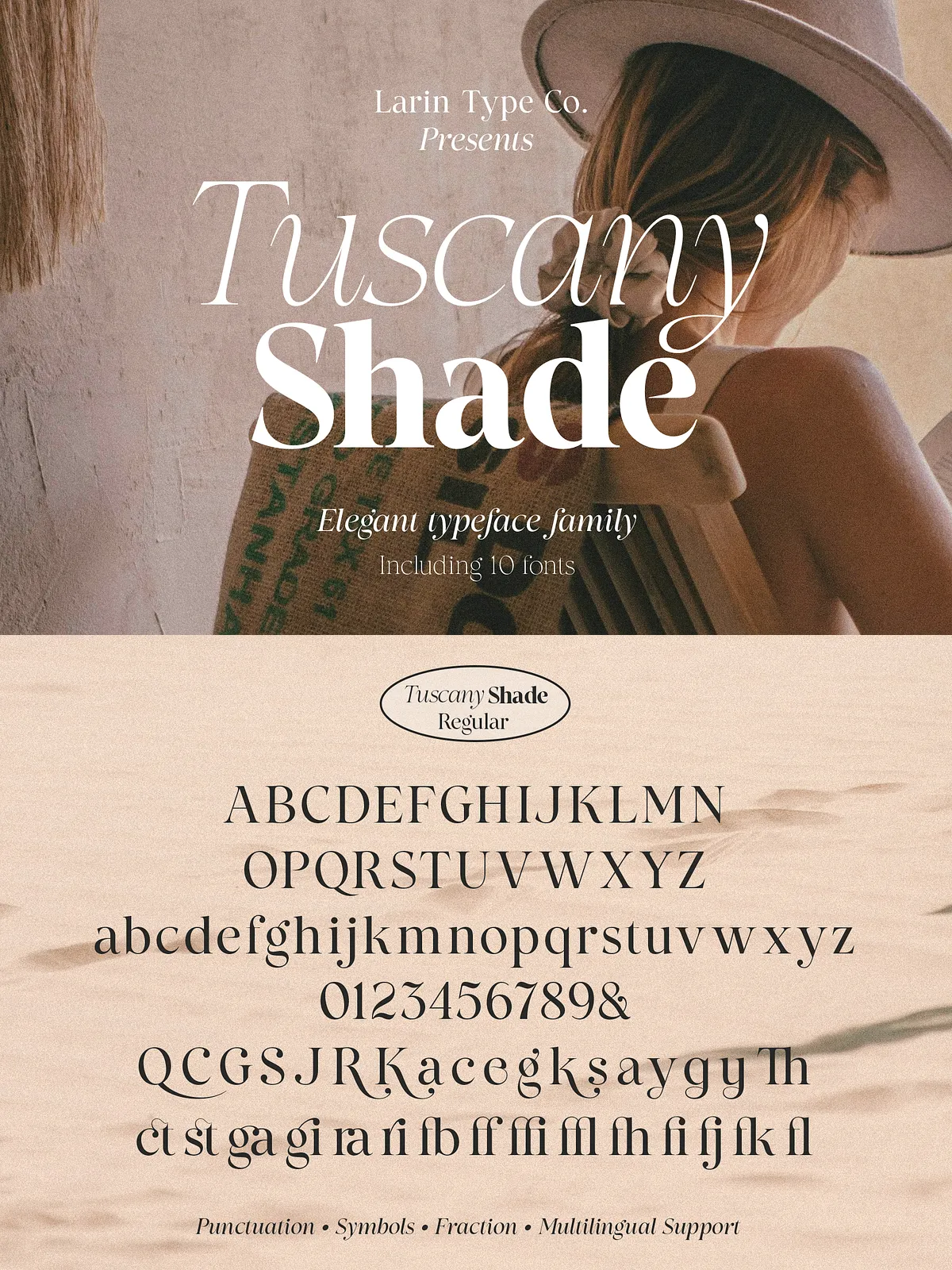
Tuscany Shade emphasizes contrast between thick and thin strokes while maintaining generous counters for readability. The serif terminals and refined curves create an upscale voice that reads confidently in large display settings and remains legible at smaller sizes when paired with appropriate leading and tracking.
Alternates & OpenType Features
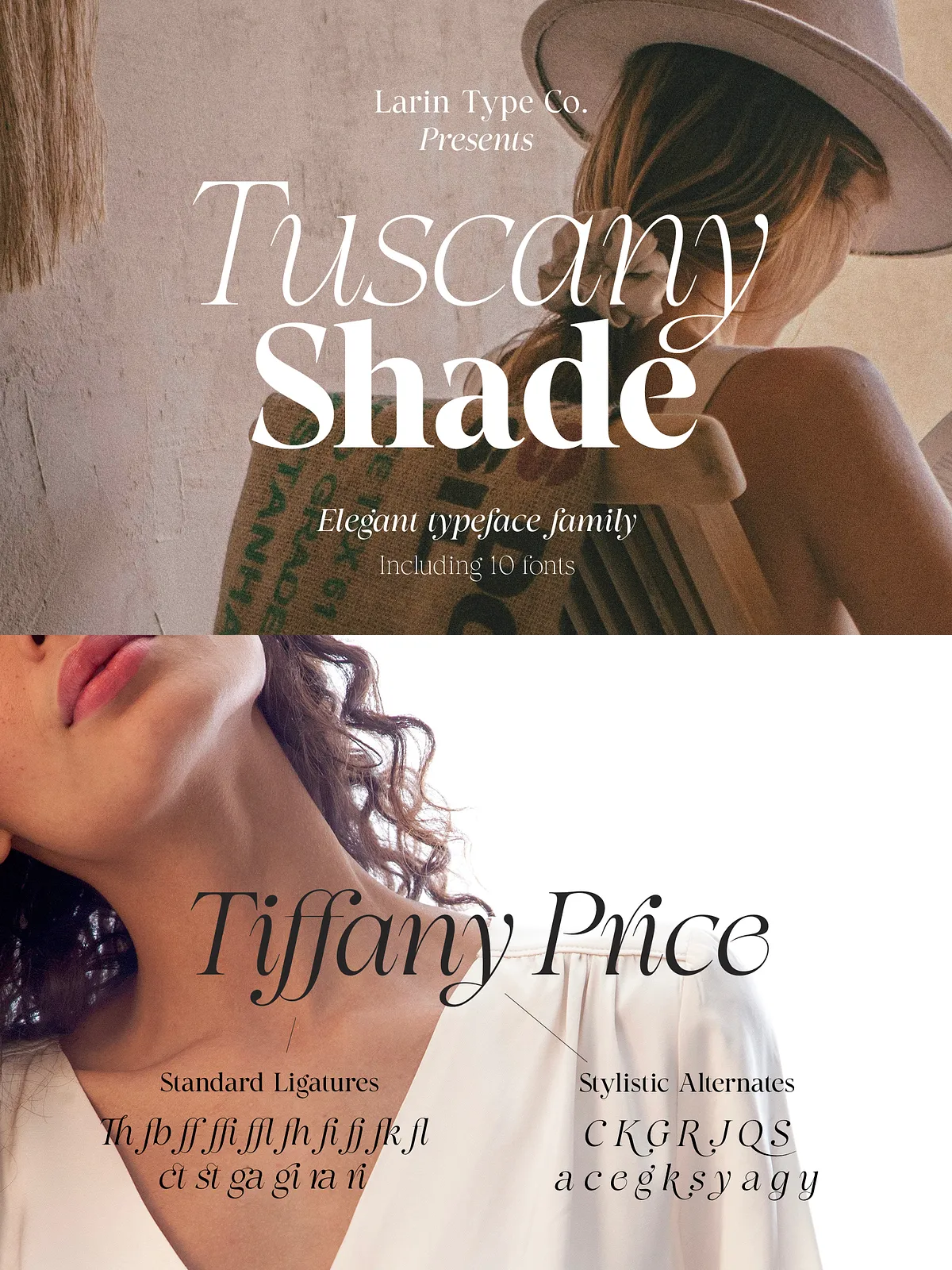
The family includes stylistic alternates for selected uppercase letters (C, G, S, J, Q, K, R) and lowercase alternates (a, c, e, g, k, s, y) that allow designers to customize the tone of headlines and logos. Useful ligatures (Th, ct, st, ga, gi, ra, ri, ff, fj, fi, ffi, ffl, fl, fb, fk, fh) enhance rhythm and prevent collisions in tight display treatments. The font also supports old-style figures, fractions, and advanced numeral options to suit editorial and typographic needs.
Files Included & Technical Details
Package Contents
- Tuscany Shade font family in OTF, TTF, WOFF, WOFF2 formats
- 10 total fonts (5 weights + 5 true italics)
- Full alphabet with uppercase and lowercase A–Z
- Ligatures, alternates, numerals, fractions, punctuation, and symbols
- Multilingual support for common Latin-based languages
Character Set
The family supports an extended Latin character set, including the following international glyphs:
ÀÁÂÃÄÅĄÇĆÈÉÊËĘÌÍÎÏÐÑŃŁÒÓÔÕÖØÙÚÛÜŚŠŸÝŹŻŽßàáâãäåçèéêëìíîïðñòóôõöøùúûüýÿąćęłńśšźżž
Recommended Uses
Branding & Fashion
Use Tuscany Shade for luxury fashion identities, boutique branding, and high-end product labels. Its refined contrast and alternate letters allow you to craft distinctive wordmarks and logotypes that convey elegance.
Editorial & Publishing
Apply the family to magazine covers, headlines, pull quotes, and book titles where display strength and typographic personality matter. Pair Tuscany Shade with a neutral sans-serif for body text to maintain readability across long-form copy.
Packaging & Advertising
Leverage the strong display presence for packaging, advertising banners, and promotional collateral. The Rough and polished alternates give flexibility for both classic and contemporary product narratives.
Installation, Compatibility & Usage Notes
Software Requirements
Install OTF/TTF files on macOS and Windows via the system font manager or import WOFF/WOFF2 for web use. Note: Stylistic Alternates and some OpenType features require professional design software such as Adobe Illustrator, Photoshop, InDesign, or compatible vector editors like Inkscape to access full feature sets.
Web & Print
WOFF and WOFF2 files are included for web embedding; OTF/TTF support desktop applications and high-resolution print output. Test across browsers and platforms to ensure consistent rendering of contrast details and typographic features.
Licensing & Support
License Information
Review the included license file in the ZIP to confirm permitted uses for desktop, web, app embedding, and commercial production. If you require extended usage rights or enterprise licensing, contact the vendor for custom licensing options.
Customer Support
If you need assistance with installation, feature access, or pairing recommendations, please write to the designer. Provide your operating system, design application, and the file format you installed so we can give precise guidance.