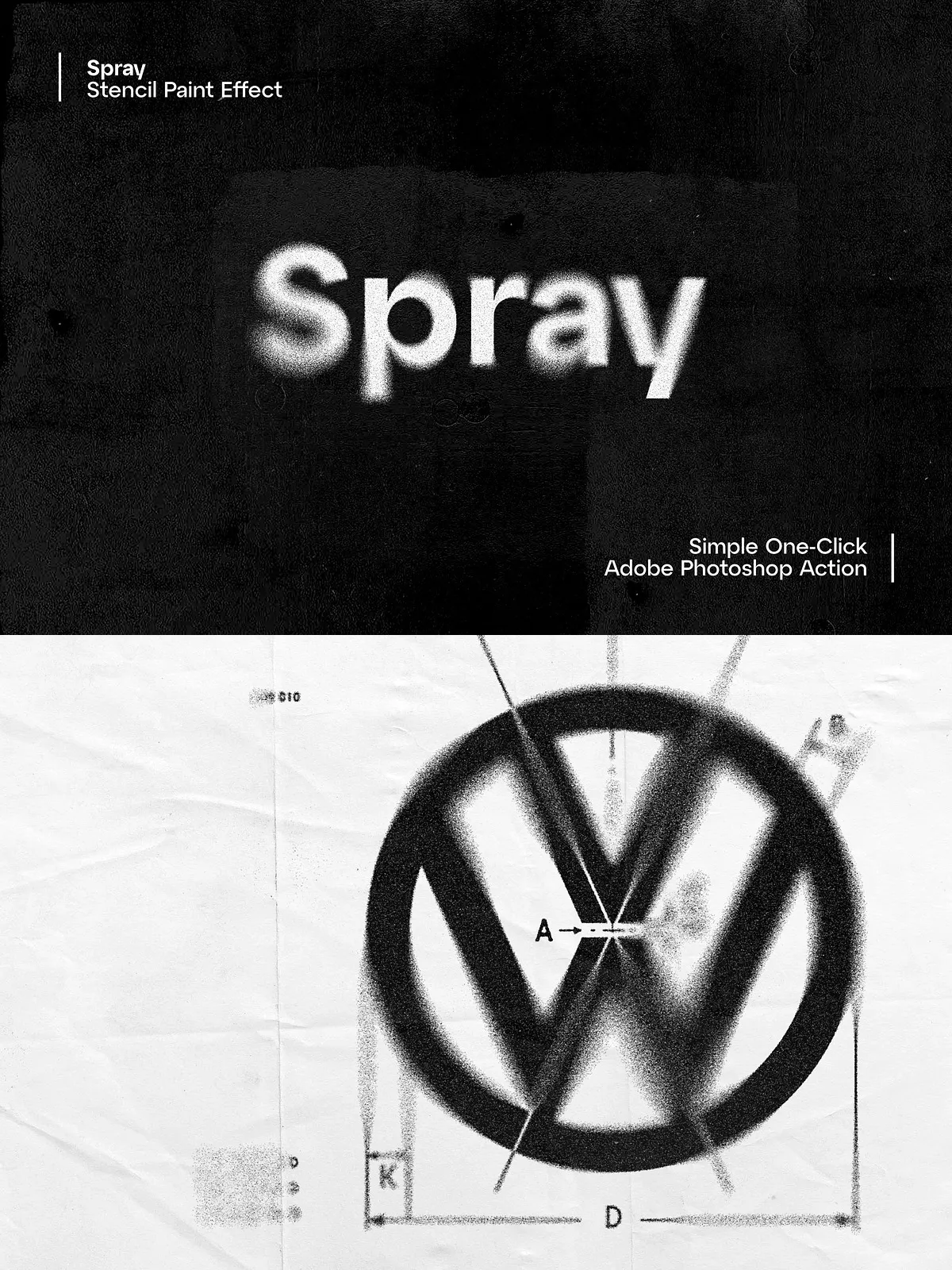
The Spray Photoshop Action transforms any layer into a realistic spray‑paint or stencil composition with a single click. Designed for speed and precision, this action eliminates the tedious brush work that normally consumes hours of a designer’s workflow. By automating color blending, texture overlay, and mask creation, you achieve a gritty, urban look in seconds while retaining full editability for further customization.
What’s Inside the Bundle
1. Fully Configured Photoshop Action (.atn)
This action file contains a sequence of recorded steps that apply the spray effect, generate realistic splatter edges, and add layered mask details. Simply drag the file into Photoshop’s Actions panel and run it on any raster layer.
2. Ready‑to‑Use Setup PSD
The accompanying PSD is pre‑arranged with smart‑object placeholders, adjustment layers, and blend‑mode settings. Open the file, replace the smart objects with your own artwork, and run the action to see the effect applied instantly.
3. “How‑To” Video Tutorial
A concise video walks you through installation, usage, and advanced tweaks such as color recoloring, opacity control, and pattern variation. The visual guide shortens the learning curve and ensures you extract the maximum value from the action.
Step‑by‑Step Installation & Usage
- Download the ZIP archive containing the three files.
- Extract the folder to a convenient location on your computer.
- Load the action: In Photoshop, open the
Actionspanel, click the menu icon, select Load Actions…, and choose thespray_action.atnfile. - Open the setup PSD and replace the placeholder smart objects with your own graphics.
- Run the action by selecting the layer you wish to affect and pressing the
Playbutton. The spray effect will render automatically. - Fine‑tune using the adjustment layers in the PSD if you need to modify colors, contrast, or blend modes.
Key Benefits for Designers
- Speed – Apply a complex, multi‑layered spray effect in under ten seconds.
- Consistency – Generate identical results across multiple projects without manual brush variance.
- Scalability – Works on any image size, from low‑resolution web graphics to 300 dpi print files.
- Full Editability – All layers remain separate, allowing you to recolor, reshape, or mask further.
- Cross‑Platform Compatibility – Fully compatible with Photoshop CC 2024 and later versions on both Windows and macOS.
System Requirements & Compatibility
The action relies on native Photoshop commands and does not require additional plug‑ins. Minimum requirements are:
- Adobe Photoshop CC 2024 or newer.
- Operating system: Windows 10 / 11 or macOS 10.15 Catalina or later.
- At least 2 GB of free RAM for smooth performance on high‑resolution files.
Customer Support & Assistance
If you encounter any issues during installation or usage, our dedicated support team is available to help. Simply send a message through the contact form on our product page, and we will respond within 24 hours with a solution or additional resources. We also provide a supplemental PDF guide for troubleshooting common problems.
Final Call to Action
Upgrade your creative workflow today by downloading the Spray Photoshop Action. Whether you are creating street‑art posters, edgy album covers, or dynamic web graphics, this one‑click solution delivers professional‑grade results without the hassle of manual painting.