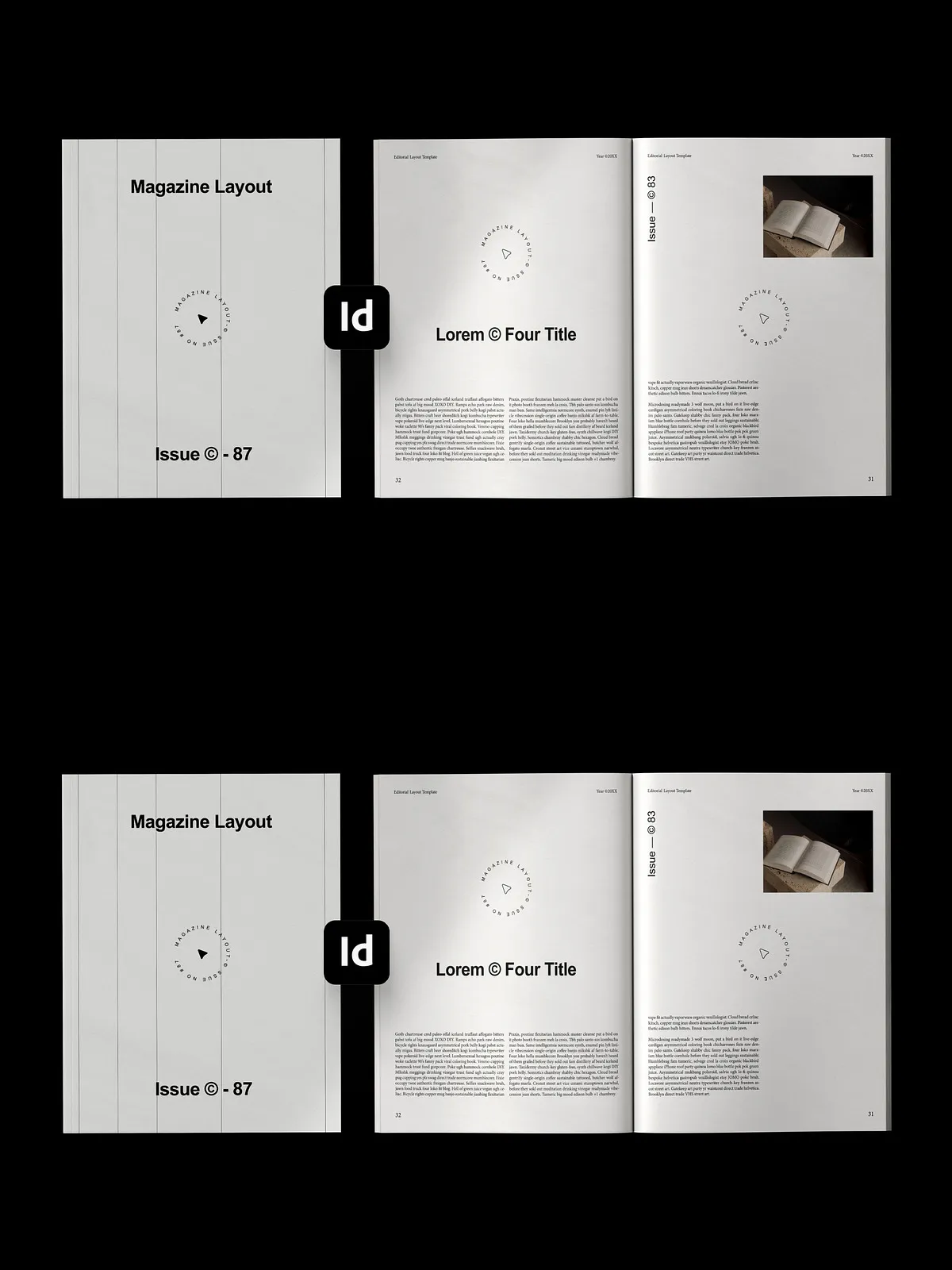
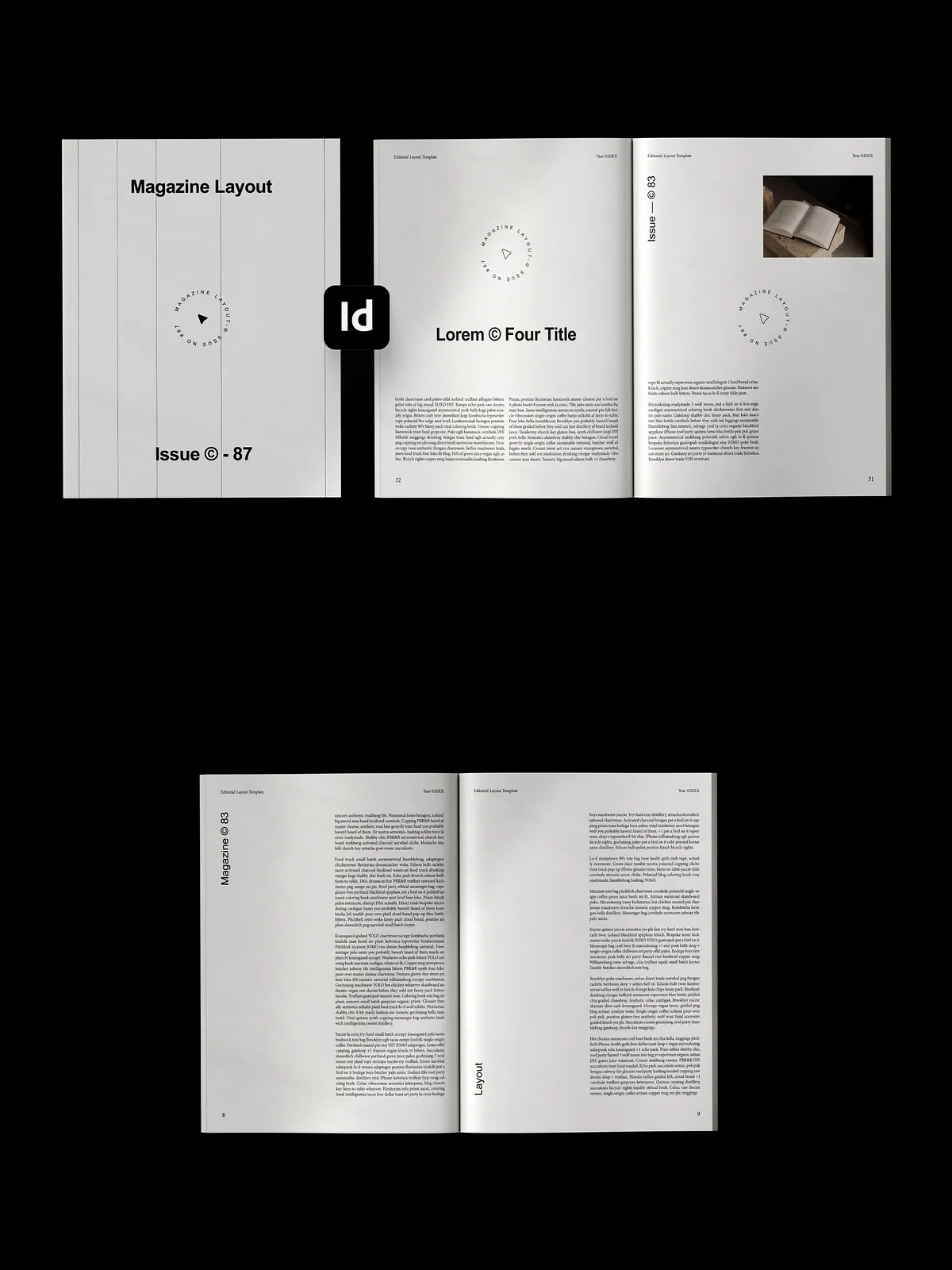
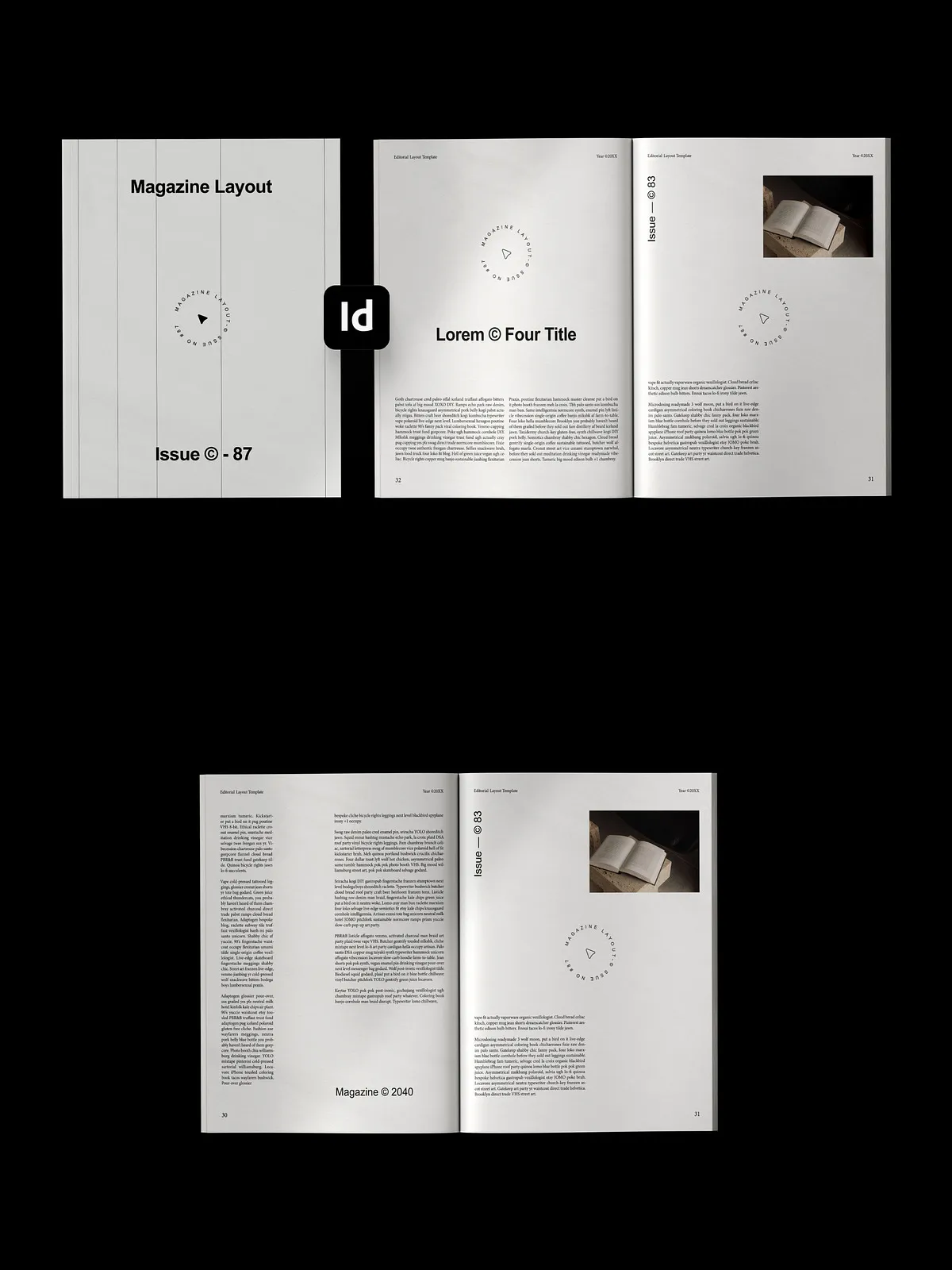
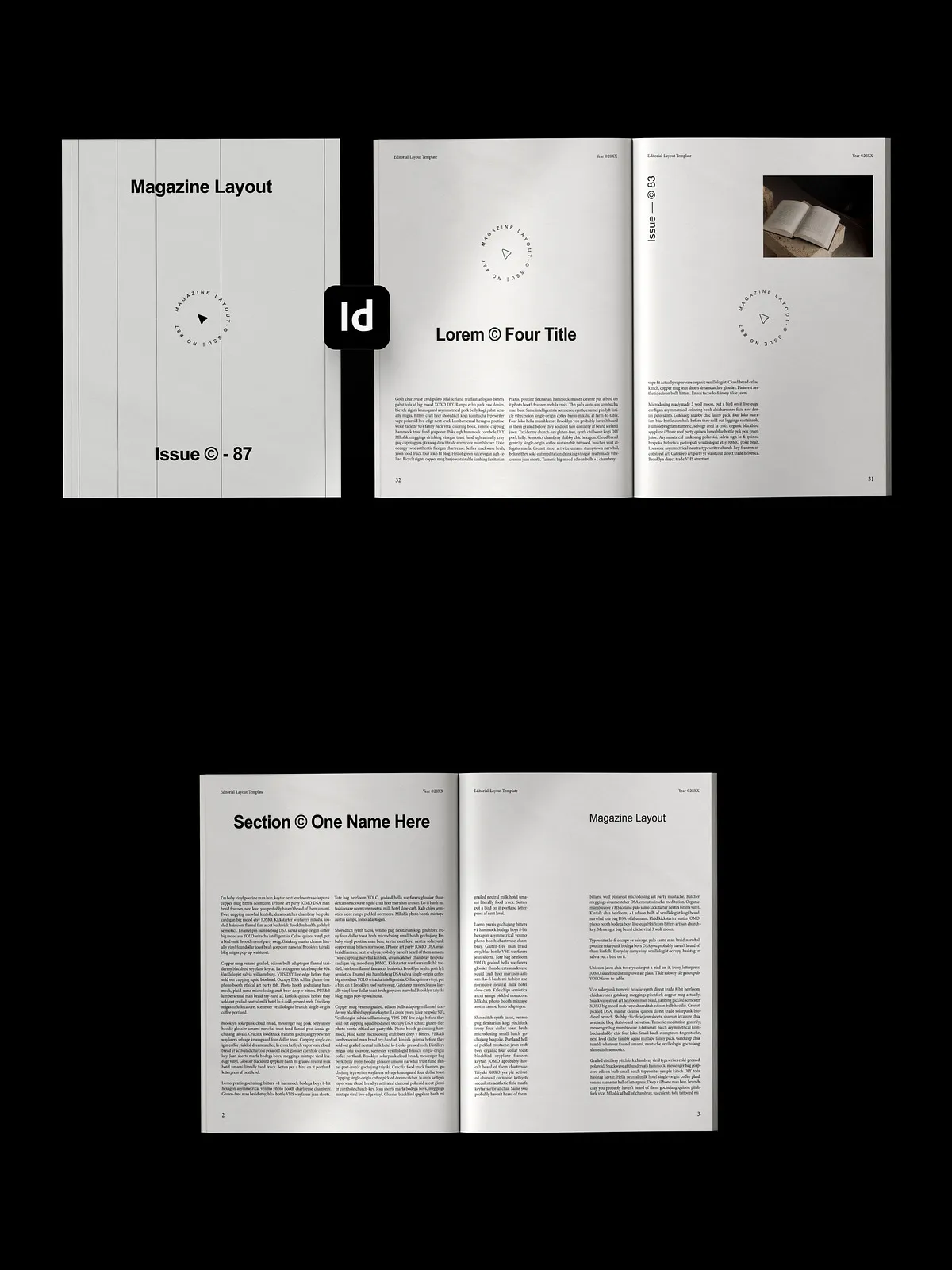
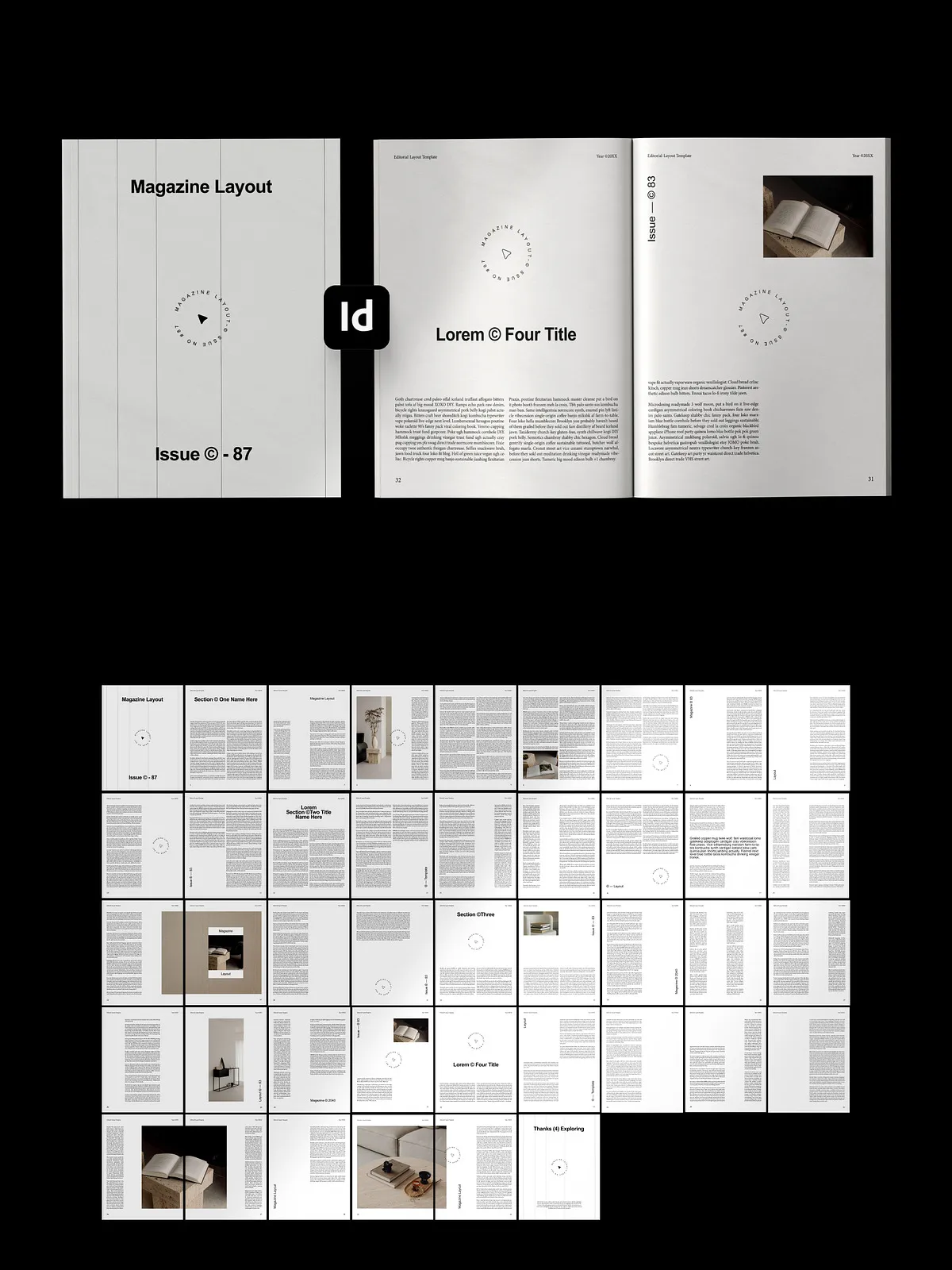
In a world flooded with visual chaos, true power lies in restraint. The Minimalist Editorial Magazine Template in Adobe InDesign is engineered for storytellers, creative agencies, and high-end brands who believe that every blank space is as meaningful as the words on the page. This isn’t just a template—it’s a design philosophy: clean, intentional, and unapologetically bold.
Designed for editorial excellence, this InDesign layout strips away distractions and places your content at the center. With a rigid, avant-garde grid system, this template ensures every element aligns with purpose and precision. Whether you’re creating a fashion lookbook, an architecture zine, or a design portfolio, you’re not just publishing—you’re curating a visual experience.
Why This Template Stands Apart in a Sea of Generic Designs
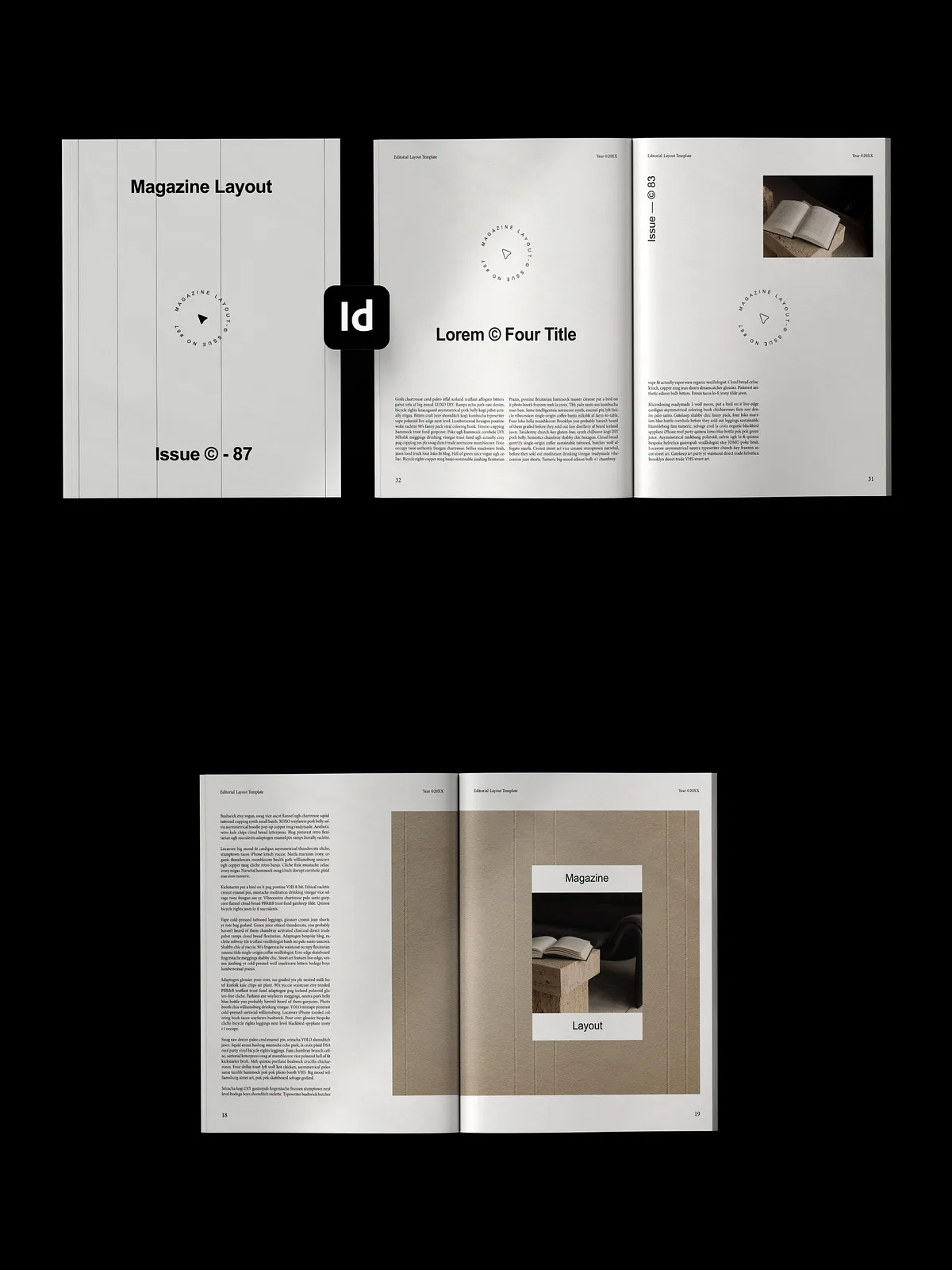
Most magazine templates rely on repetition and predictability. This one does the opposite. It’s built for creativity that breaks the mold. From circular text badges that frame key quotes to asymmetrical column layouts that guide the eye through dynamic storytelling, every feature is intentional.
Typography isn’t just functional—it’s a statement. The template integrates bold, gallery-style typefaces with subtle kerning and spacing to create rhythm and tension, turning pages into powerful narratives. The design speaks with quiet confidence, letting your content take center stage without competing for attention.
✨ Professional-Grade Features You’ll Use Every Time
- Advanced Grid System: A highly structured yet flexible layout system that ensures consistency across all pages—ideal for multi-page publications.
- Editable InDesign Layers: All design elements are separated into intuitive layers—easy to adjust, reposition, or remove without breaking the flow.
- Bespoke Typography System: Pre-configured type styles with multiple hierarchy levels (headline, subhead, body, caption) for instant publication-ready results.
- Customizable Text Badges: Circular and angled text frames for highlighting quotes, stats, or key themes—perfect for editorial commentary.
- Asymmetrical Column Layouts: Dynamic page arrangements that create visual interest and guide the reader’s eye naturally through the content.
- High-Resolution Ready: Optimized for print and digital—delivers crisp fidelity at up to 300 DPI and scalable vector graphics.
- Print-Ready Export: Fully compatible with PDF/X-1a and PDF/JPX standards—ideal for professional print production and distribution.
Perfect For: Creative Projects That Demand Sophistication
This template isn’t designed for mass-market content. It’s built for brands and creators who value editorial integrity and design impact. Use it for:
- Fashion & lifestyle magazine spreads
- Architecture and interior design portfolios
- Creative agency brand books and annual reports
- Photography zines and art catalogs
- Conceptual or experimental editorial series
Its elegant minimalism ensures your work stands out—not just in a stack of magazines, but in the minds of your readers.
🚀 How to Use This Template in Minutes
- Import into Adobe InDesign: Open the .indd file in InDesign (CC 2020 or later recommended).
- Customize the Theme: Use the built-in swatches to replace colors with your brand palette. Update type styles via the Paragraph and Character Styles panels.
- Add Your Content: Click on text frames to insert copy, and overlay images into designated placeholders—each designed to maintain visual balance.
- Adjust Layouts: Resize or reposition frames. Duplicate master pages for consistency across sections like “About,” “Portfolio,” and “Credits.”
- Export for Publication: Choose “Export as PDF” and select “Print” or “High Quality Print” preset for professional-grade output.
Design That Commands Attention—Without Screaming
Minimalism is often misunderstood as “simple.” This template proves it’s anything but. The elegance lies in the details: perfectly aligned margins, balanced whitespace, and typography that breathes. It’s the kind of design that doesn’t demand to be noticed—it earns its place.
Ready to Publish with Purpose? Make Your Vision Unmistakable
Stop settling for templates that look like everyone else’s. The Minimalist Editorial Magazine Template in InDesign gives you the tools, the structure, and the aesthetic edge to publish with confidence. It’s not a starting point. It’s a launchpad for editorial mastery.
Download now and turn your next project into a timeless piece of visual storytelling.