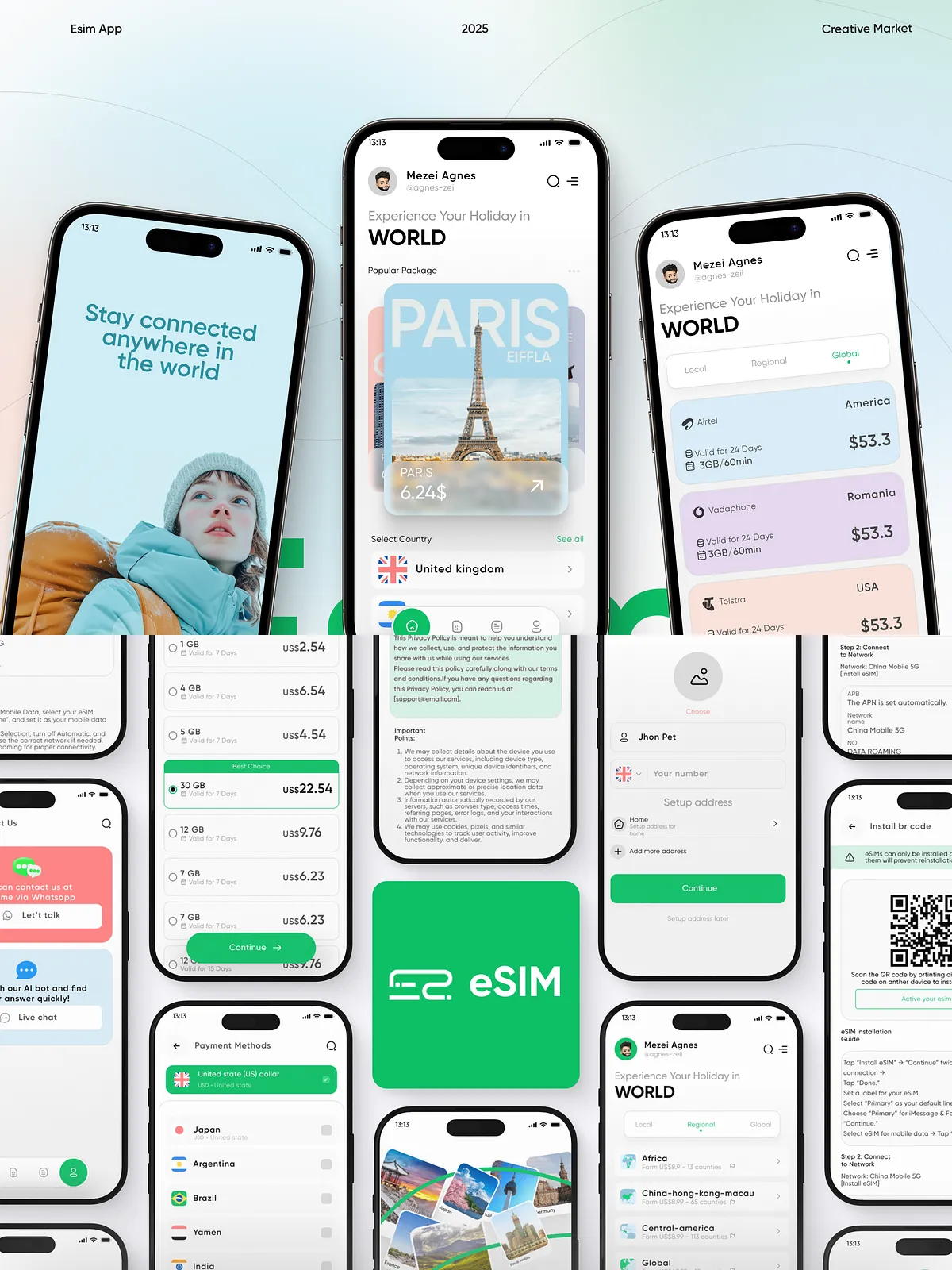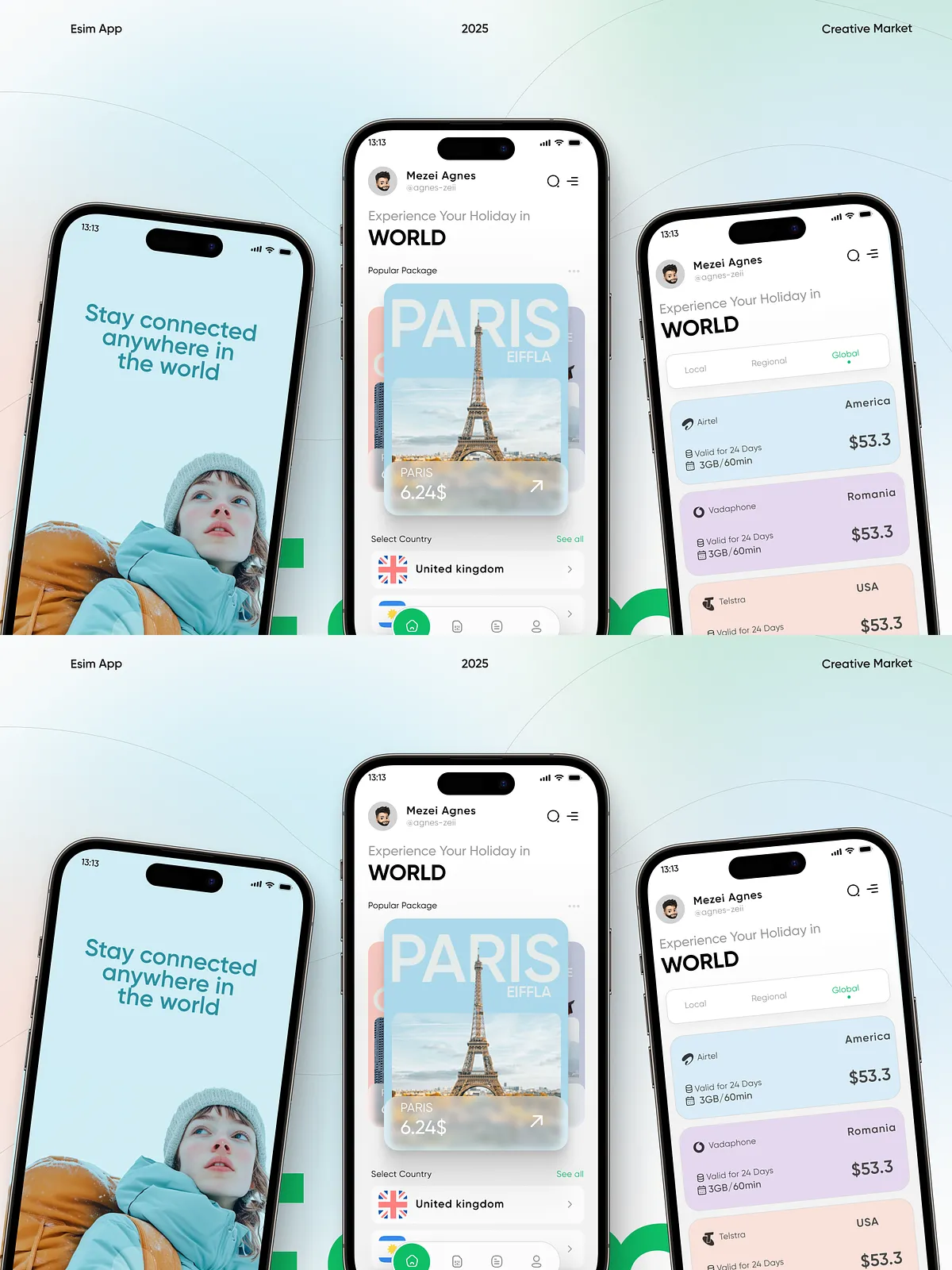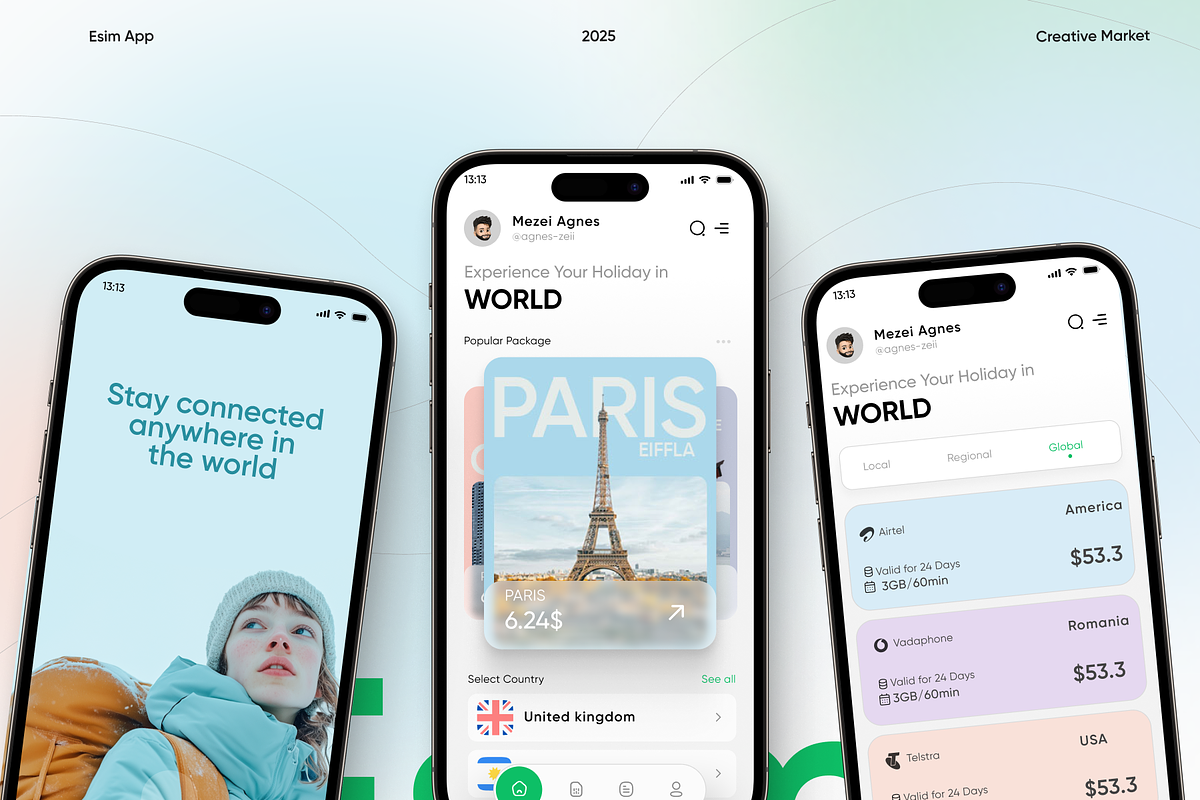

This eSIM Mobile App UI Kit delivers a complete, modern design system tailored for telecom, travel, and digital connectivity products. Built for Figma, the kit provides ready-made screens, reusable components, and a full purchase-to-install flow so teams can prototype, validate, and launch quickly. Use this kit to design apps similar to Airalo, Holafly, Nomad, Dent, or Ubigi with consistent visual language and efficient interaction patterns.
What’s Included
- 40+ fully designed mobile screens covering browsing, selection, checkout, and installation
- Complete eSIM purchase flow: Search → Select → Pay → Install
- User-friendly onboarding screens that increase activation and retention
- Clean dashboard and profile interfaces with plan status and usage details
- Plan management screens and current package details
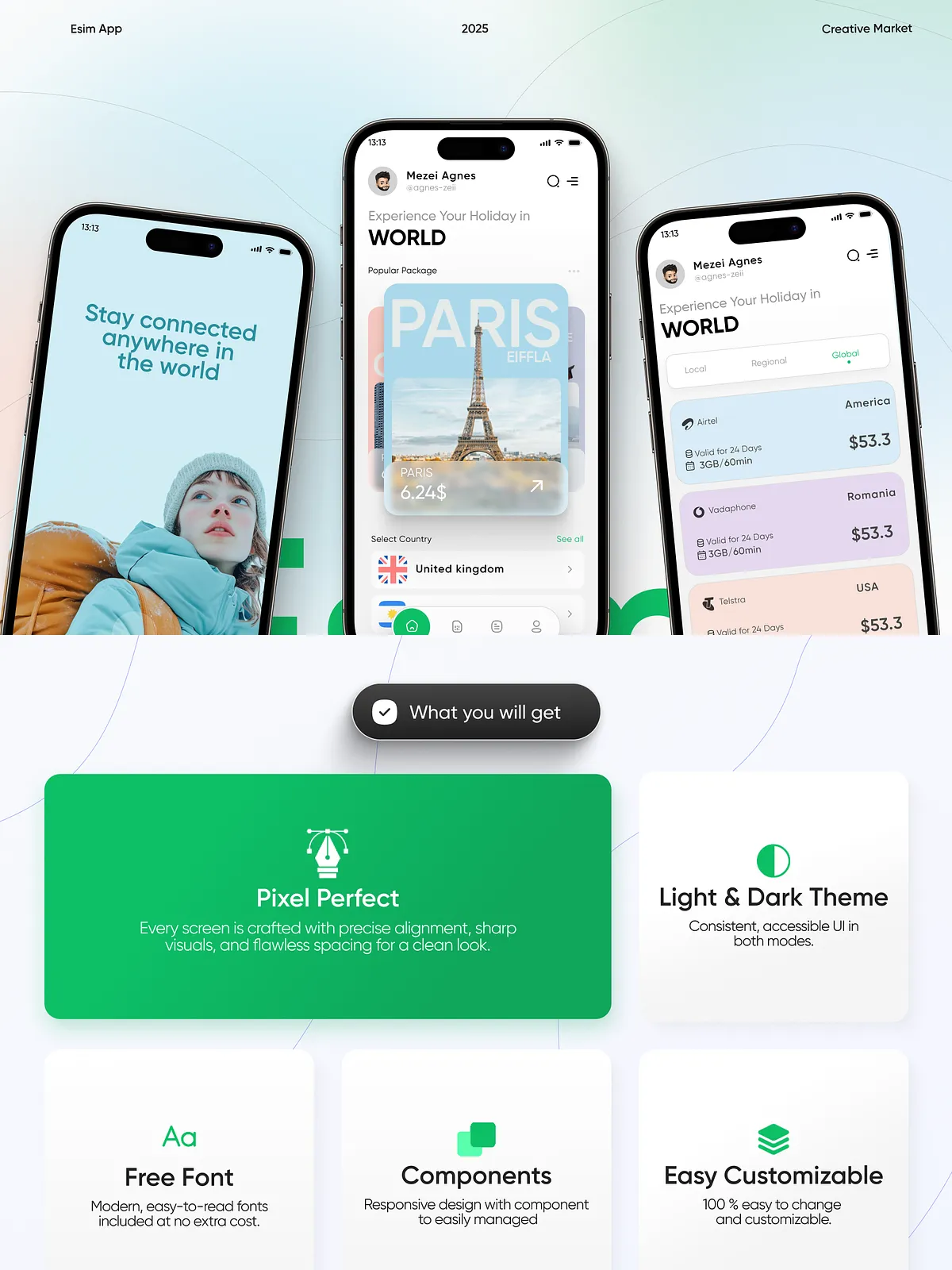
- Light and dark theme variants for cross-environment usability
- Auto-layout components and global styles for rapid customization
- Free fonts and a cohesive iconography system
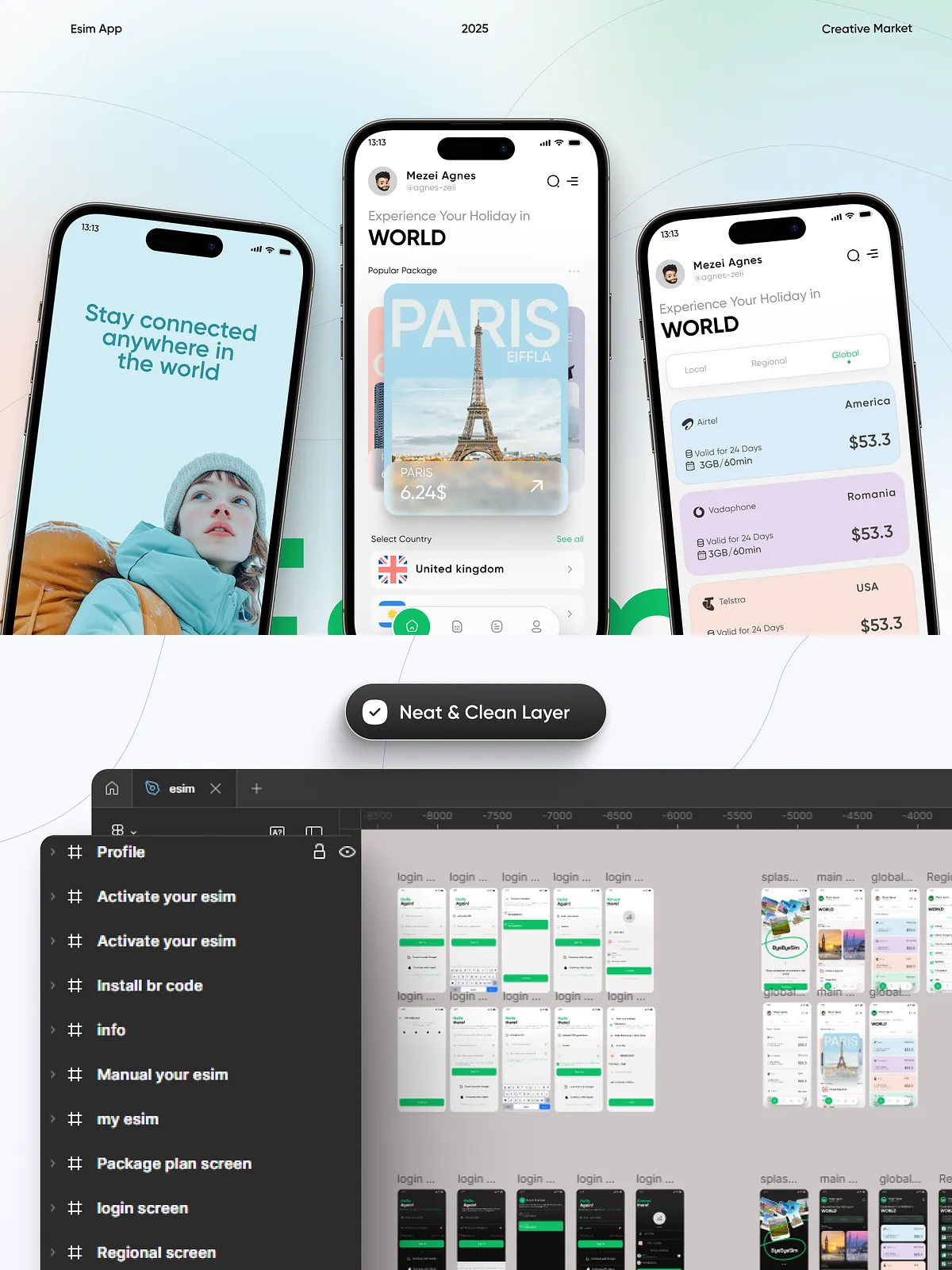
- Pixel-perfect layouts and well-organized Figma layers
Key Features
The kit emphasizes clarity, performance, and reusability. Designers and developers will find:
- Auto-layout components that adapt to content and speed up iteration
- Global color and typography styles for consistent branding
- Modular components (cards, lists, buttons, modals) ready to drop into new screens
- Device-safe spacing and layout grids optimized for iPhone and Android viewports
- Dedicated screens for onboarding, activation, plan details, and subscription management
- Accessible contrast and simplified flows to reduce user friction during purchase and installation
Why Choose This UI Kit?
This UI kit helps teams ship product experiences faster. It reduces design overhead with prebuilt screens and enforces a consistent user experience across the app. Whether you prototype a new feature, hand off to developers, or build a production-ready UI, the kit provides a strong foundation and flexible components that scale with your product.
Benefits at a Glance
- Accelerate design sprints with ready screens and templates
- Reduce developer handoff time using organized layers and clear naming conventions
- Maintain brand integrity using global styles and theme variants
- Validate user flows quickly with realistic screens for purchase and installation
How to Use the Figma File
- Open the shared Figma file and duplicate it to your workspace.
- Review the global styles (colors, typography, icons) and update them to match your brand.
- Use auto-layout components to assemble screens or create new variations effortlessly.
- Prototype the purchase flow from search through install to test interactions and handoff notes.
- Export assets or share developer links for smooth implementation.
Perfect For
This kit fits teams and individuals focused on connectivity and travel technology. Use it if you are a:
- UI/UX Designer building mobile experiences
- Product Designer validating eSIM purchase and activation flows
- Mobile App Developer implementing polished interfaces
- eSIM startup or telecom product team accelerating time to market
- Design agency delivering turnkey mobile templates for clients
Delivery, Compatibility & Support
The UI Kit is delivered as a Figma file link. You need a free Figma account to open and edit. Files include a documentation page with component guidelines, naming conventions, and suggested export settings. If you need assistance, open a support request with details about your Figma account and the specific area you need help with.
License & Usage
The kit grants the purchaser rights for personal and commercial use as specified in the included license file. You may customize the assets for client projects and production apps. Redistribution of the raw Figma source files or resale as standalone products is prohibited — review the license for full terms.
Get Started
Download the eSIM Mobile App UI Kit, open the Figma file, and begin customizing components and screens to match your brand. Use the included flows to prototype purchase and installation experiences, accelerate development handoffs, and deliver a polished, user-focused eSIM product.