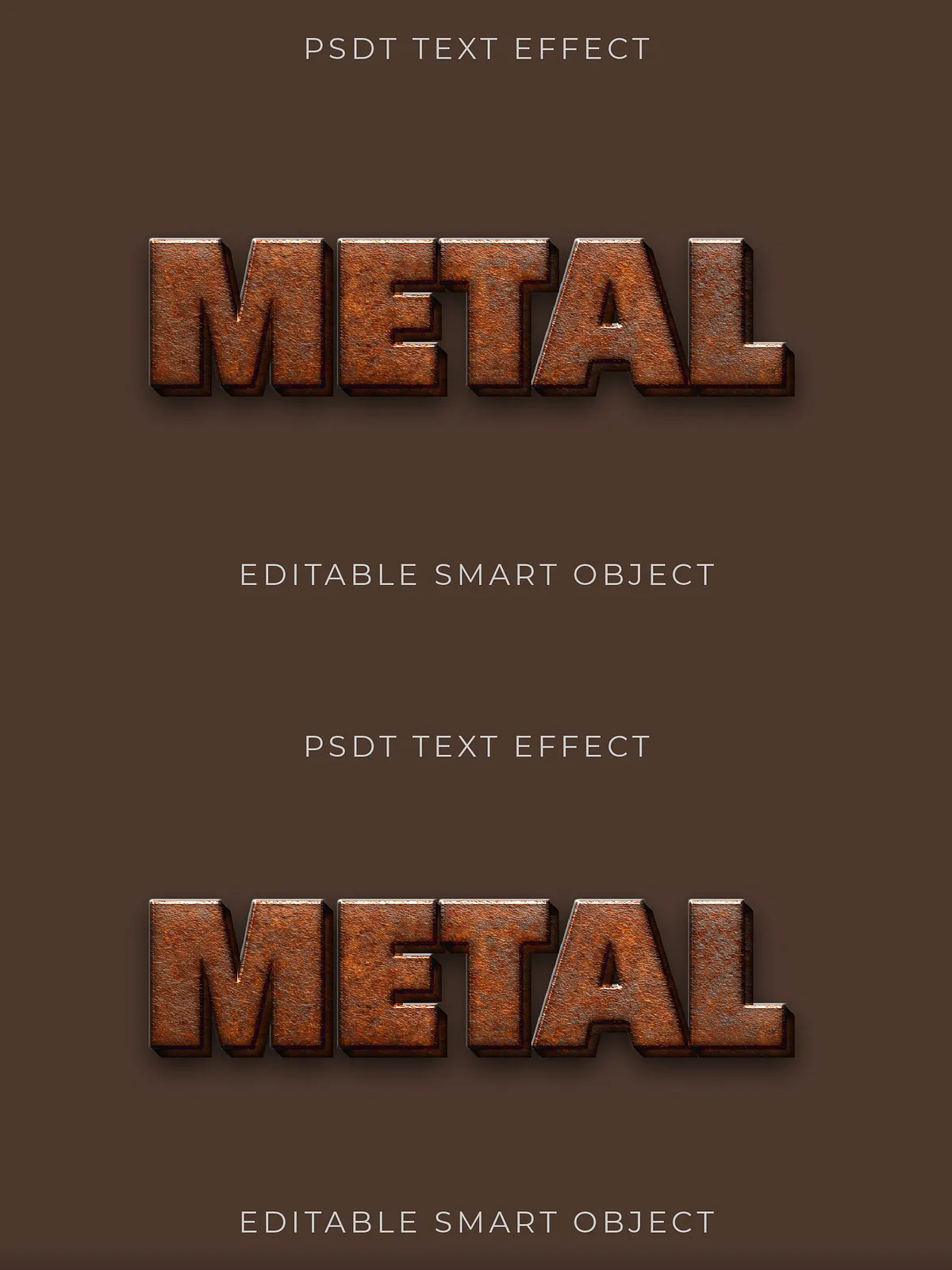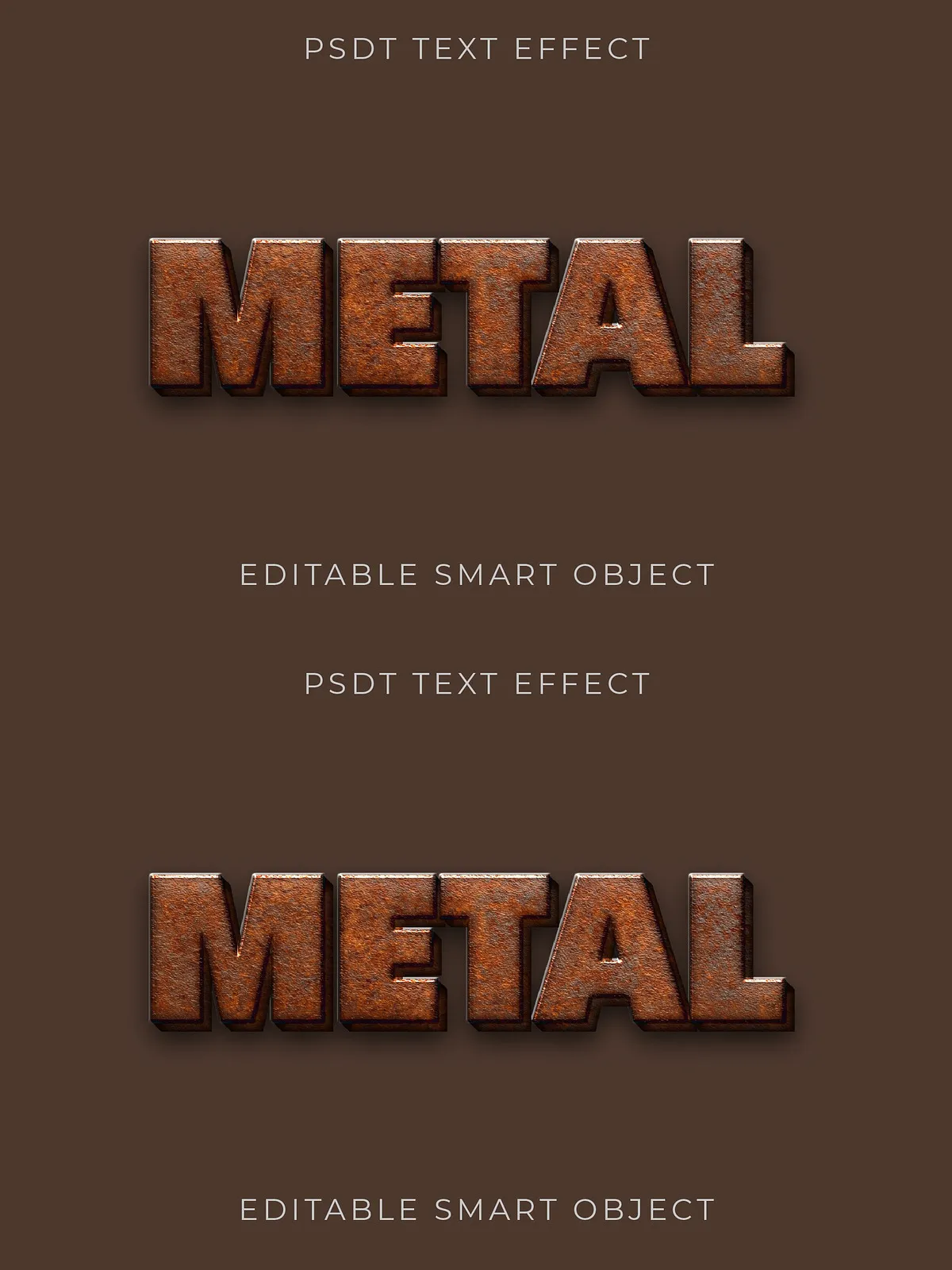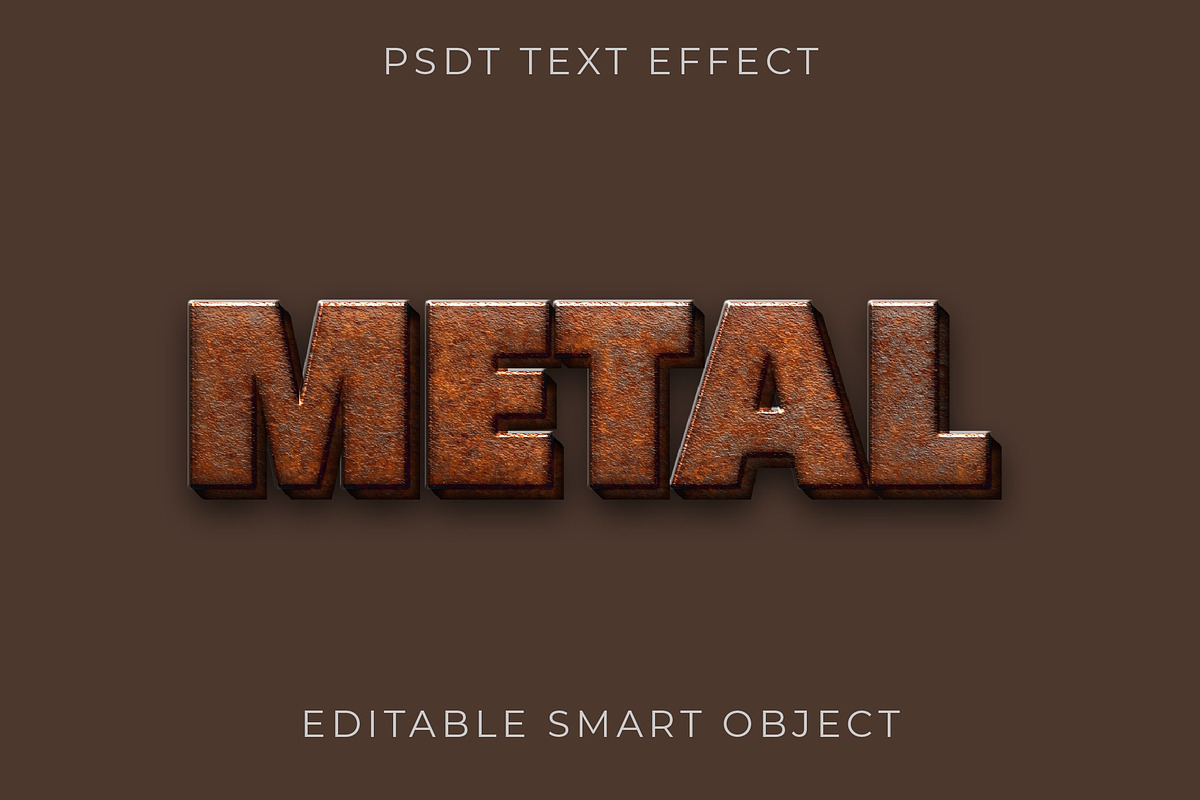

Transform ordinary text into bold, industrial statements with this 3D copper rust text effect. Designed for designers, illustrators, and creative professionals, this effect delivers an authentic oxidized copper finish and convincing dimensional depth. Apply it to headlines, posters, logos, and themed projects to introduce character, atmosphere, and tactile realism. The effect ships ready for Photoshop and focuses on simple, fast customization so you can get polished results without lengthy setup.
What’s Included
Files & Formats
- Layered Photoshop file (PSD) with editable layers and Smart Objects for quick text replacement.
- High-resolution texture maps and rust overlays to preserve detail at large sizes.
- Pre-built 3D-style layer styles and adjustment layers so you can fine-tune color, contrast, and metal patina.
Core Features
- Realistic oxidized copper texture that simulates verdigris, pitting, and surface weathering.
- Solid 3D depth with natural shadowing and specular highlights for believable metallic volume.
- Fully editable text via Smart Objects—replace the sample text and the effect adapts automatically.
- Organized layers and clear naming conventions for fast workflow and easy learning.
- Non-destructive adjustment layers and color controls to customize hue, saturation, and metal warmth.
How to Use
Quick Setup
- Open the supplied PSD in Adobe Photoshop (compatible with recent CS and CC versions).
- Double-click the Smart Object layer, replace the placeholder text or artwork, then save and close the Smart Object to update the main file.
- Adjust color, patina strength, and lighting via the included adjustment layers to match your artwork or brand palette.
- Export at desired resolution—use 300 dpi for print or 72–150 dpi for web and social media depending on needs.
Customization Options
- Tweak the rust intensity using dedicated opacity and mask layers.
- Shift the copper tone from warm to cool by adjusting hue/saturation and color lookup layers.
- Refine edge wear and scratches with included texture masks and brushes for a handcrafted look.
Compatibility & Requirements
To use this effect you will need Adobe Photoshop. Smart Objects and Adjustment Layers require Photoshop CS6 or later for full compatibility, though Creative Cloud (CC) is recommended for the smoothest workflow. The PSD preserves layer structure so you can extract elements or repurpose textures for other projects.
Recommended Use Cases
- Poster and event graphics that need a rugged, vintage-industrial aesthetic.
- Logos and brand marks for hardware, workshop, craft, or vintage-focused brands.
- Editorial headlines, album covers, or promotional art where tactile realism enhances impact.
- Social media visuals and thumbnails that require standout, textured typography.
Tips for Best Results
- Use high-contrast, bold typefaces to maximize the perceived depth of the metal.
- Export at native resolution or larger to retain fine rust and grain detail.
- Combine with background gradients or subtle paper textures to enhance realism.
- When printing, select a substrate that complements metallic finishes—matte or textured papers often increase perceived authenticity.
Support & Licensing
This product includes the editable PSD and all texture assets shown in previews unless otherwise specified. Photos used in mockups are for presentation only and are not included unless explicitly listed. If you need help opening files, replacing Smart Objects, or matching the effect to a specific project, contact support via the product page or the seller’s provided contact channels. Review the included license file for permitted uses and redistribution terms before incorporating the effect into commercial products for resale.