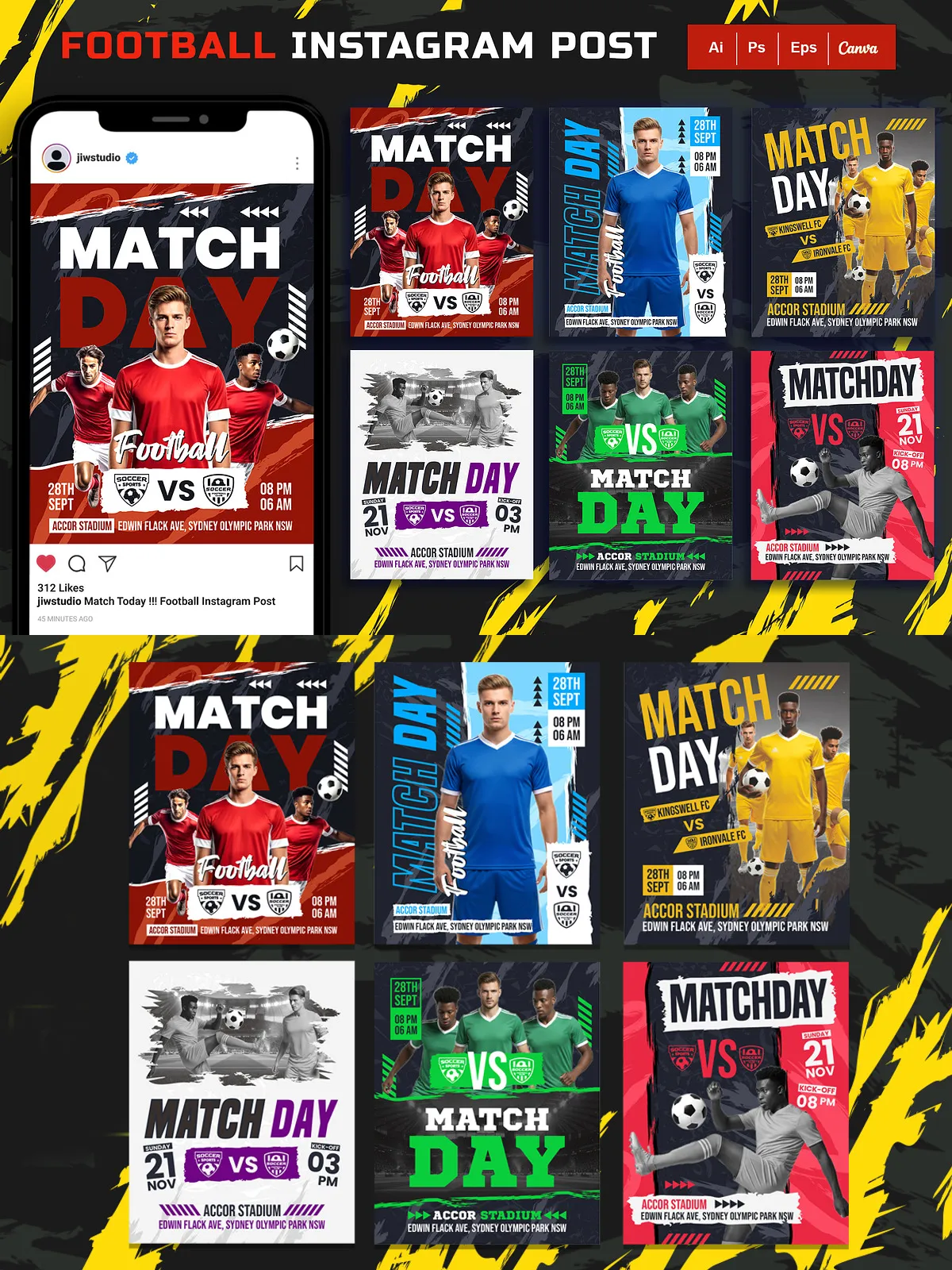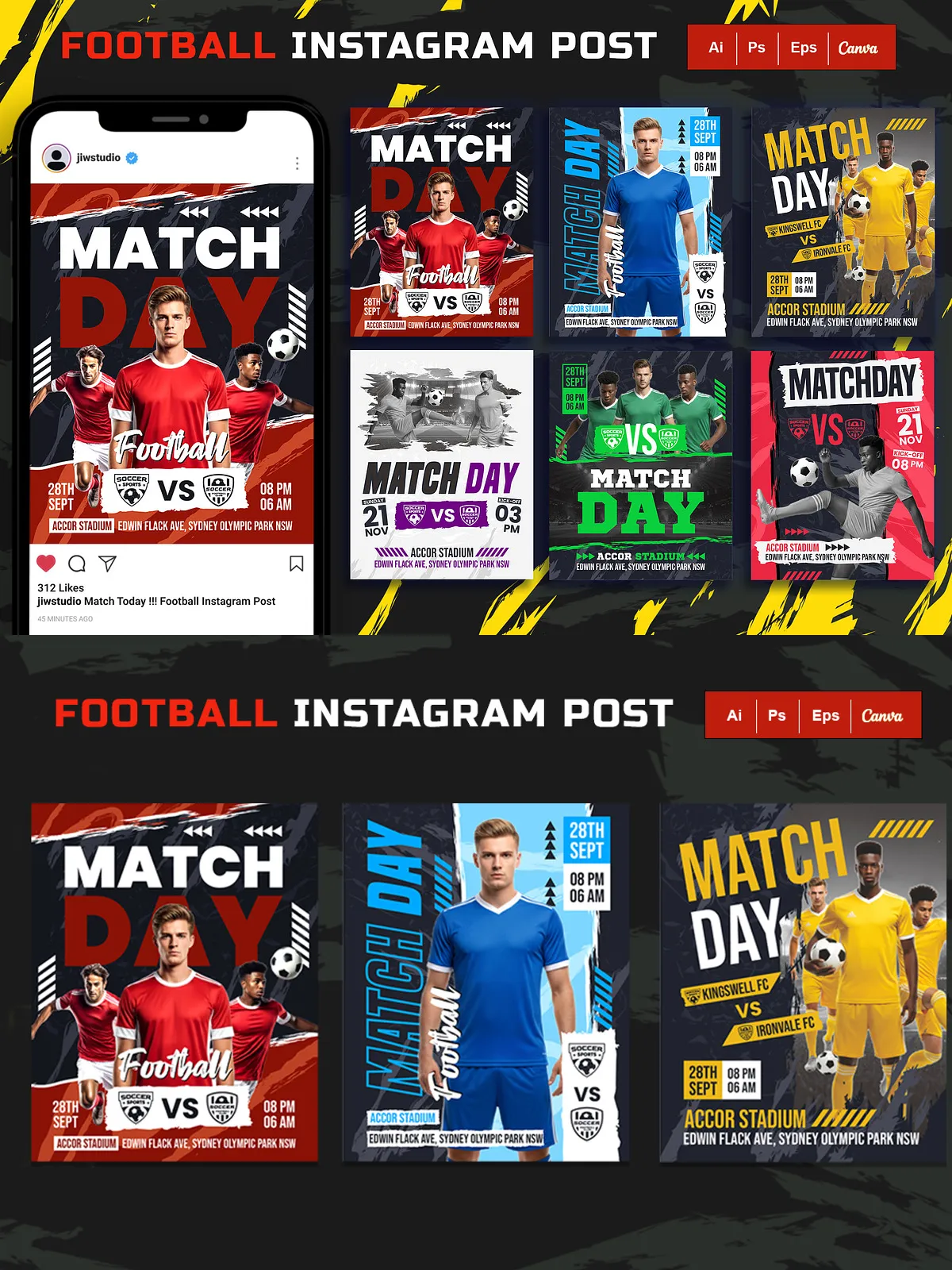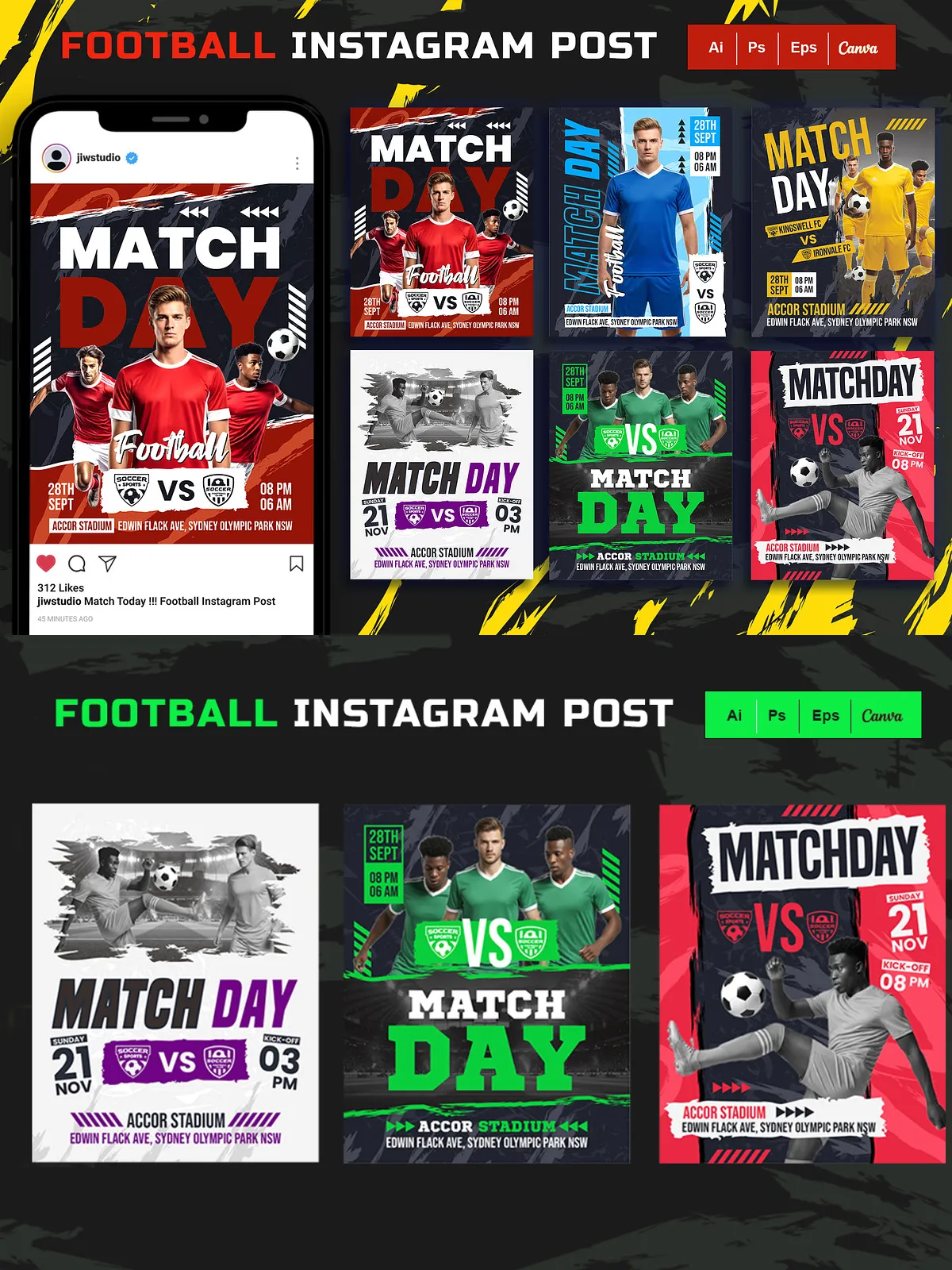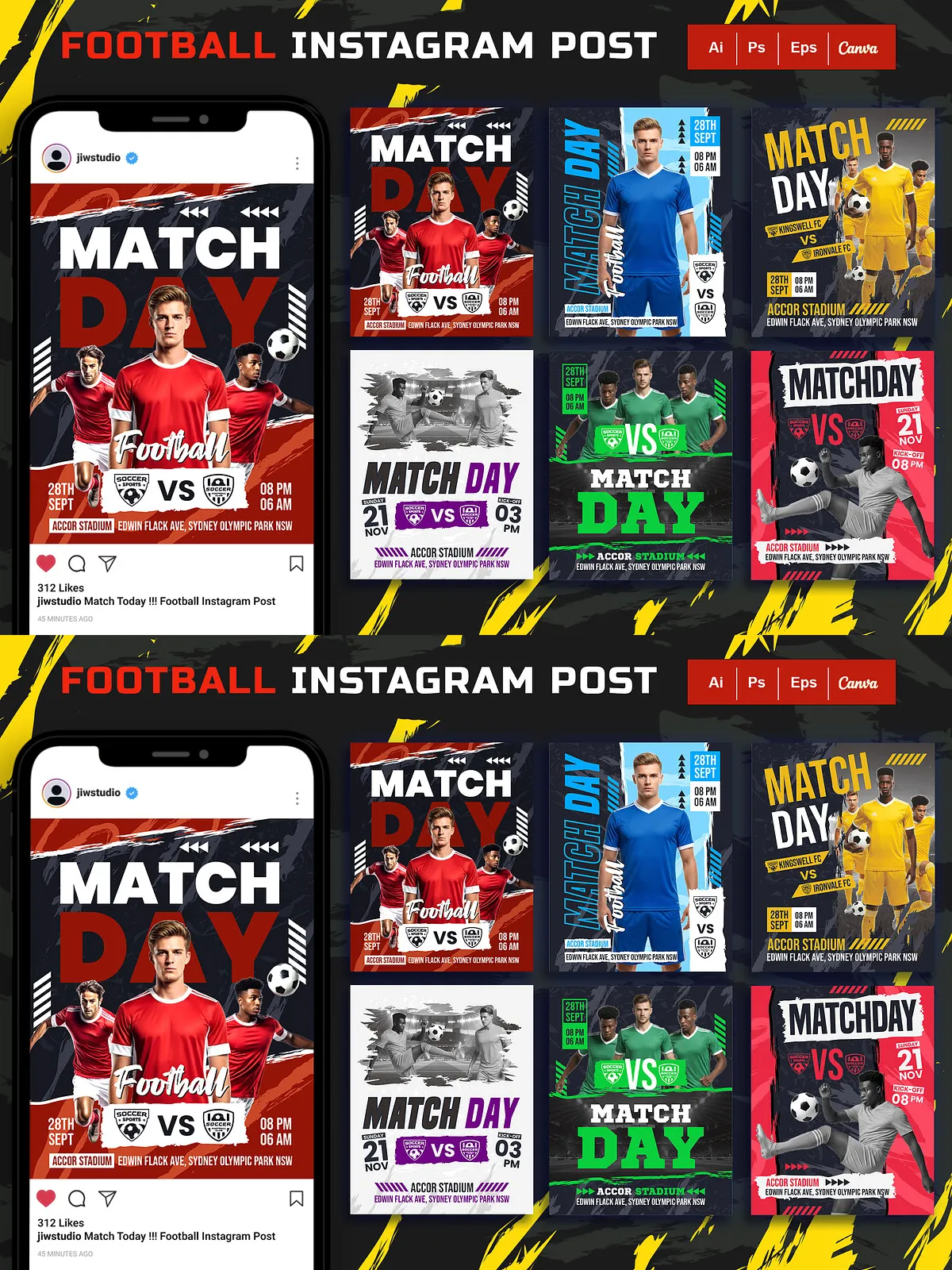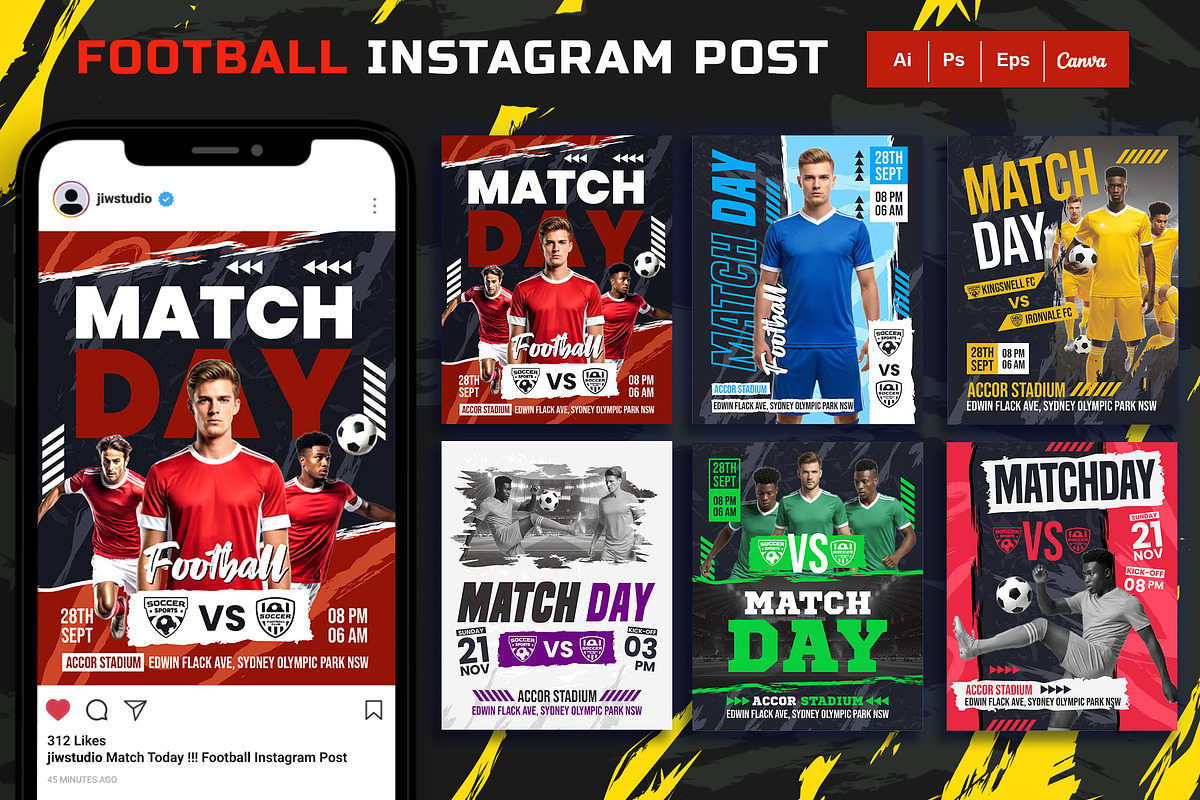

Elevate your club or team’s Instagram presence with a dynamic, professional set of Football Match Day templates engineered for speed and impact. This collection delivers bold visuals and clearly organized layers so you can produce match-day posts quickly without sacrificing quality. Designed for social media managers, sports marketers, and teams, the templates provide a consistent visual identity across every match announcement, score update, and highlight reel.
Key Features
- Six Instagram portrait templates sized for portrait feed posts (1080 × 1350 px) and optimized for maximum screen presence on mobile.
- Ready-to-use files formatted for Adobe Illustrator, Adobe Photoshop, EPS, and Canva for immediate deployment.
- Fully layered and organized source files that speed up editing and preserve production consistency.
- Smart-object image placement in PSD files for fast, non-destructive image updates.
- Editable text, colors, and images so you can update scores, player names, and match details in seconds.
- Free font usage with font references included for exact visual matching.
Instagram Size Recommendation
These templates use the common 4:5 portrait ratio widely supported by Instagram for feed posts (1080×1350 px). For reference about current Instagram posting dimensions, see this source: [New Instagram Max Post Height Dimensions](https://www.instagram.com/p/DQ8KJ1lDFBM/). Using the recommended size ensures your visuals display crisply on most devices.
Included Files
- AI file — Adobe Illustrator source for vector editing and export
- EPS file — Scalable vector file compatible with multiple design tools
- PSD file — Adobe Photoshop with smart objects for fast image replacement
- Canva file — Editable in Canva for non-design users and quick team collaboration
- Font Info (.txt) — Links and names of free fonts used in the templates
How to Use
- Open the file format you prefer (PSD, AI, EPS, or Canva).
- Install or reference the free fonts listed in the Font Info file to maintain the intended look and spacing.
- Replace placeholder images using smart objects in PSD or by swapping layers in AI/Canva to preserve layout and effects.
- Edit text elements to add match details: opponent, time, venue, and hashtags.
- Adjust colors to match team branding by changing global color swatches or layer styles.
- Export as high-quality JPEG or PNG at 1080 × 1350 px and upload directly to Instagram.
Tips for Faster Production
- Create a reusable color swatch or style guide so every post matches your brand instantly.
- Prepare a folder of player headshots cropped to the same aspect ratio for consistent placement.
- Save export presets in Photoshop or Illustrator to produce ready-to-upload images with one click.
- Use the Canva file for rapid team approvals and social scheduling integrations.
Who This Is For
These templates serve social media managers, club communications teams, sports marketers, content creators, and freelance designers who need to produce attractive match-day content quickly and reliably. The files support both designers who prefer full control in Adobe apps and non-designers who rely on Canva for fast updates.
Notes & License
Third-party images used in preview mockups are not included with the download. You receive the template source files and font information only. Ensure you have the right to use any player photos or third-party imagery before publishing. If you plan to use these templates commercially, verify licensing requirements for included file formats and fonts.
Support & Final Steps
If you need assistance editing the files or matching a specific brand color, contact the author for step-by-step guidance. Start by opening the included PSD or Canva file, replace the sample content with your match details, export at 1080 × 1350 px, and publish to your Instagram feed for high-energy, professional match-day engagement.