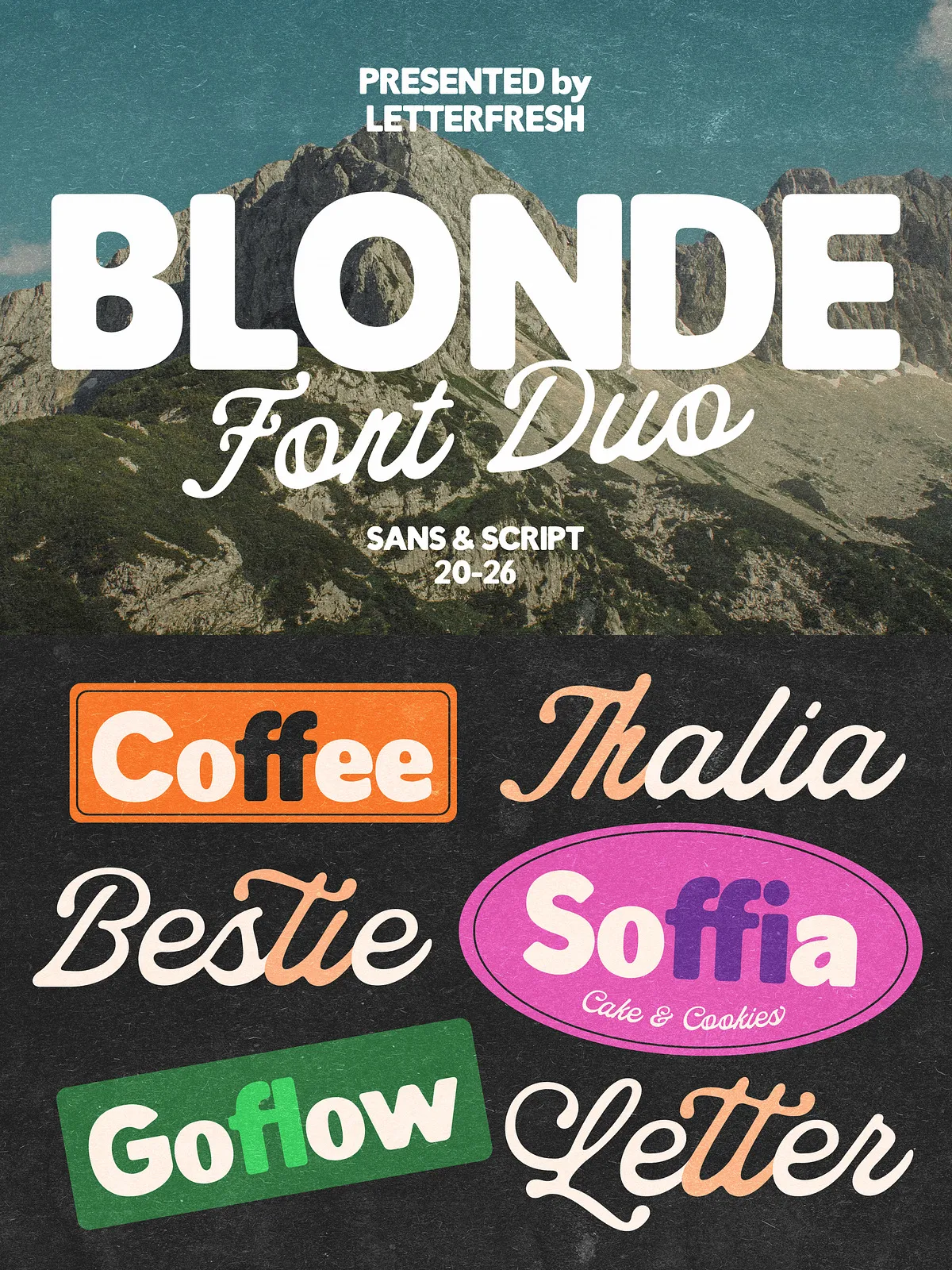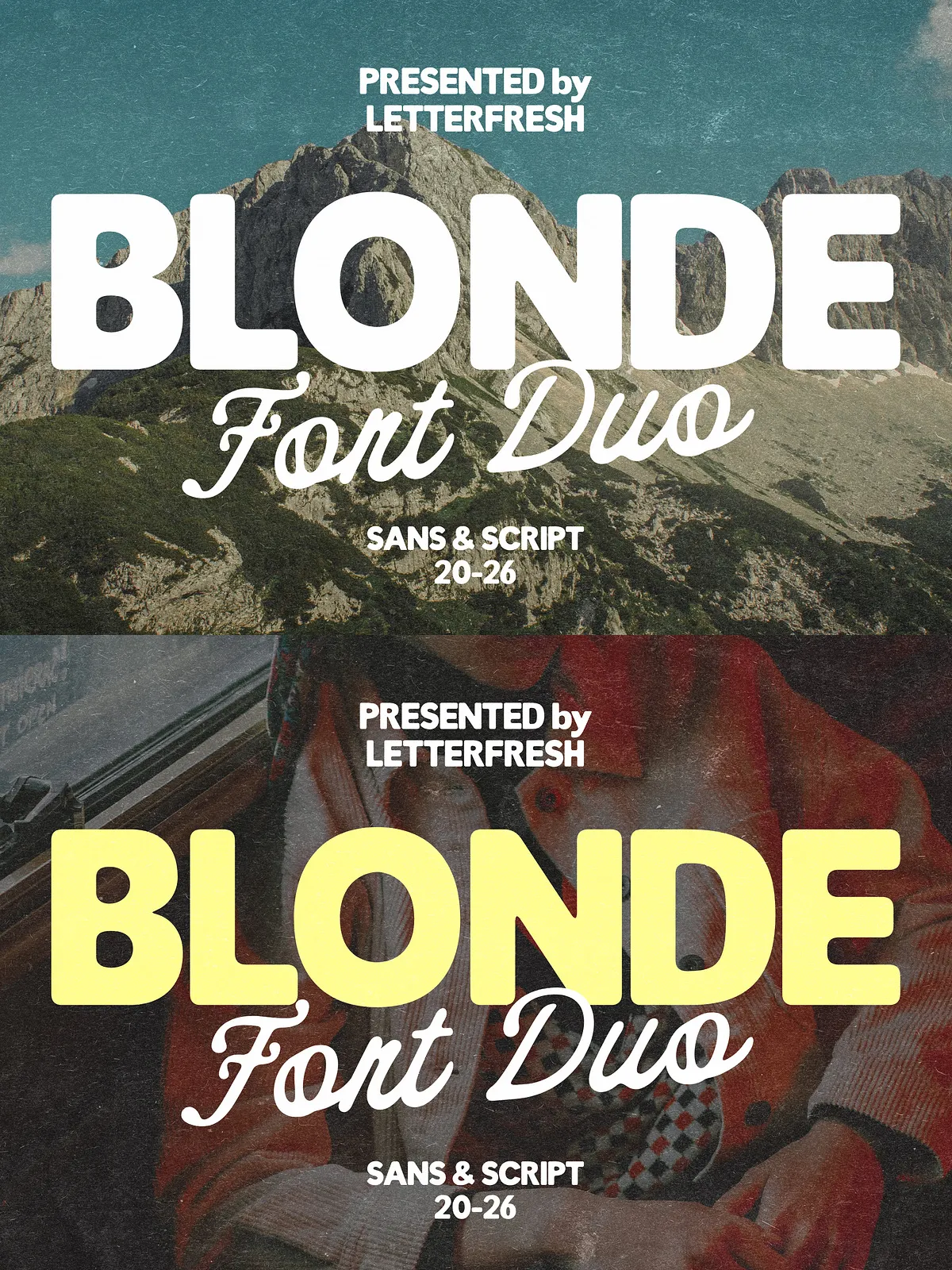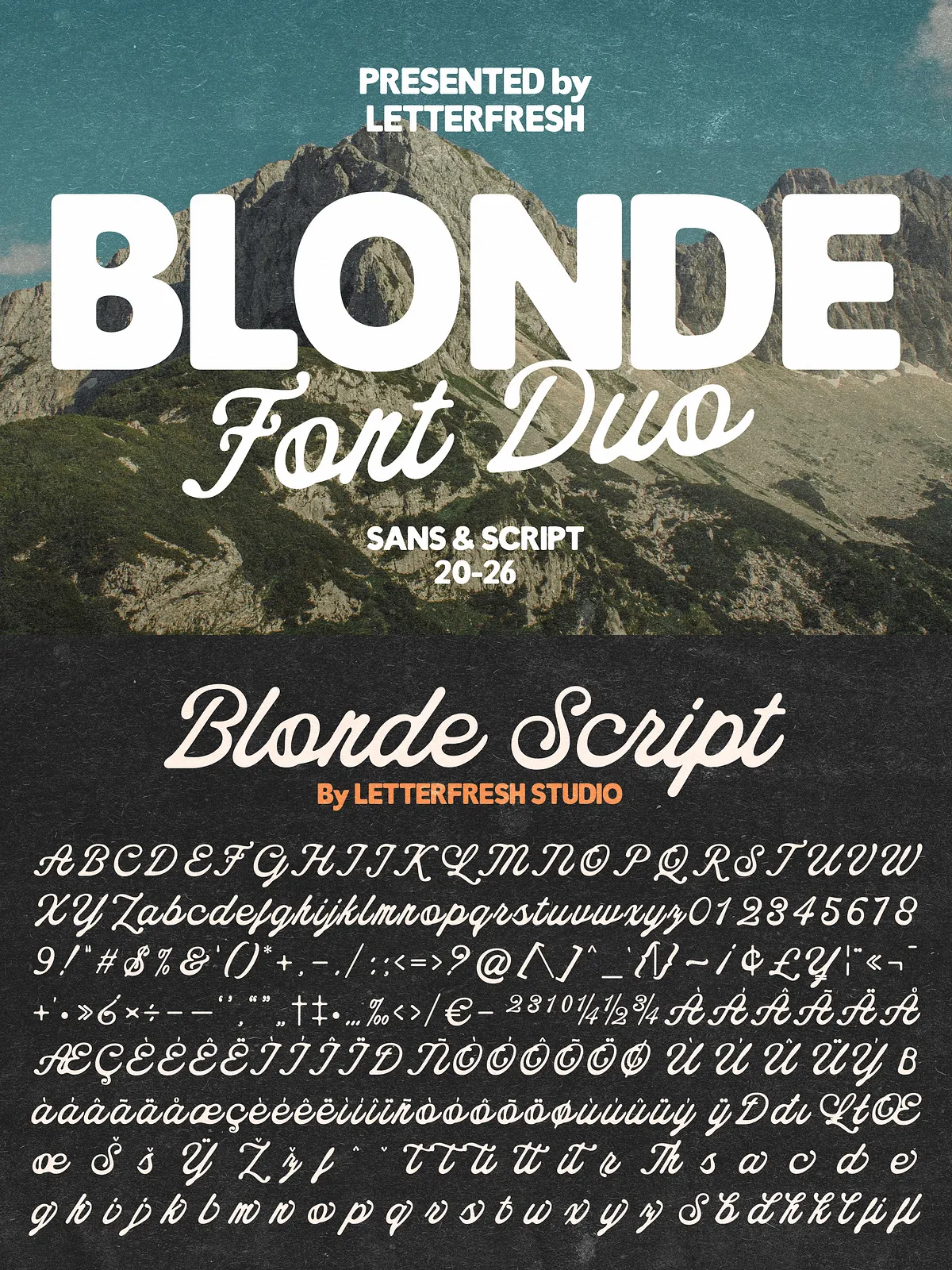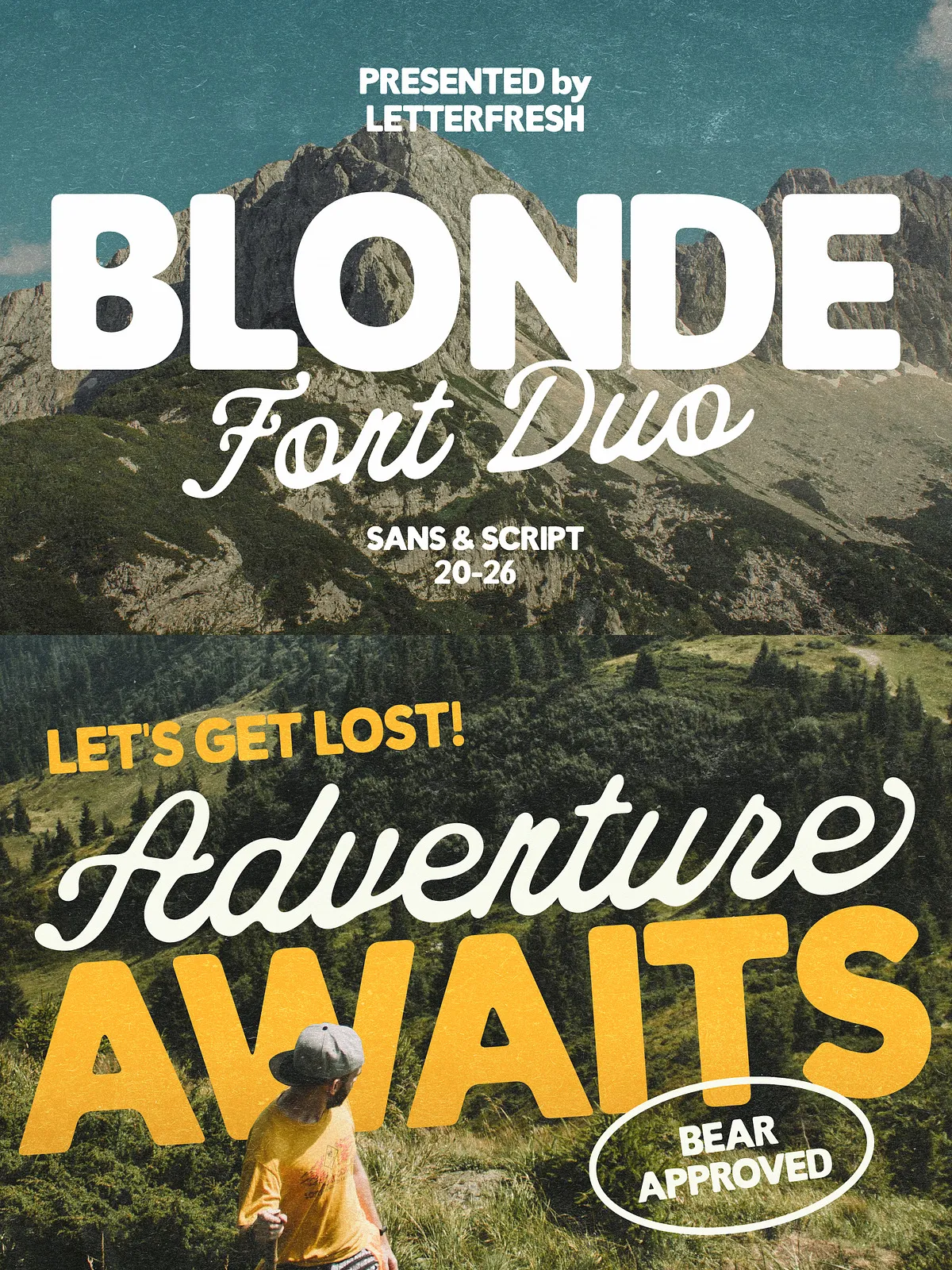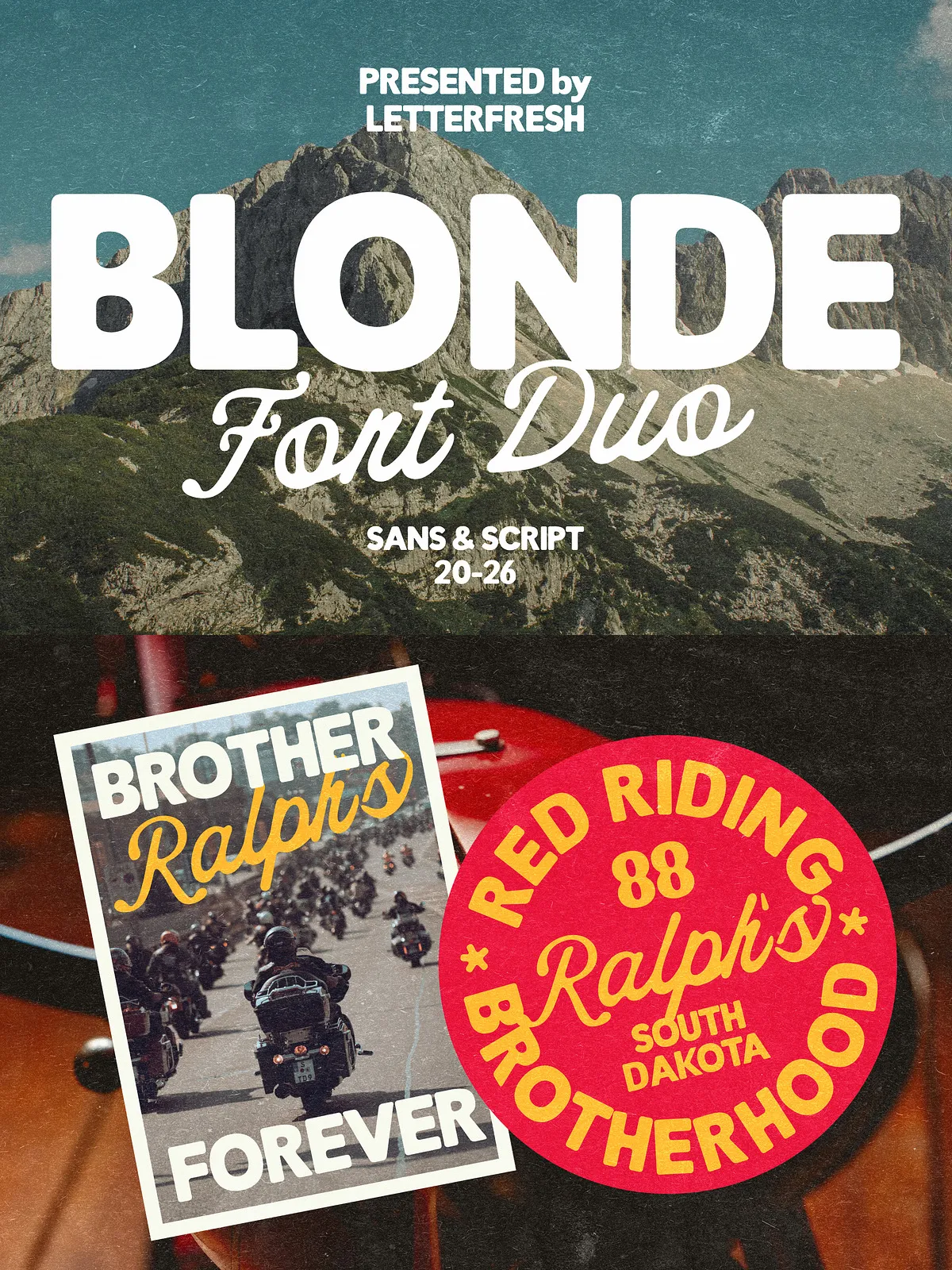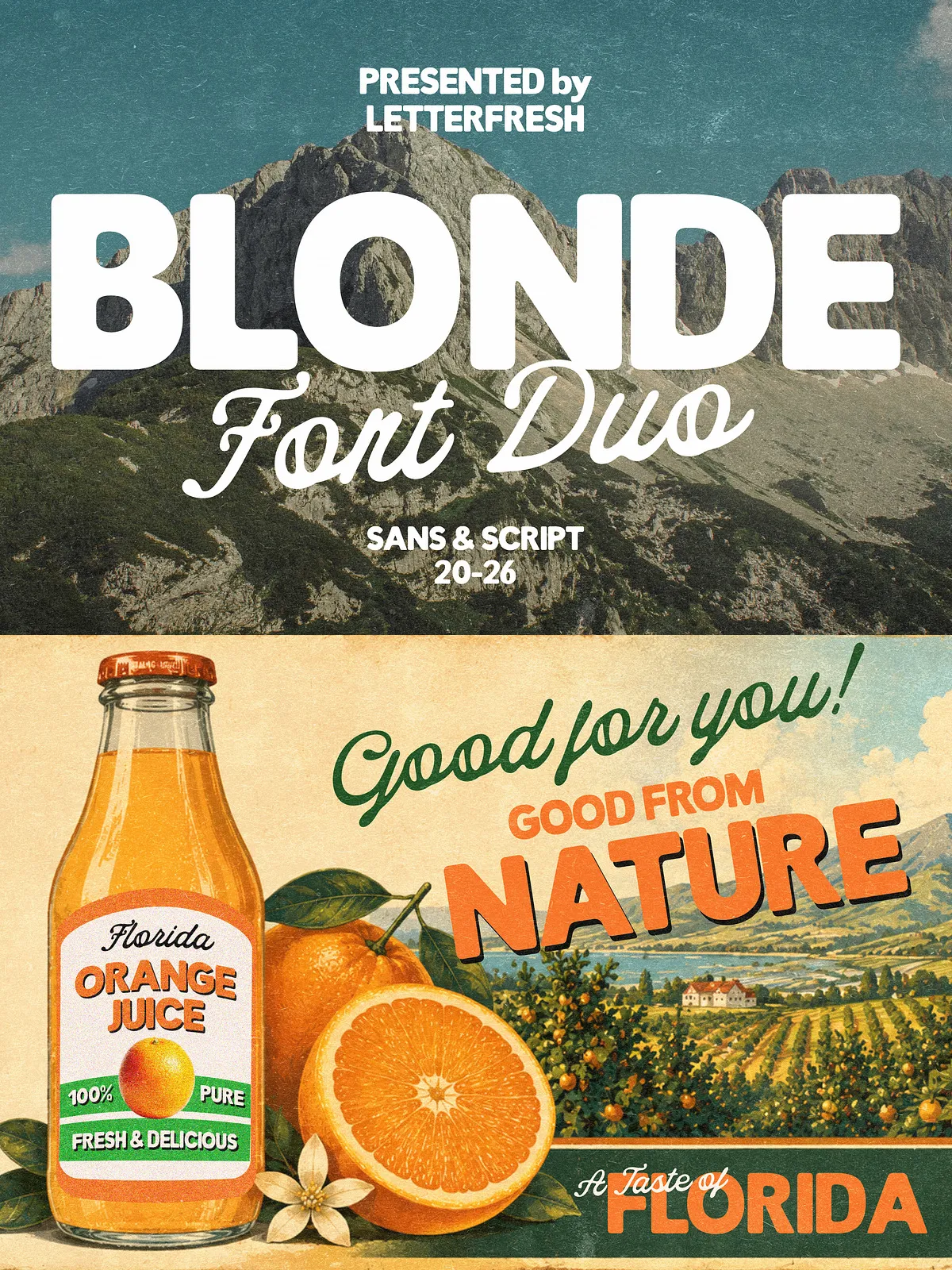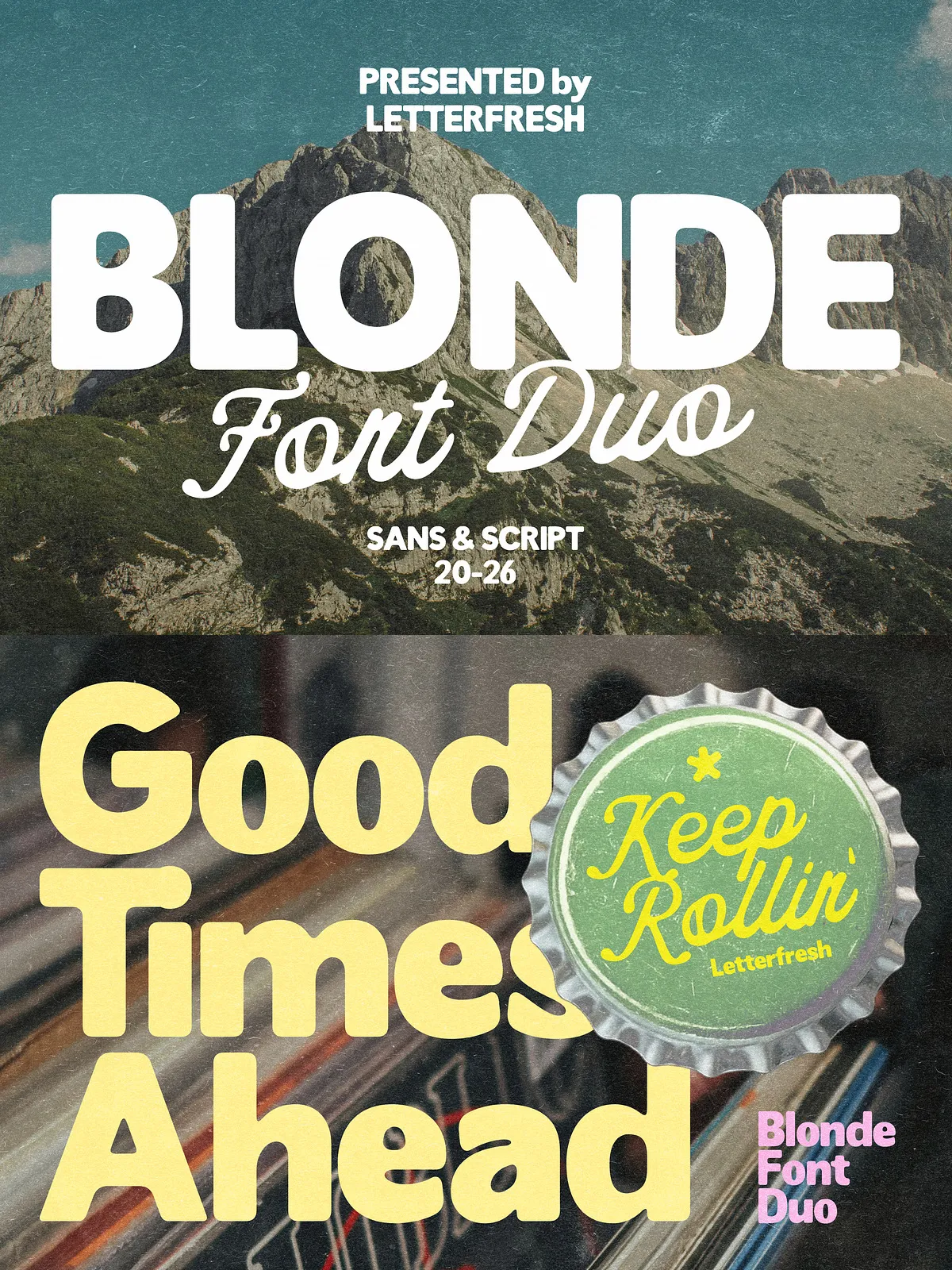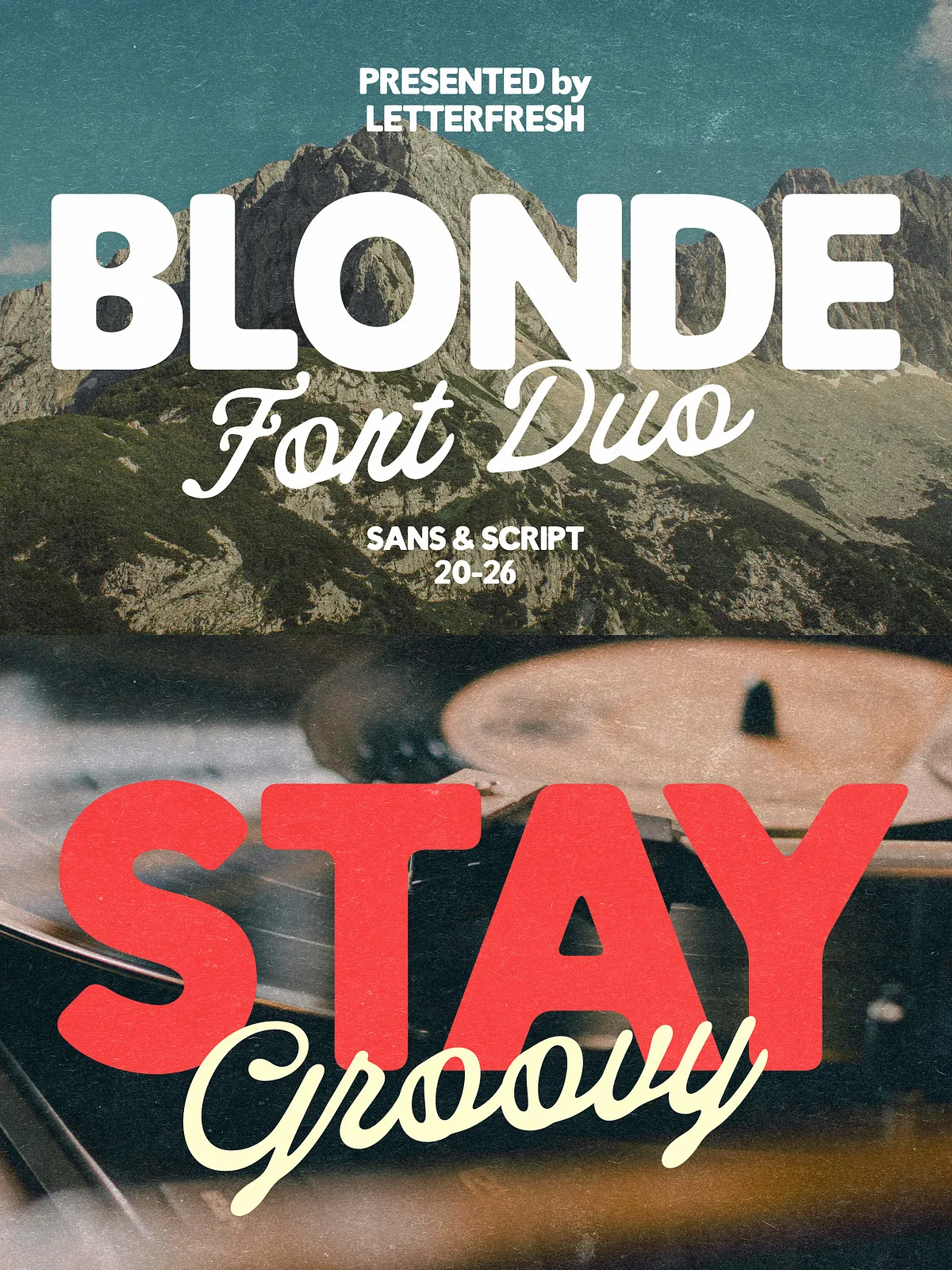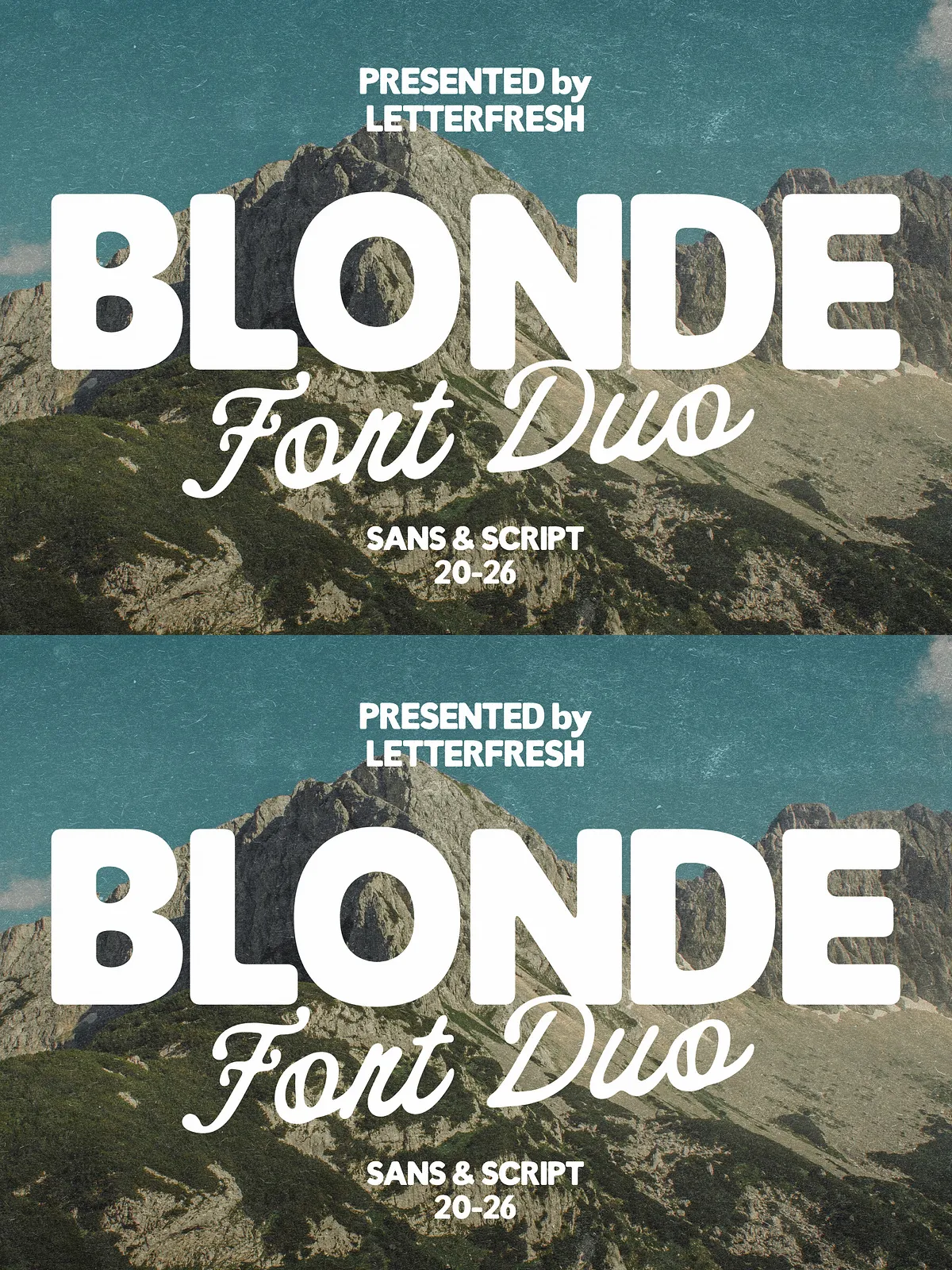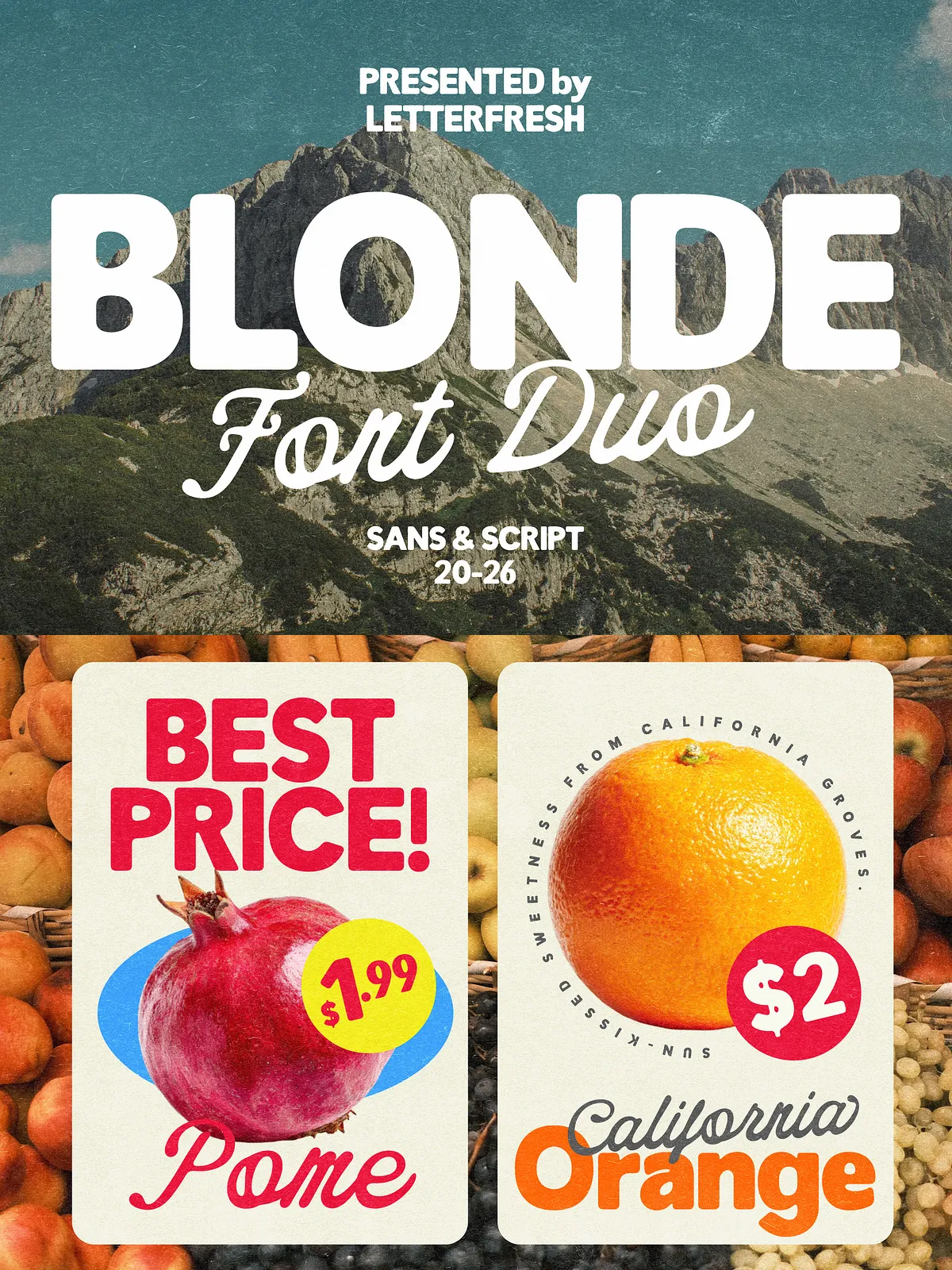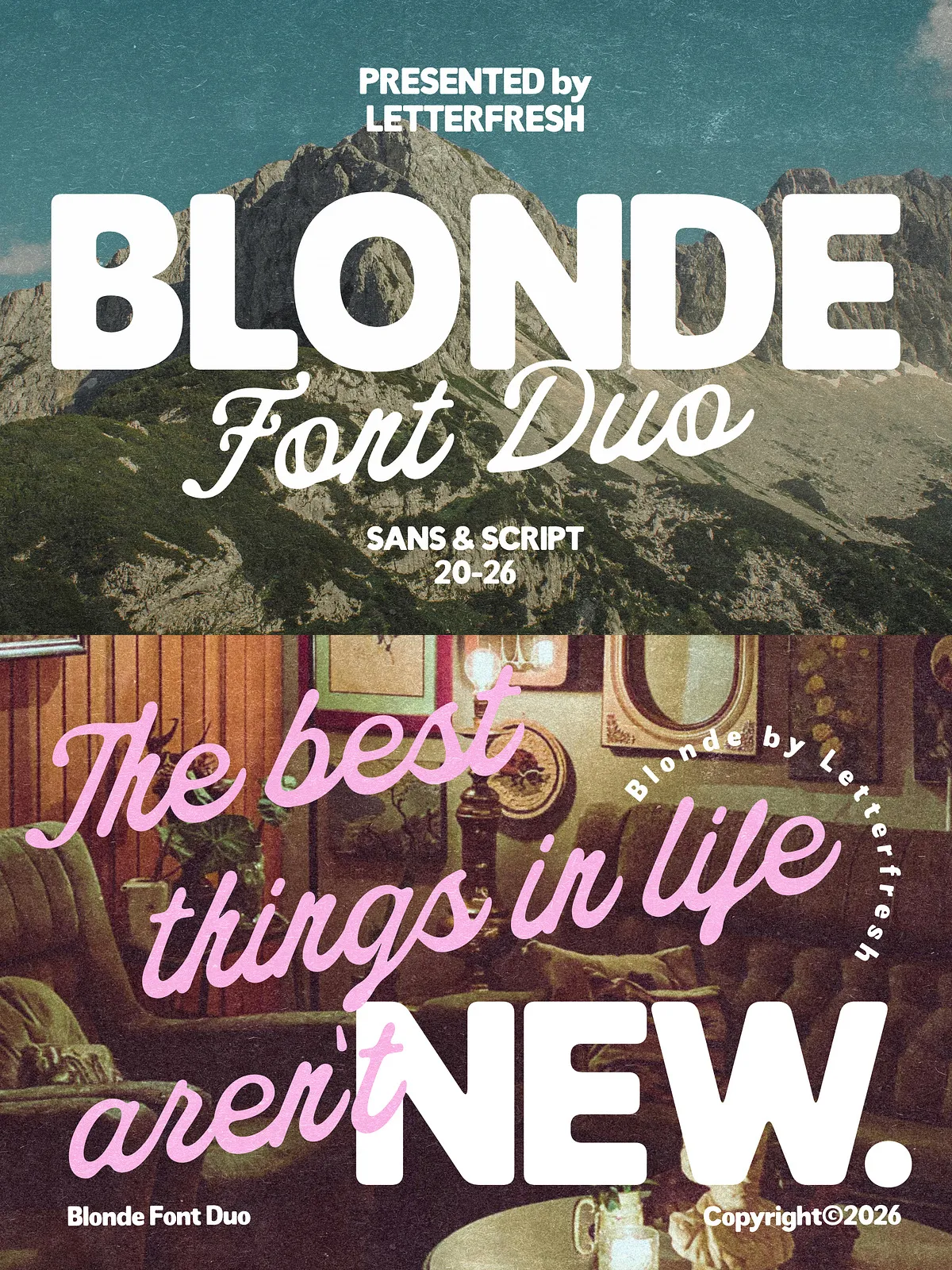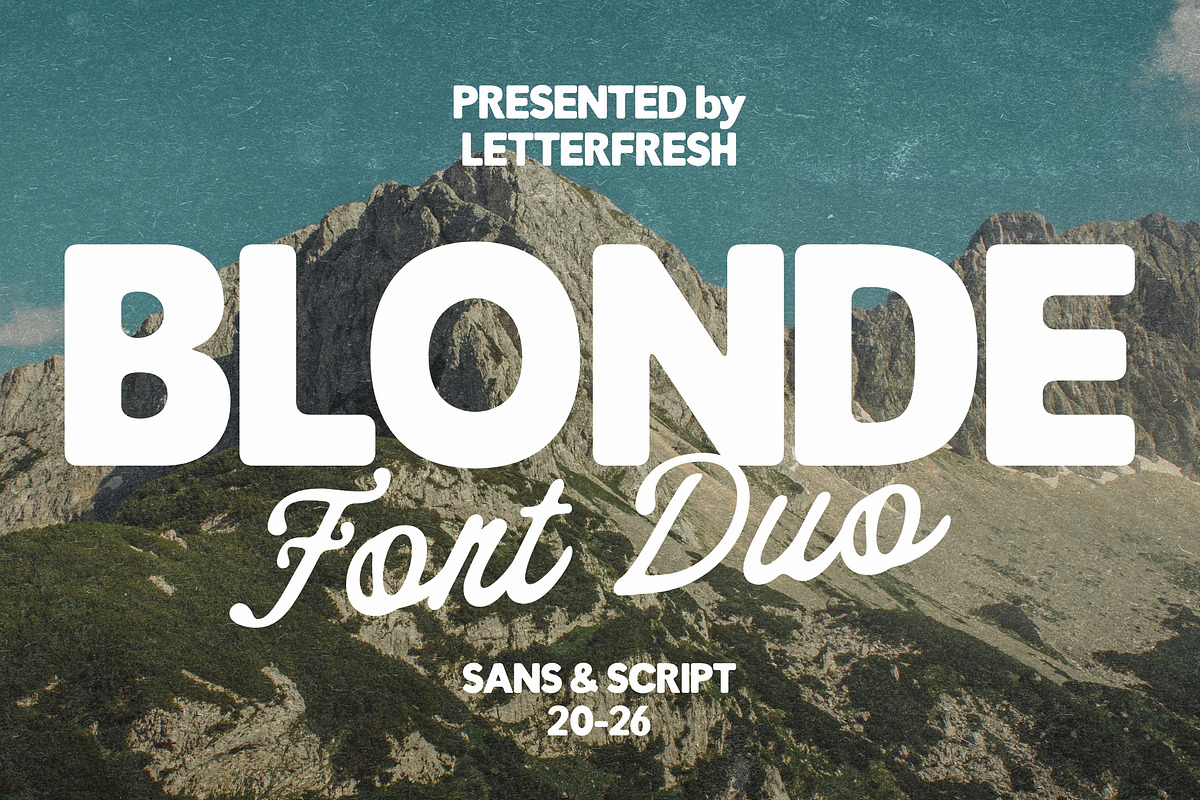

Blonde Vintage Duo combines a bold, rounded sans with a flowing, handwritten script to deliver a warm, approachable aesthetic. This font duo balances confident display power with a personal, handcrafted feel. Designers use it to create product labels, brand marks, social media graphics, greeting cards, packaging, quotes, and any project that benefits from a friendly, vintage-inspired voice.
What’s Included
- Blonde Vintage Duo (OTF) — OpenType format for professional design applications.
- Blonde Vintage Duo (TTF) — TrueType format for broad compatibility across platforms.
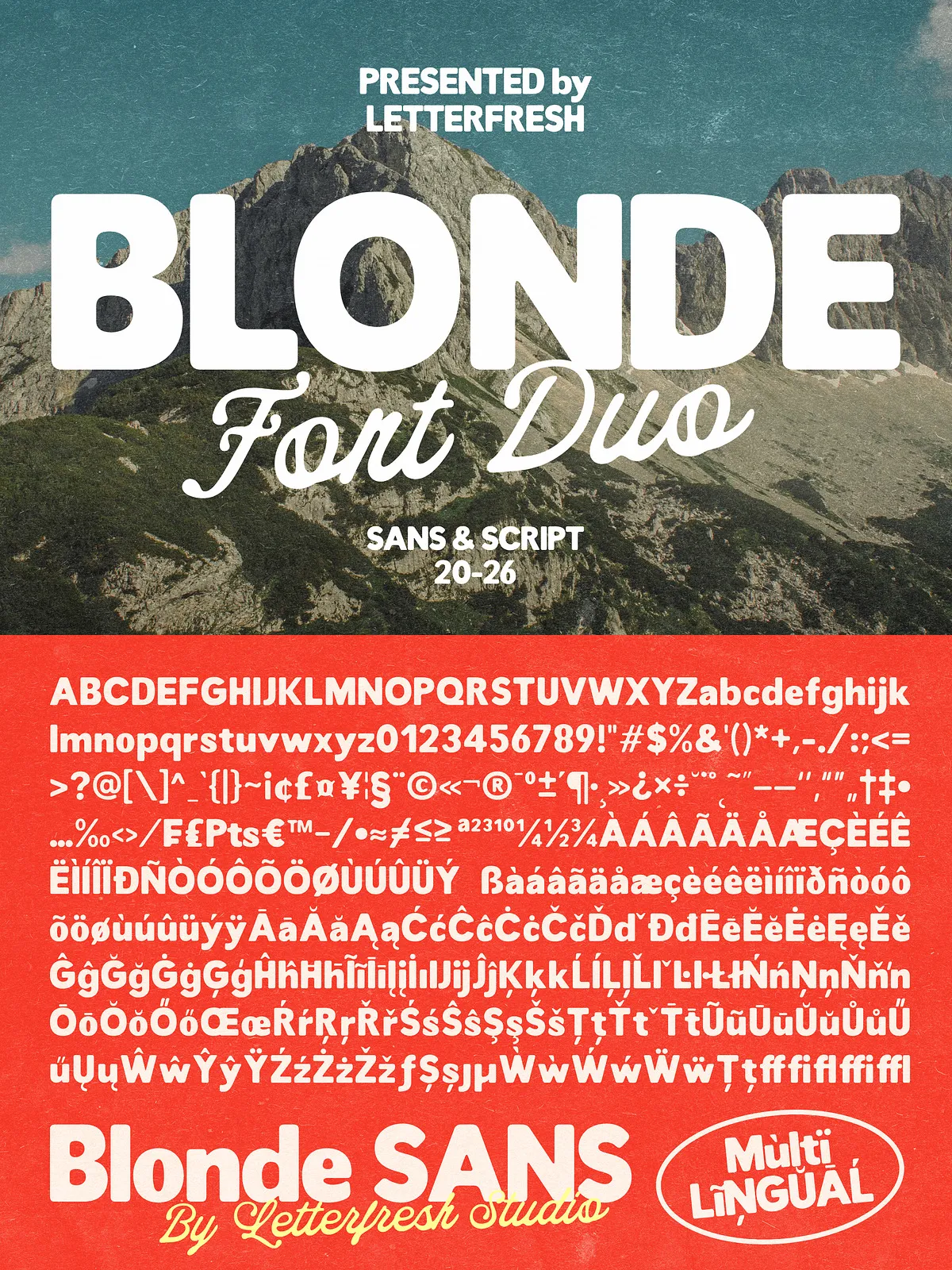
- Comprehensive glyph set accessible through the Glyph Panel in Adobe Illustrator or the OpenType Character Panel in Adobe Photoshop.
- Documentation with installation steps and usage notes; licensing information included in the Help File.
Design Character & Use Cases
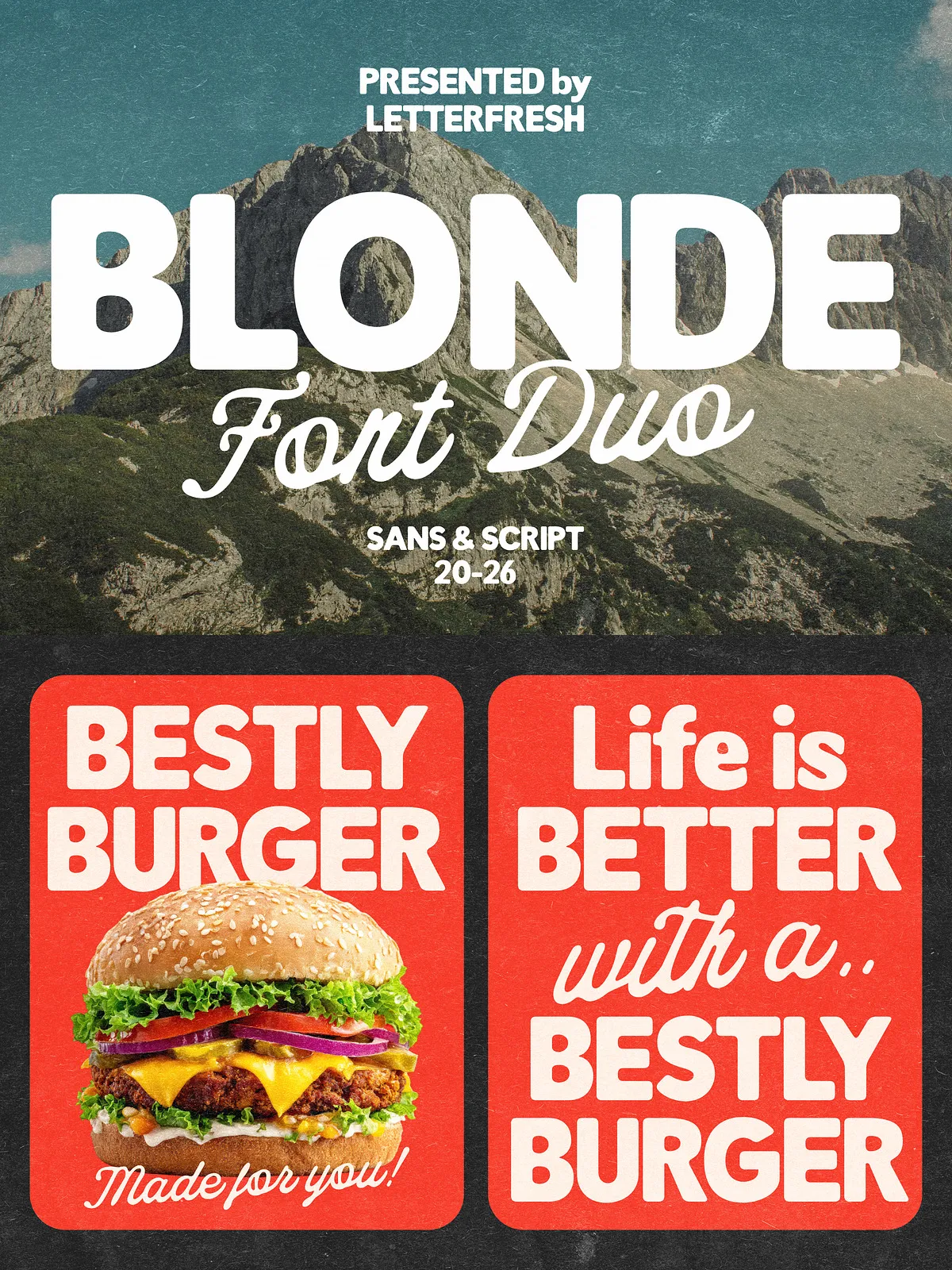
The rounded sans brings boldness and clarity, making headlines and logotypes pop. The handwritten script injects personality and warmth with flowing strokes and subtle irregularities that read as authentically human. Use the sans for strong display text, and the script for signatures, taglines, and accent phrases that demand a personal touch.
Recommended Applications
- Brand identity and logo design that require both strength and charm.
- Product labels and packaging where readability and personality must coexist.
- Greeting cards and invitations that benefit from a handmade aesthetic.
- Social media posts and promotional graphics that demand instant visual appeal.
- Editorial headlines, posters, and quote art where contrast between sans and script enhances composition.
Technical Features & Compatibility
Blonde Vintage Duo ships in both OTF and TTF formats to ensure wide compatibility. OpenType features and extended glyphs are available and fully accessible through standard glyph panels in professional design software. The fonts install like typical desktop families and work in Adobe Creative Cloud apps (Illustrator, Photoshop, InDesign), Affinity Designer/Photo, and most modern layout and web tools that accept desktop fonts.
Accessing Alternate Characters and Ligatures
To access alternate characters, ligatures, or special glyphs, open the Glyph Panel in Adobe Illustrator or the OpenType/Character Panel in Adobe Photoshop. The included Help File details how to locate and apply alternates. If your application lacks direct OpenType control, you can use a character map utility or copy-and-paste glyphs from a glyph viewer to access special characters.
Pairing Suggestions
Pair the Blonde Vintage Duo with neutral, legible body fonts to preserve hierarchy and readability. For a modern look, combine the duo with a minimalist geometric sans for body text; for a more classic approach, use a restrained serif for long copy. Reserve the script for short phrases, signatures, or decorative accents to maintain clarity at smaller sizes.
Design Tips
- Use the rounded sans for prominent headlines and the script for accents to create clear visual contrast.
- Adjust tracking slightly when setting longer passages in the sans to improve legibility.
- Apply the script at display sizes to preserve its delicate stroke details and flow.
- Avoid heavy textures or overly complex effects on the script to retain its handwritten charm.
- Test printed proofs on your target stock—textured or matte papers can enhance the vintage feel.
Licensing & Upgrades
The package includes a standard license suitable for many personal and commercial projects. For expanded uses—books, television, commercial exhibitions, films, games, and print-on-demand products—an upgraded license is required. Contact the author or vendor for license upgrades and clarify permitted usages before embedding or redistributing the fonts.