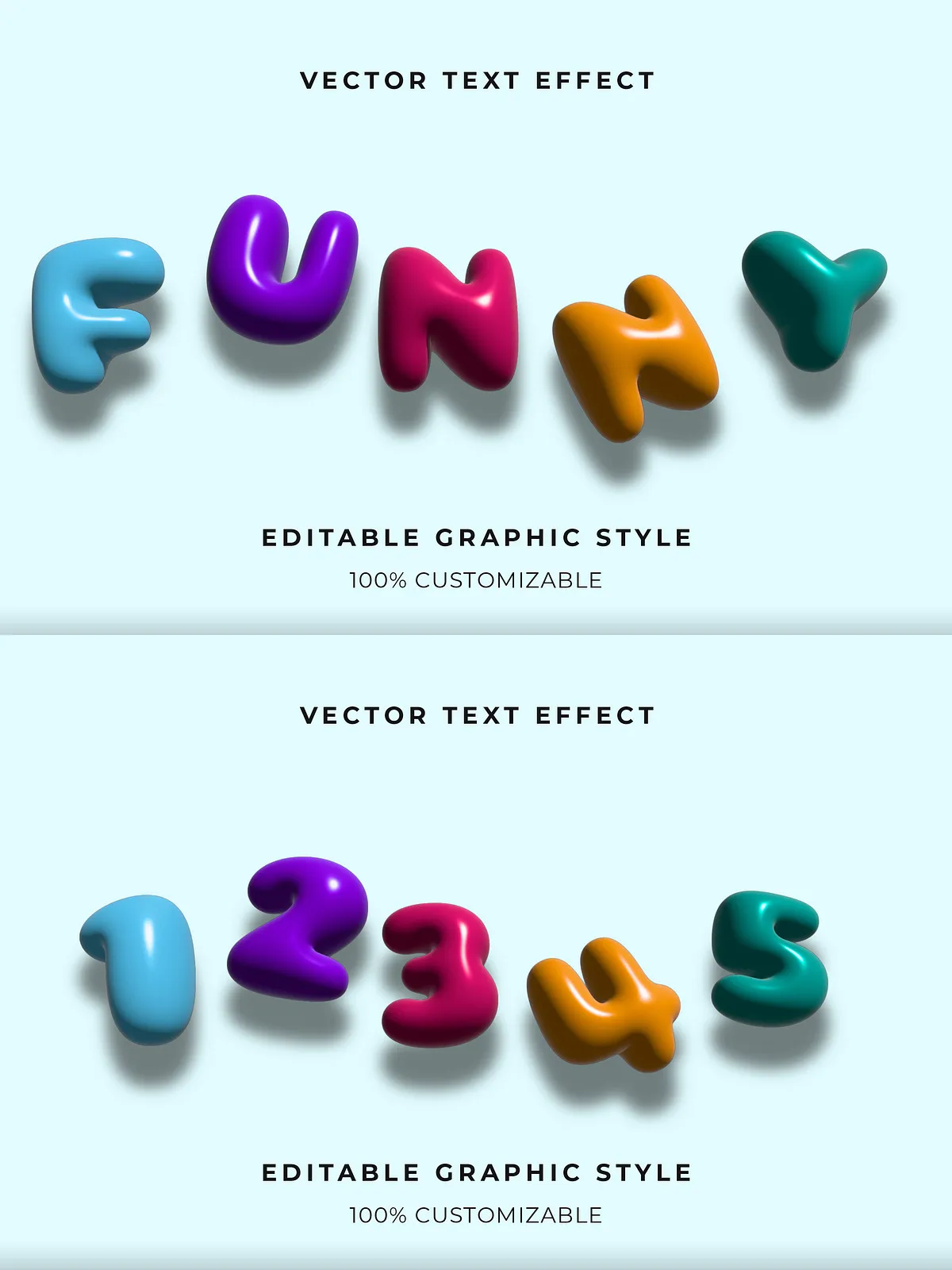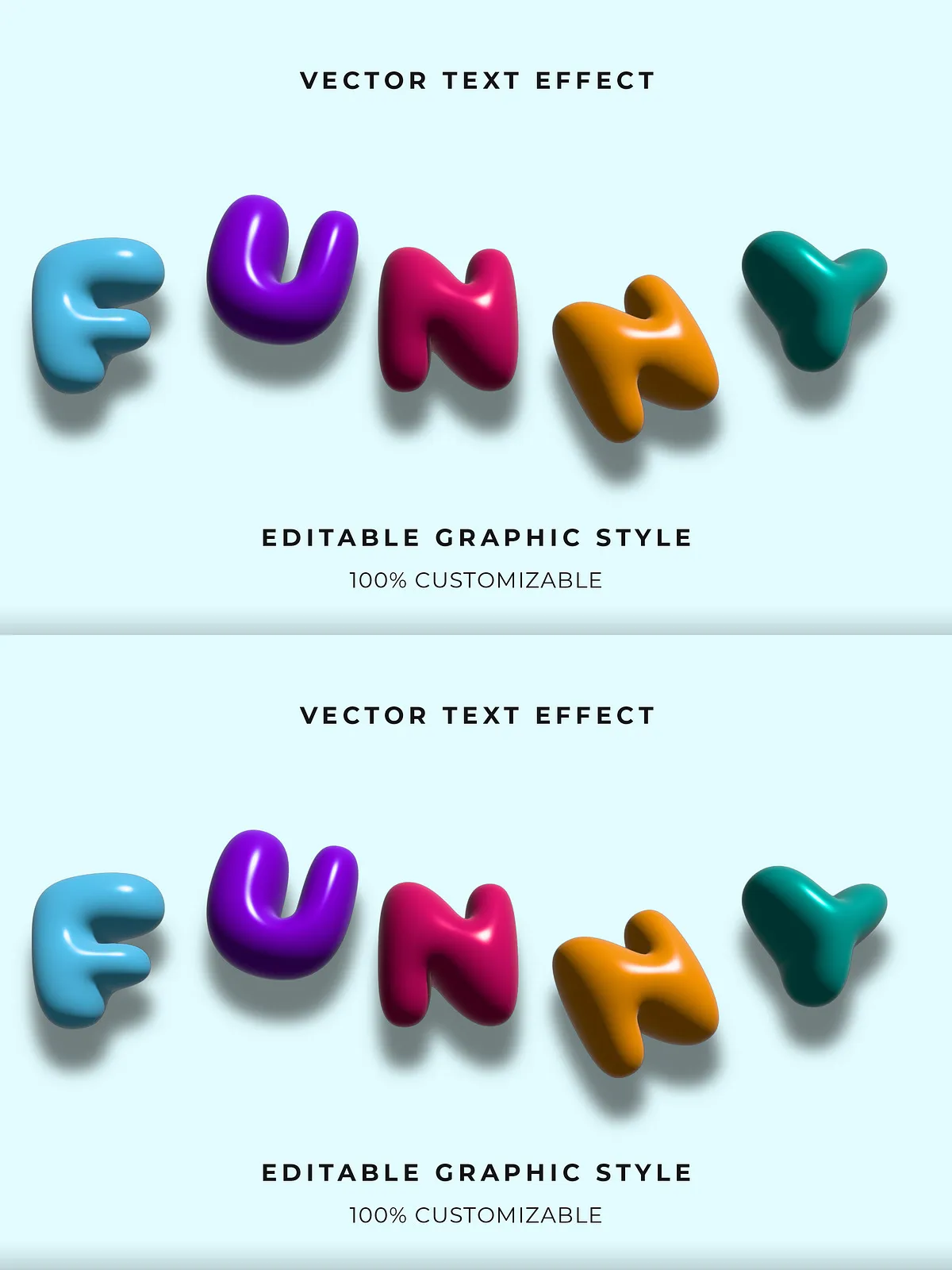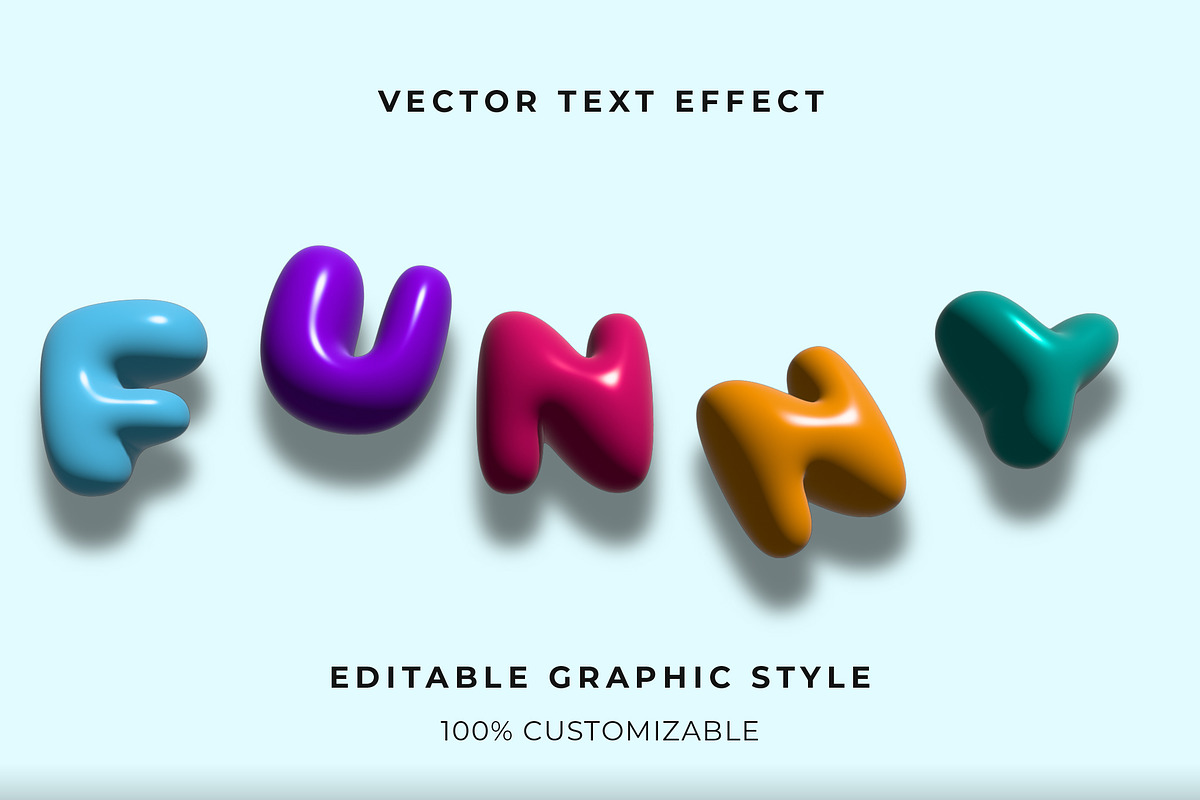

Transform your creative projects with this dynamic, glossy 3D bubble text effect—a show-stopping visual element built for fun, vibrancy, and maximum impact. Every letter is crafted as a bold, balloon-like shape with smooth highlights, radiant reflections, and a lively sense of movement. Whether you’re designing children’s books, birthday invitations, social media campaigns, or whimsical brand identities, this effect delivers instant excitement and playful charm.
Unlock Full Creative Control with Editable, Layered Files
Designed for professionals and creatives who demand precision and flexibility, this text effect comes in native .AI (Adobe Illustrator) format, with meticulously organized layers and a clean, intuitive structure. You can easily customize every aspect of the design—change colors, adjust font styles, modify the 3D depth, and tweak light reflections—all without losing quality or performance.
What’s Included in the Set
- 10+ Pre-Designed Bubble Text Variants: Choose from bold rainbow combinations, pastel gradients, or monochrome metallic finishes, each optimized for different playful themes—birthdays, baby showers, kids’ activities, and more.
- Full Adobe Illustrator Compatibility: Editable in Illustrator CC and newer versions. All text is converted to outlines for safe use with custom fonts and branding.
- Layered, Organized Design Structure: Each effect is broken into clear layers—base shape, highlight, shadow, gloss, and outer glow—so you can adjust elements individually with precision.
- Customizable Colors & Gradient Swatches: Replace default colors instantly using the included color palette. Perfect for aligning with brand identity or event themes.
- High-Resolution Output: Designed at 300 DPI, these files scale flawlessly from social media graphics to large-format prints without pixelation or loss of detail.
- Adobe Fonts Ready: Seamlessly integrate custom fonts or use the recommended playful typefaces included in the package for consistent visual storytelling.
Why This Bubble Effect Is a Game-Changer for Creative Projects
While generic clipart often feels flat and overused, this glossy bubble effect adds depth, dimension, and personality—exactly what you need to capture attention in a crowded digital space. It’s not just a design element; it’s a visual experience that draws the eye, evokes emotion, and enhances engagement.
- Perfect for Kids & Family Themes: Ideal for baby registries, birthday parties, school projects, and children’s content where brightness and joy are essential.
- Enhance Social Media Engagement: Use these bold, reflective texts in Instagram stories, Reels, Pinterest pins, and Facebook posts to stand out in fast-moving feeds.
- Level Up Your Brand’s Personality: Apply the effect to slogans, product names, or event titles to create a memorable, approachable brand identity.
- Speed Up Your Design Workflow: With ready-to-use templates and reusable assets, you can produce high-quality designs in minutes, not hours.
- Use Across Platforms & Formats: Export to PNG, PDF, SVG, or JPG with preservation of transparency and color integrity for versatile use.
Top Applications for This 3D Bubble Effect
From event branding to digital marketing, the possibilities are endless. Here’s how to bring this fun effect to life across different mediums:
- Party & Event Invitations: Create stunning digital invites for birthdays, baby showers, or holiday celebrations with bold, eye-catching headlines.
- Children’s Book Illustrations: Add animated-style titles and speech bubbles that feel playful and immersive.
- Marketing Campaigns: Use in email headers, banner ads, or landing page hero sections to generate curiosity and delight.
- Merchandise Design: Turn the text into T-shirt prints, tote bags, mugs, or stickers for fan-made or small-batch products.
- Logo & Branding Elements: Incorporate the effect into taglines or subtitle text to create a unique, joyful brand voice.
- Digital Scrapbooking & DIY Projects: Integrate into scrapbook pages, planners, or handcrafted cards for a fun, handmade feel.
How to Use in Your Design Software (Step-by-Step)
- Download the ZIP file containing all AI and PNG versions.
- Open the .AI file in Adobe Illustrator. Verify the layers panel to explore each component.
- Select the text object and use the Appearance panel to override colors, gradient fills, or stroke effects.
- Replace the font with any Adobe Font or custom typeface from your library. The effect will adapt seamlessly.
- Adjust the glow or shadow settings to create stronger or softer reflection effects depending on your project mood.
- Group and save as a reusable symbol or template for future use across multiple projects.
- Export the final design in your desired format (PNG for web, PDF for print, SVG for responsive websites).
Bring More Joy, Energy, and Visual Impact to Your Work
This isn’t just a bubble text effect—it’s a creative catalyst. It helps you break through the noise, connect with your audience emotionally, and express ideas with energy and fun. When you use this design, you’re not just choosing a visual style—you’re choosing a mindset: playful, bold, and full of life.
Download the Colorful Glossy Bubble Text Effect today and give your next project the spark it deserves. With full editability, vibrant styling, and professional-grade quality, this is the ultimate tool for joyful, dynamic design.