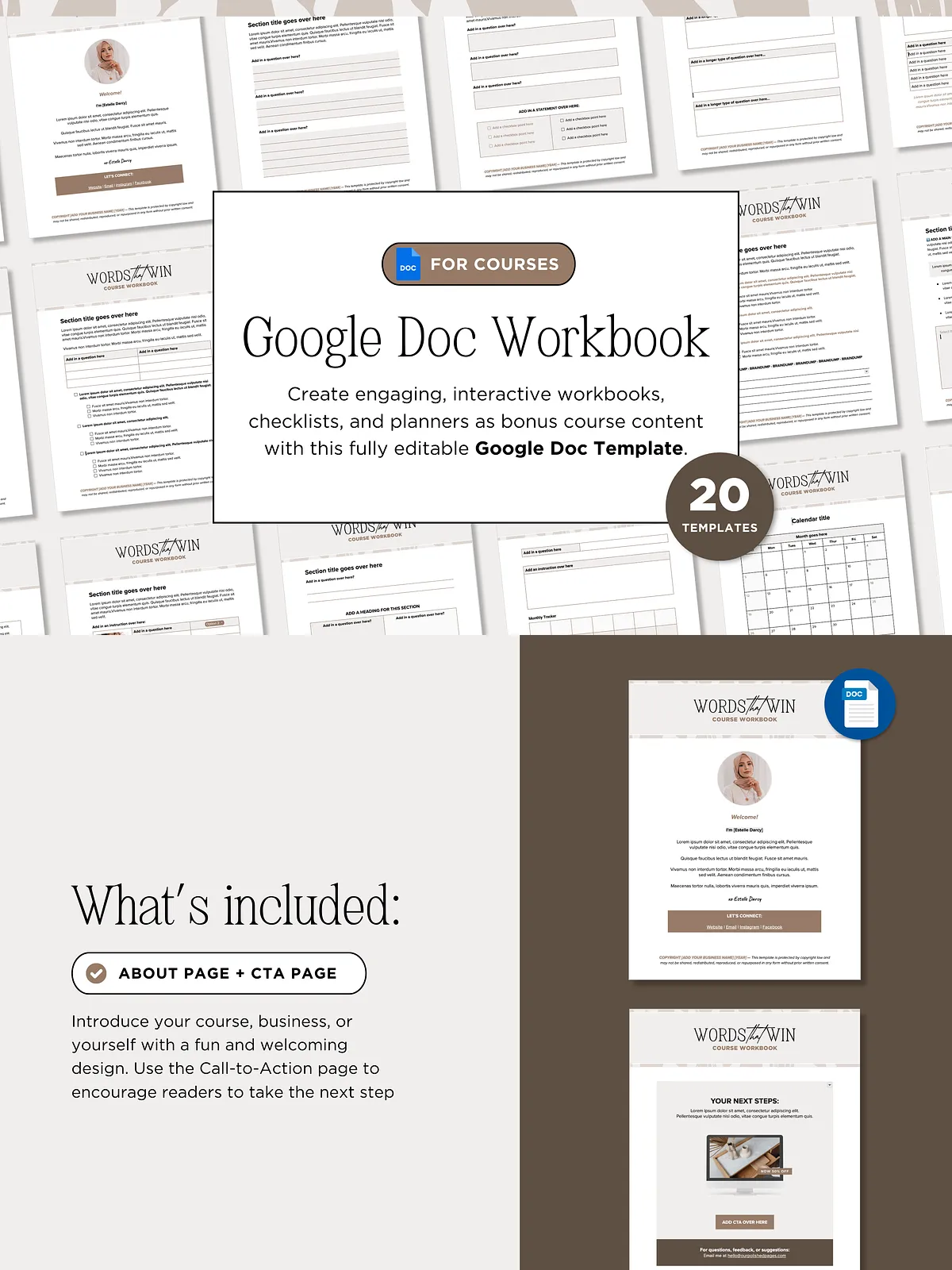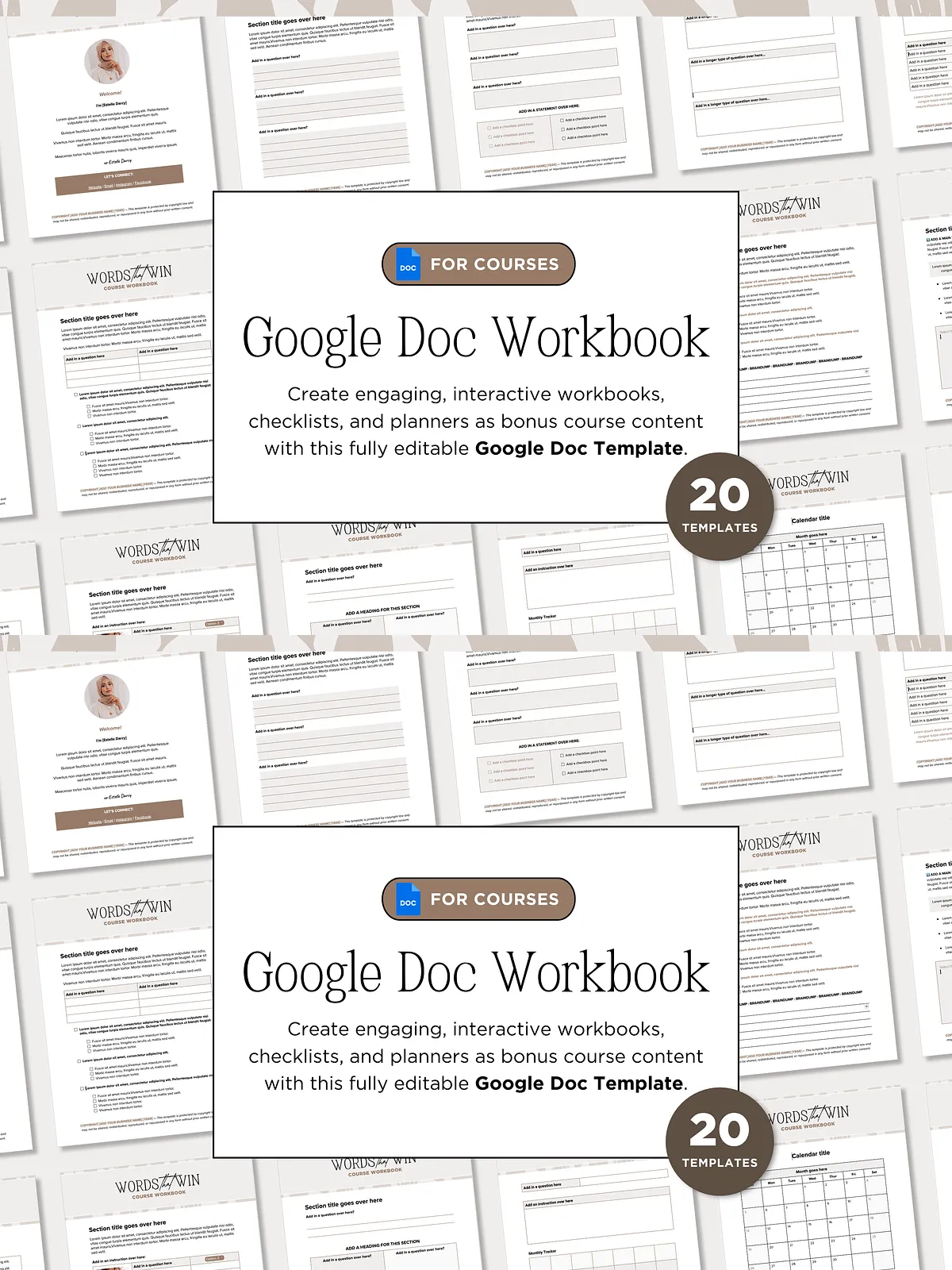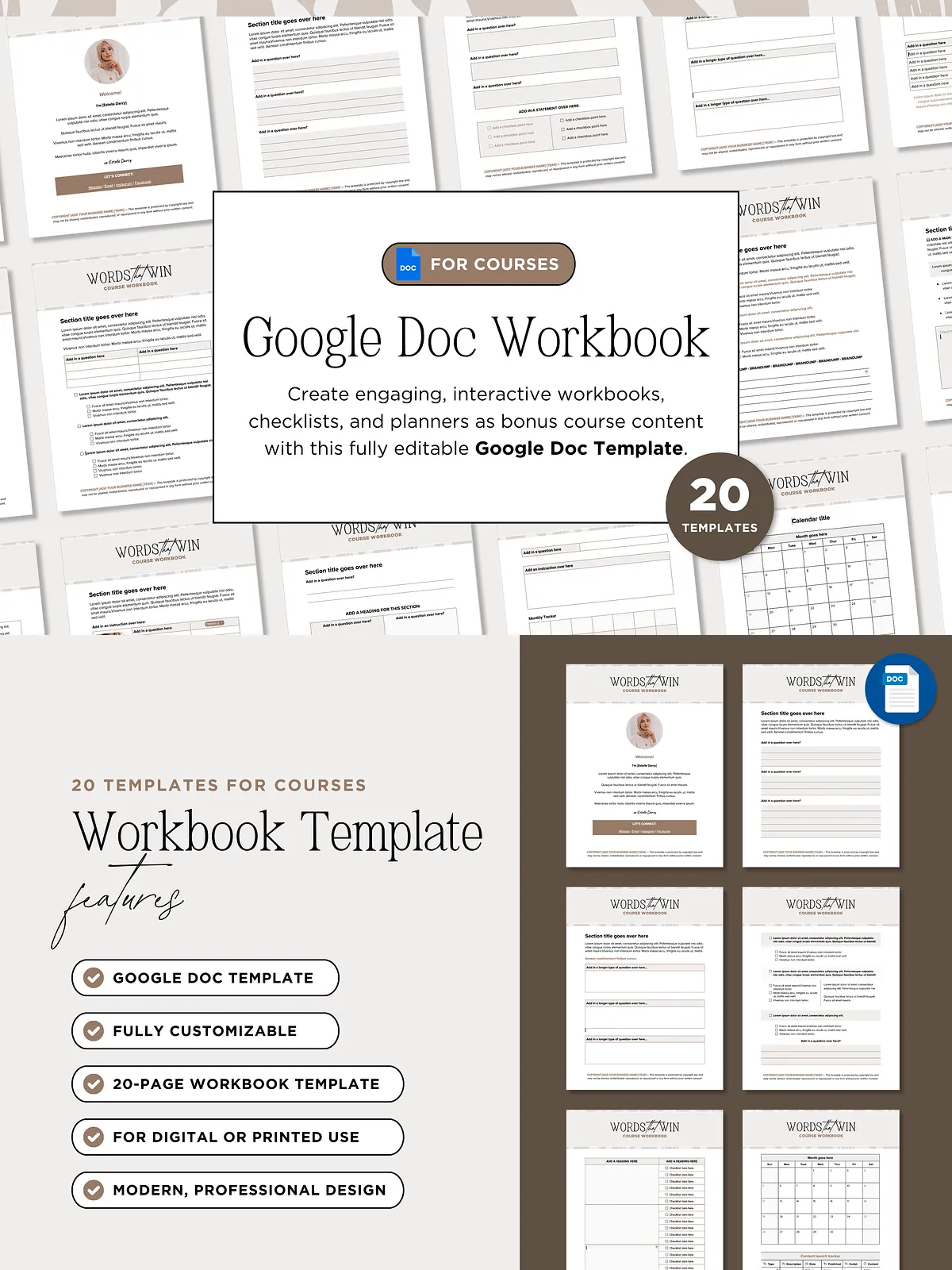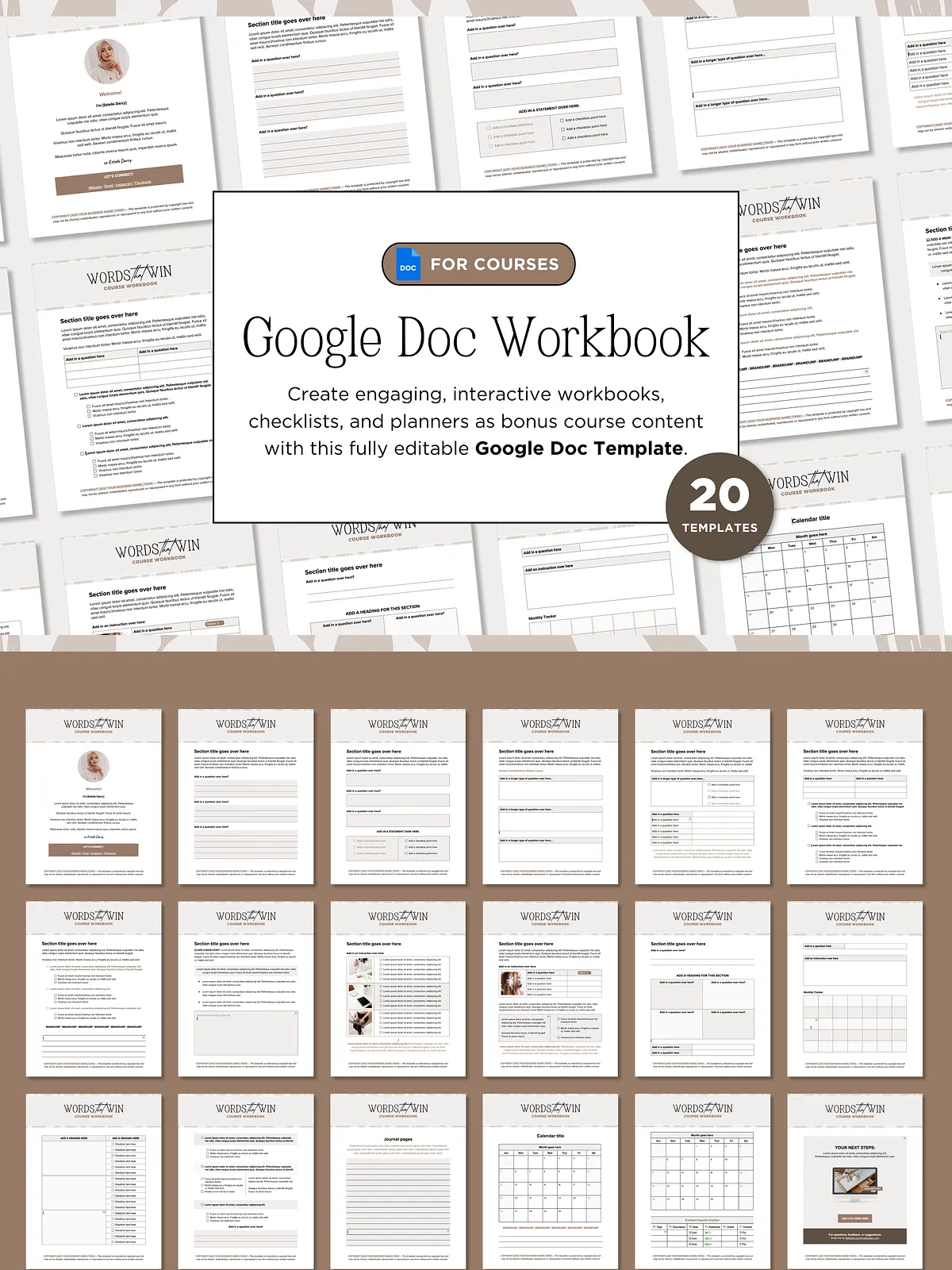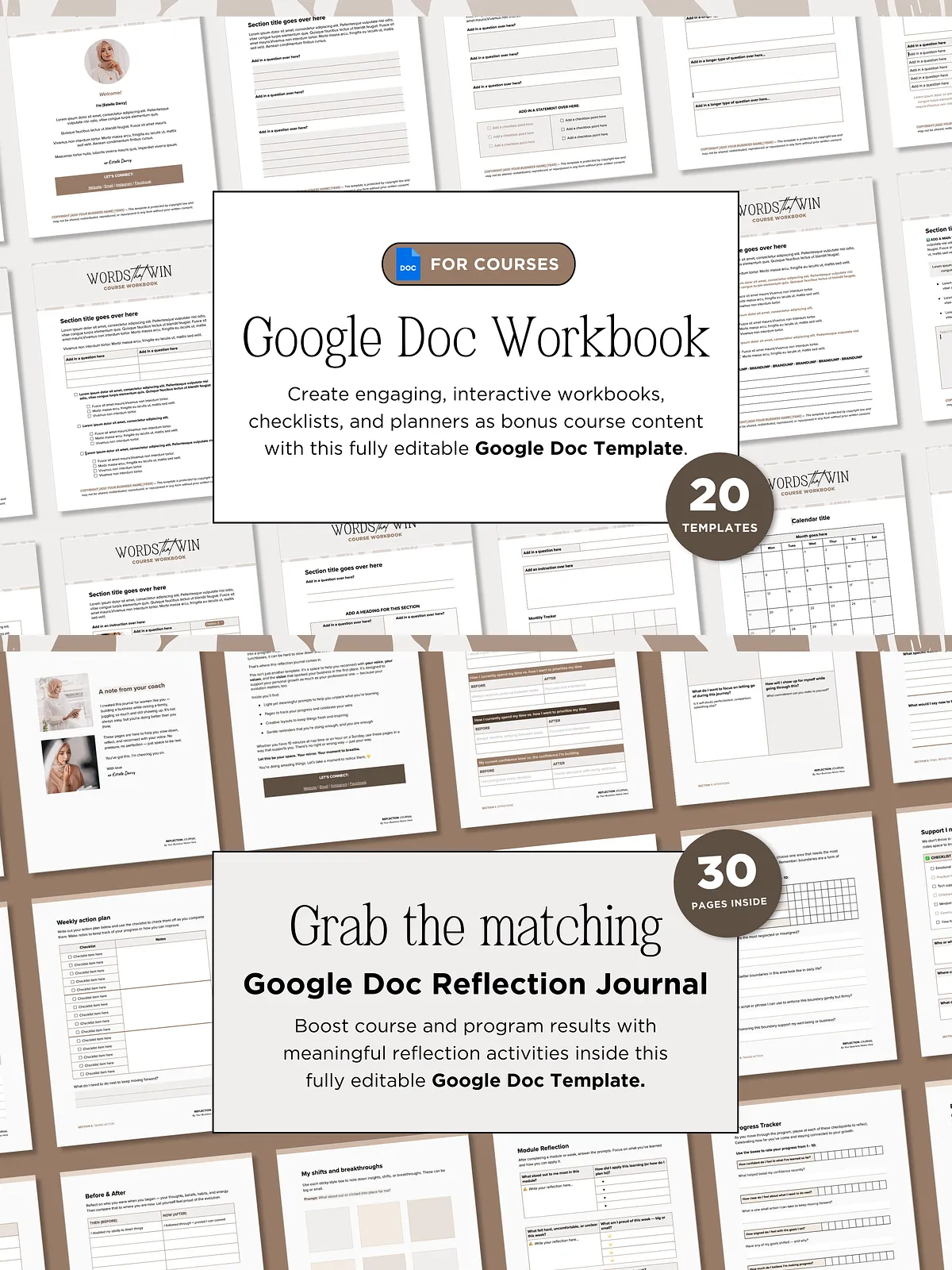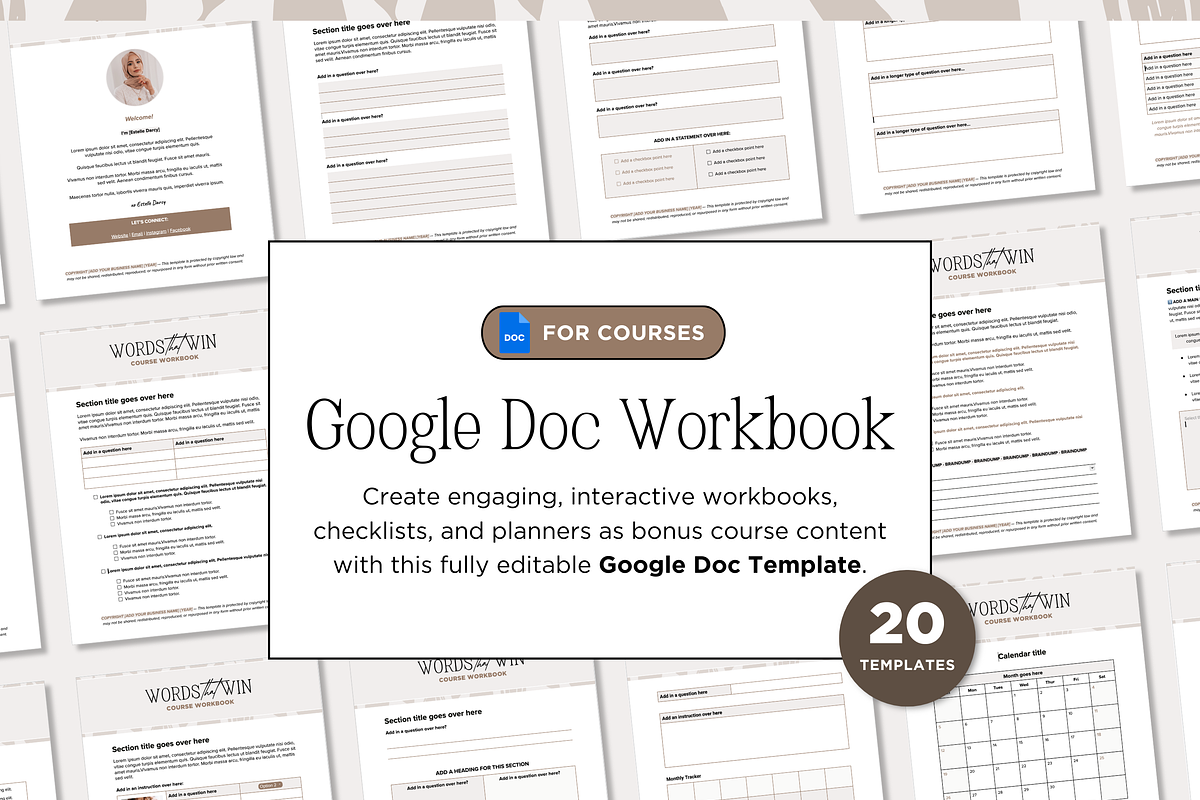

Stop creating workbooks that gather dust. With this sleek, 20-page Google Docs template, you’ll deliver a functional, beautiful resource that helps your students take action, stay on track, and achieve real results—without any design expertise.
Designed for simplicity and purpose, this template combines clean typography, intentional whitespace, and smart layout logic to create a professional workbook that feels both modern and effortless. Whether you’re launching a new online course, offering a coaching program, or building a self-paced learning experience, this workbook template is your secret weapon for increasing student engagement and conversion.
What’s in the Box: Features That Deliver Real Value
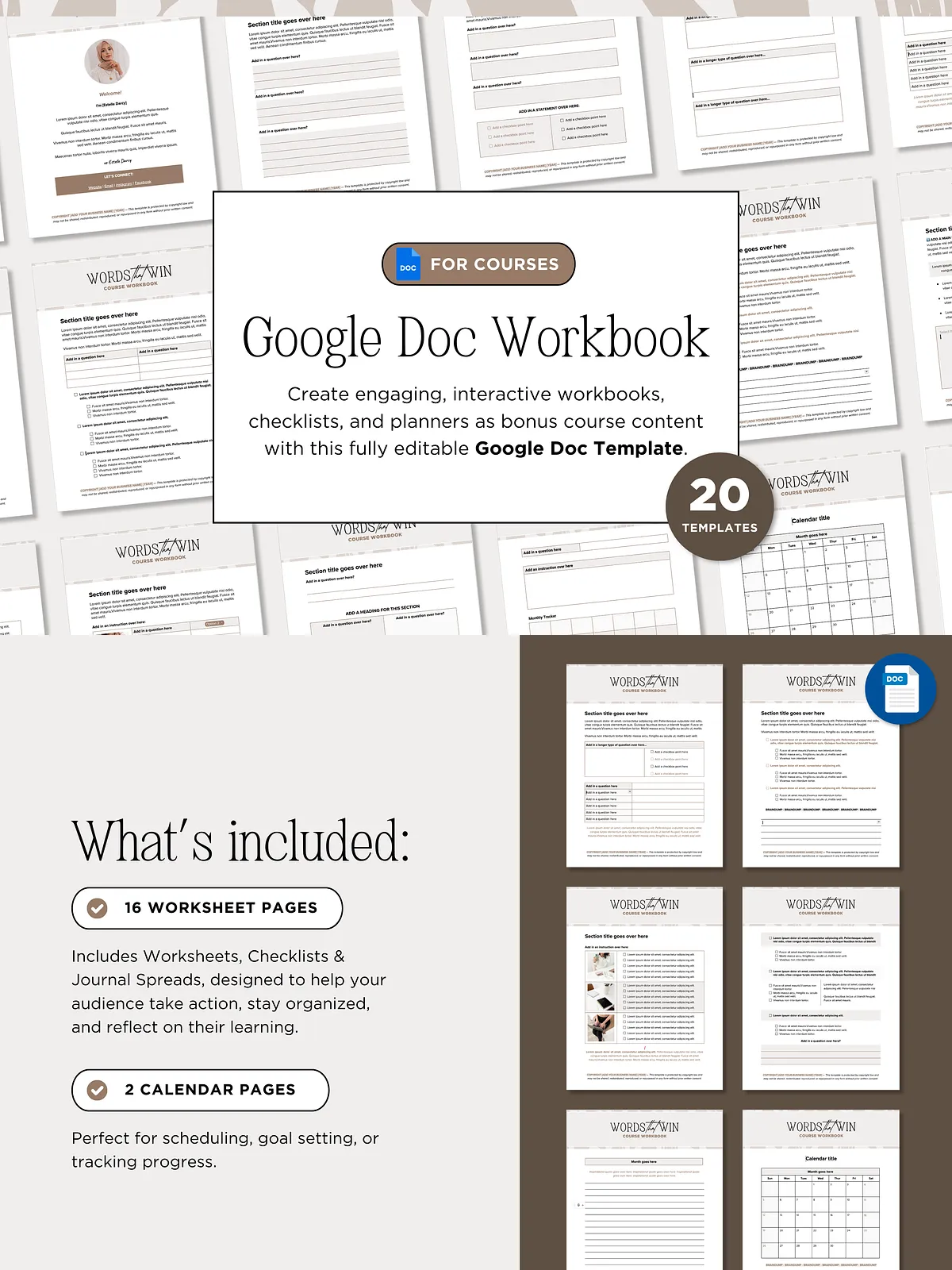
- 20 Purpose-Driven Pages: Includes an engaging About Page, 16 customizable worksheets, checklists, and journal spreads, plus 2 dedicated calendar pages for tracking goals and progress.
- Two Flexible Layout Options: Choose between a continuous scroll format for seamless reading or a tabbed, page-by-page structure for maximum flexibility—swap sections, reorder content, or reuse elements effortlessly.
- Professional Call-to-Action (CTA) Page: Convert interest into action with a polished, brand-aligned CTA section that’s easily hyperlinked to your offers, courses, or email list.
- Editable in Google Docs—No Design Skills Needed: Fully customizable: change fonts, colors, spacing, layouts, and content in seconds. No coding, no software fees—just a free, accessible platform you can use anytime, anywhere.
- Bonus Canva Header & CTA Mockup Templates: Brand your workbook with professionally designed headers and upgrade offer mockups—perfect for sales pages, email campaigns, or social media teasers.
- Print & Digital Ready: Optimized for both digital use and ink-friendly printing. Use it as a downloadable PDF for your students or send them a printable version they’ll love.
- Simple, Sustainable Design: Minimalist aesthetic ensures clarity and focus—no distractions, just clean structure that guides the user through each step of their journey.
- Time-Saving & Scalable: Create multiple workbooks in minutes. Reuse layouts, customize for different audiences, and maintain consistent branding across platforms.
Why This Template Works Where Others Fail
Many workbook templates are either too complex or too generic—this one is built for real human behavior. Research shows that people are more likely to use resources that feel effortless, visually calming, and immediately useful. This template delivers exactly that:
- Encourages Completion: The intuitive layout prevents overwhelm and keeps users moving forward.
- Boosts Accountability: Guided journaling and progress-tracking pages help students stay on course.
- Strengthens Perceived Value: A polished workbook elevates your entire course, making it feel premium and trustworthy.
- Builds a Seamless Experience: When your course and workbook are designed together, you create a cohesive, professional journey from start to finish.
Who This Is For (And Why They Love It)
This template is a game-changer for creators who want to add tangible value to their programs—without the overhead.
- Online Course Creators: Add a must-have resource that deepens learning and improves completion rates.
- Coaches & Consultants: Provide clients with a structured tool to implement strategies during your sessions.
- Freelancers & Makers: Create product workbooks, challenge guides, or training kits that impress and deliver results.
- Training & Education Professionals: Develop curriculum materials that are both professional and easy to update.
- Entrepreneurs Building Digital Products: Enhance your offerings with a polished, branded workbook that feels premium.
How to Use It: From Setup to Student Success
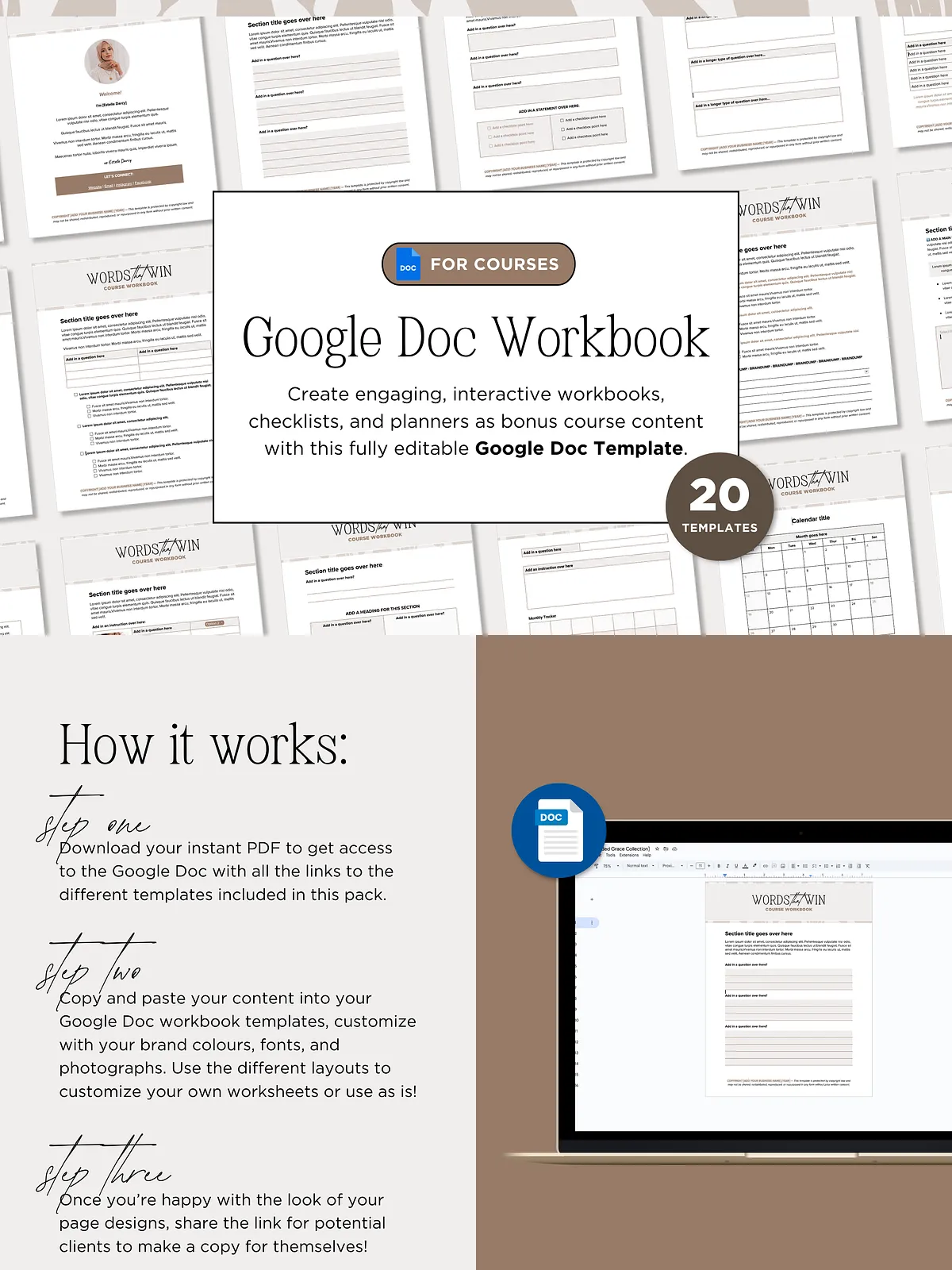
- Open the Google Docs template and rename it to match your course name.
- Customize colors, fonts, and logos to reflect your brand identity.
- Replace placeholder text with your course content, prompts, and exercises.
- Insert your own images or use the Canva mockup templates to visualize your product.
- Share the workbook via email, Google Drive, or your course platform.
- Track student engagement by measuring completion rates or gathering feedback.
One Template. Infinite Possibilities. Unlimited Impact.
Don’t settle for generic, uninspired worksheets that go unused. With this minimalist, high-functionality Google Docs workbook template, you’re not just designing a document—you’re building a tool that drives transformation. Create workbooks that inspire action, deepen learning, and strengthen your brand—all with a design so clean, it speaks for itself.
Download the 20-Page Google Docs Workbook Template today and take your course experience to the next level.