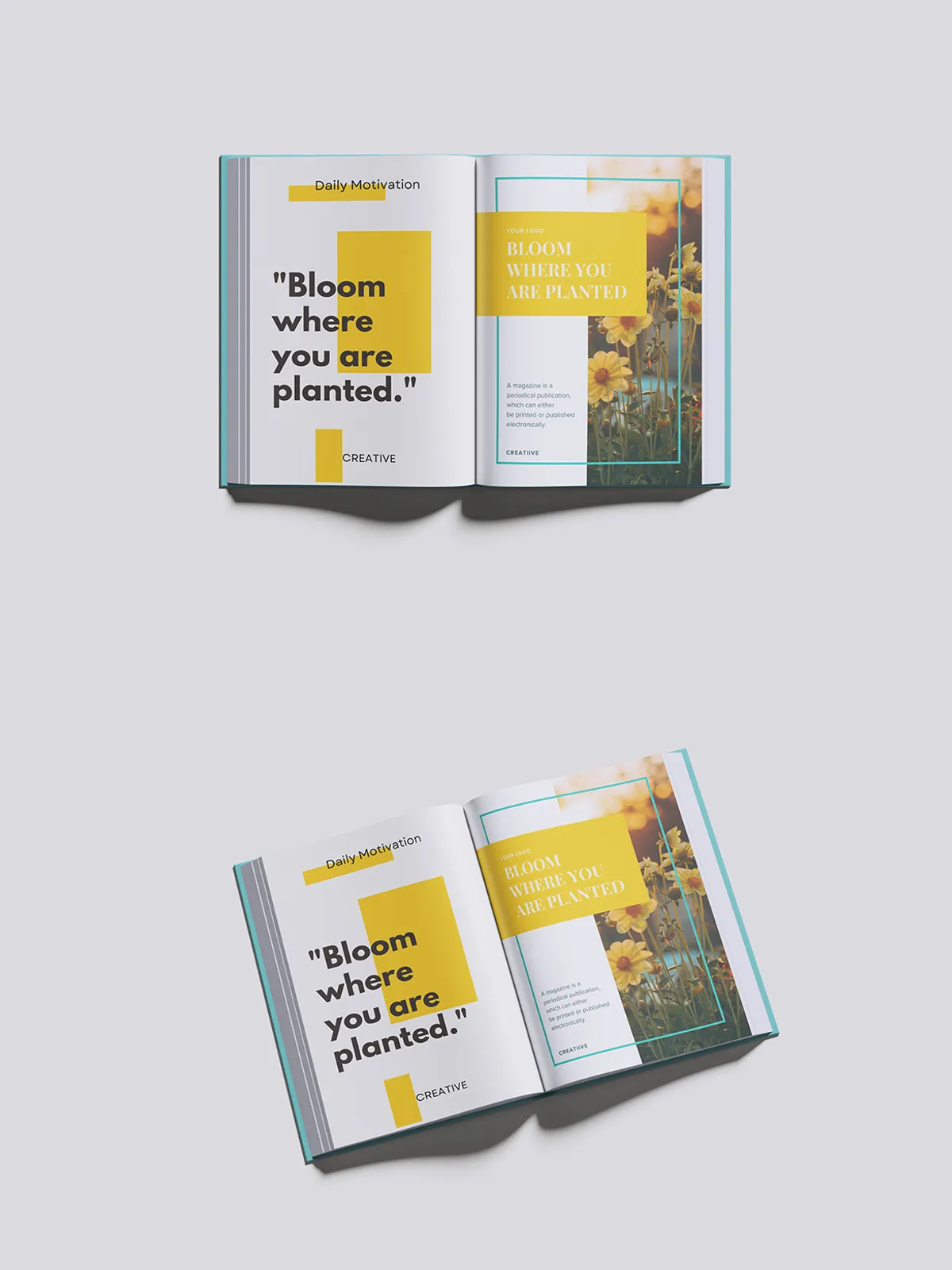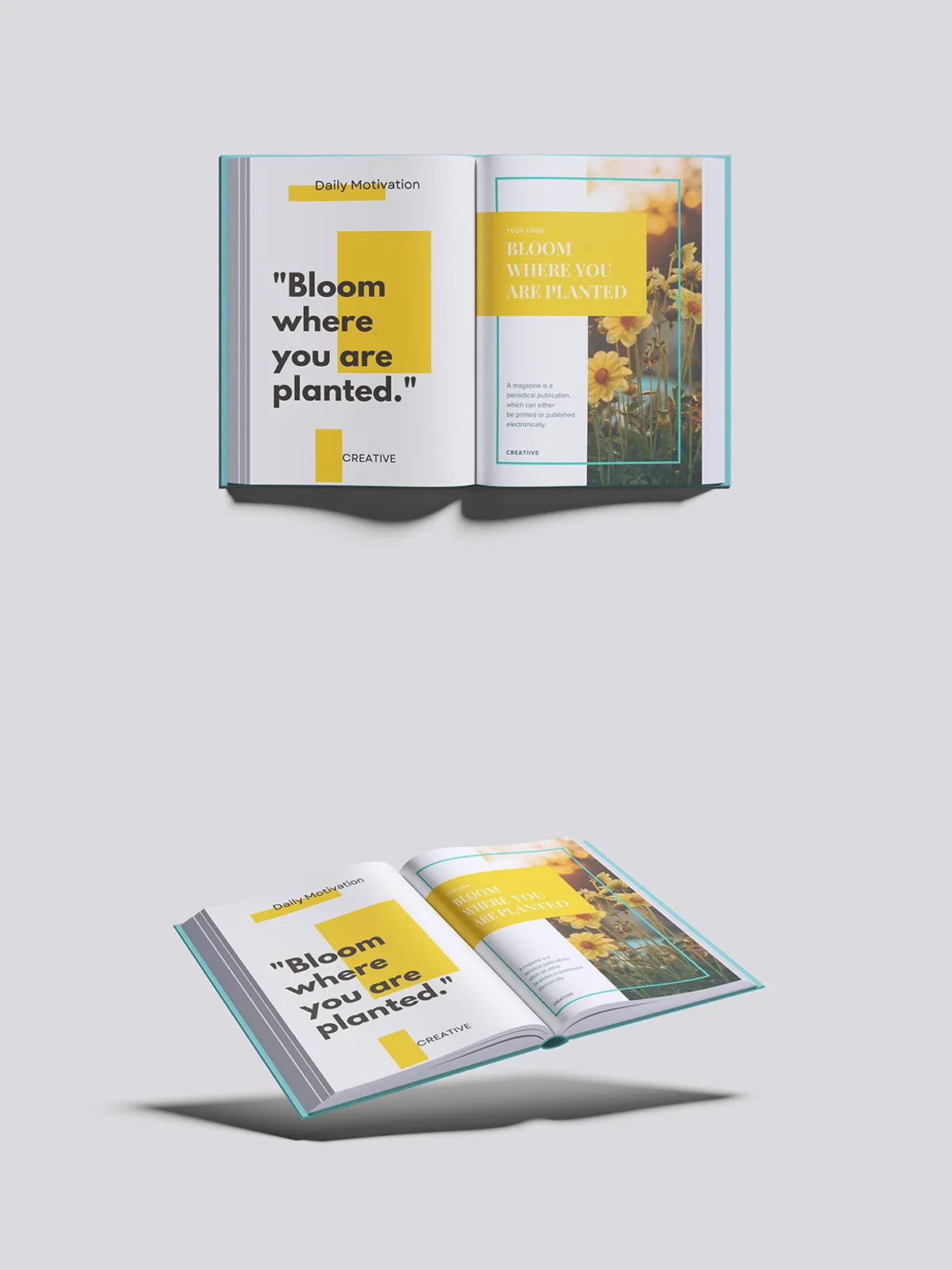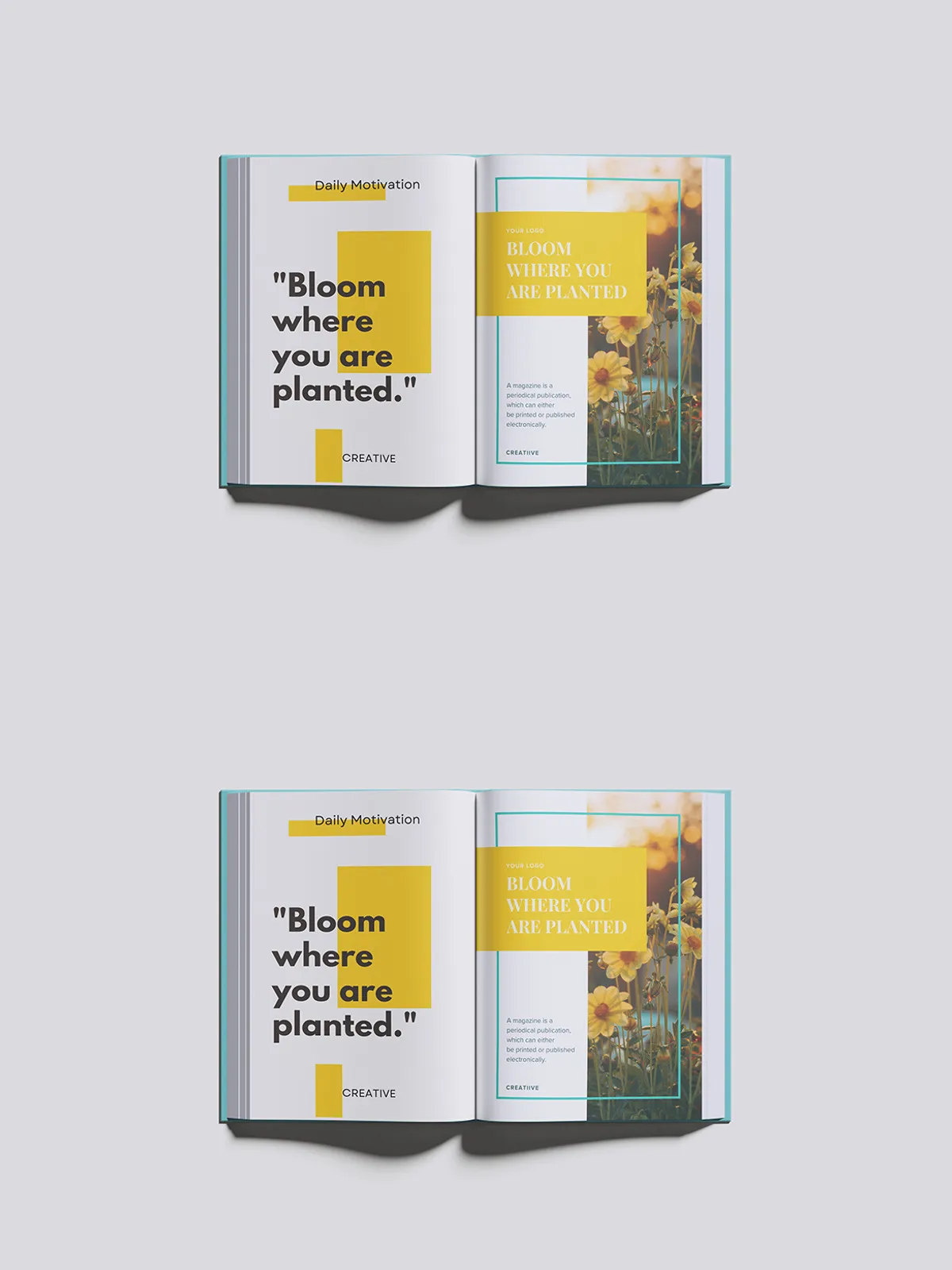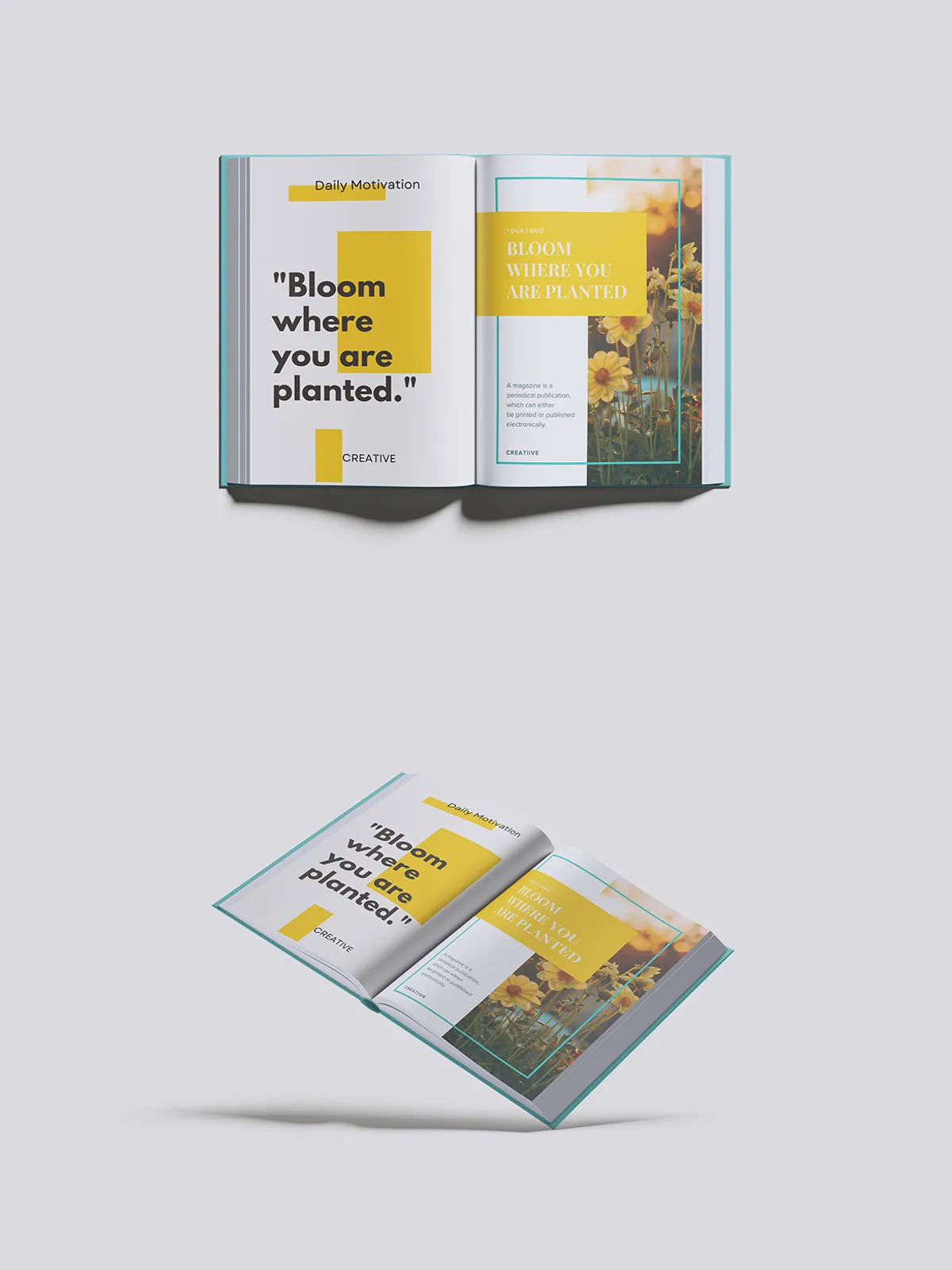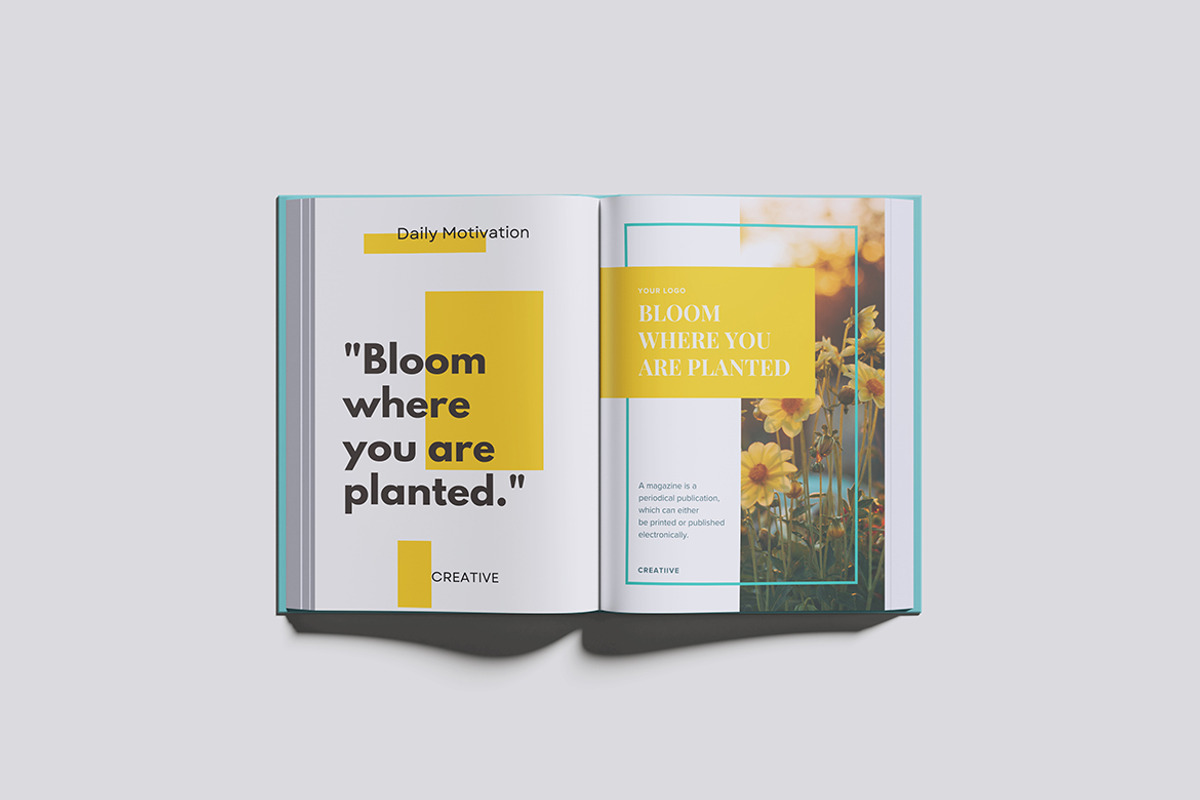

Present your magazine designs with striking clarity and realism using our high-quality magazine book mockup collection. Crafted for professionals who demand excellence, this mockup pack enables you to display your layouts in a stylish and convincing way that captures attention instantly.
Effortless Customization with Smart-Object Technology
Save time and simplify your workflow with our smart-object feature. This innovative capability allows you to replace the default design with your own artwork within seconds. No complex steps or advanced skills required — just a few clicks and your custom design will appear seamlessly in the mockup.
Key Features for Maximum Flexibility
- Smart Object Editing: Quickly insert your artwork for instant previews without altering the base mockup.
- Organized Layers and Folders: Easily navigate and manage elements within well-structured PSD files.
- Versatile Background Options: Customize background colors to best complement your presentation style.
- Lighting Adjustments: Fine-tune light intensity for brighter or moodier visuals as your design demands.
- High Resolution: With a crisp dimension of 4500×3000 pixels at 300 DPI, your presentations will retain professional-quality sharpness for both digital and print.
What’s Included in Your Download
- 4 Fully Editable PSD Files: Diverse views and settings to showcase your magazine from multiple angles.
- PDF Guide: Step-by-step instructions ensuring smooth and successful customization.
Ideal for Digital Portfolios, Marketing, and Client Presentations
This high-resolution magazine mockup pack is perfect for graphic designers, publishers, marketers, and creatives who want to elevate their portfolios or client presentations. Use it to visualize concepts, pitch ideas, or market your print and digital magazines with confidence and professionalism.
How to Use This Magazine Book Mockup
Step 1: Open the PSD File in Photoshop
Load the provided PSD files into Adobe Photoshop to begin your customization.
Step 2: Replace the Smart Object with Your Design
Double-click on the smart object layer to insert your own magazine cover or page layout. Save and close to see it automatically applied to the mockup.
Step 3: Customize Background and Lighting
Adjust the background color and lighting layers to match your branding and enhance the mood of your presentation.
Step 4: Export Your Final Mockup
Save the customized mockup as JPEG, PNG, or PDF for use in digital portfolios, client proposals, social media, or printed materials.
Important Notes
- Images and designs shown in previews are for demonstration purposes and are not included in the download.
- This mockup requires Adobe Photoshop with smart object support.
Elevate Your Magazine Presentation Today
Download our high-quality magazine book mockup pack now and transform your design showcases. Present your work with professionalism, speed, and stunning visual appeal that will captivate your audience and clients alike.