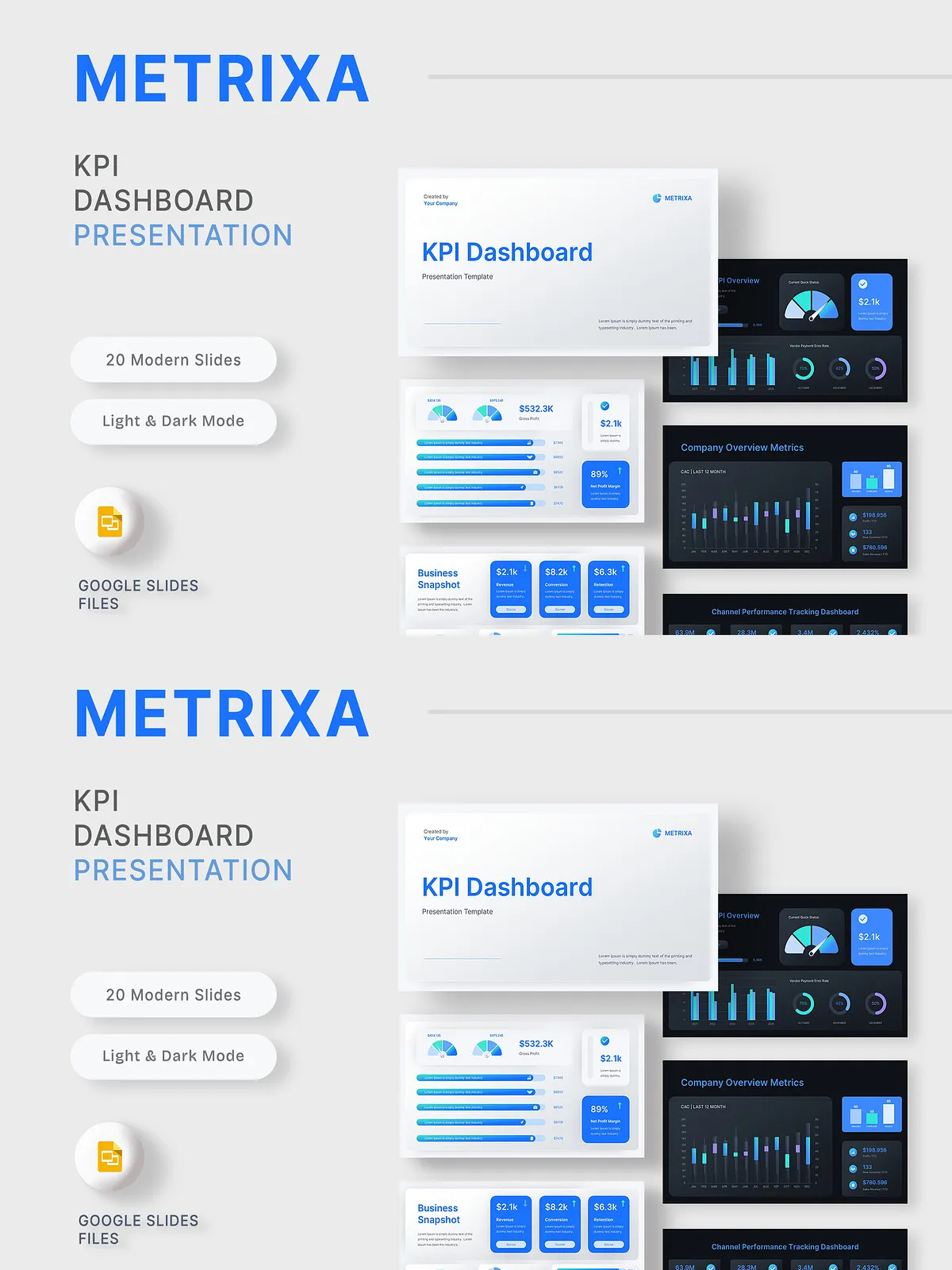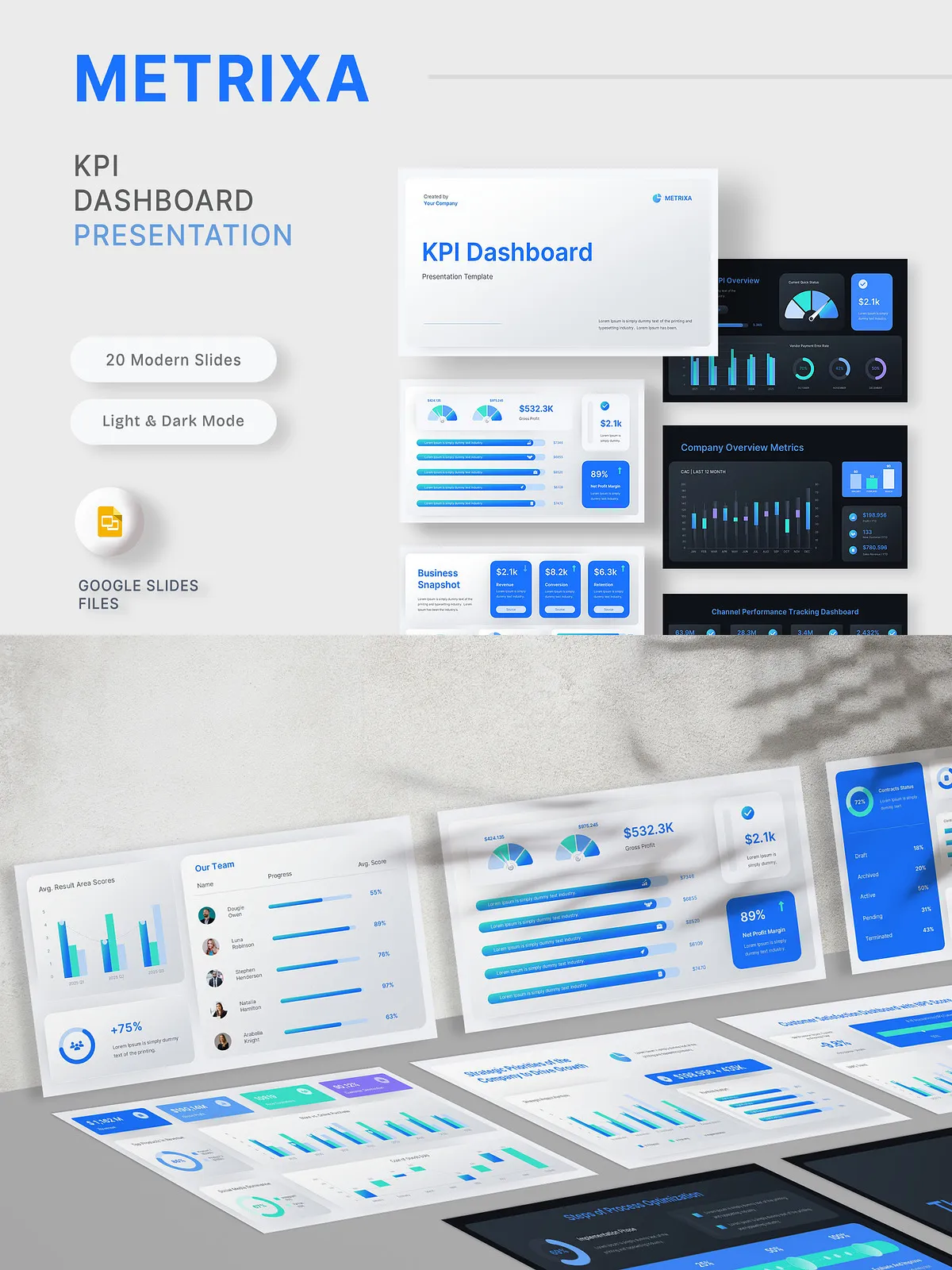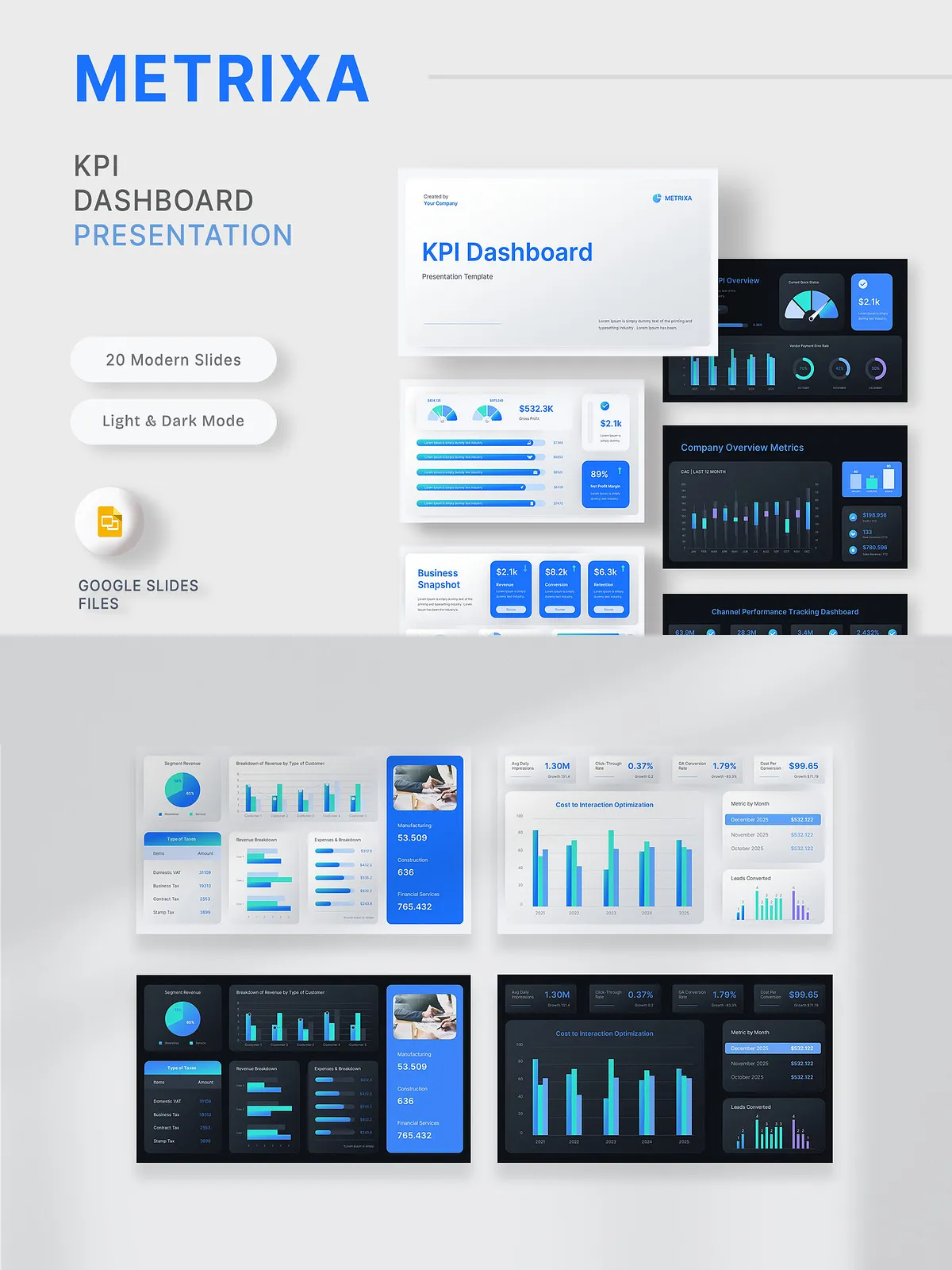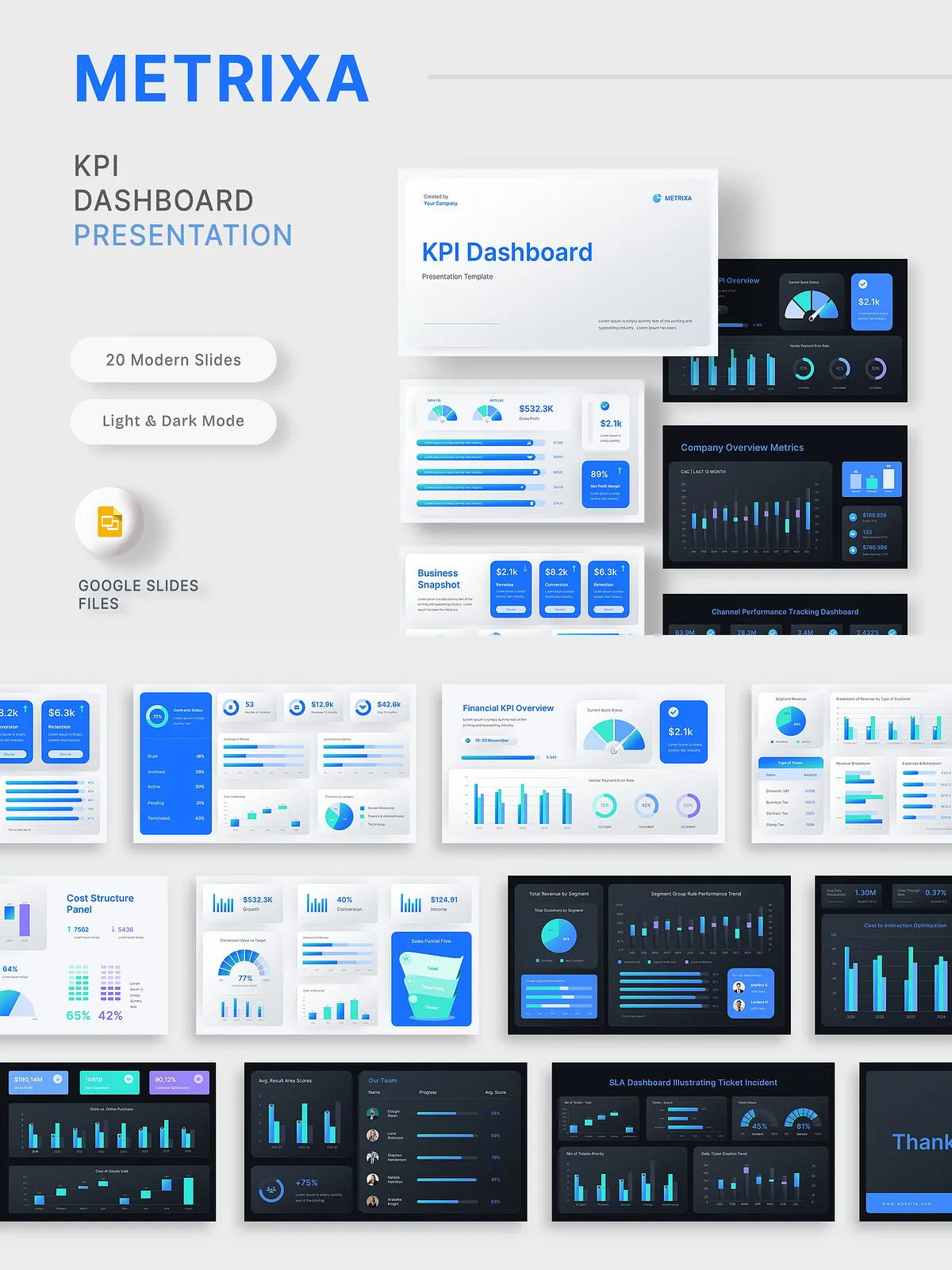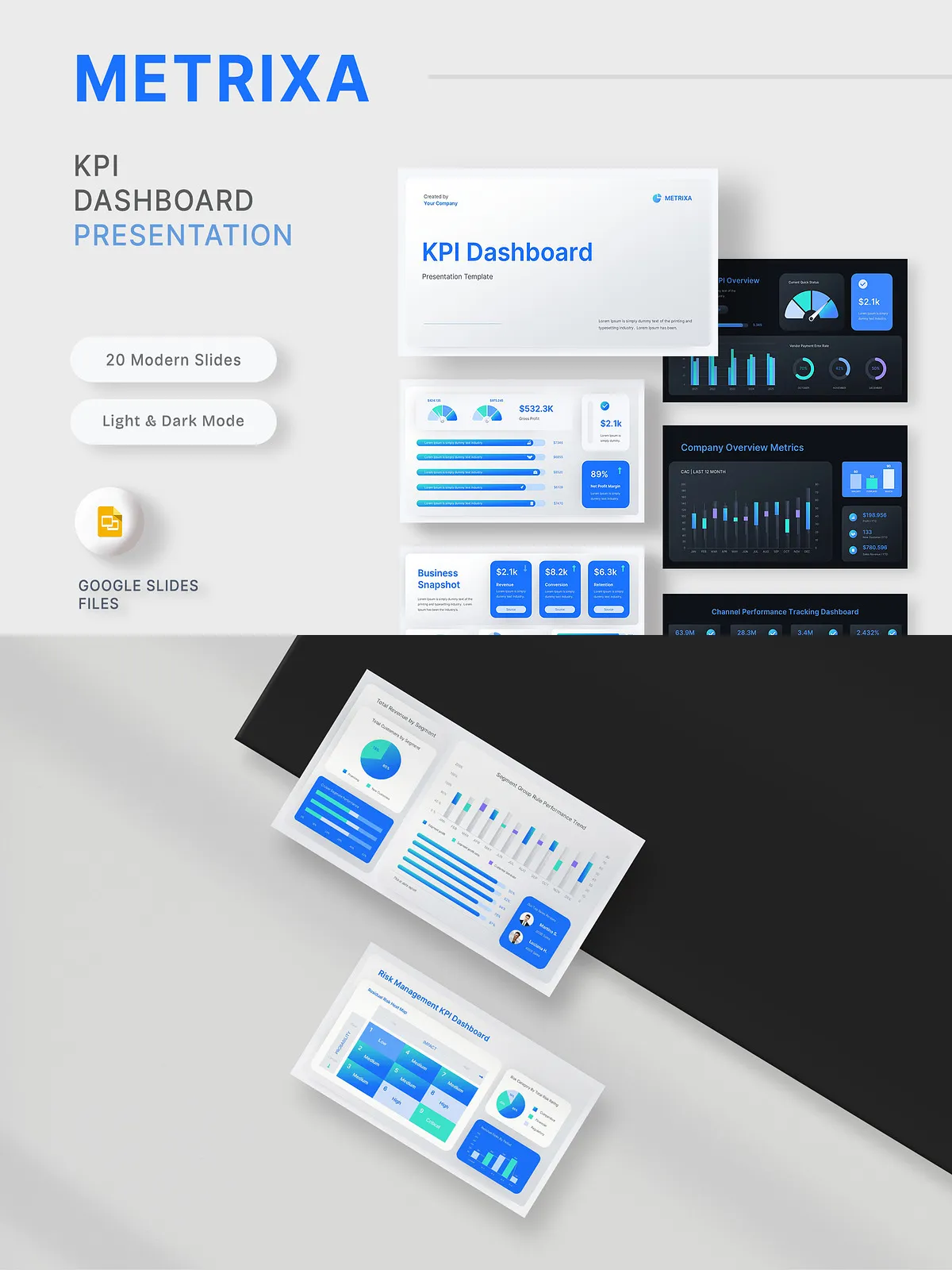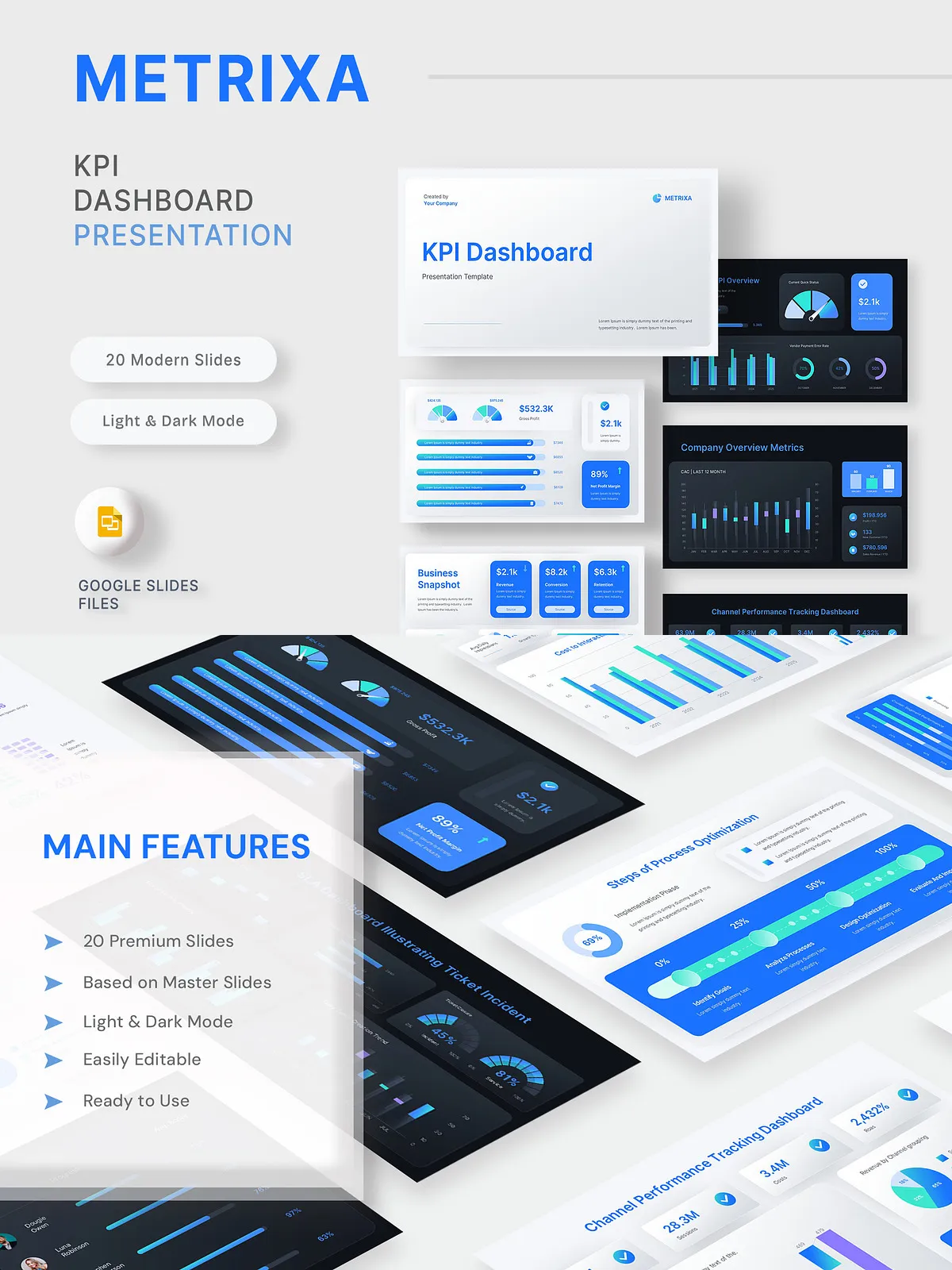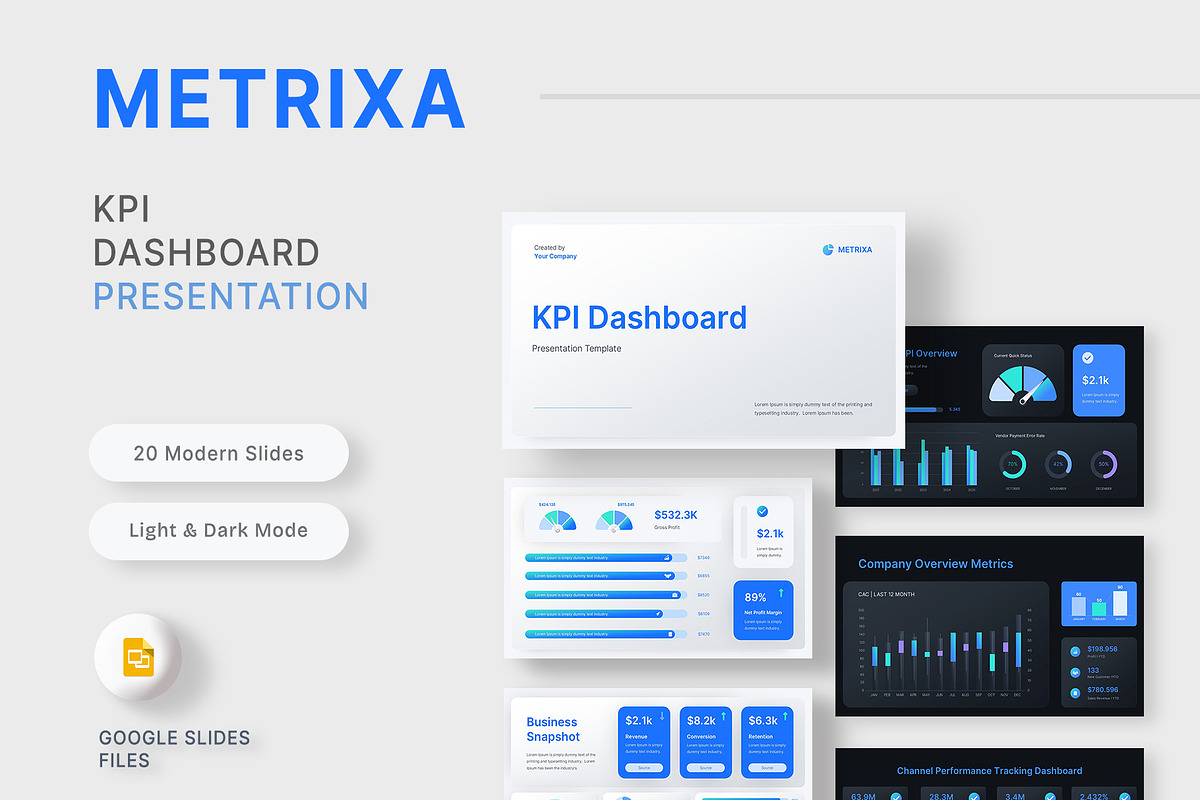

Metrixa KPI Dashboard delivers a polished, metallic-inspired UI designed for high-performance business reporting. The template echoes enterprise SaaS dashboards with a clean blue-silver aesthetic that conveys precision and credibility. Every slide is fully editable — charts, bars, and infographics are native and vector-based so you can update data directly in the source file without relying on static PNG images. Built for monthly reviews, board meetings, analytics reports, and performance stand-ups, Metrixa helps teams present insights clearly and confidently.
Key Benefits
Professional Visual System
Metrixa applies a consistent design language across slides so your presentation reads as a unified dashboard. The metallic color palette and precise grid system create a premium, enterprise-ready look that reinforces credibility during stakeholder reviews.
Editable Data & Scalable Graphics
Replace placeholder numbers and charts with live data — all charts and infographics are editable shapes and layers. Vector elements scale without loss of quality, ensuring clarity on projectors, large displays, and high-resolution monitors. This approach streamlines updates and reduces rework when metrics change.
Light and Dark Modes
Choose the visual mode that best suits your audience or brand. Light mode provides a crisp, formal aesthetic for printed handouts and daytime presentations. Dark mode offers high contrast for large-screen boardroom displays and evening venues, reducing glare and emphasizing visual metrics.
What’s Included
- 20 total slides thoughtfully organized for executive-level reporting
- Fully editable vector charts, bars, icons, and infographics
- Light & dark mode variants included
- Picture placeholders for headshots, product images, and campaign creative
- Based on master slides to simplify global updates and branding
- Free web fonts used for immediate compatibility
- Clear documentation to get you presentation-ready quickly
Included Slide Sections
- Executive Overview — concise summary to start conversations
- Company & Financial Health — revenue, margin, and cash flow snapshots
- Sales & Marketing Performance — funnel metrics, conversions, and ROI
- Customer & Product Insights — NPS, churn, and product adoption trends
- Operations & Team Metrics — resource utilization and delivery KPIs
- Risk & Strategy — prioritized risks, mitigation steps, and next actions
- Ending Slide — summary, recommended actions, and call-to-action
How to Customize
Fast Setup
- Open the source file in your editor (PowerPoint / Keynote / Google Slides compatible depending on file provided).
- Update master slides with your brand fonts and color accents for consistent styling.
- Replace image placeholders with product photos, team headshots, or campaign visuals.
- Edit chart data directly inside the chart layer to reflect current metrics.
- Export finished slides to PDF or present directly from your platform of choice.
Best Practices
- Lead with a one-slide executive summary that reflects the top three takeaways.
- Use concise metrics and clear visual comparisons (trend lines, percent change, and benchmarks) to show progress and context.
- Highlight a single call-to-action per ending slide to drive alignment and decisions.
- Keep tables lean; present detailed figures in appendices and surface actionable insights in the main flow.
Ideal Use Cases
Metrixa serves teams and leaders who need to translate complex data into decision-ready presentations. Use it for monthly executive reviews, board reporting, analytics demos, investor updates, quarterly planning, and cross-functional performance syncs. The template speeds preparation and elevates the visual quality of every presentation.
Technical & Licensing Notes
The template ships with editable elements and leverages free web fonts to avoid licensing friction during setup. All slides rely on master layouts for efficient global edits. Preview imagery used in template mockups is for demonstration purposes only and is not included in the download. Consult the supplied documentation for permitted usage and licensing details.
Why Metrixa
Choose Metrixa when you want a template that combines enterprise polish with fast customization. It reduces time spent rebuilding charts, enforces consistent visual language across reports, and puts your most important metrics front and center. Present confidently — Metrixa helps stakeholders focus on insight, not formatting.