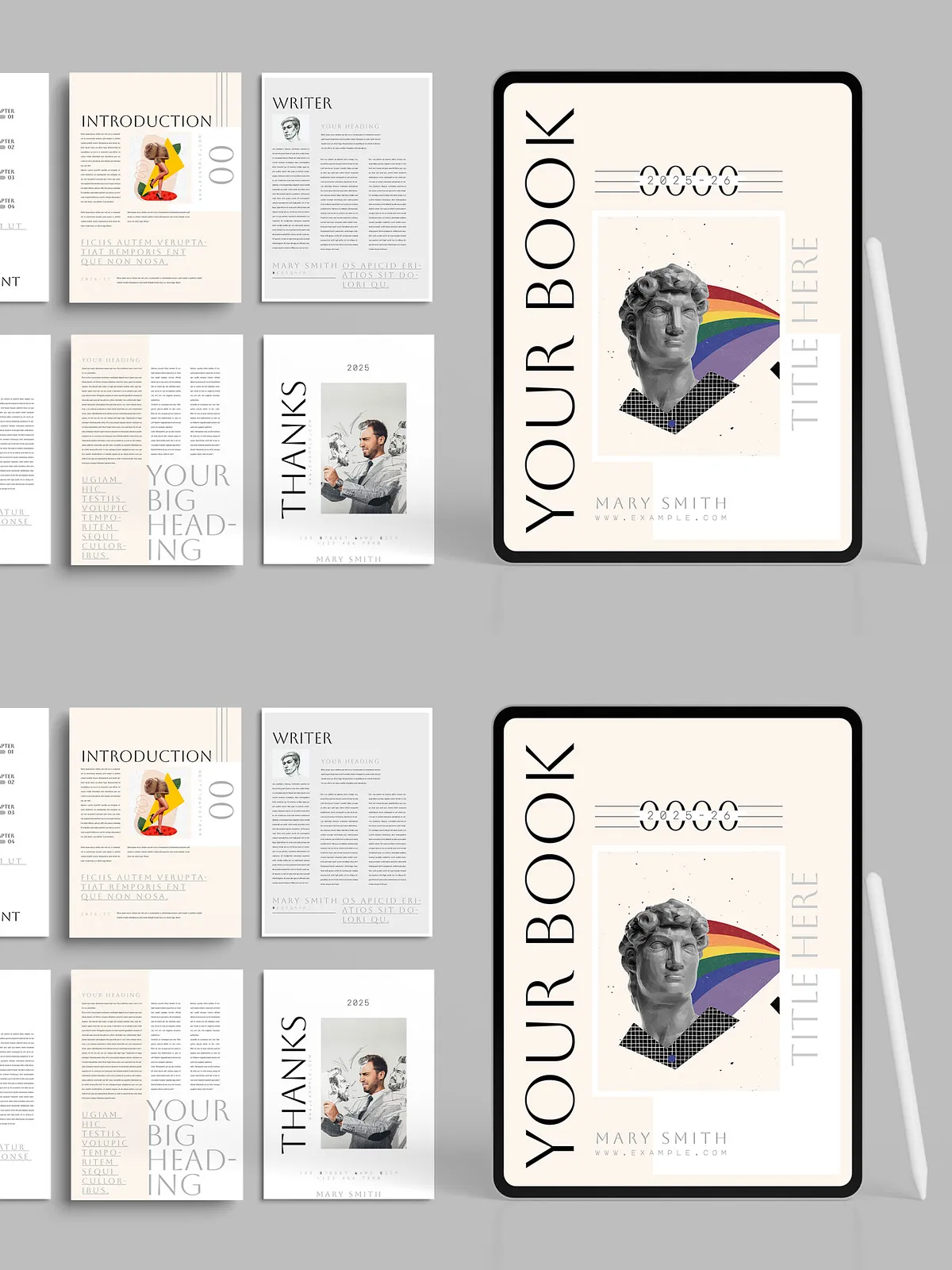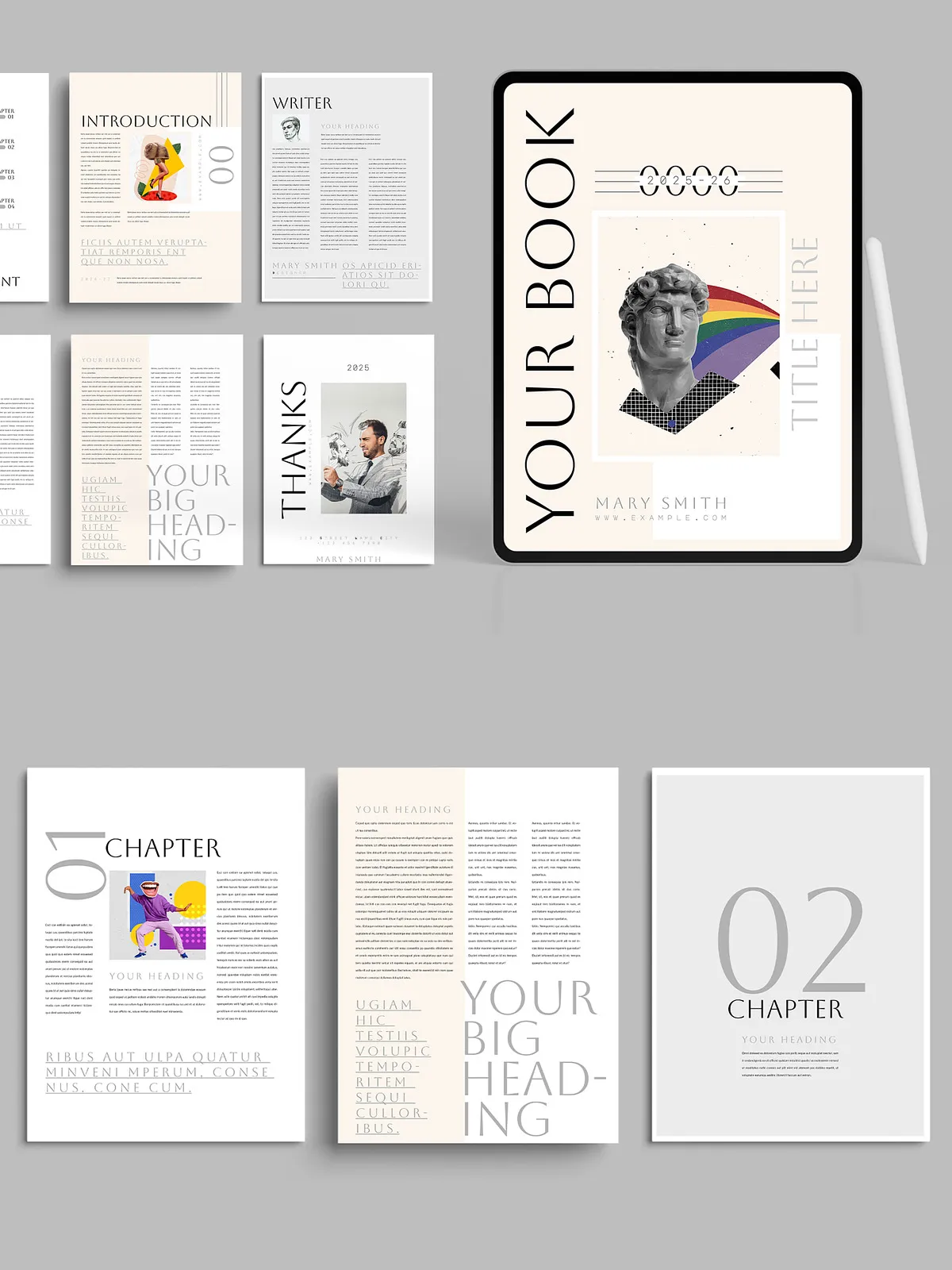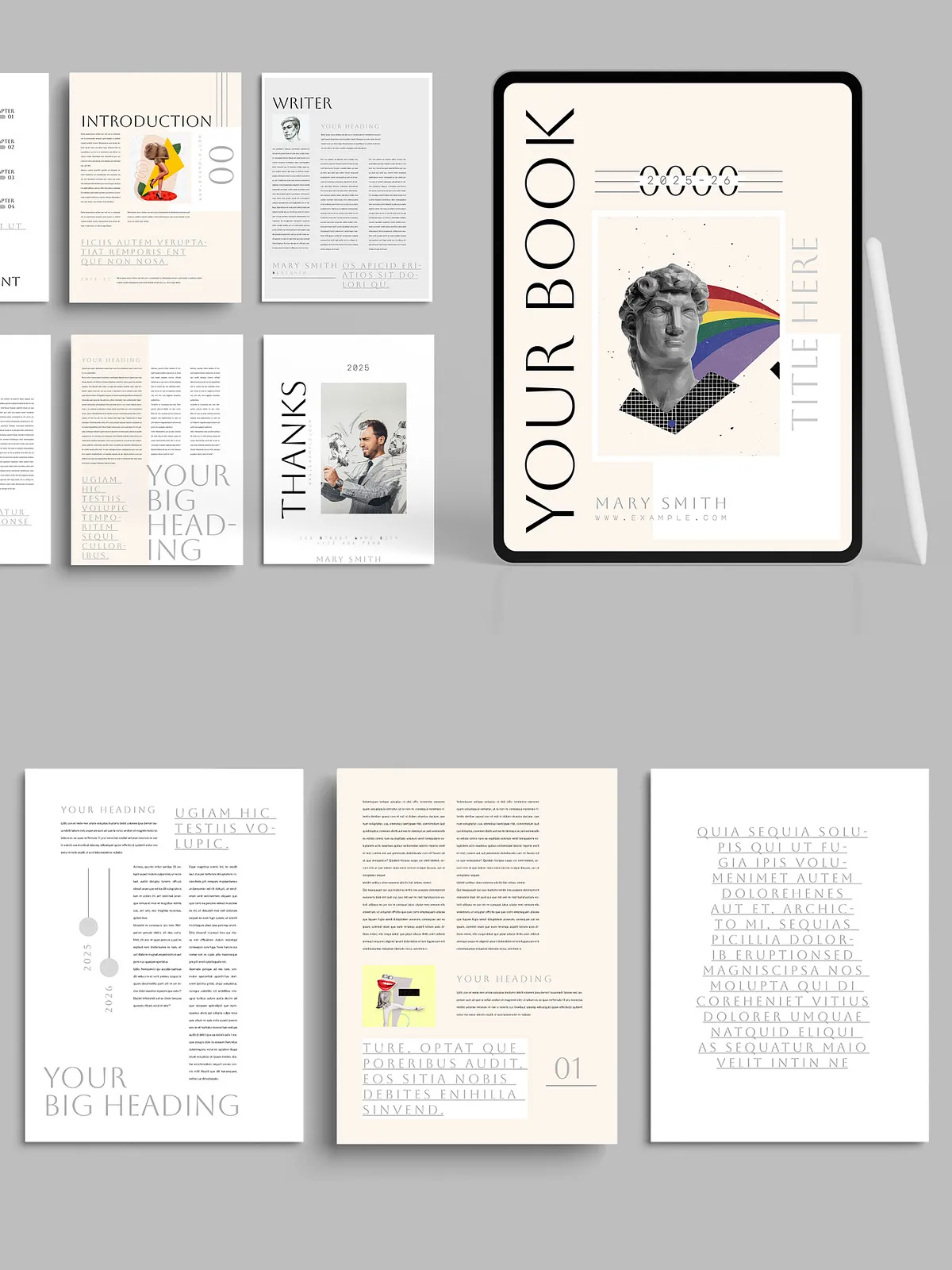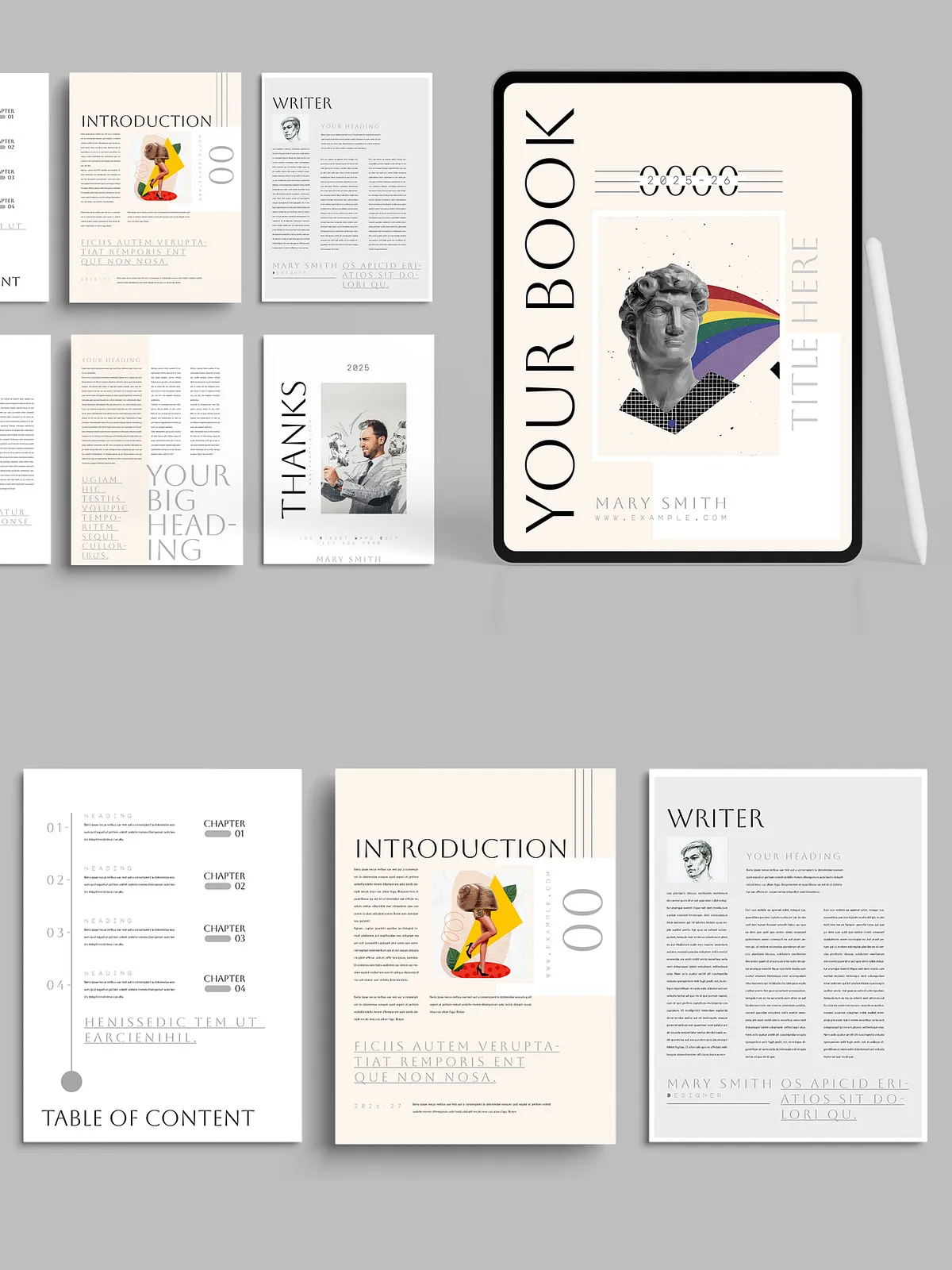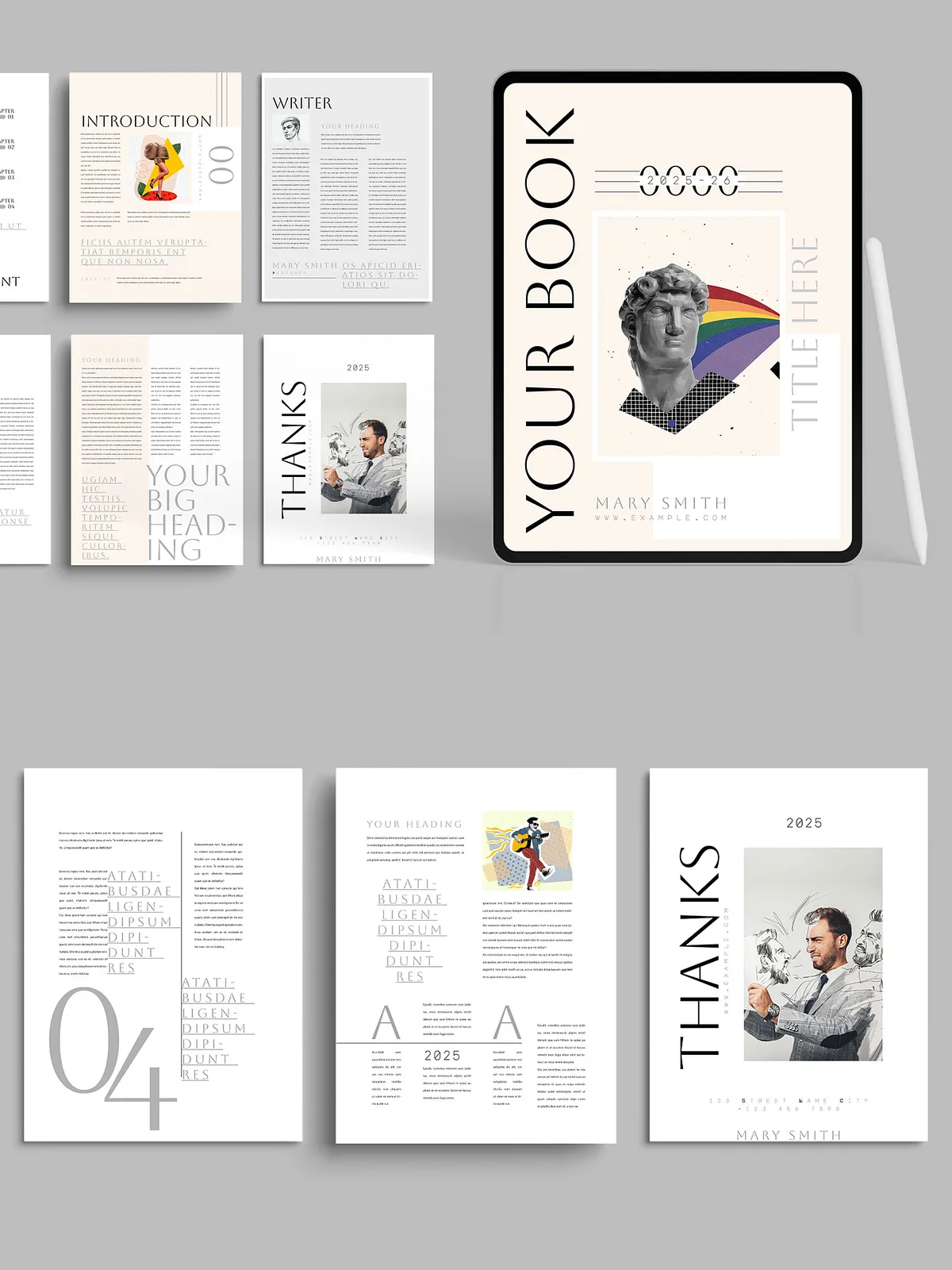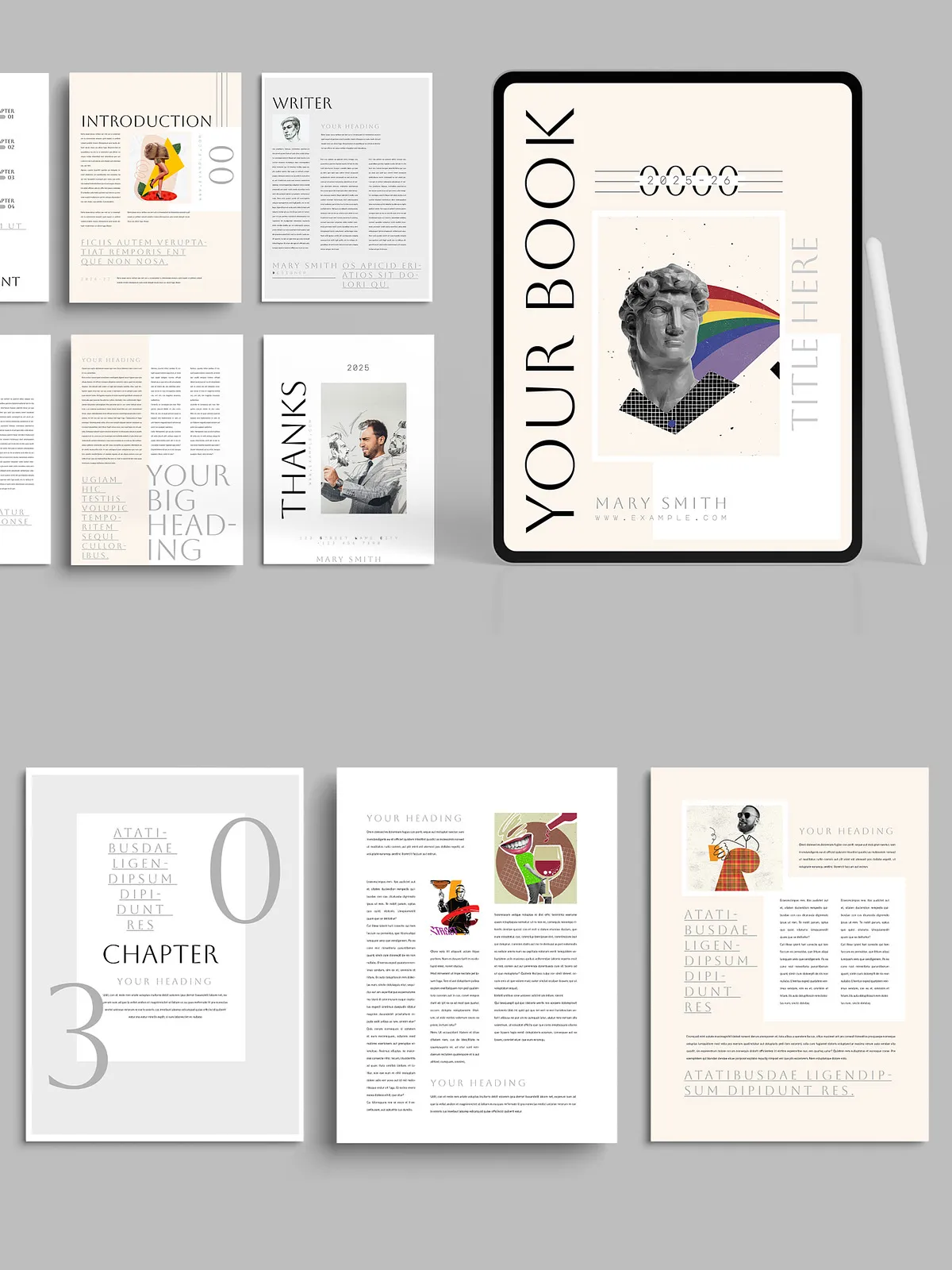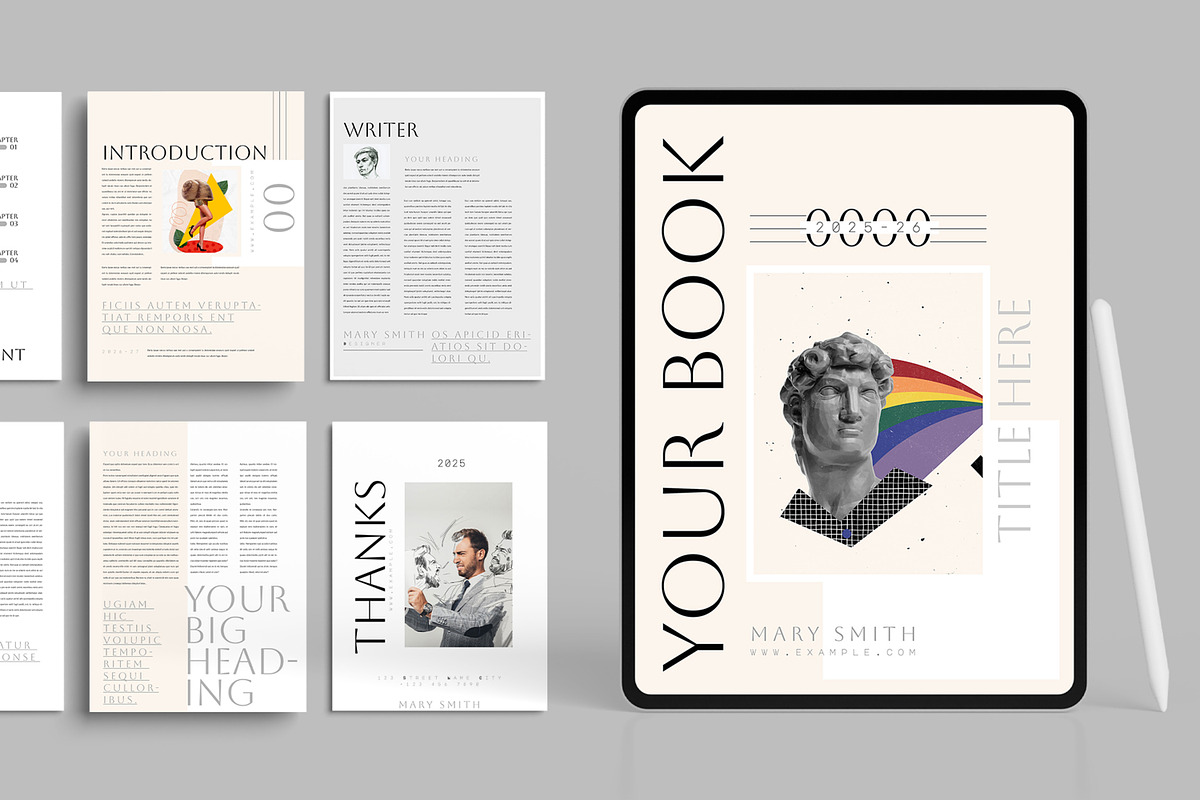

This Minimalist E-book Layout delivers a clean, distraction-free reading experience tailored for digital publications. Designed specifically for Adobe InDesign (INDD), the template emphasizes clear typography, balanced spacing, and a calm visual hierarchy that puts your content first. Authors, businesses, and creators will find this layout simple to adapt: edit text, change fonts, swap images, and update color palettes quickly to match your brand. The design focuses on readability and professional presentation across e-books, guides, manuals, reports, and long-form digital documents.
Key Features
- Compatible with Adobe InDesign (INDD) for precise editorial control
- Fully editable 16-page layout built for efficient content flow
- Modern, professional typographic system and balanced margins
- RGB color scheme optimized for screen and web presentation
- Standard paper size included for flexible export or print options
- Organized layers and well-labeled groups for fast edits
- Uses free fonts — links to download included for instant setup
- Web-ready assets and export presets for PNG, JPG, and PDF
- Instant download: receive files immediately after purchase
Design Benefits
The layout prioritizes legibility with deliberate line length, generous leading, and a clear visual rhythm. Headings and subheadings remain consistent so readers navigate content easily. The minimalist aesthetic reduces distractions and highlights your writing, data, and imagery, creating a refined, trustworthy reading environment for any audience.
What’s Included
- Adobe InDesign (.indd) source file — 16 pages
- Linked assets and placeholder images for quick swaps
- Help file documentation with step-by-step instructions
- Links to free fonts used in the template
- Customer support contact for customization questions
How to Customize
Customizing this template requires minimal steps and yields professional results quickly. The file structure keeps everything accessible so you can launch your ebook without delays.
Step-by-step Customization
- Open the INDD file in Adobe InDesign. Review the page masters to understand global styles.
- Replace placeholder text with your manuscript or chapters, applying paragraph and character styles for consistency.
- Swap images and graphics in the linked assets folder. Use high-resolution images for the best on-screen quality.
- Adjust colors through the Swatches panel to match your brand palette; the RGB scheme keeps screens vibrant.
- Update fonts by installing the provided free font links, then reapply text styles if necessary.
- Export your final file as an interactive PDF, fixed-layout EPUB, or high-resolution JPG/PNG for distribution.
Technical & Compatibility
This layout was created for Adobe InDesign and performs best in recent versions of the application. The file uses standard paper sizes and an RGB color profile for screen-optimized output. All layers and groups are clearly labeled to speed up edits and prevent accidental layout shifts. If you require print-ready CMYK exports, convert color profiles during the final export step and confirm bleeds and crop marks.
Who This Template Is For
Use this Minimalist E-book Layout if you are an author preparing an ebook, a business creating a branded guide, a creator packaging a digital portfolio, or a marketer producing long-form content. The template supports both newcomers and experienced designers by combining an intuitive structure with professional layout controls.
Delivery & Support
Files are available as an instant download after purchase. The included help file walks through setup, font installation, and export recommendations. If you need additional assistance, contact support for fast, friendly help. Provide your Adobe InDesign version and a brief description of the issue so the team can respond quickly.
License & Usage
The template is provided for personal and commercial use by the purchaser. Review the included license file for details on redistribution, resale, and extended usage. Do not resell the original INDD source files as standalone products.
Get Started
Download the Minimalist E-book Layout, open the INDD file in Adobe InDesign, replace the content with your text and images, adjust colors and fonts to match your brand, and export a polished digital publication ready for distribution. The clean structure and organized layers let you publish professional ebooks fast and with confidence.