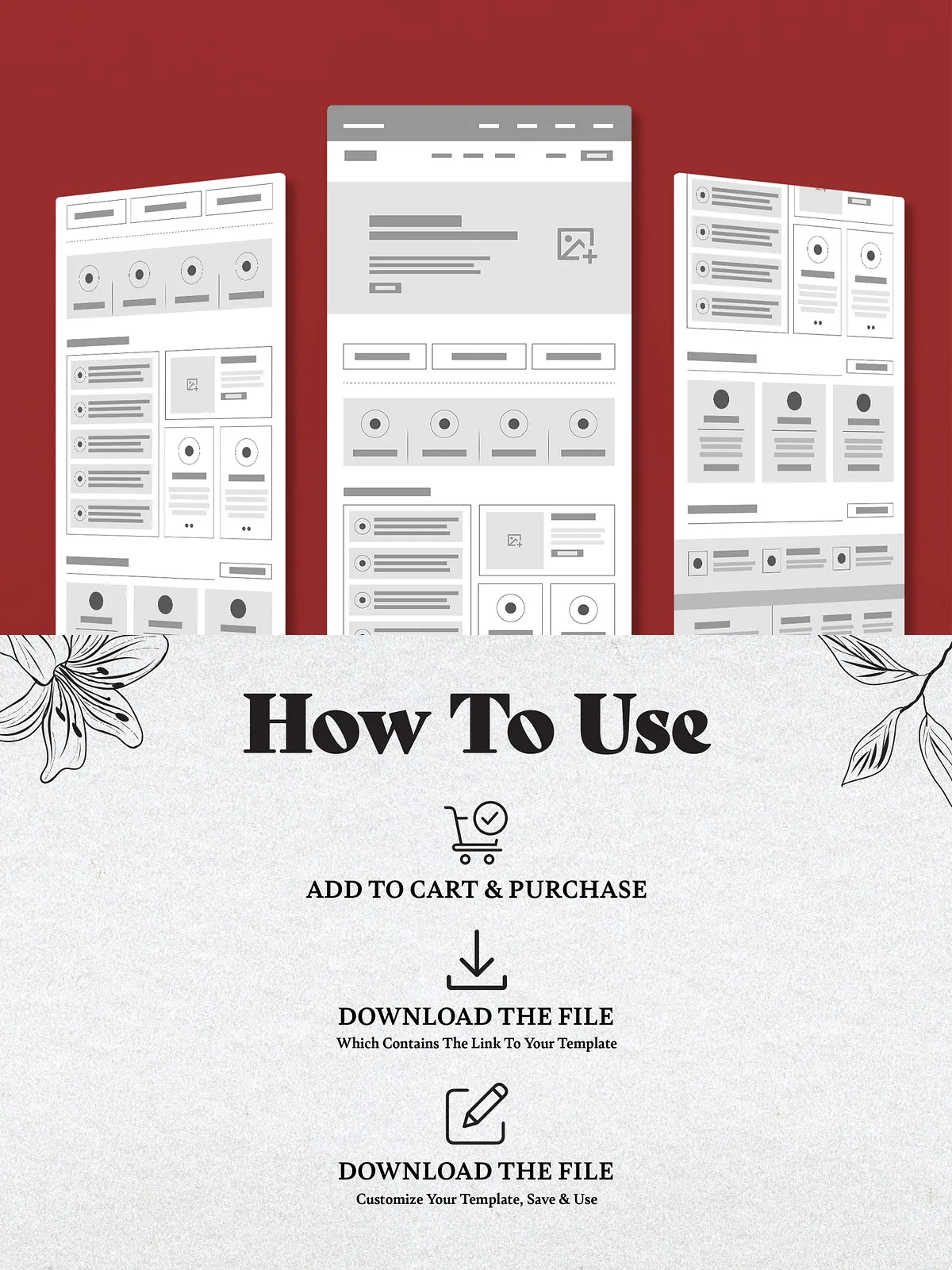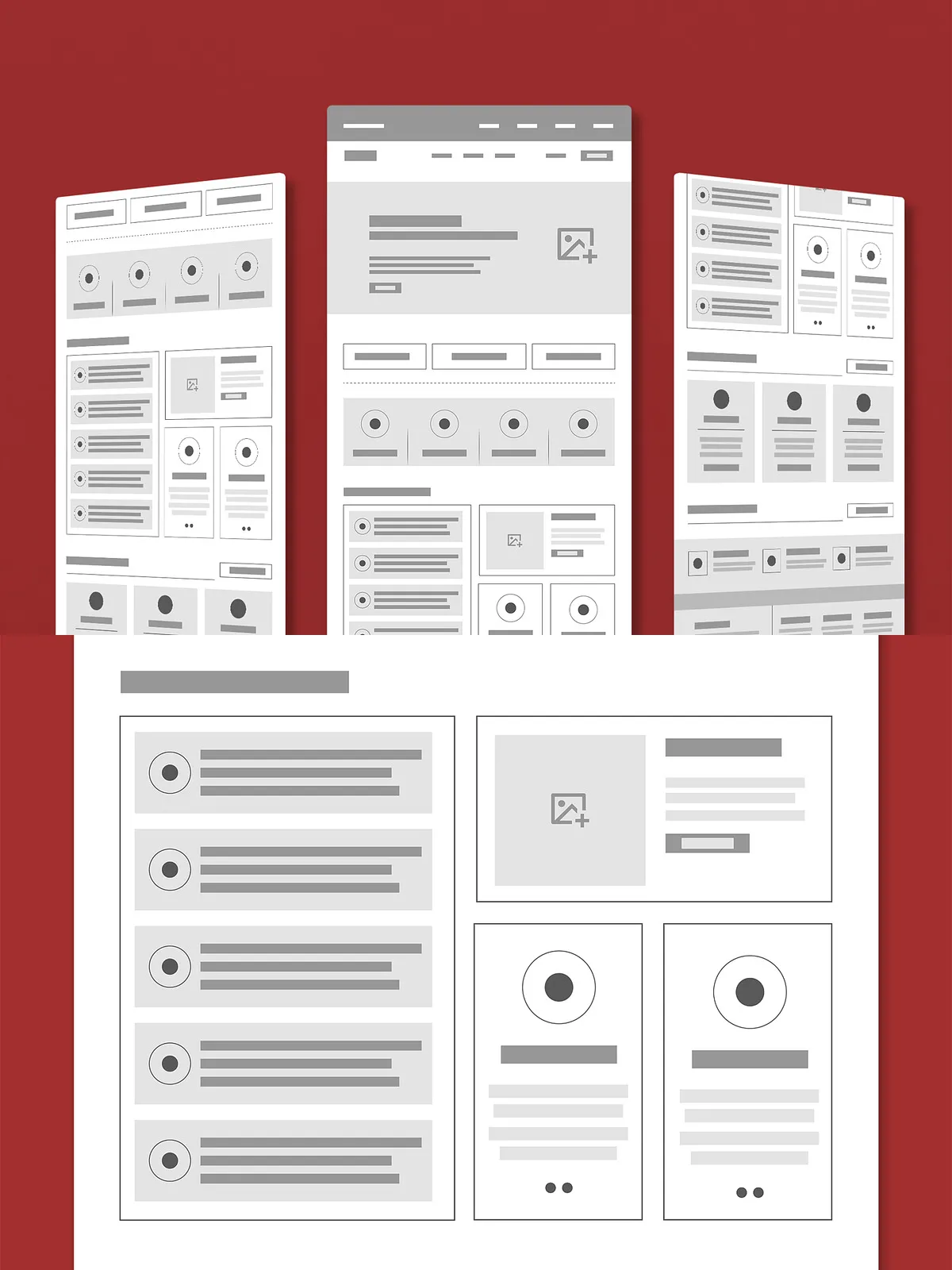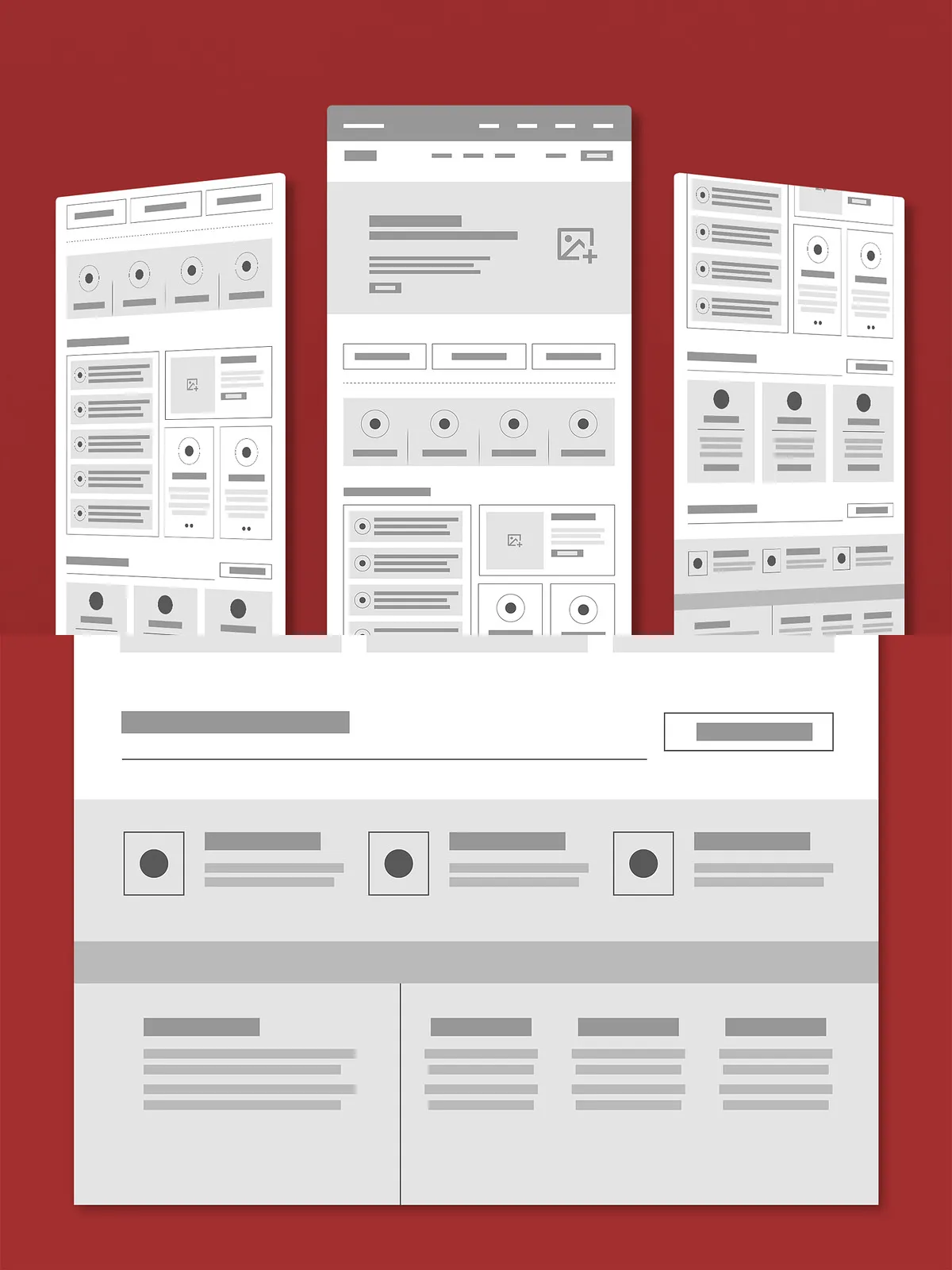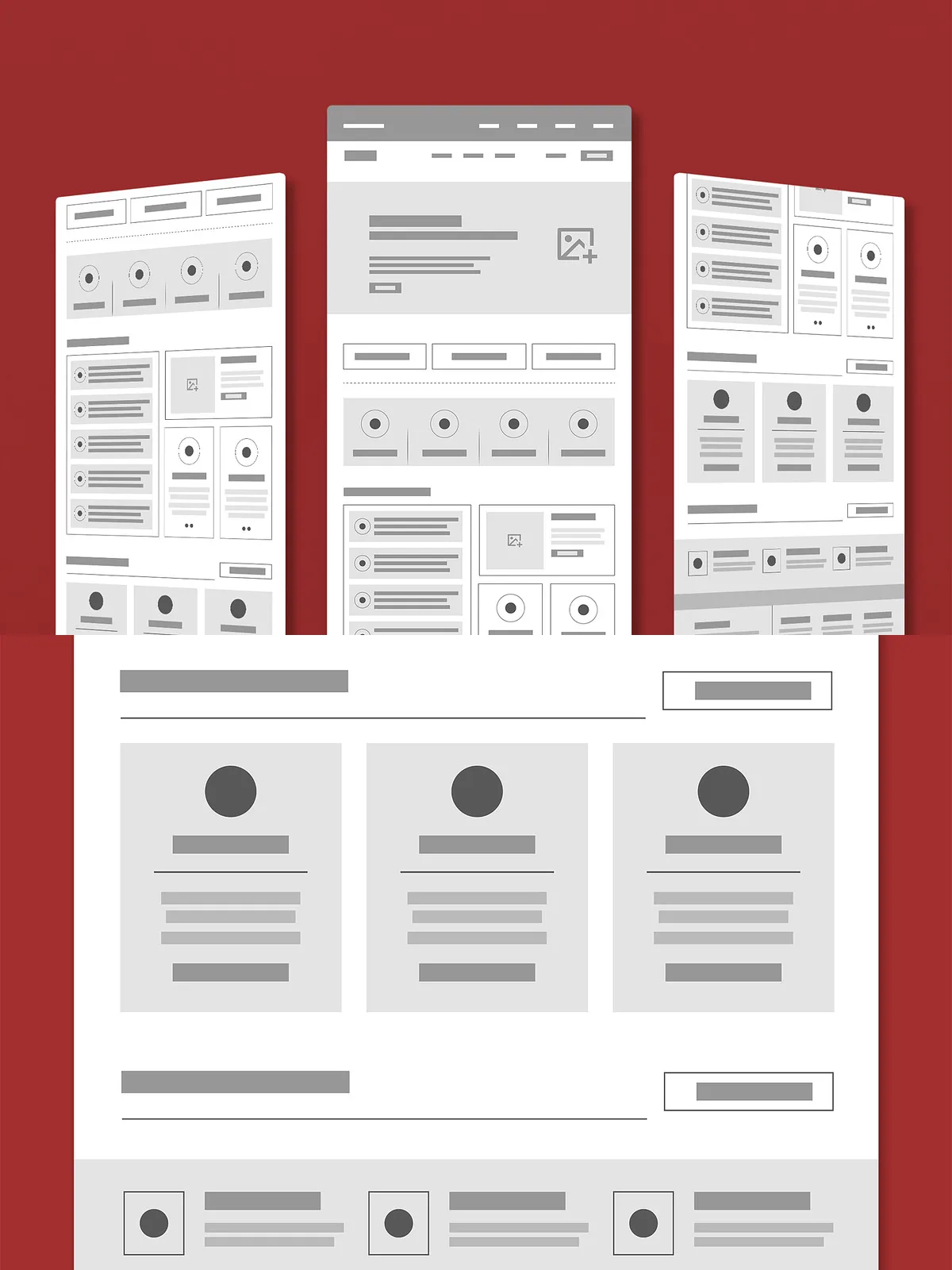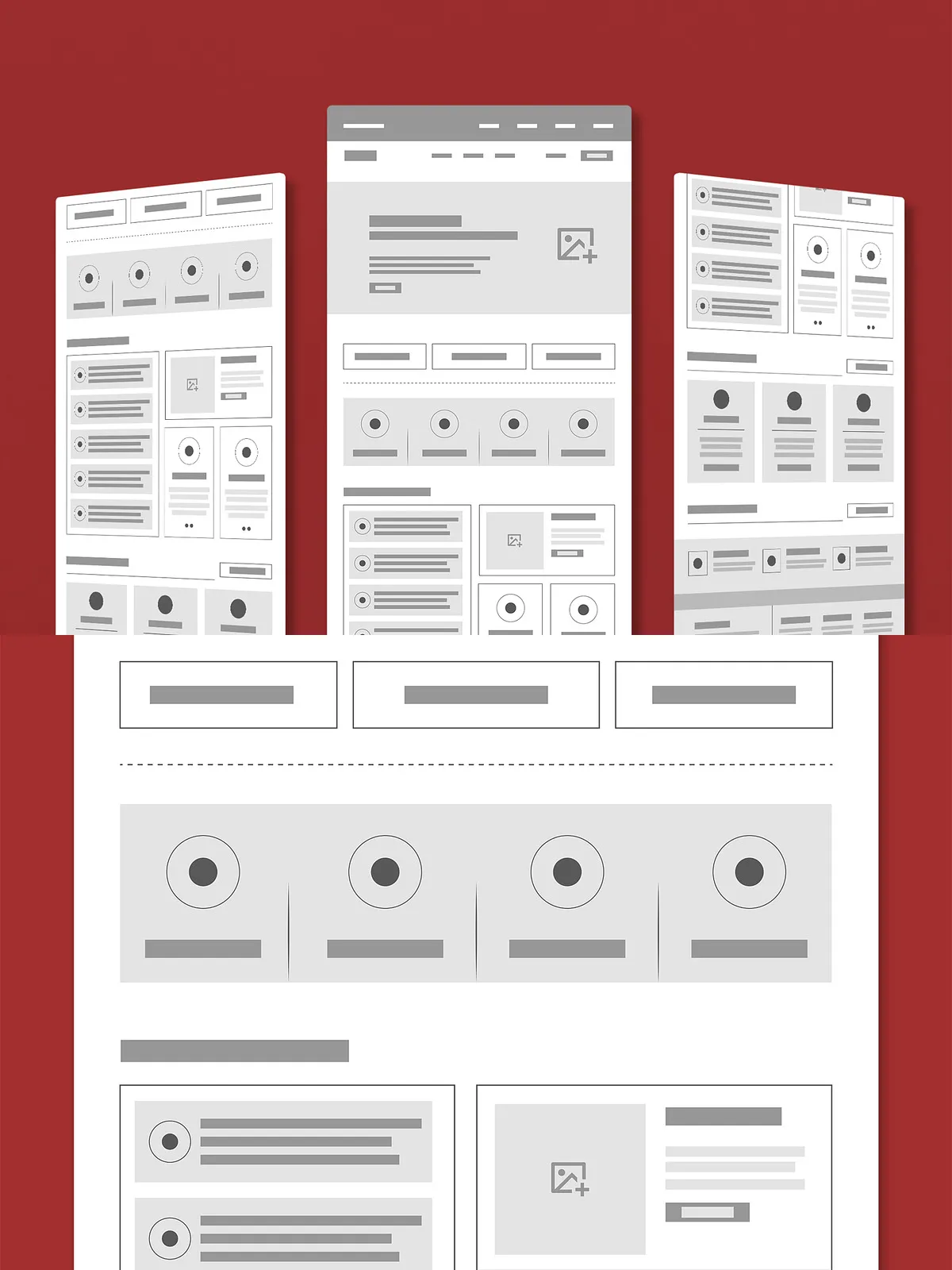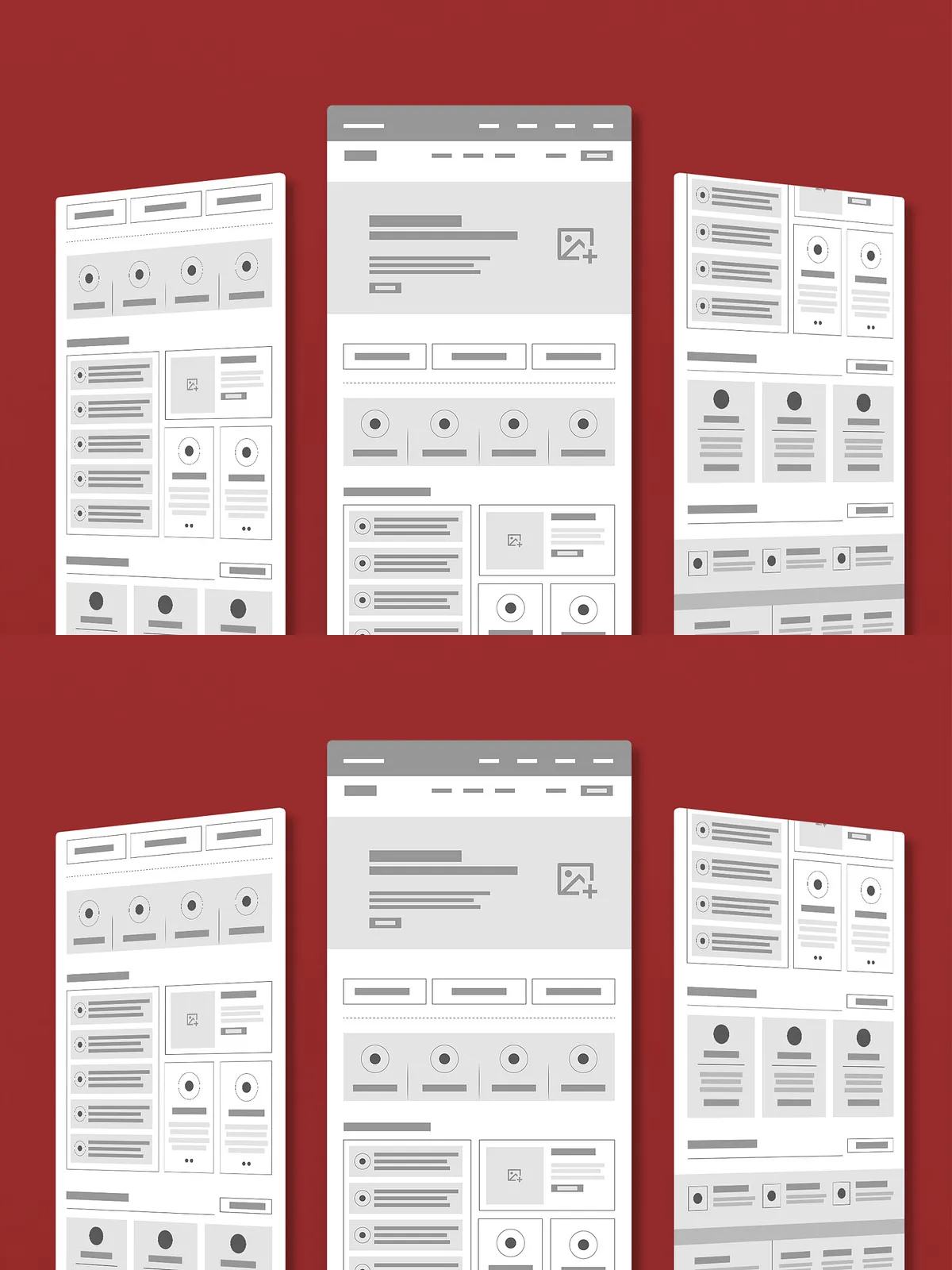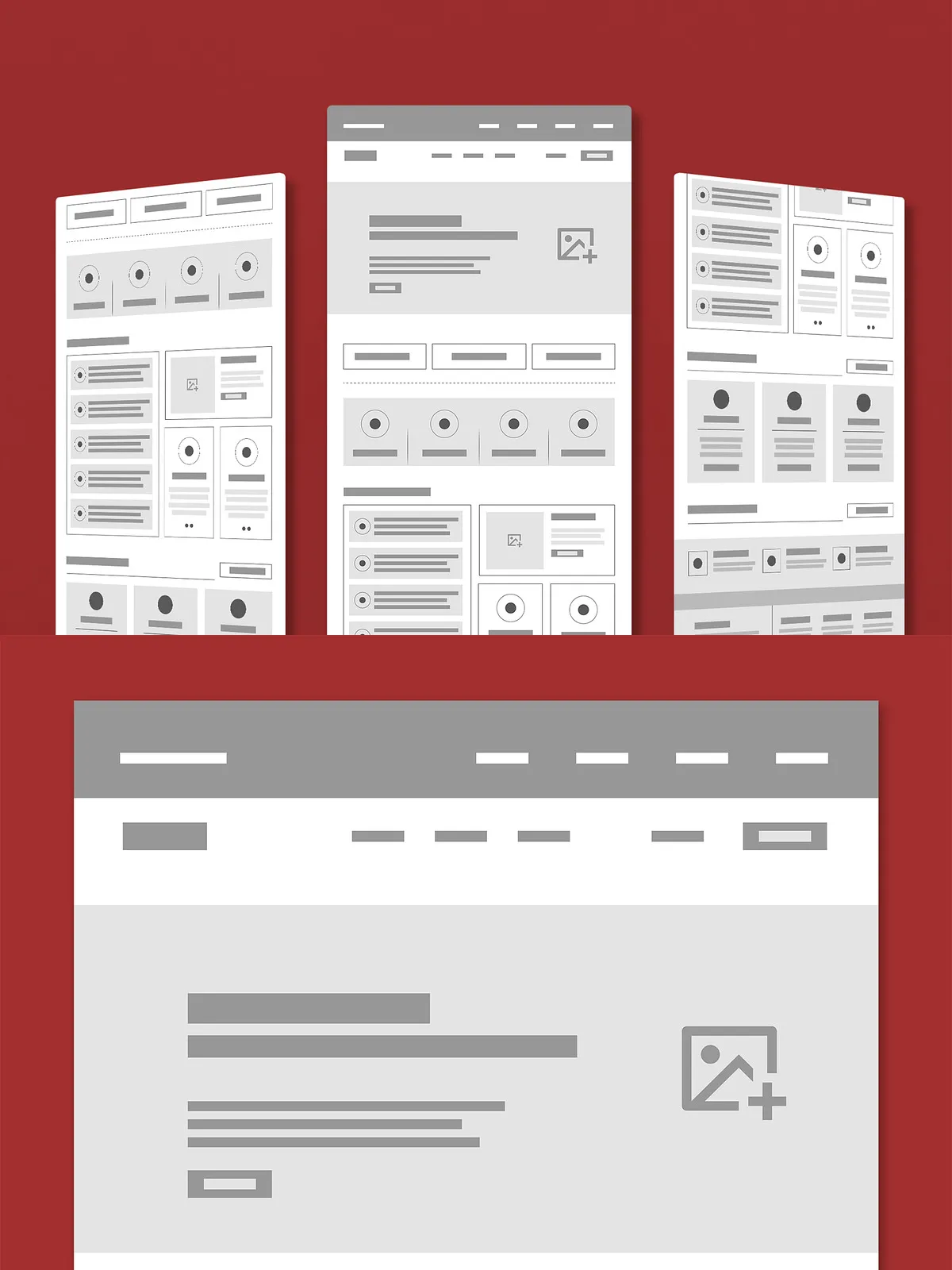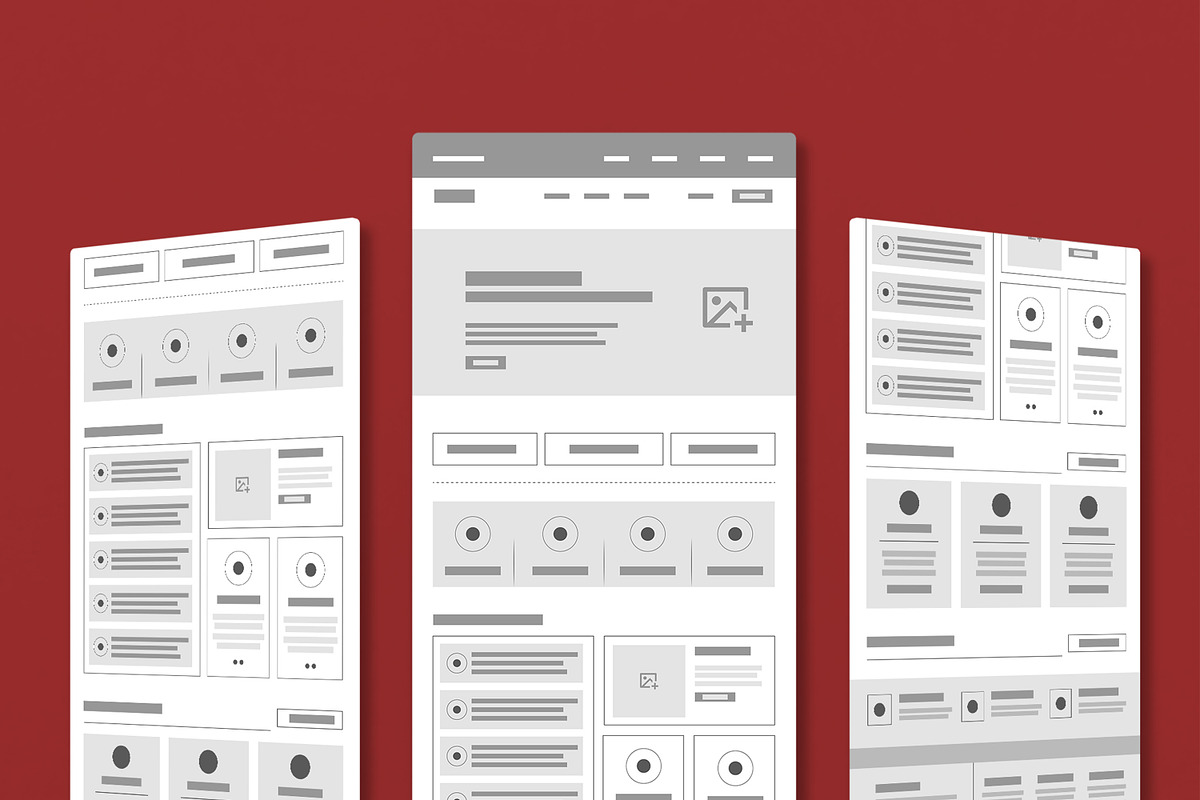

Stop jumping into final designs before your strategy is locked in. Build smarter, faster, and with greater confidence using proven wireframe structure examples. These simplified visual blueprints are the essential first step in every successful digital project, from websites to mobile applications. By mapping out your user flow, content hierarchy, and core functionality early, you save time, reduce costly revisions, and create experiences that work before they look.
What Are Wireframe Structure Examples? The Blueprint of Digital Design
Wireframes aren’t about aesthetics—they’re about function and clarity. These low-fidelity layouts strip away colors, fonts, and graphics to focus purely on structure. They act as the architecture of your digital product, using simple placeholders—like gray boxes for images, dotted lines for text, and labeled buttons—to define:
- Content Placement – Where key information, headlines, and calls-to-action will appear.
- Navigation Flow – How users will move from page to page, ensuring intuitive paths.
- Information Hierarchy – Which elements grab attention first and how they relate to one another.
- Interactive Elements – Positioning of buttons, forms, menus, and clickable features.
By starting with wireframes, you shift from guessing to validating. Test your ideas with stakeholders, gather feedback, and refine the experience—before a single pixel is rendered in the final design.
Common Wireframe Layouts: Templates That Work Across Industries
Every project follows a pattern. Here are the most effective wireframe structure examples you need to master for any project type:
- Homepage Wireframe – Features a clear header, prominent banner or hero section, navigation bar, and strategically placed featured content blocks (e.g., latest posts, product highlights, or services). Designed to guide users to their next step, whether it’s exploring more content or making a purchase.
- Landing Page Wireframe – Focuses on a single goal: conversion. Includes a bold headline, short benefit-driven subheadline, compelling visual placeholder, concise body copy, and a strong CTA button—often repeated at the bottom. Uses minimal distractions to maximize click-through rates.
- E-Commerce Layout Wireframe – Includes a product grid (or list), filter/sidebar options, product card placeholders (image, name, price, rating), and a streamlined checkout flow. Ensures users can browse, compare, and buy with ease while managing visual clutter.
- Portfolio or Blog Wireframe – Organizes content into clear content blocks—articles, case studies, or project highlights—with a sidebar for categories, tags, or author info. Prioritizes readability and scannability so visitors can quickly find what they’re looking for.
Why Wireframes Are Your Secret Weapon in Design & Development
Creating wireframe structure examples isn’t a luxury—it’s a necessity for efficient, high-quality design. Here’s why:
Accelerate the Design Process
When your structure is defined upfront, the final design phase becomes about refinement, not discovery. Designers spend less time debating placements and more time crafting visuals. Developers receive clear specs, reducing back-and-forth and speeding up implementation.
Ensure Usability and User-Centered Thinking
Wireframes force you to step into your user’s shoes. By visualizing each touchpoint, you can ask critical questions: Is this button easy to find? Is the next step obvious? Is information buried or highlighted? This proactive approach prevents usability pitfalls before they become code.
Improve Communication Across Teams
Wireframes act as a universal language between designers, developers, marketers, and clients. Stakeholders can see the vision without being distracted by colors or fonts. Feedback becomes focused on flow, not aesthetics. Everyone walks away understanding the project’s foundation.
How to Use These Wireframe Examples Effectively
Don’t just copy—customize. Use these structure examples as starting points. Adapt them to your brand, audience, and goals:
- Start with Paper or Simple Tools – Sketch your idea on paper or use free tools like Balsamiq, Figma, or Whimsical.
- Test Your Flow – Walk through the wireframe as a user. Does the journey feel natural?
- Get Early Feedback – Show it to team members or potential users. Spot problems early.
- Iterate Rapidly – Make changes quickly. A wireframe should be easy to revise.
From Structure to Success: Build Your Digital Product the Right Way
Great design doesn’t happen by accident. It’s built on a solid foundation. By embracing wireframe structure examples, you’re not just creating layouts—you’re building strategic, user-first experiences. Whether you’re launching a startup, redesigning a corporate site, or building a personal blog, these templates give you the power to plan with precision.
Don’t skip the blueprint. Use wireframe structure examples to plan smarter, collaborate better, and deliver stronger. Your final product will be more intuitive, more effective, and more impactful—because it was built on the right foundation from the very beginning.