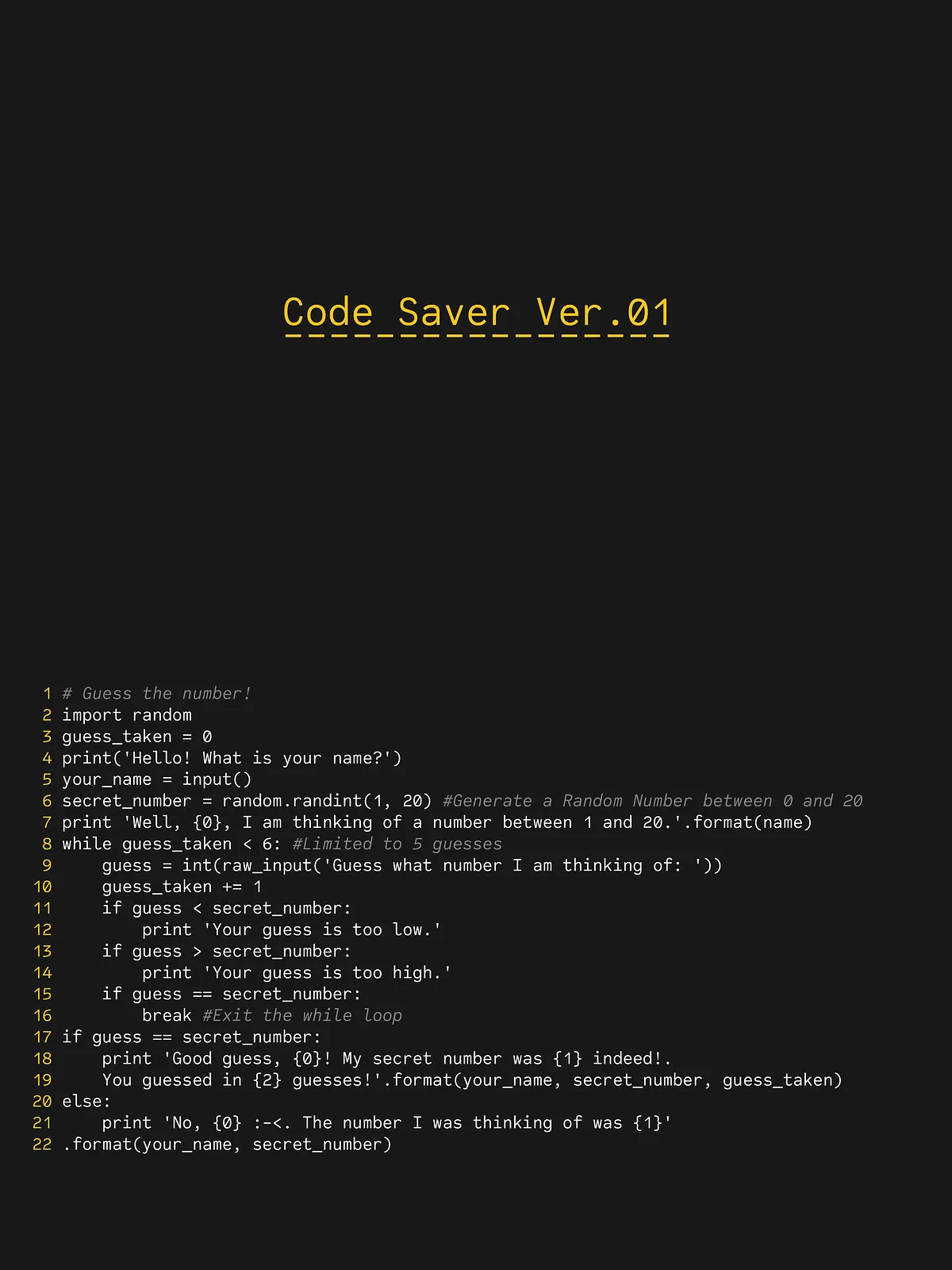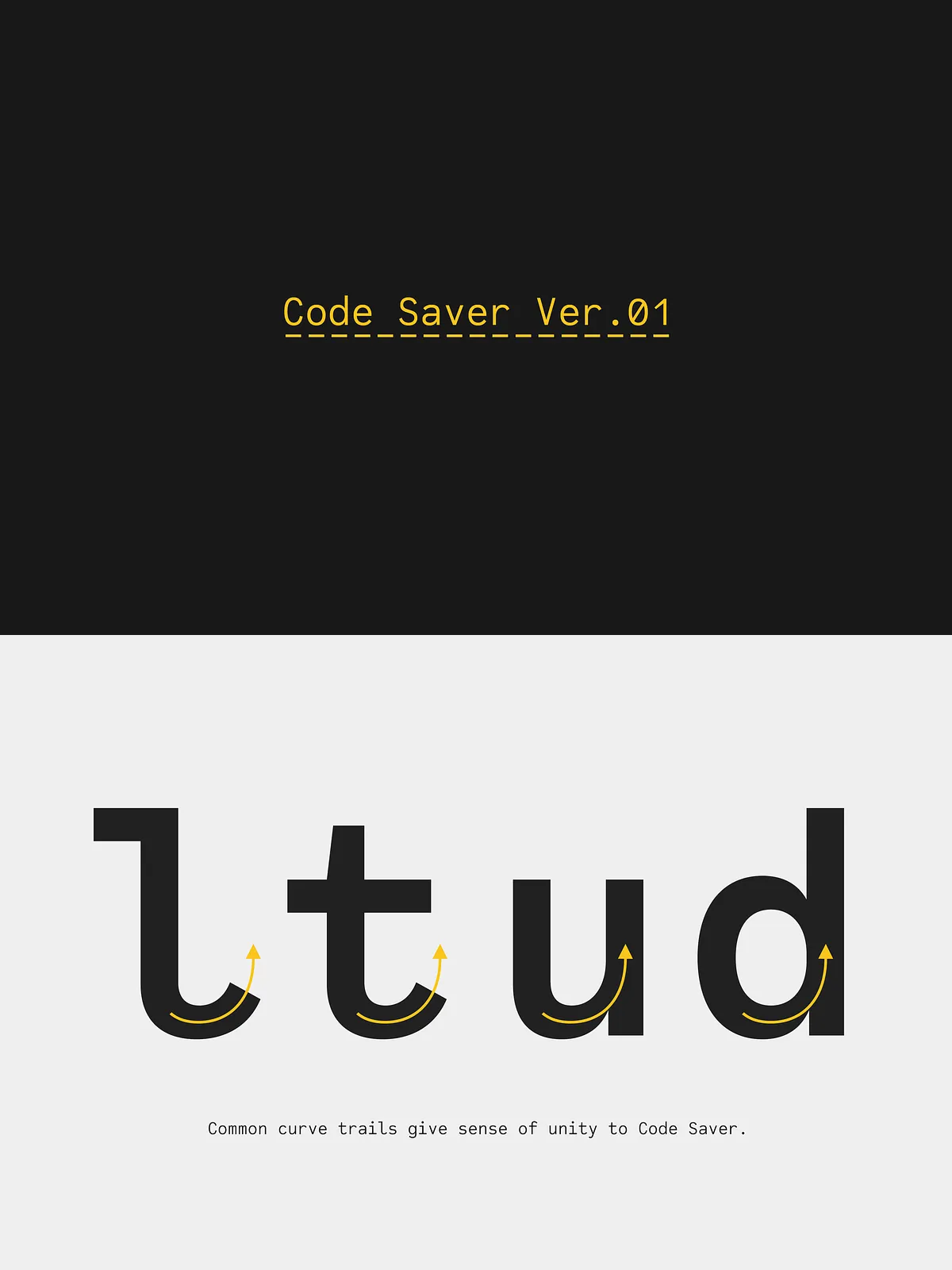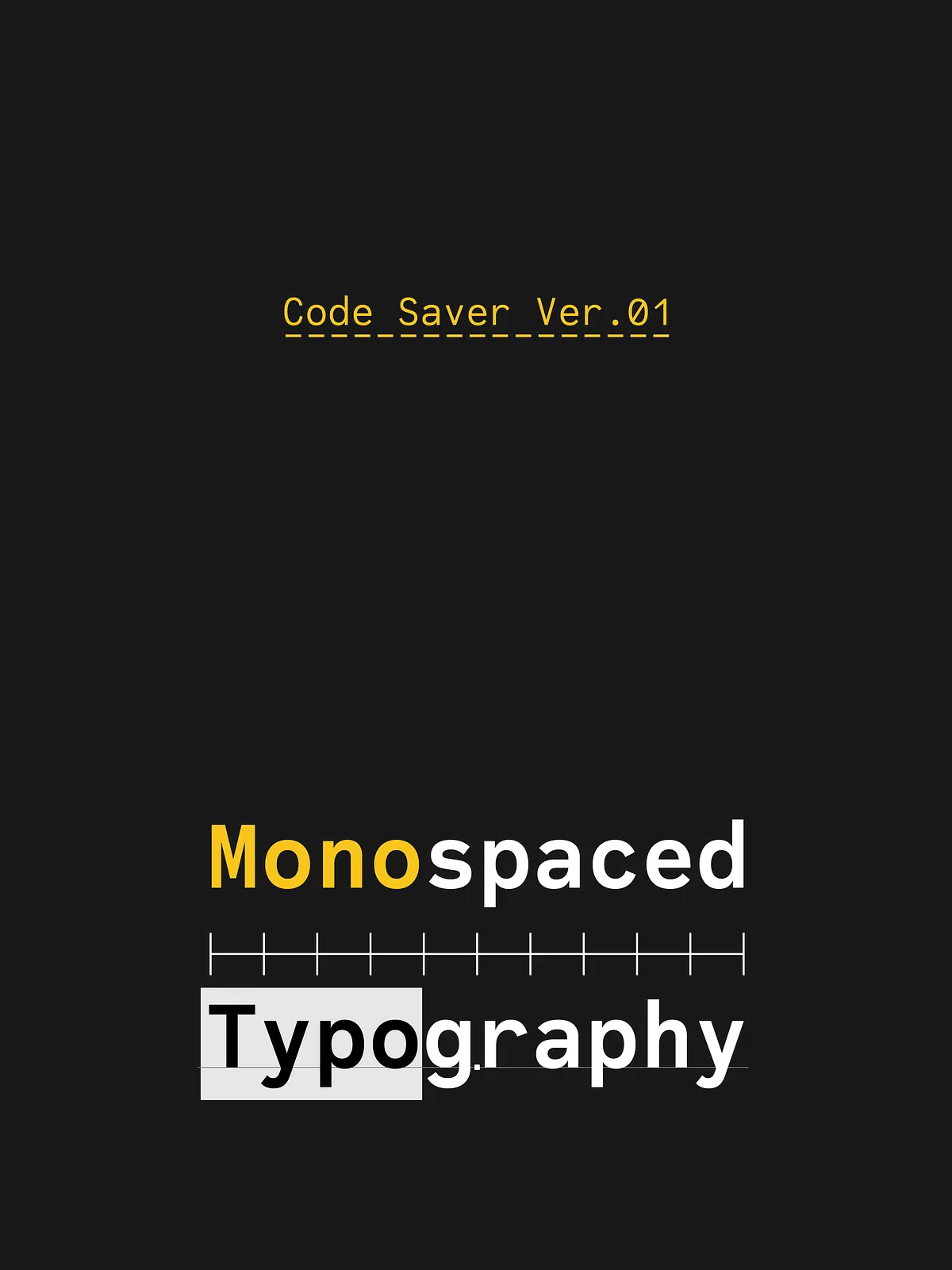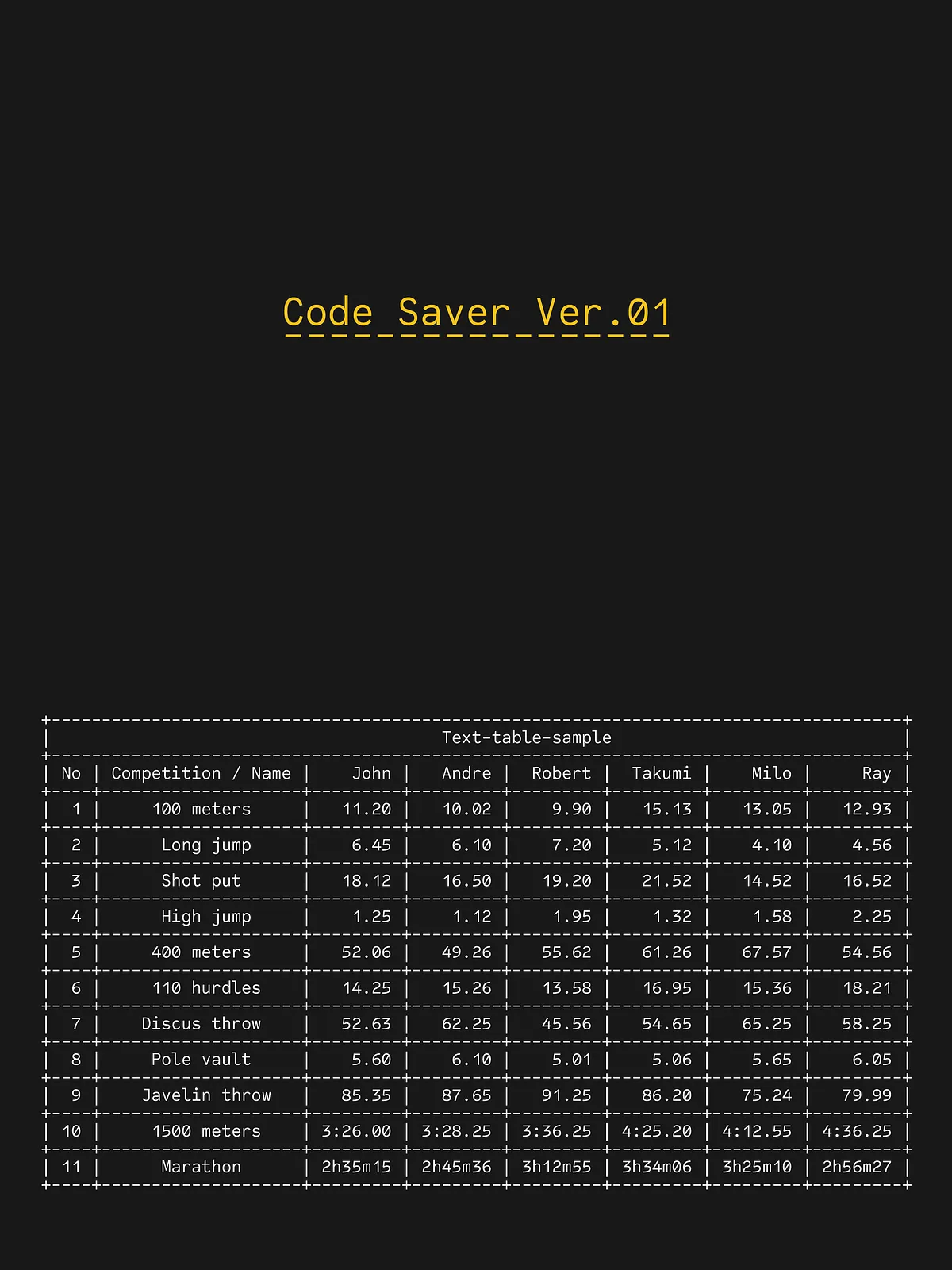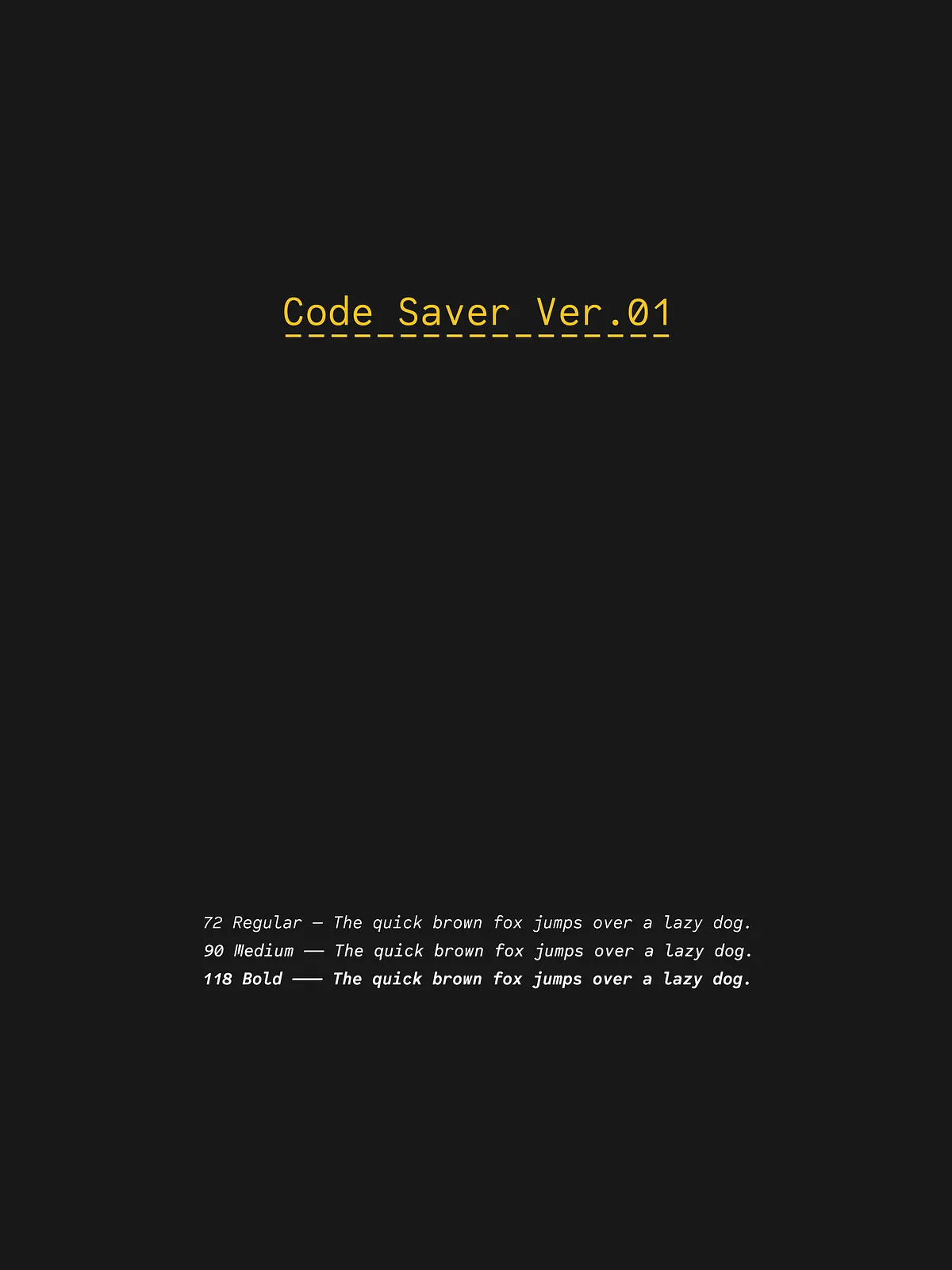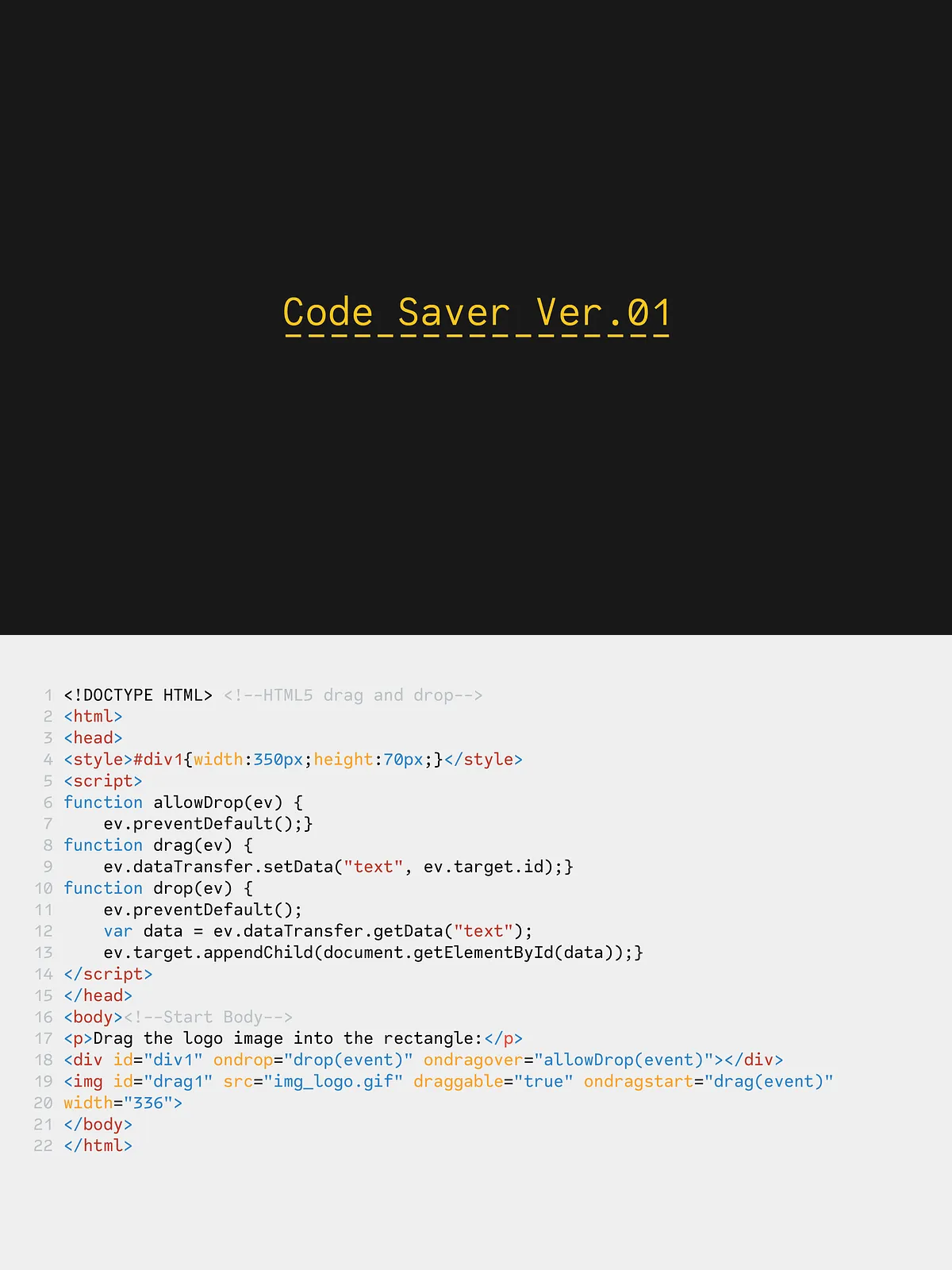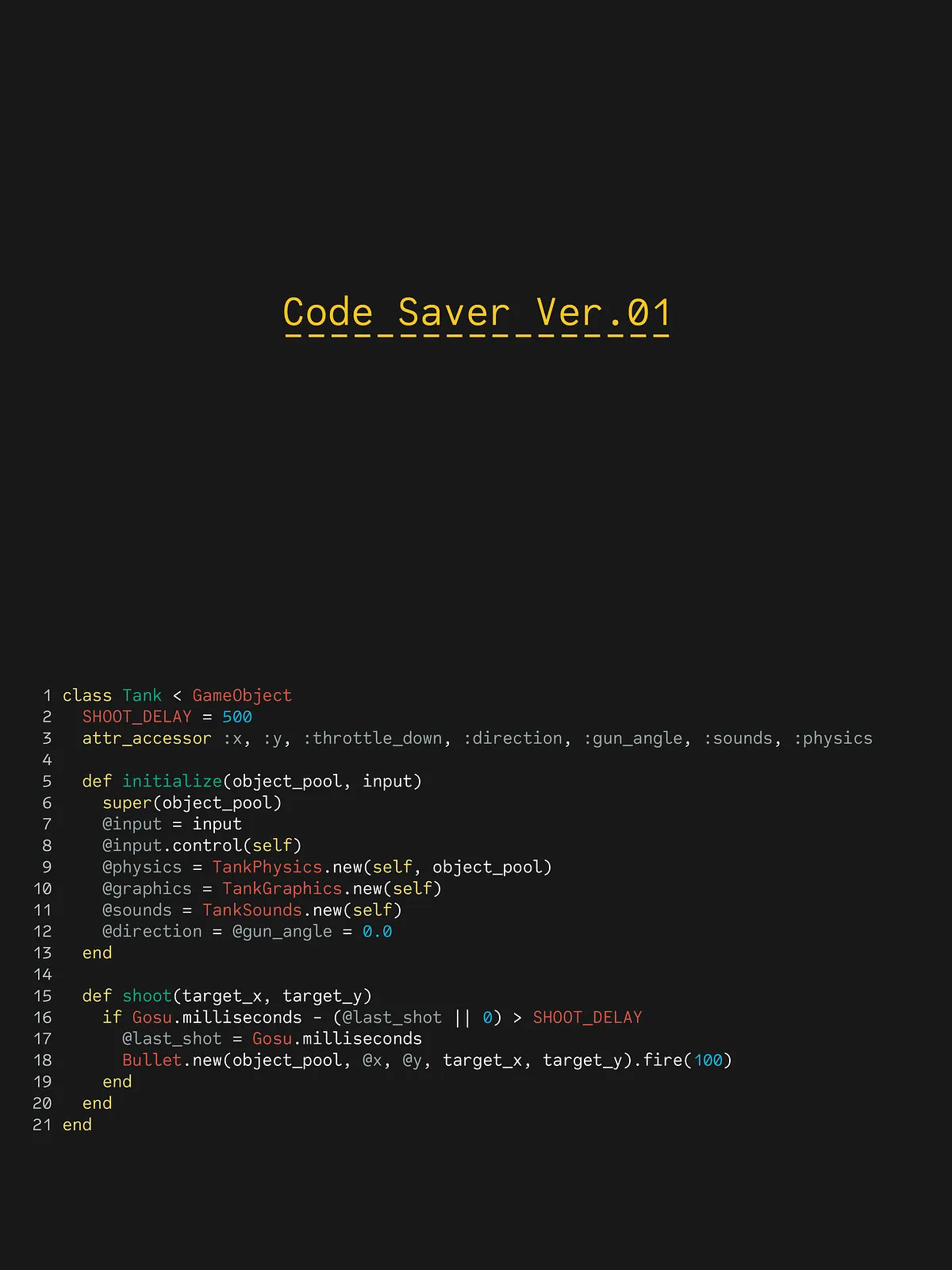

Code Saver delivers a modern monospaced experience built specifically for programming, terminals, and tightly arranged tabular layouts. It combines efficient use of horizontal space with precise character design so developers and data professionals can read, scan, and interpret code and numbers faster. By condensing glyphs to a 93.33% width without sacrificing clarity, Code Saver maximizes visible content on screen while preserving distinct letter shapes and robust numeral differentiation.
Design Philosophy
Clarity and Character Distinction
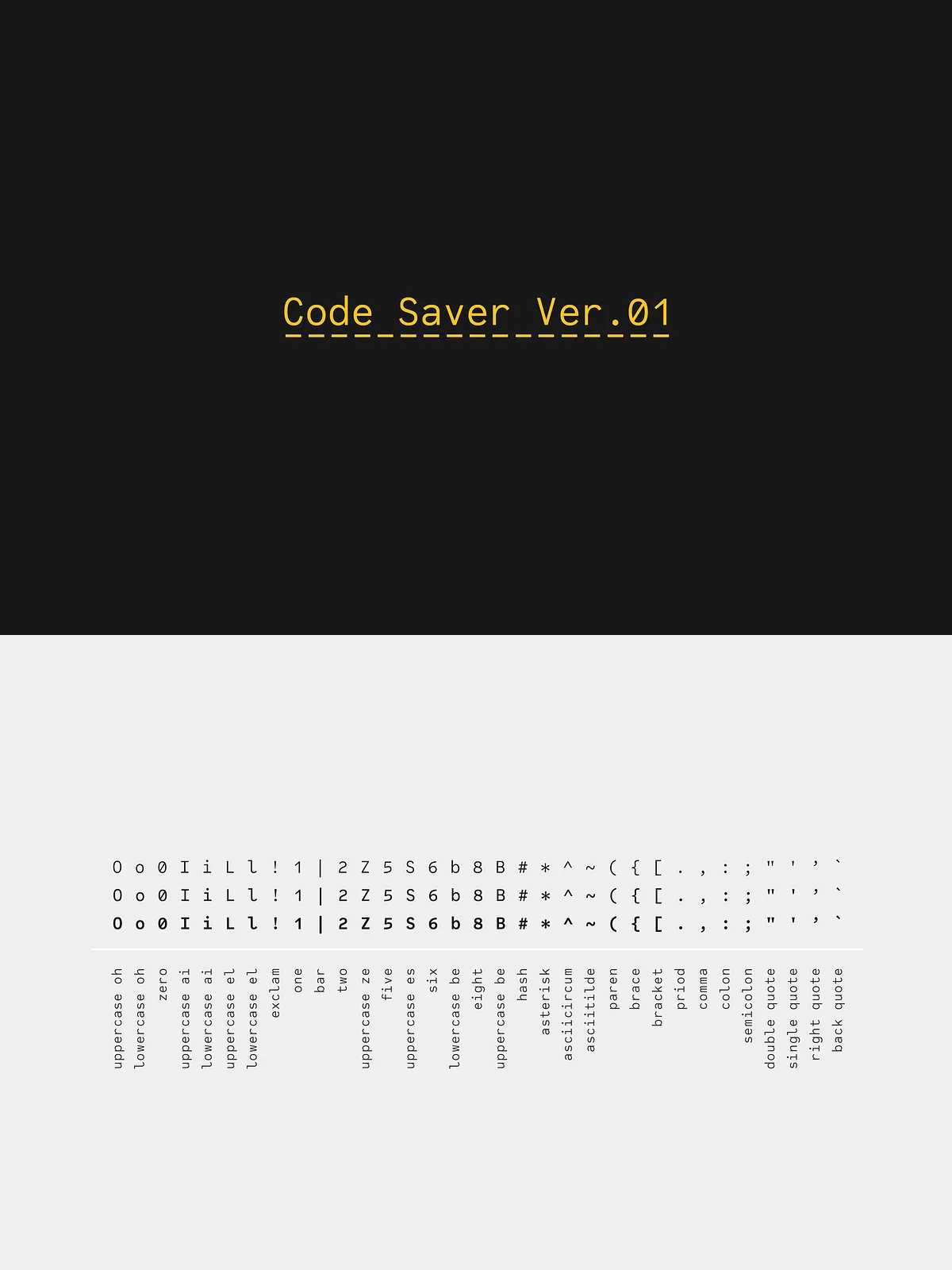
Code Saver prioritizes legibility. Each glyph features clear counters, open apertures, and deliberate stroke contrasts to ensure that commonly confused characters—such as zero and capital O, one, lowercase L and pipe—remain immediately distinguishable. The design emphasizes readable numerals and unambiguous punctuation so tables, logs, and inline numbers read cleanly at a glance.
Efficient Use of Space
The family uses a 93.33% condensed width to pack more characters per line without creating crowding. This measured condensation increases visible code density, reduces horizontal scrolling, and improves the developer’s focus on relevant logic. Code Saver achieves this efficiency while maintaining comfortable spacing and rhythm across monospaced metrics.
Weights, Styles, and Technical Details
Available Styles
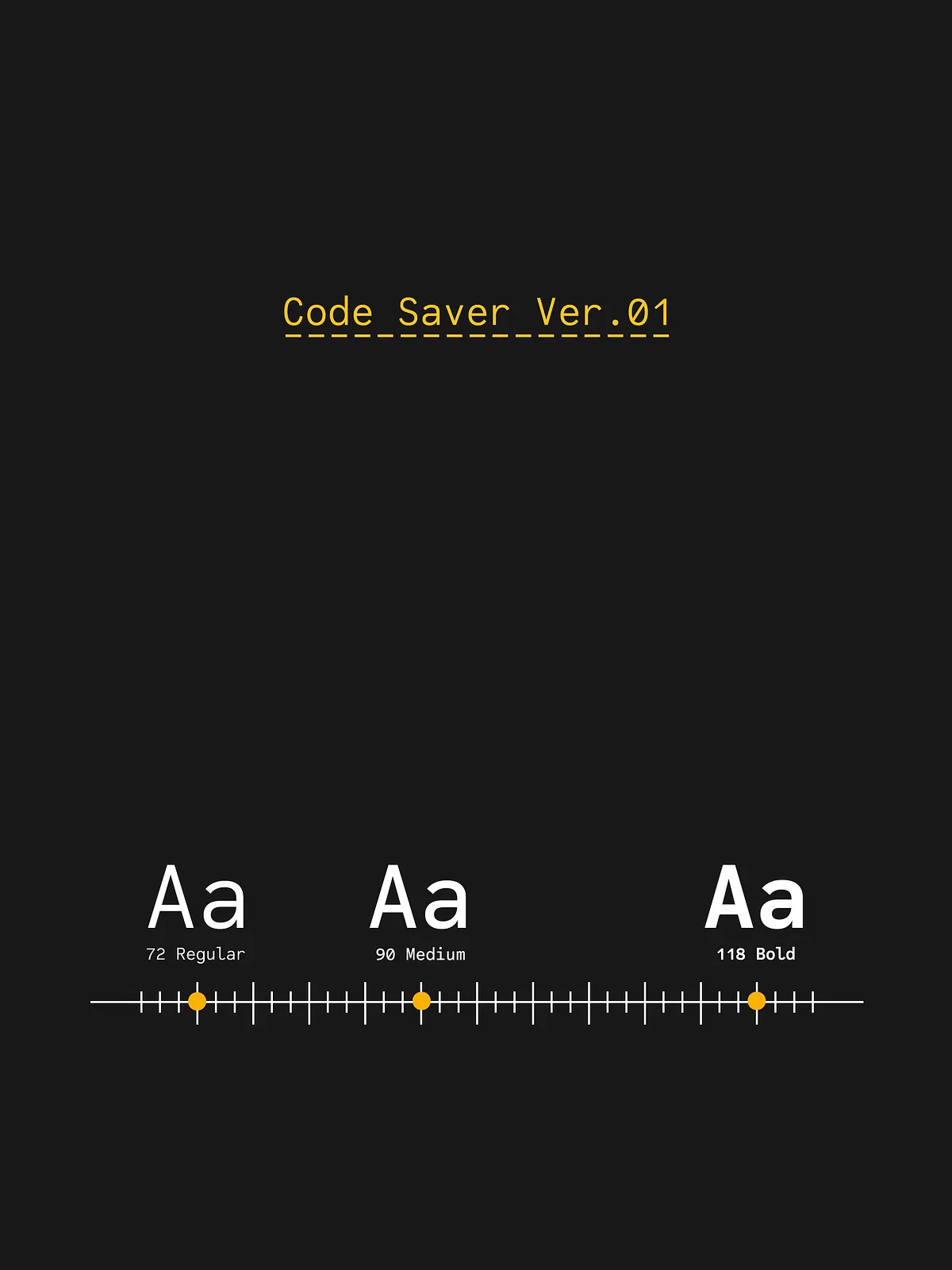
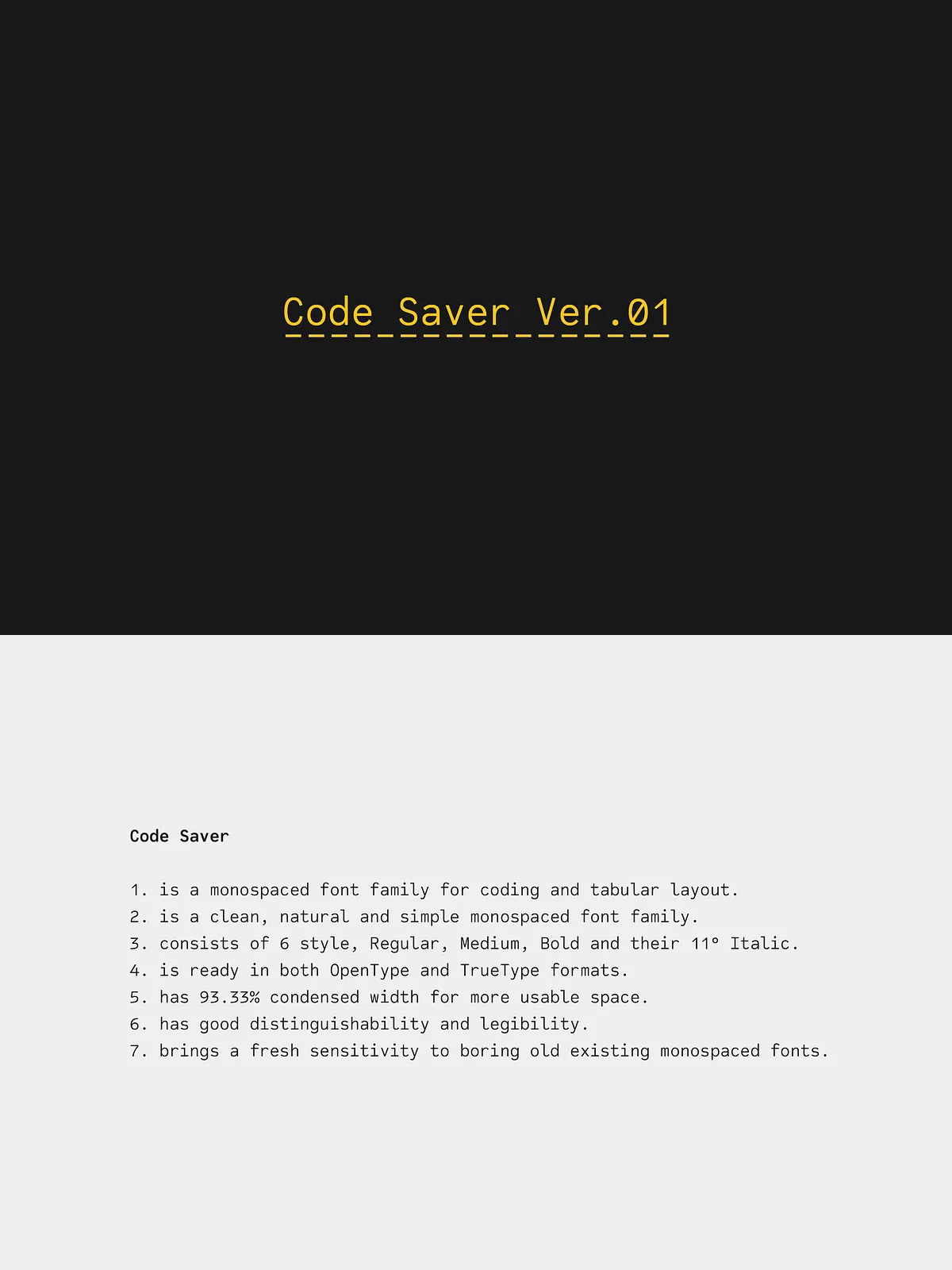
Code Saver includes six core styles: Regular, Medium, Bold, and each style’s matching 11° italic. These options let you apply subtle emphasis, strong hierarchy, or a balanced visual weight in editors, documentation, and terminal displays. The 11° italics provide slanted emphasis that reads naturally next to upright styles.
Technical Specifications
- Family: Monospaced
- Styles: Regular, Medium, Bold, Regular Italic (11°), Medium Italic (11°), Bold Italic (11°)
- Condensed width: 93.33%
- Optimized for: code editors, terminals, IDEs, tabular data, documentation, CLI tools
Key Features
- High legibility in small sizes and dense layouts through open counters and clear stroke construction.
- Excellent numeral distinction to improve readability in logs, tables, and statistical displays.
- Condensed metrics to increase visible line length and reduce horizontal scrolling.
- Three weight choices plus italics for emphasis and typographic hierarchy.
- Clean punctuation and visibly different symbols to minimize cognitive load while scanning code.
Recommended Use Cases
For Developers and Teams
Install Code Saver in your IDE or terminal to reduce line wrapping and keep more code visible without compromising readability. The condensed width helps teams view longer expressions and nested structures side-by-side in split panes. Use the Medium or Bold styles to highlight function names, while italics can mark inline comments or annotations.
For Data and Tables
In spreadsheets, dashboards, or log viewers, Code Saver ensures that numbers align cleanly and columns remain compact. The font’s numeral clarity speeds up scanning and reduces interpretation errors in financial reports, CSV viewers, and monitoring tools.
Installation & Usage
Install the font files into your operating system or load them via your editor’s font settings. Select Code Saver as the primary typeface in your code editor or terminal profile. Choose Regular for default text, Medium to create subtle emphasis, and Bold to draw attention to key elements. Apply italics sparingly for comments or annotations to preserve clear visual hierarchy.
Pairing and Customization
Pair Code Saver with a neutral proportional UI font for interface elements and documentation. Adjust editor line-height and letter-spacing to match personal preference and screen resolution. The condensed metrics work well with increased line-height values to maintain comfortable vertical rhythm.
Licensing & Support
Code Saver ships with standard desktop licensing; web and extended licenses may be available depending on distribution needs. Refer to the license file included with your download for permitted uses, embedding rules, and redistribution guidelines. For technical questions or installation assistance, contact the font author or vendor support channel provided with the product.