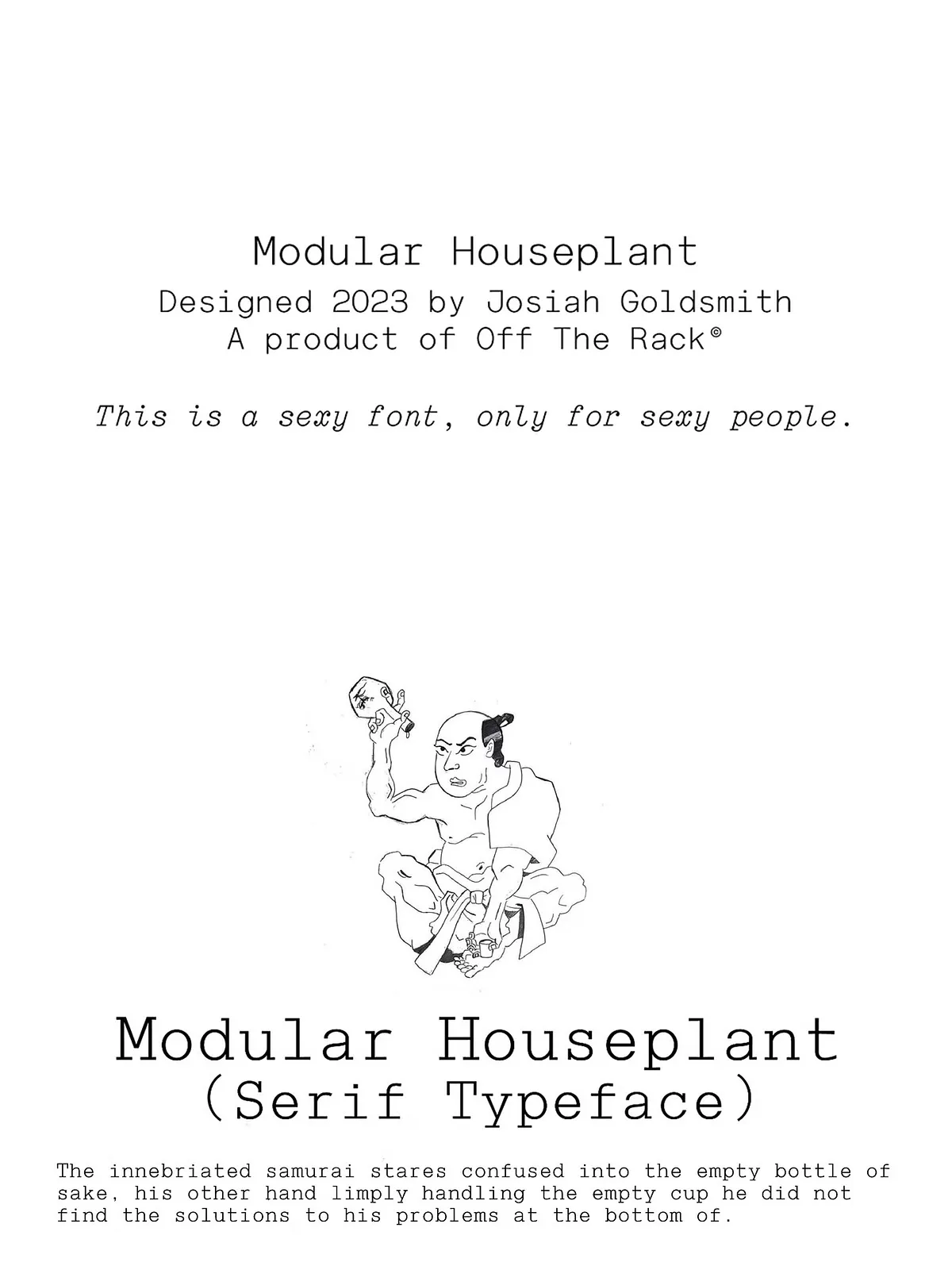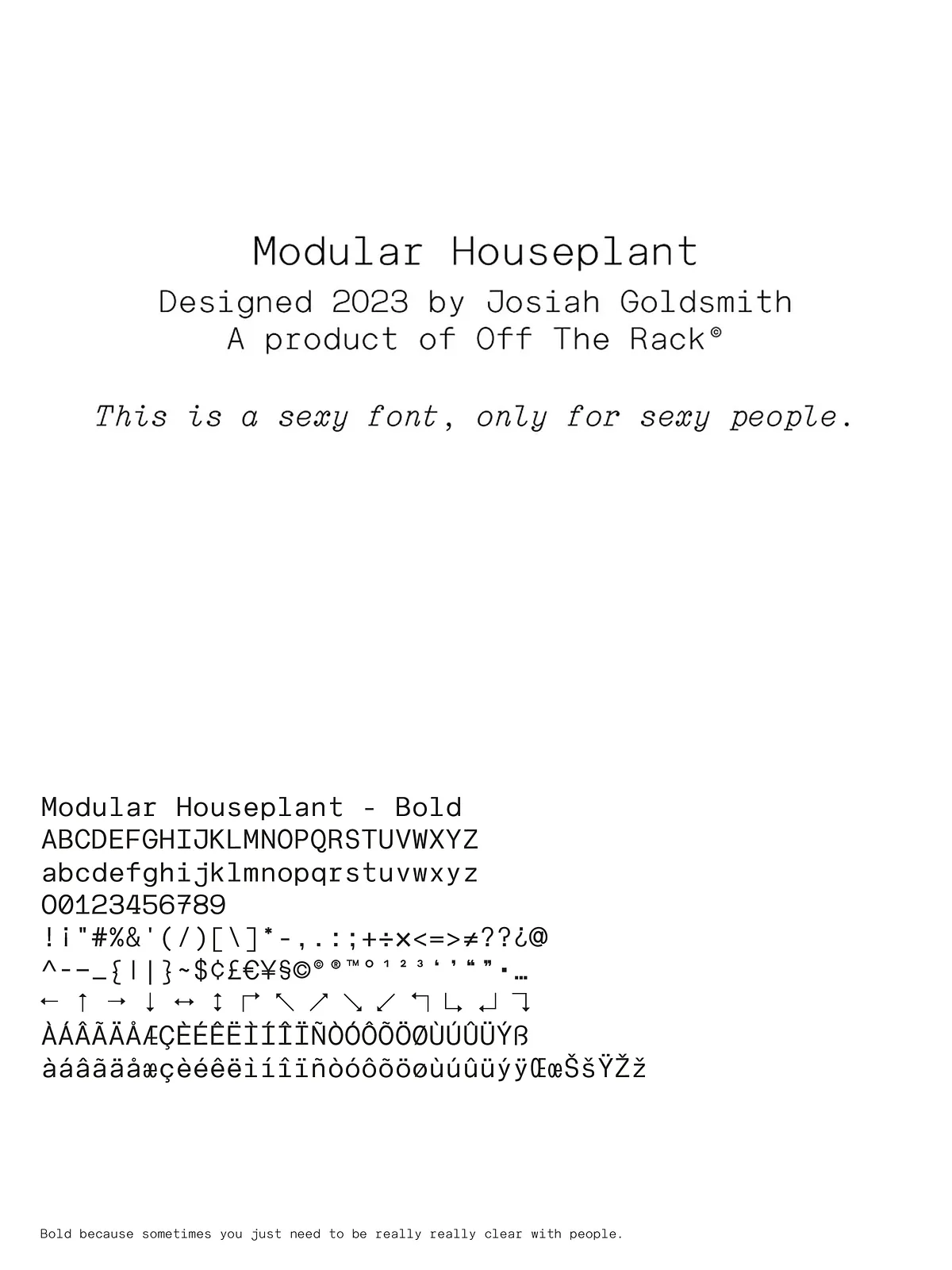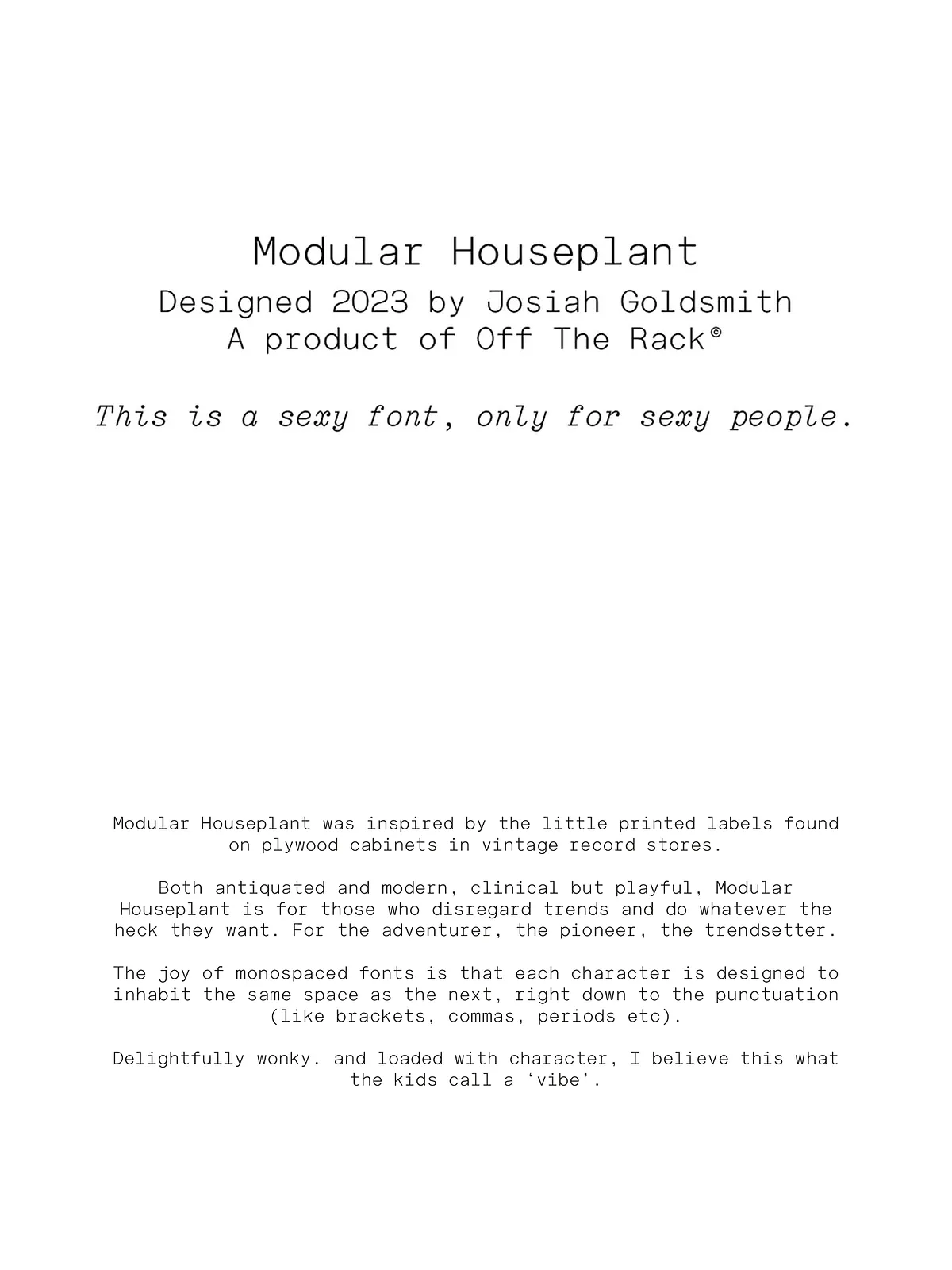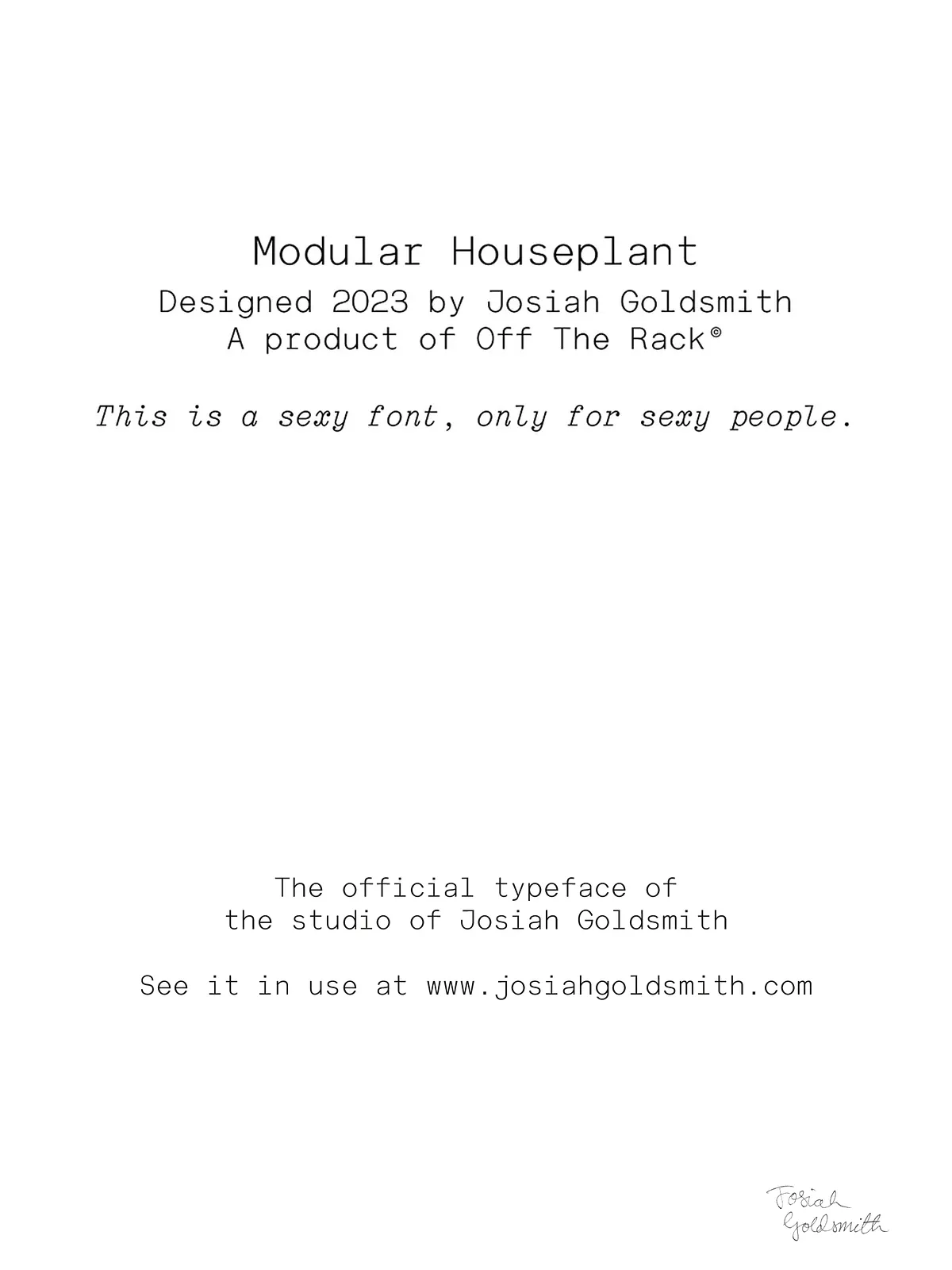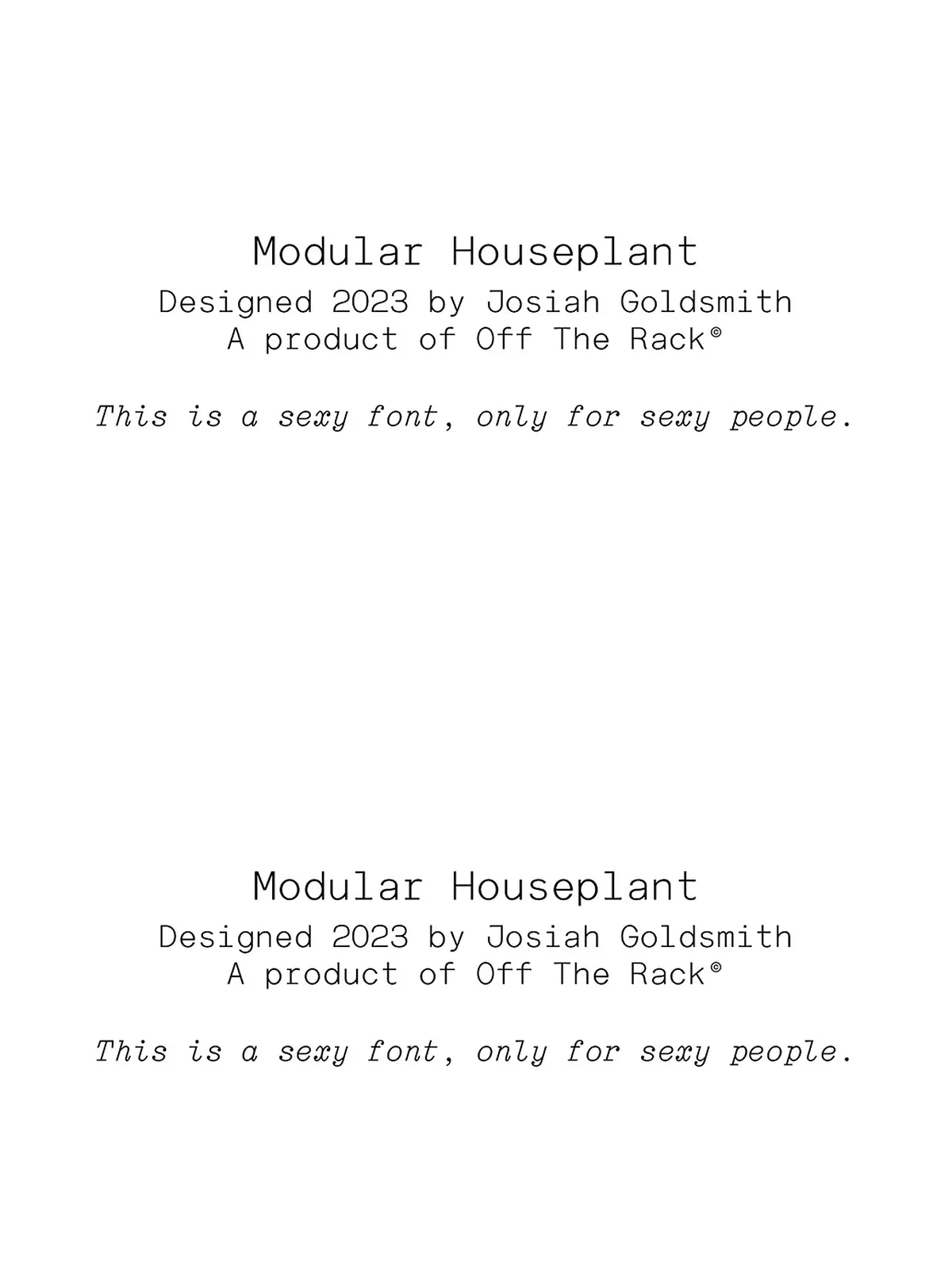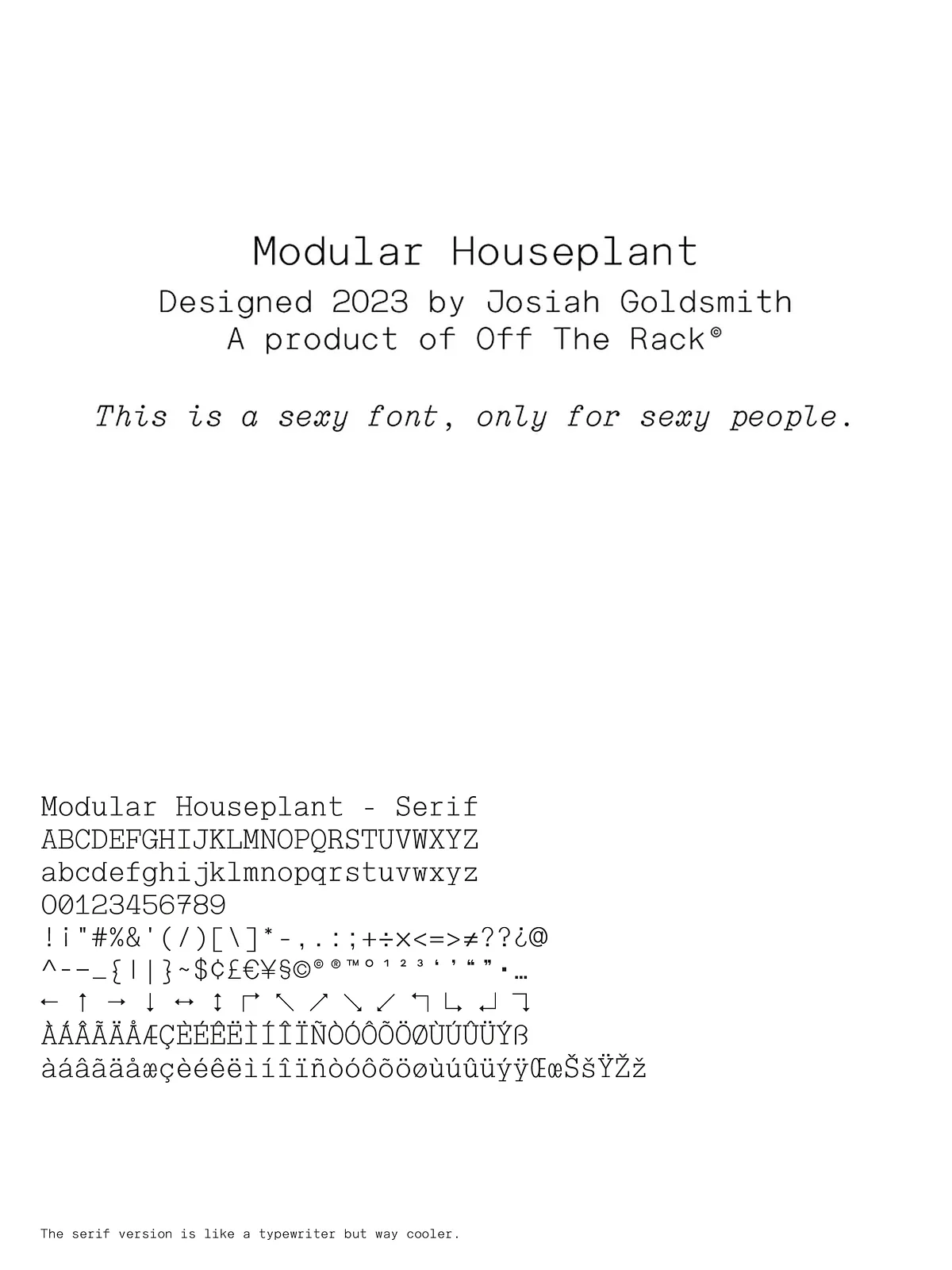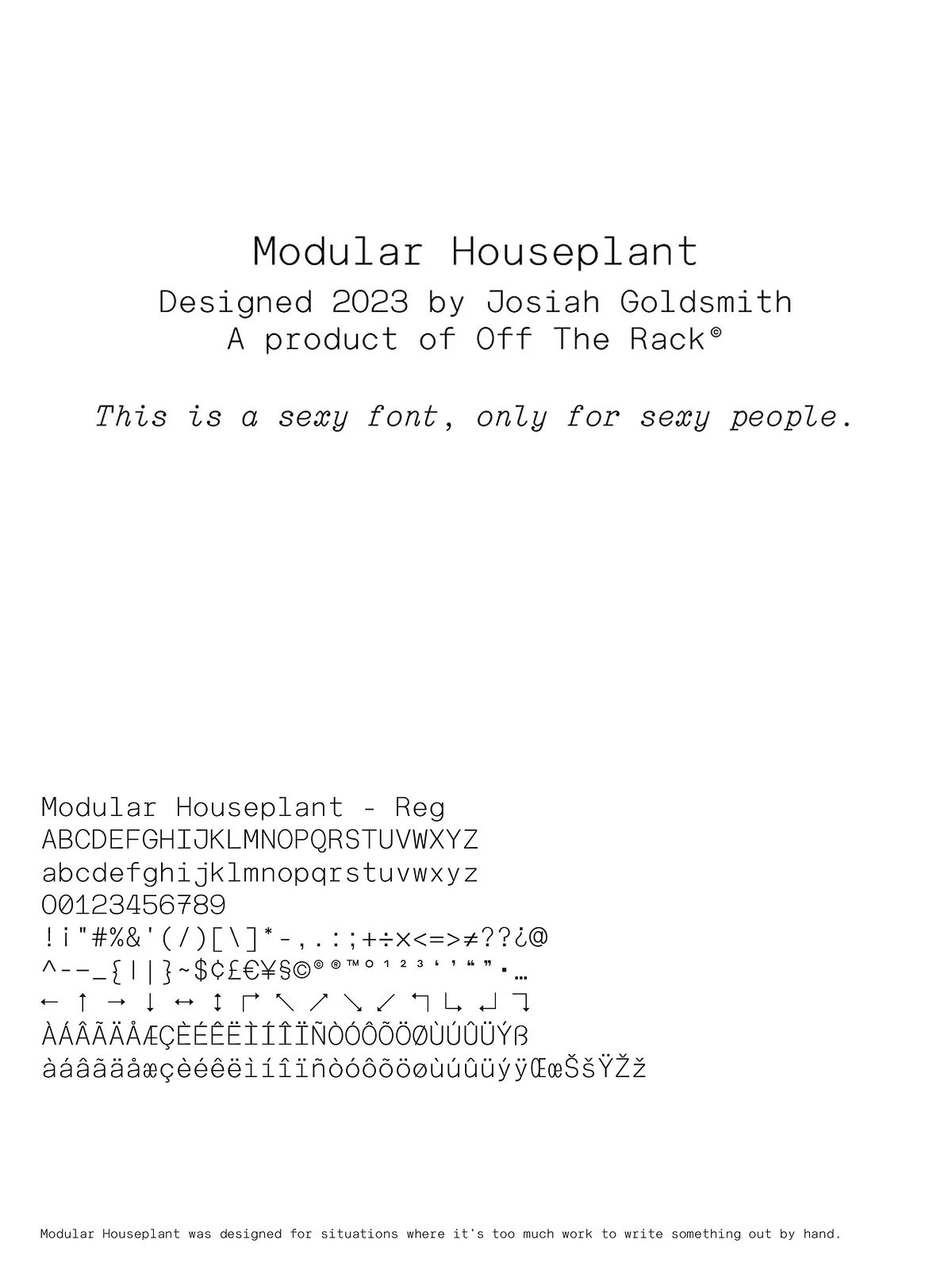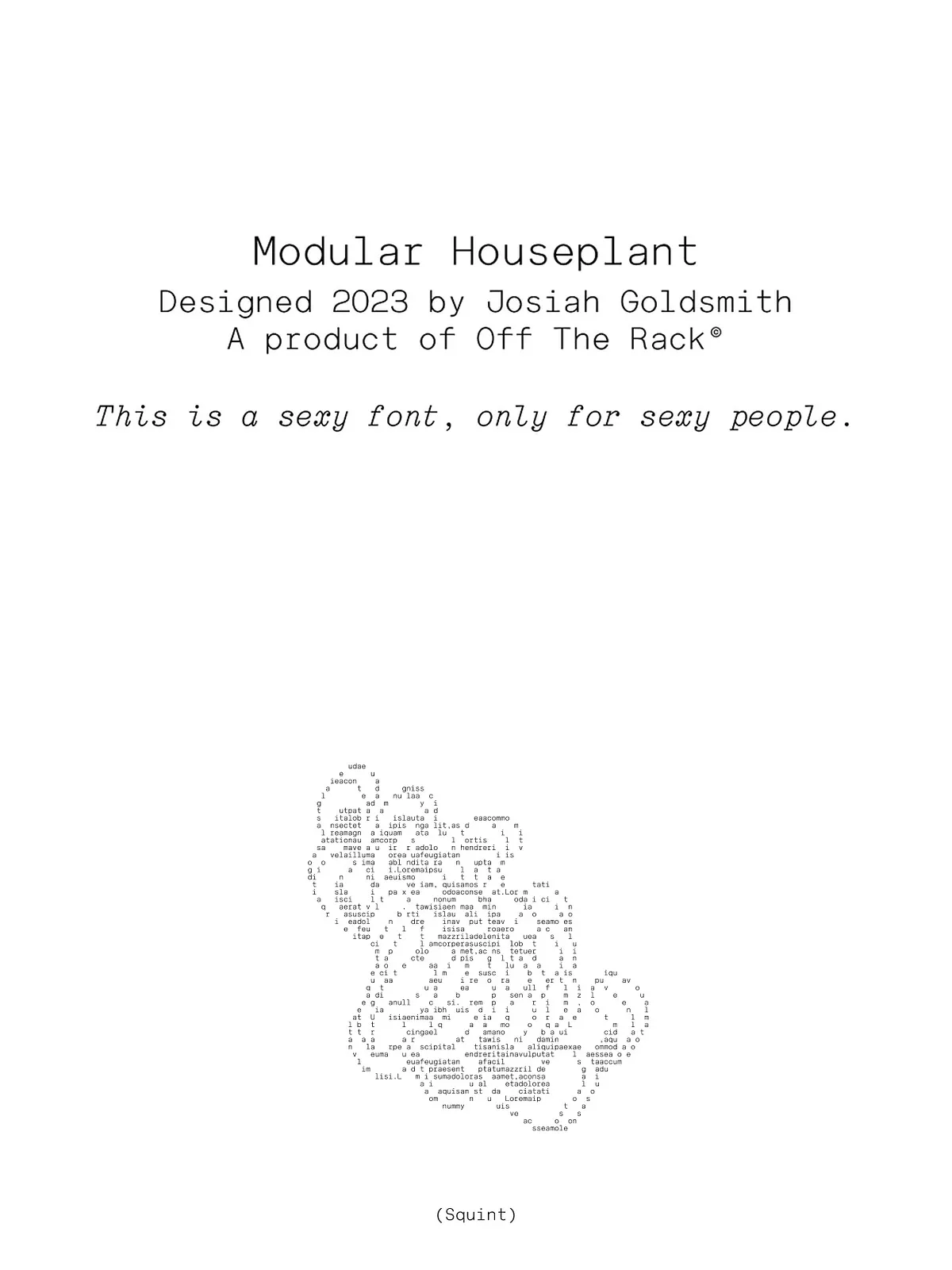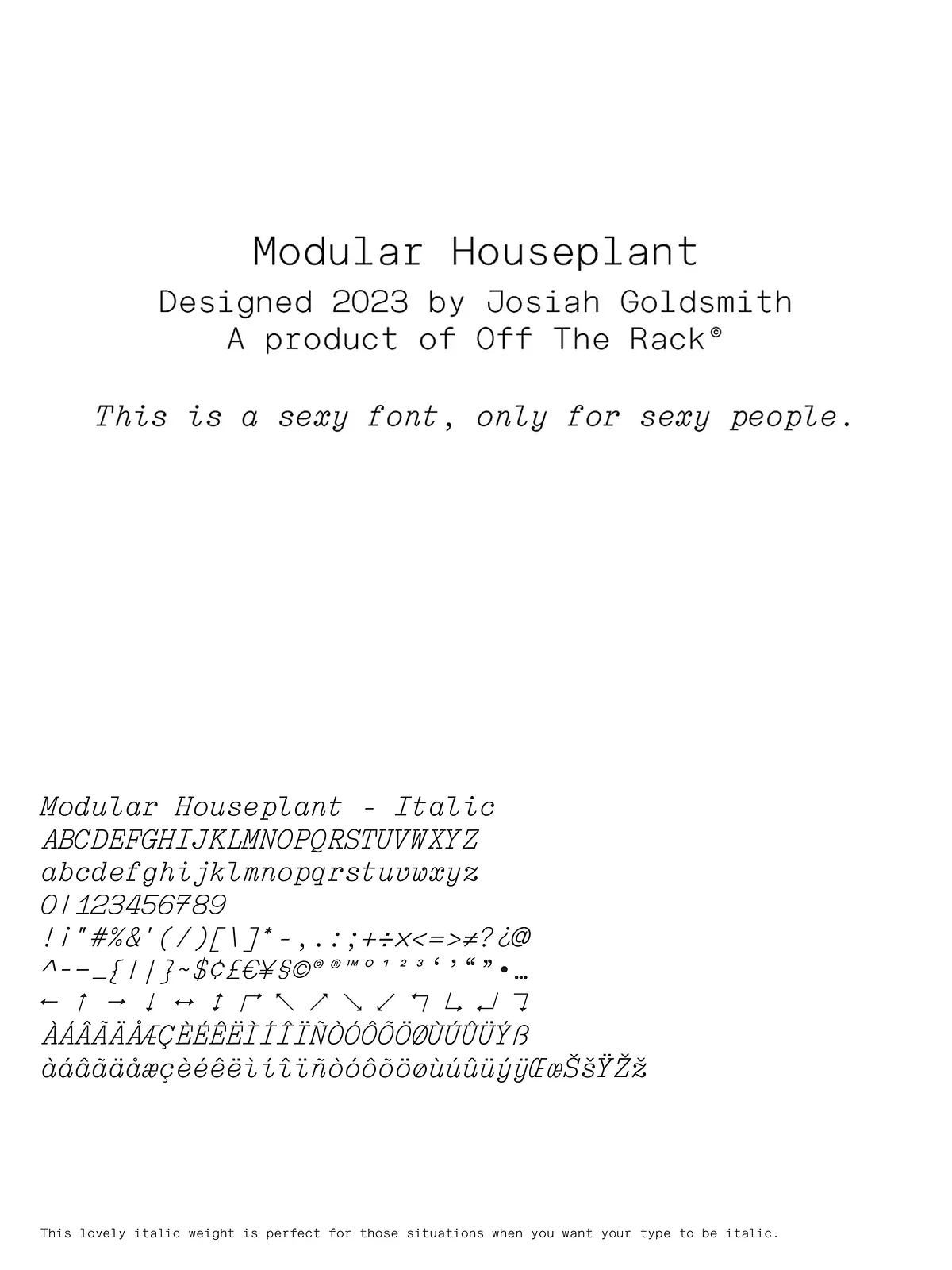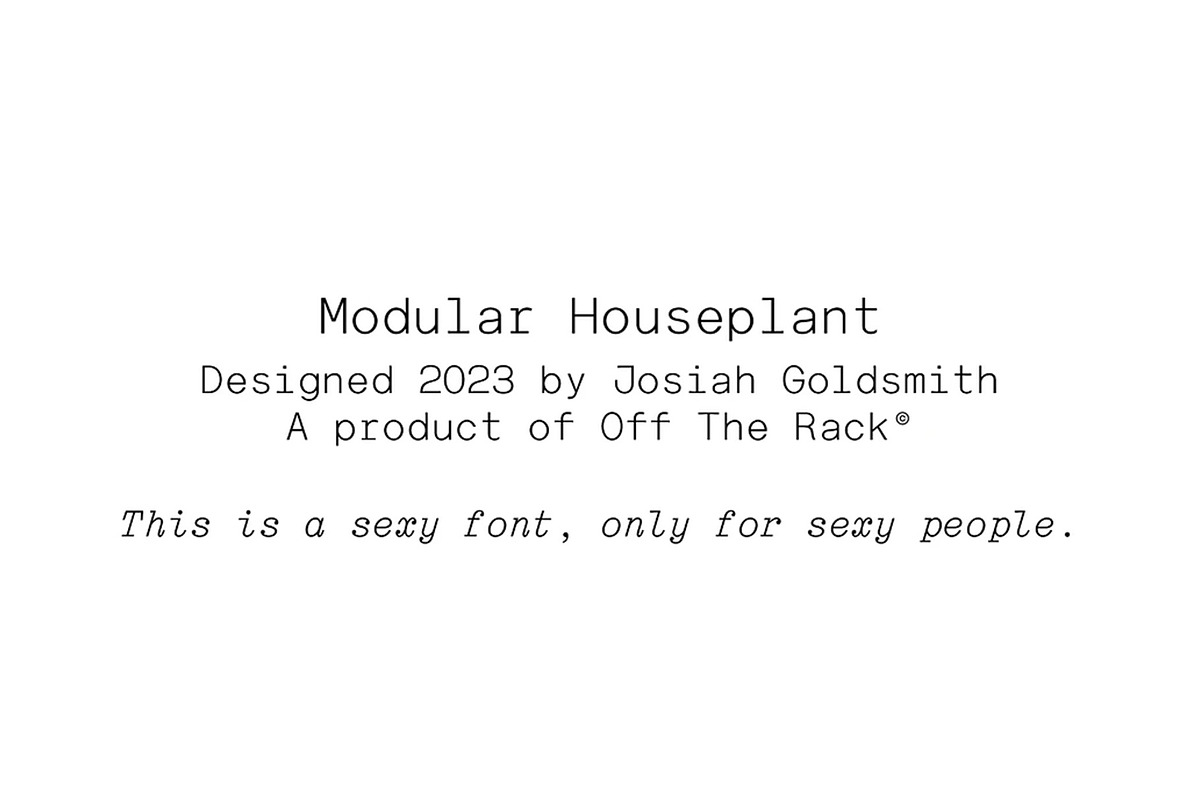

Modular Houseplant is a focused monospaced typeface that channels the tactile, functional aesthetic of plywood cabinet labels from vintage record shops. The family includes four complementary fonts—Bold, Regular, Serif, and Italic—designed to deliver consistent rhythm and predictable layout behavior. Because Modular Houseplant is strictly monospaced, it deliberately omits kerning: letters occupy equal horizontal space so you can swap characters or weights without altering line breaks, alignment, or overall composition. The result is a dependable tool for designers, developers, and makers who build systems where modularity and repeatability matter.
Design Intent and Character
Inspired Simplicity
Modular Houseplant extracts personality from practical signage and label systems. It prioritizes geometric clarity, sturdy stems, and open counters that remain legible at small sizes and in tight grids. The serif variant introduces restrained terminals that add warmth and historic reference while preserving monospaced metrics so spacing stays predictable.
Practical, Not Decorative
The typeface serves functional communication first. It reads clearly in label-scale uses, on-screen UI, and printed product identifiers. Designers who need consistency across varying contexts will appreciate how the family avoids surprises: swapping Bold for Regular or toggling to Italic preserves exact line lengths and column widths.
Weights, Styles, and Technical Notes
Included Fonts
- Regular — the balanced default for body text and labels
- Bold — heavier weight for emphasis and headings while retaining fixed-width metrics
- Serif — an integrated serif weight that keeps monospaced spacing with added character detail
- Italic — a slanted companion that preserves monospaced rhythm for emphasis or contrast
Monospaced Behavior
Modular Houseplant explicitly provides no kerning tables because it adheres to monospaced principles. Each glyph occupies the same advance width, so layouts remain stable when characters change. This predictable behavior supports template-driven designs, code-label pairings, catalog columns, and any workflow where alignment and modular swaps are frequent.
Use Cases and Applications
UI, Interfaces, and Dashboards
Install Modular Houseplant as the label font in control panels, admin dashboards, and monitoring tools. Its equal-width forms help align columns of numbers and short labels, reducing layout shifts when you apply different styles or update content dynamically.
Packaging, Wayfinding, and Print Labels
The design’s provenance—cabinet labels and record-shop signage—makes it a natural choice for product packaging, inventory labels, and wayfinding systems. Designers can use the Serif weight to evoke a vintage reference while retaining consistent grid behavior.
Branding and Editorial Accents
Use Bold for headlines in compact layouts and Italic for captions or metadata. Because switching weights does not affect spacing, you can iterate on typographic hierarchy without reflowing content or recalculating layout constraints.
Workflow & Installation
Install the font files into your OS or import them into design tools and web projects. Apply Regular as your default label style, Bold for strong emphasis, Serif when you want a hint of classic character, and Italic for subtle emphasis. Because the family preserves fixed metrics across weights and styles, you can swap fonts within templates without redesigning spacing or layout.
Tips for Designers
- Leverage fixed-width behavior to design modular components that accept variable content without reflow.
- Pair Modular Houseplant with a neutral proportional UI font for longer paragraphs or interface copy to balance personality and readability.
- Use increased line-height when applying the Serif or Bold styles in dense tables to maintain comfortable vertical rhythm.
Licensing & Support
Refer to the included license details for permitted uses, web embedding, and redistribution terms. For commercial distribution or custom licensing needs, contact the font’s author or vendor. The package includes desktop-ready font files and documentation to streamline implementation.