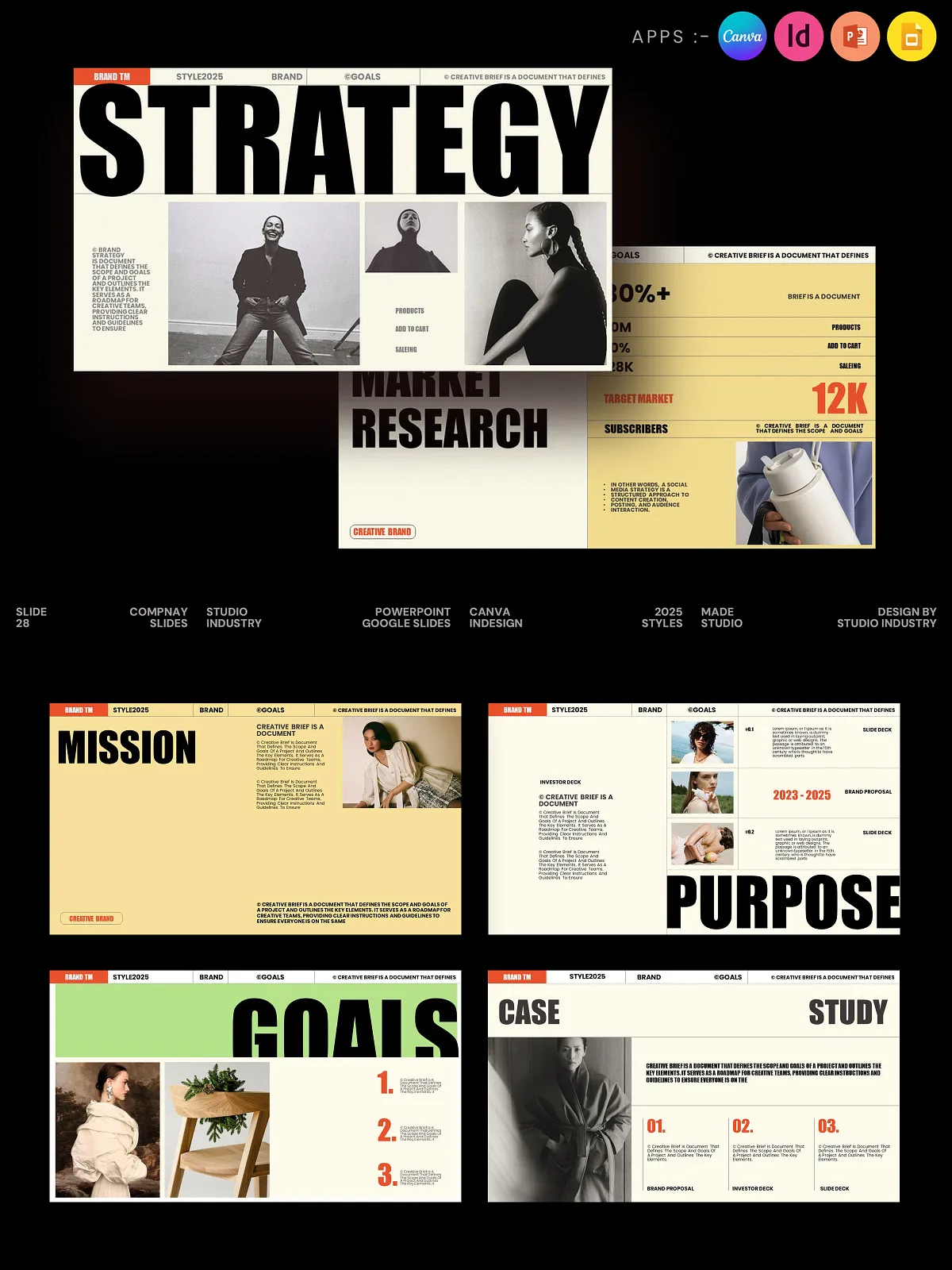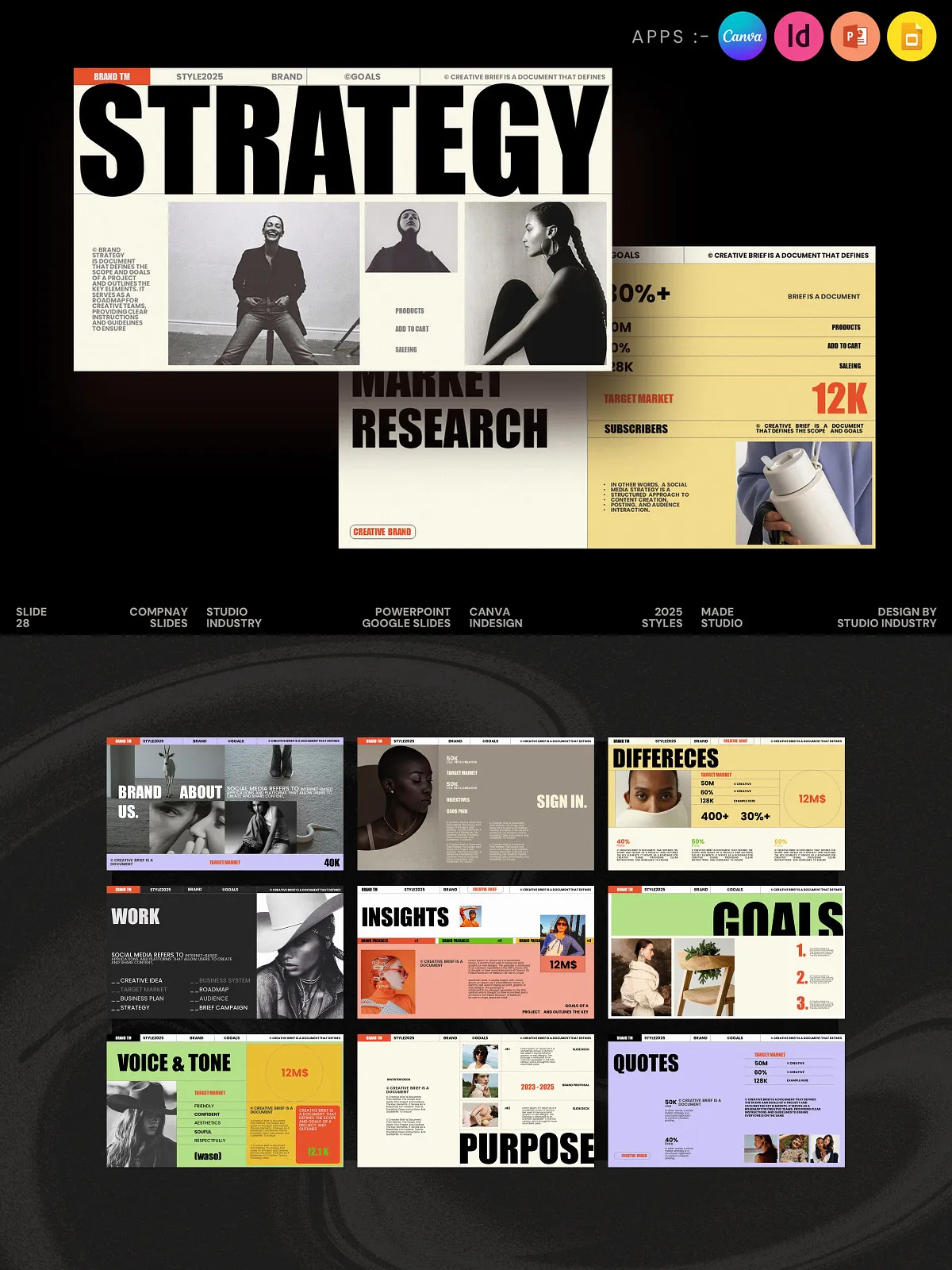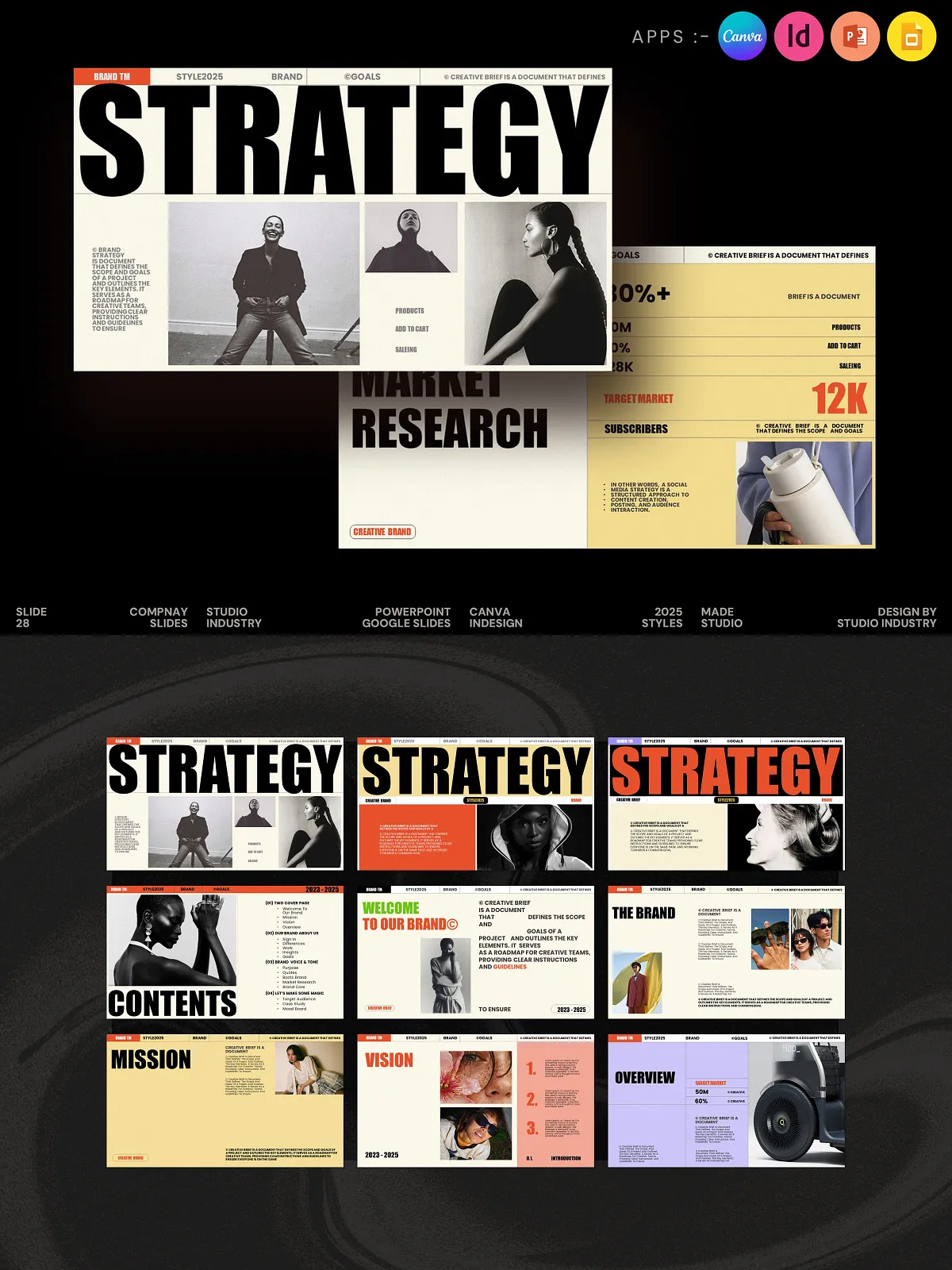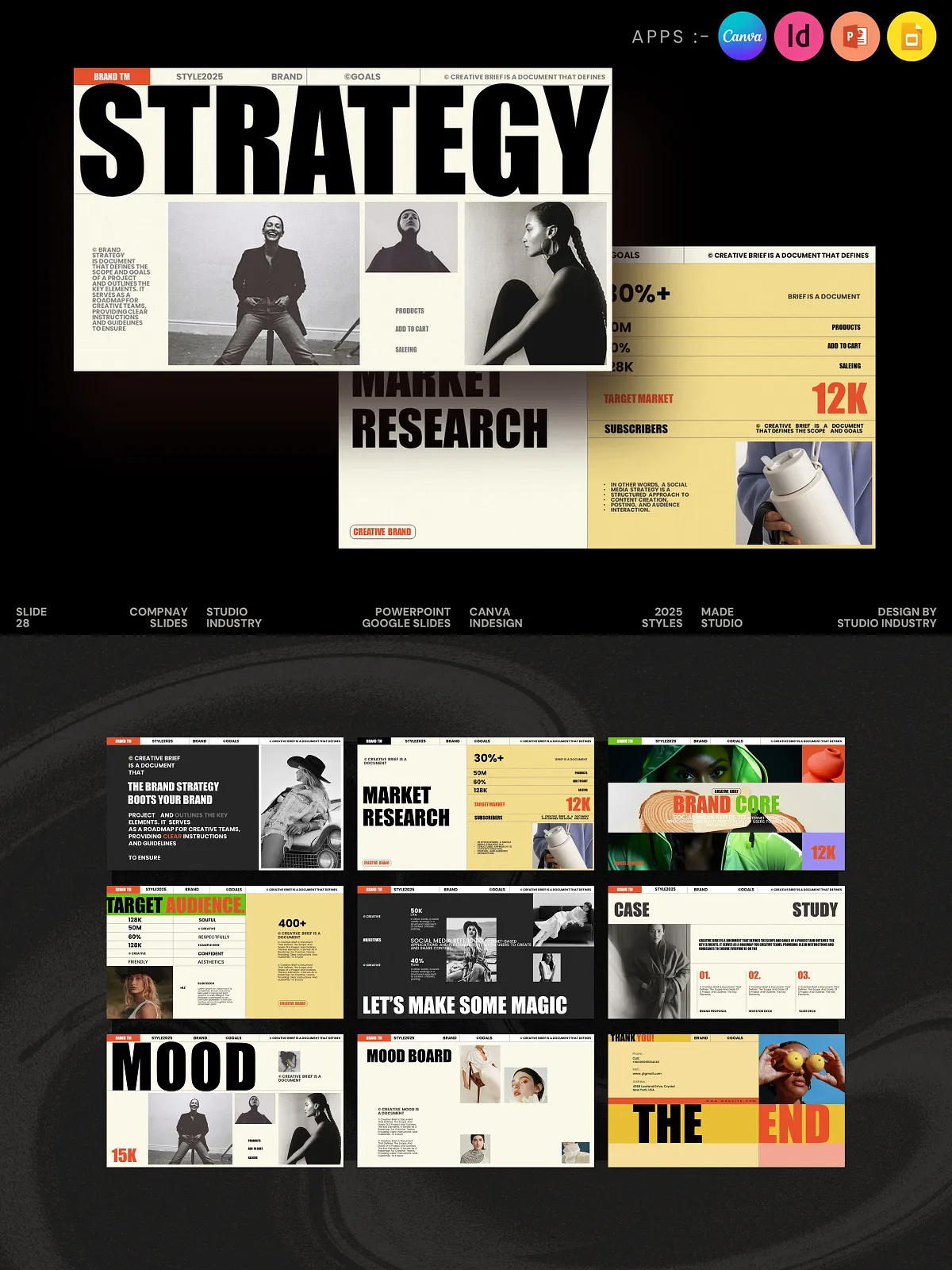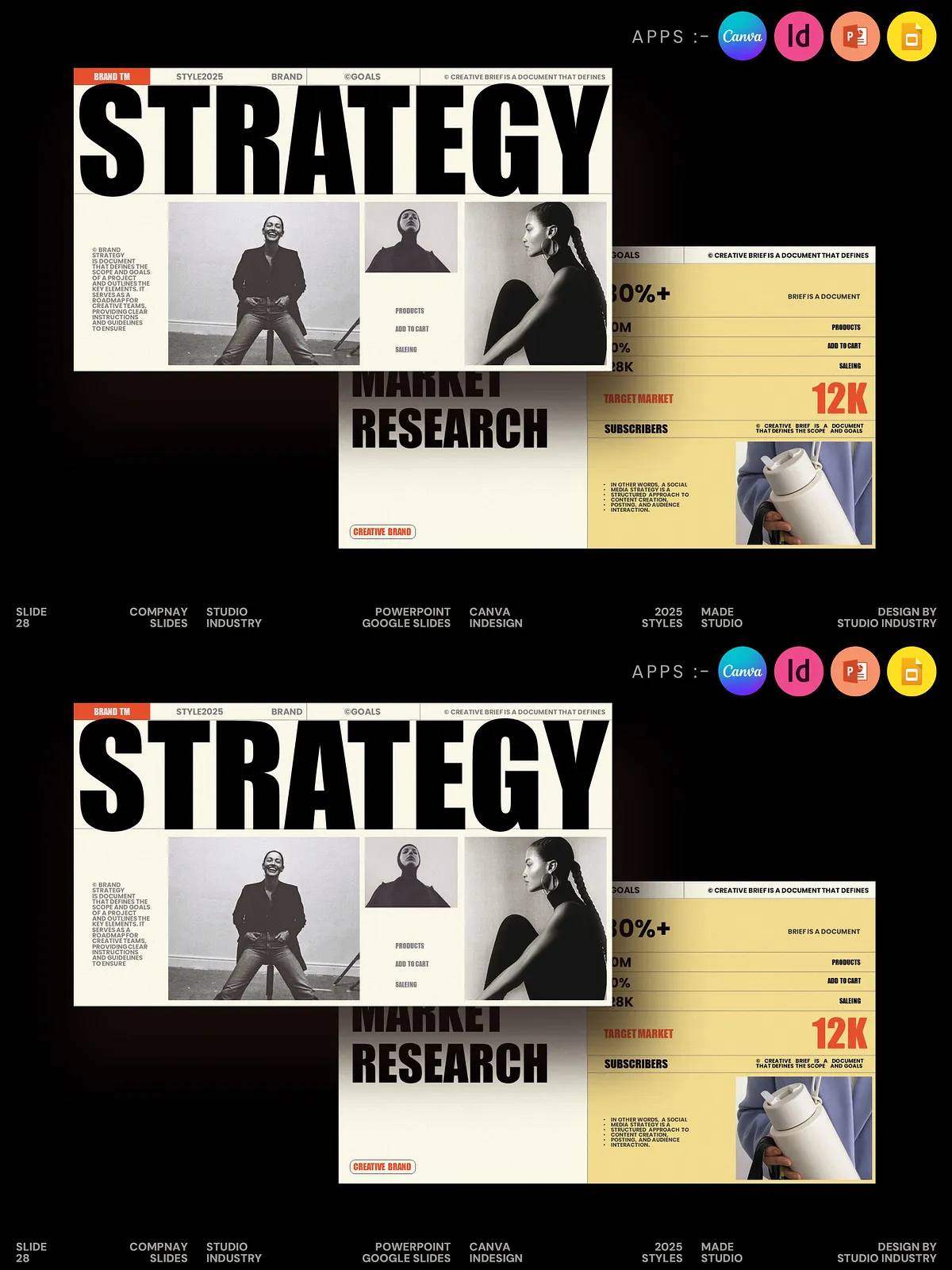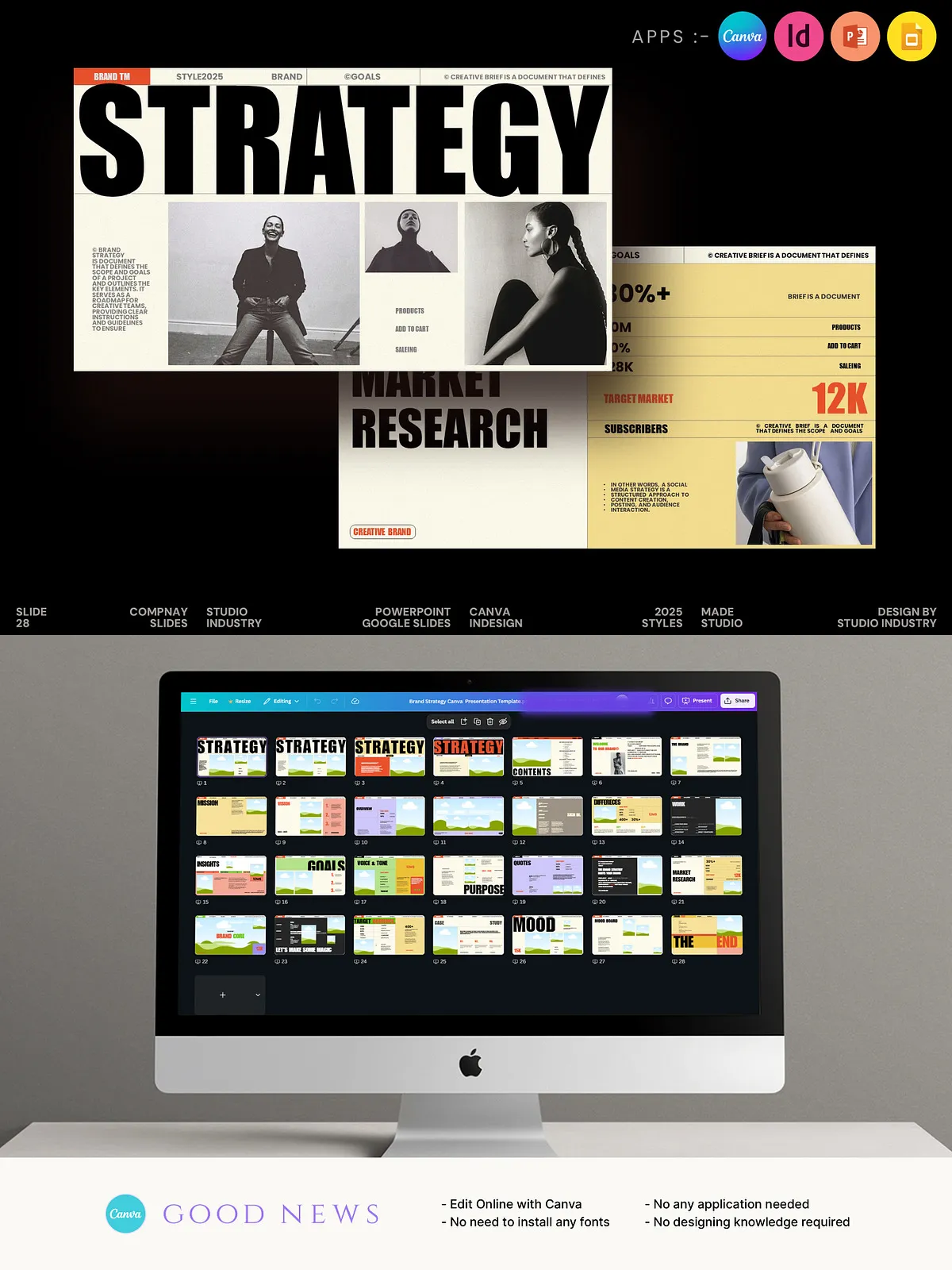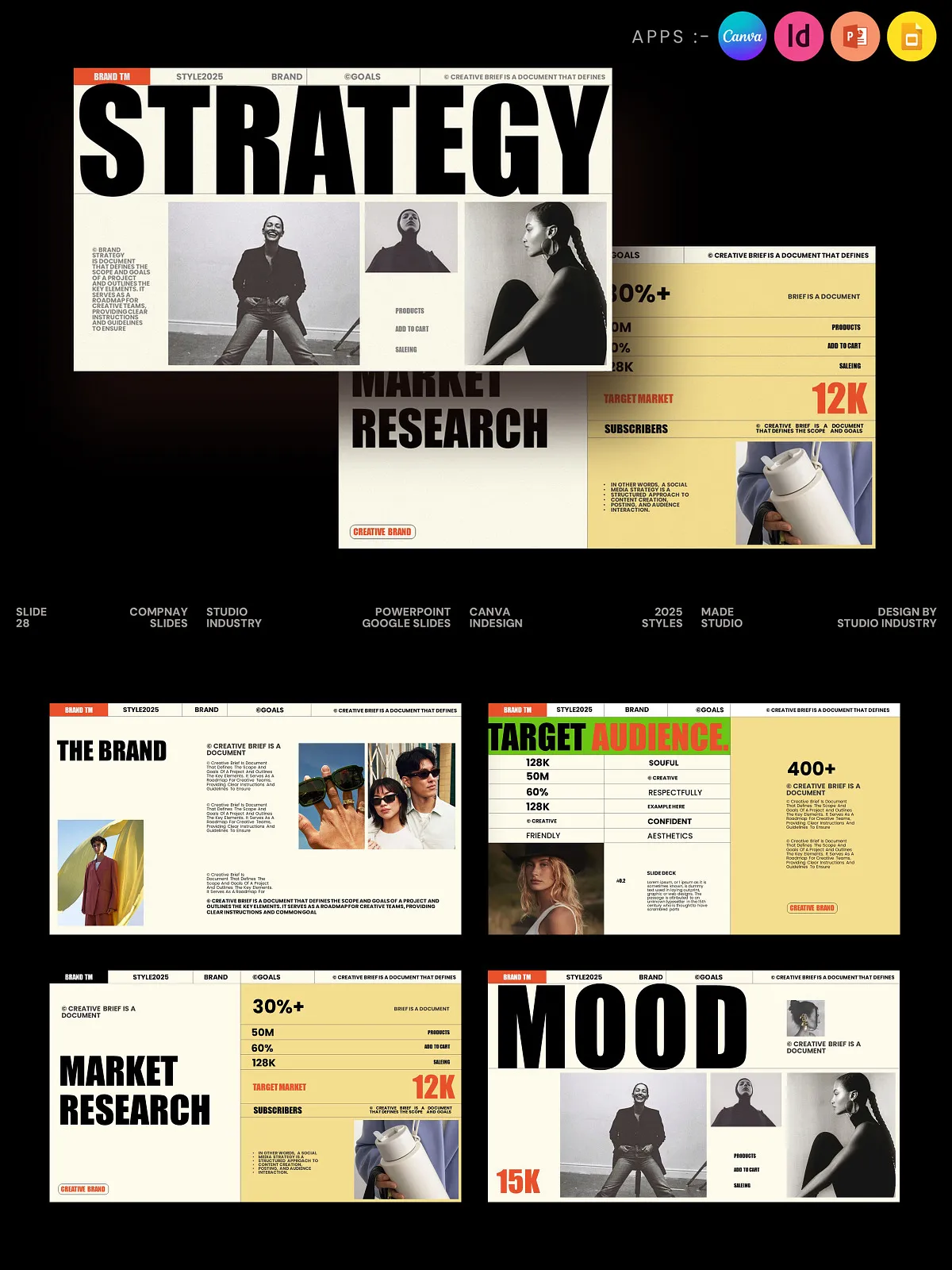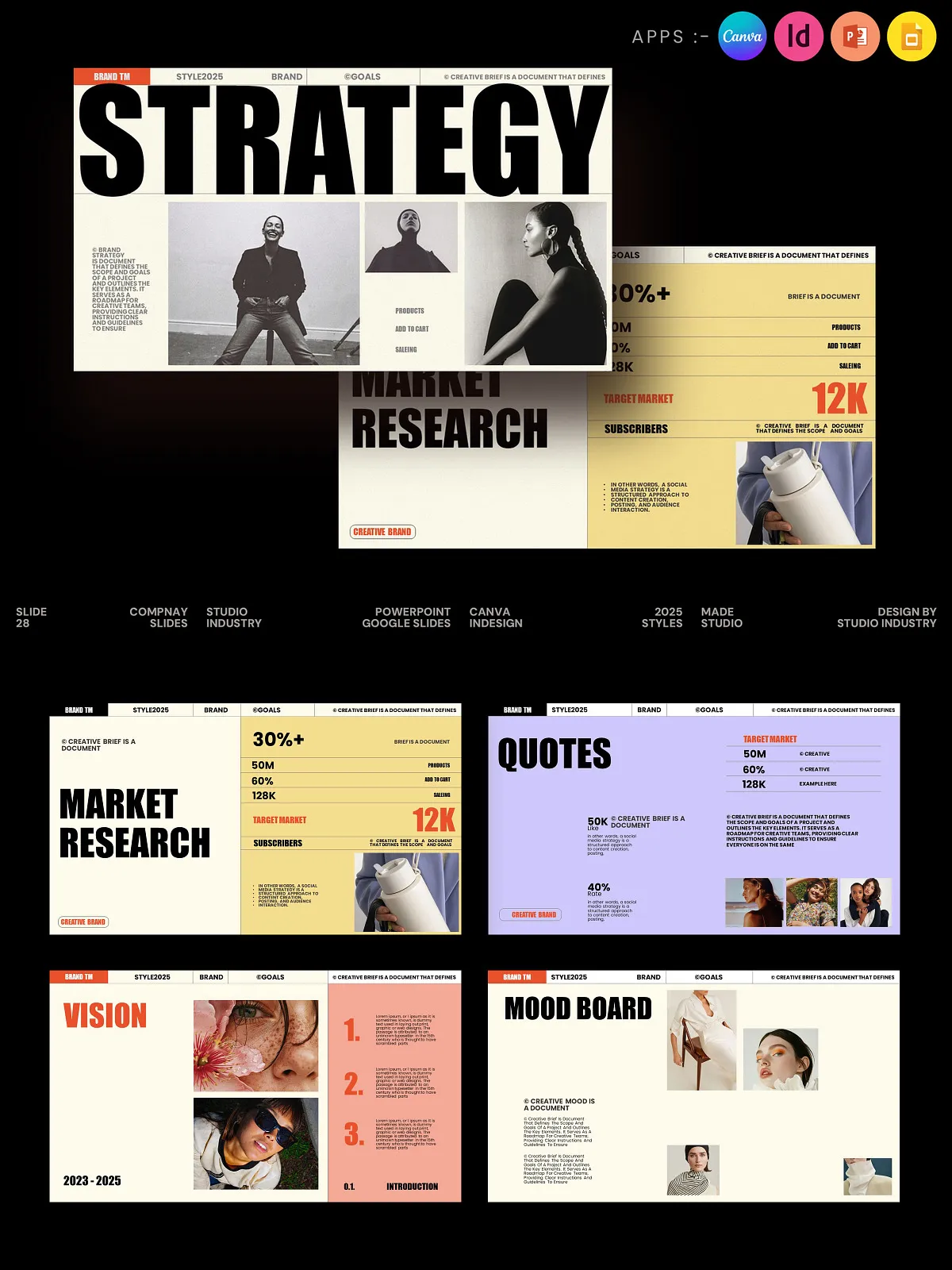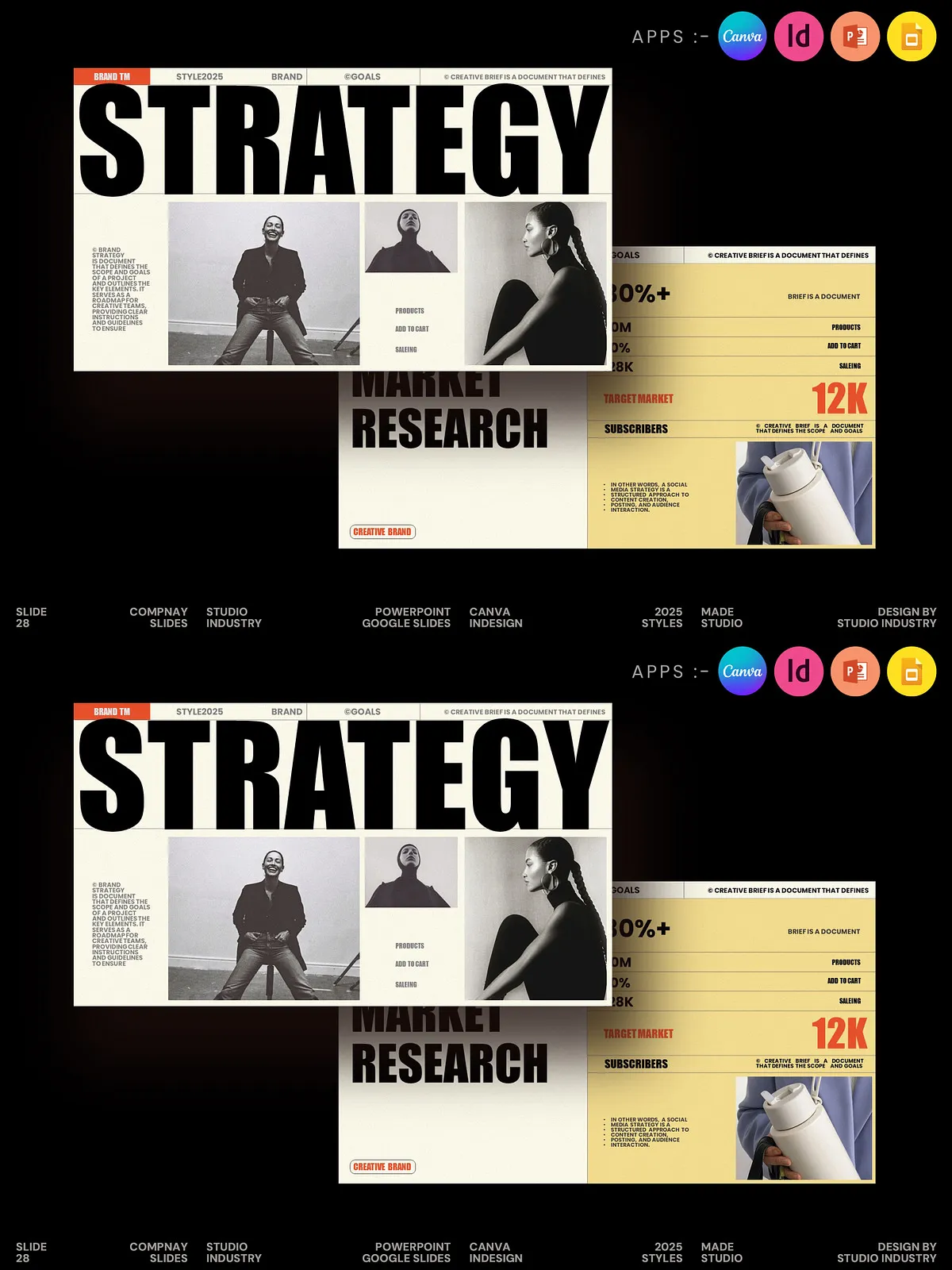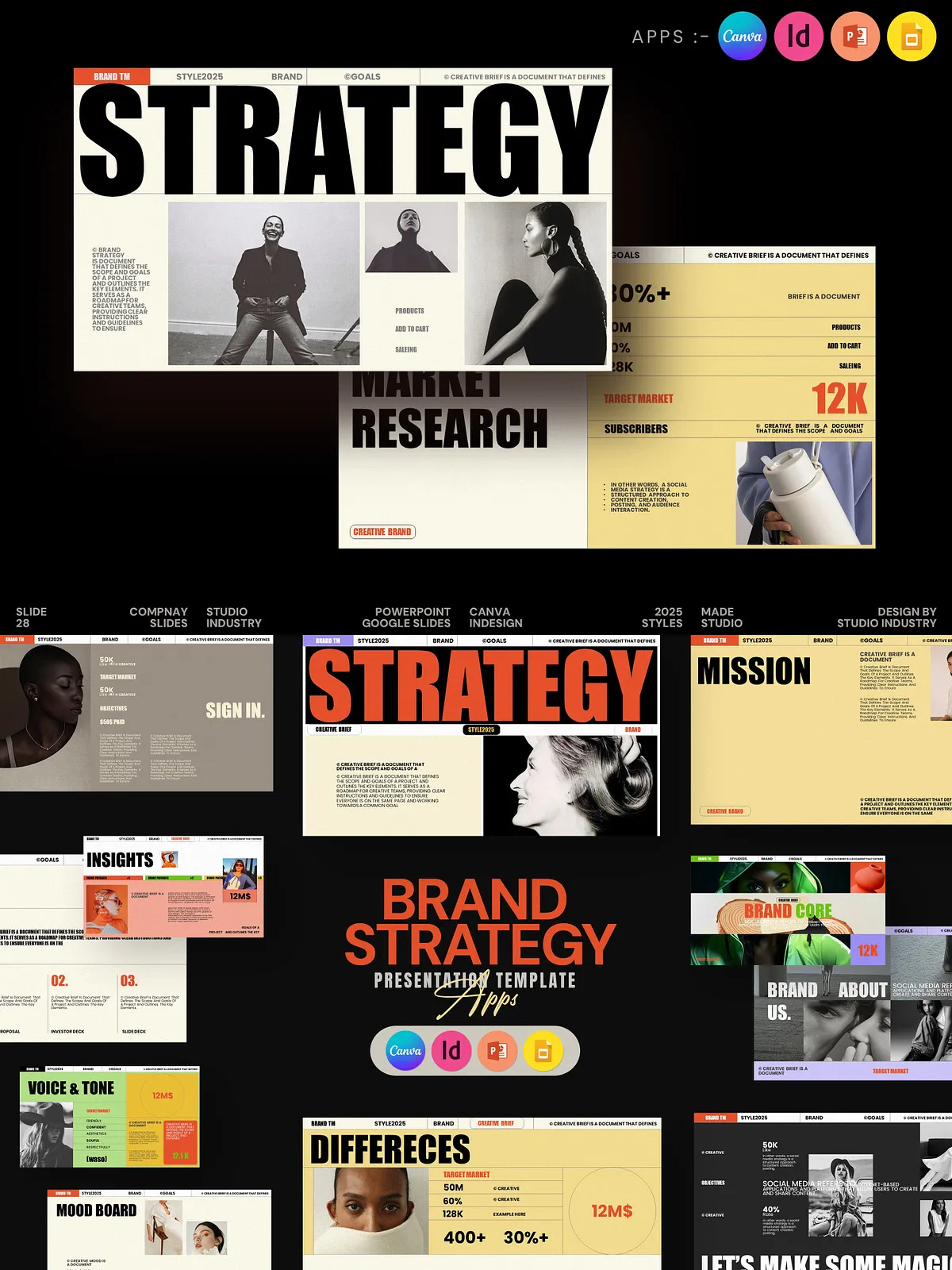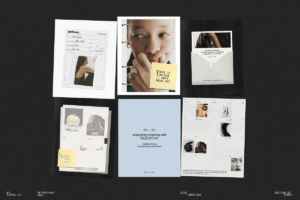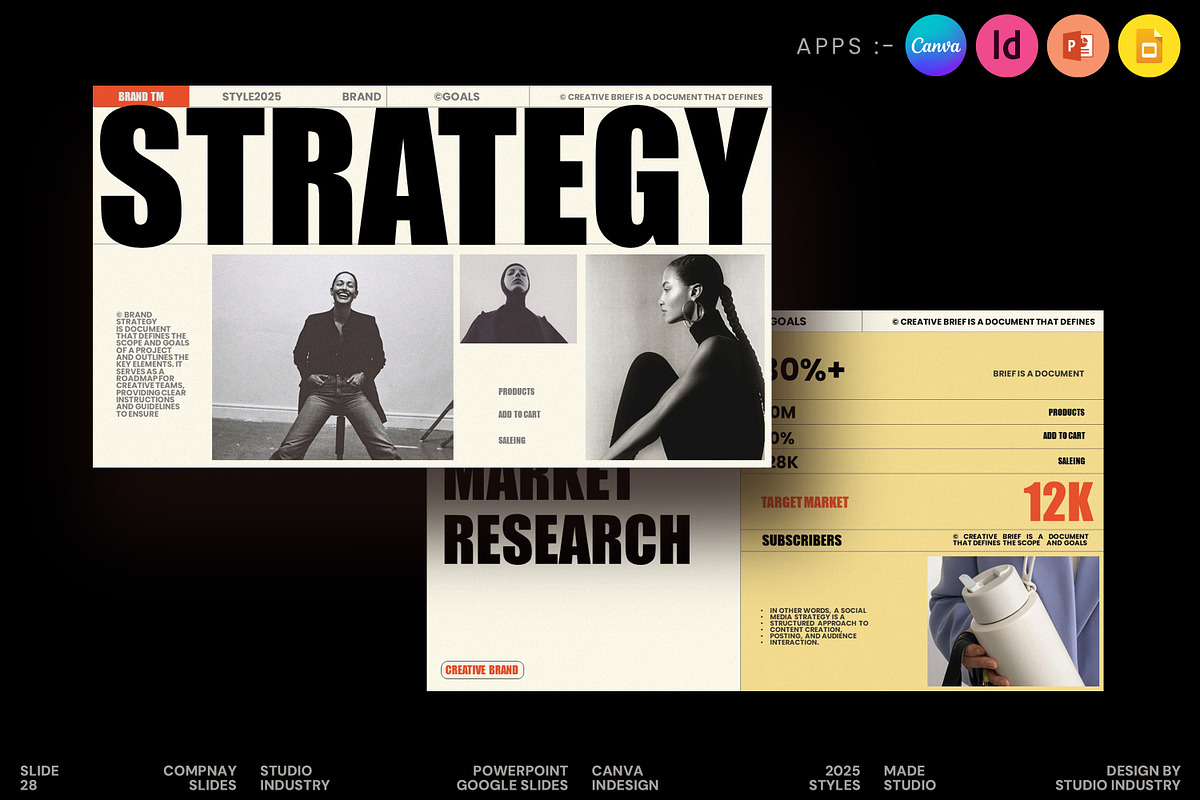

Present your brand story with clarity and confidence using this Brand Strategy Presentation Template. Designed to streamline strategy sessions and client proposals, this template delivers a modern, elegant, and highly editable framework. You can quickly communicate vision, mission, values, audience insights, positioning, and marketing plans in a visually consistent and persuasive format. The template supports both beginners and experienced designers by providing multiple editable formats and ready-made slide layouts that speed up delivery and improve client buy-in.
Who This Template Is For
Designers and Creative Agencies
Use the template to structure brand workshops, pitch decks, and client deliverables. Present professional layouts that emphasize strategic thinking and design sensibility.
Small Businesses and Entrepreneurs
Communicate your brand’s core, marketing strategy, and growth roadmap clearly—without needing advanced software skills.
Photographers, Bloggers, and Lifestyle Brands
Showcase visual identity, content strategy, and brand voice in an aesthetic, minimal layout tailored for creative industries.
Key Features
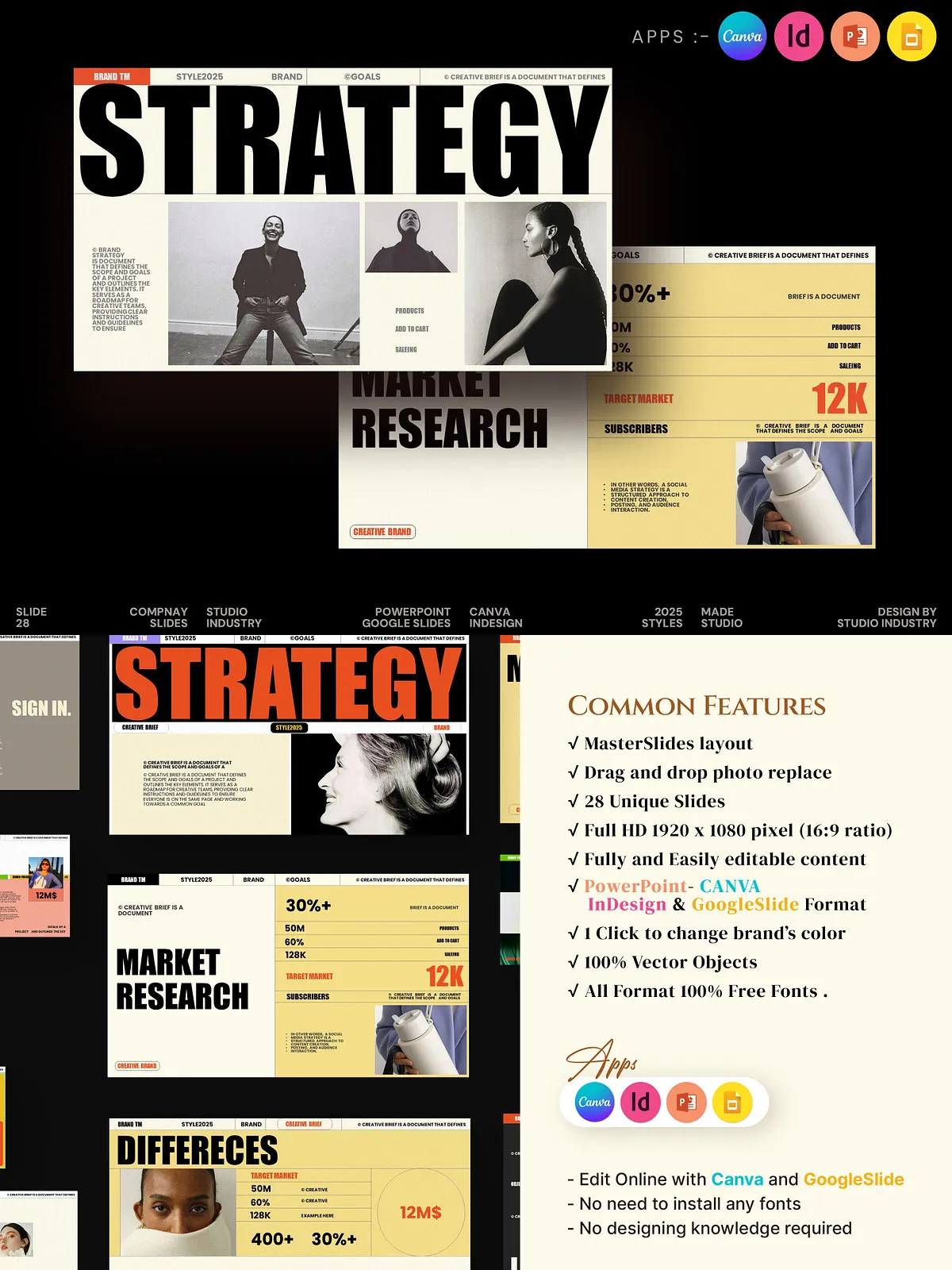
- Master Slide Layout for consistent, fast edits
- Drag-and-drop image replacement for quick visual updates
- 27 animated, unique slides optimized for storytelling
- Full HD 16:9 ratio for crisp screen presentations
- Resizable vector elements to keep your graphics sharp
- Custom animated effects to enhance engagement
- Professional, minimal, and creative design language
- Uses free fonts and includes font names for easy setup
- Formats included: Canva, InDesign (INDD + IDML), PowerPoint (PPTX), Google Slides
- No advanced software knowledge required—edit online or offline
What’s Included
- Editable Canva template with direct browser editing
- Adobe InDesign INDD and IDML files for print and advanced layout control
- PowerPoint PPTX file with animations and editable masters
- Google Slides ready for collaborative, browser-based editing
- Documentation with editing tips, font links, and export recommendations
File Types & Compatibility
The template supports a wide range of workflows:
- Canva: Edit online, change text, colors, and images directly in your browser.
- InDesign: Use INDD/IDML files for pixel-perfect control and print exports.
- PowerPoint: Work offline with PPTX—animations, master slides, and presenter notes included.
- Google Slides: Collaborate in real time, share with clients, and present from any device.
How to Use
Quick Start
- Choose the format that fits your workflow (Canva, InDesign, PowerPoint, or Google Slides).
- Open the master slide or template file and replace placeholder text and images with your brand content.
- Adjust colors and fonts using the included style controls to match your brand guidelines.
- Review the animations and transitions, then export to PDF or present directly from the application.
Editing Tips
- Keep headlines bold and concise; let supporting slides expand on strategy detail.
- Use the drag-and-drop image replace to update hero visuals quickly without disturbing layout.
- Leverage vector elements to scale icons and shapes without losing quality.
- When working in Canva or Google Slides, use linked assets and shared folders to maintain consistency across team members.
Design and Presentation Best Practices
- Start with the core story: vision, mission, and value proposition—then build supporting slides.
- Balance text with visuals: use charts and imagery to demonstrate audience insights and market positioning.
- Limit heavy animation on content-dense slides to preserve attention and clarity.
- Export a PDF version for client archives and a live version for pitching and presentations.
Licensing & Support
This product includes a standard commercial license for use in client and personal projects. The template uses free fonts; links and names appear in the documentation. If you require assistance customizing files, exporting print-ready assets, or troubleshooting format issues, consult the included usage notes or contact the seller for support.