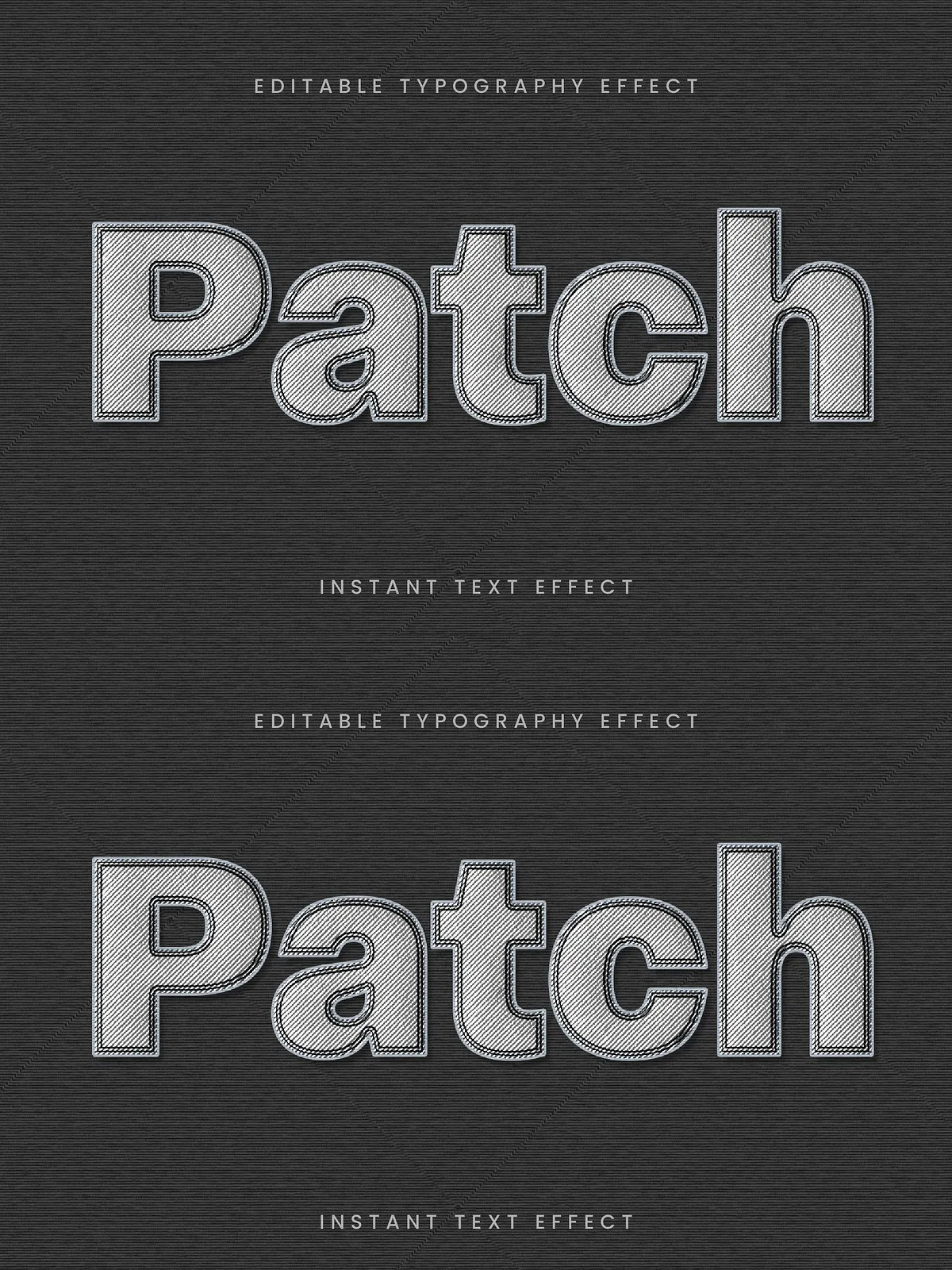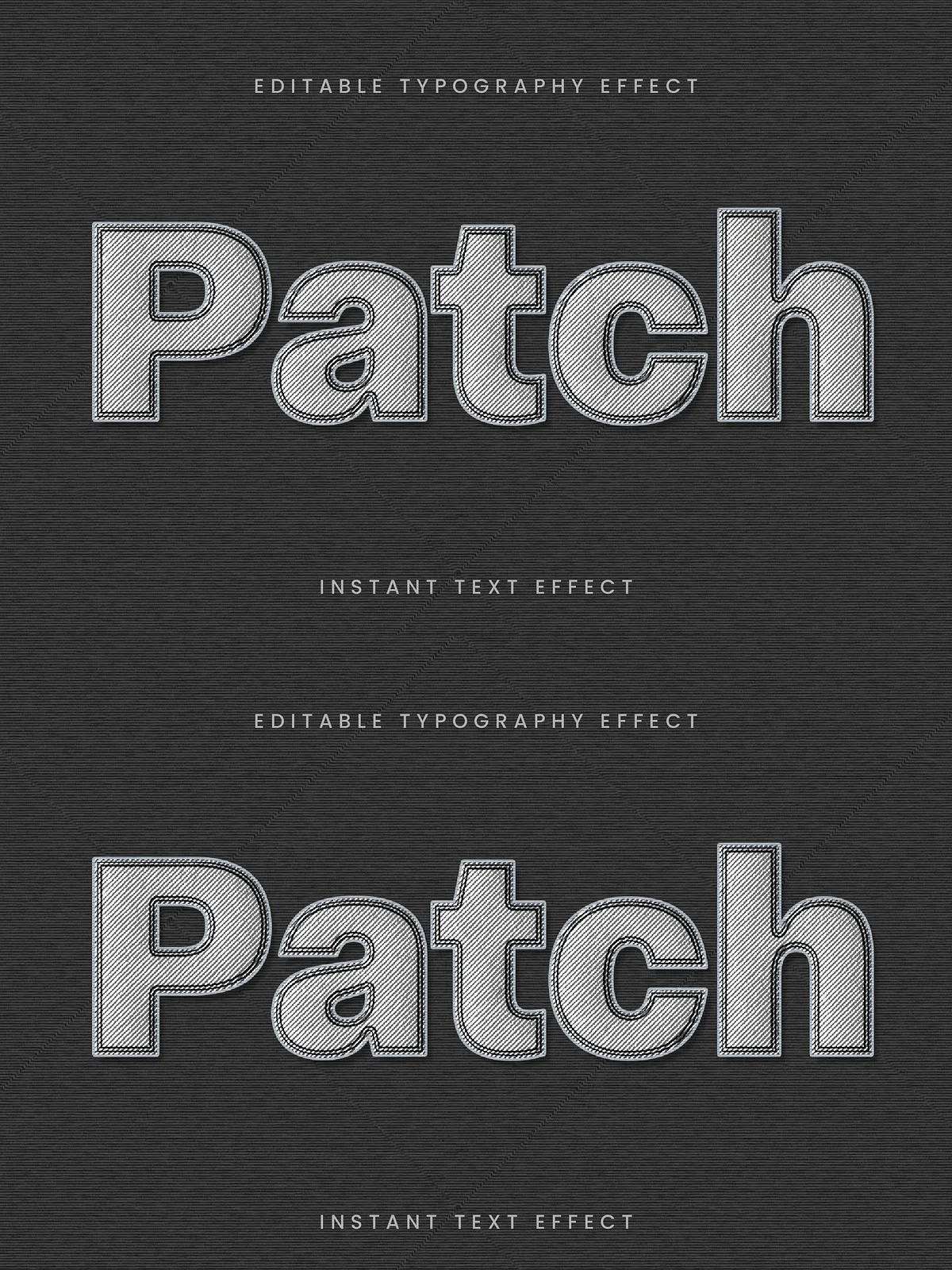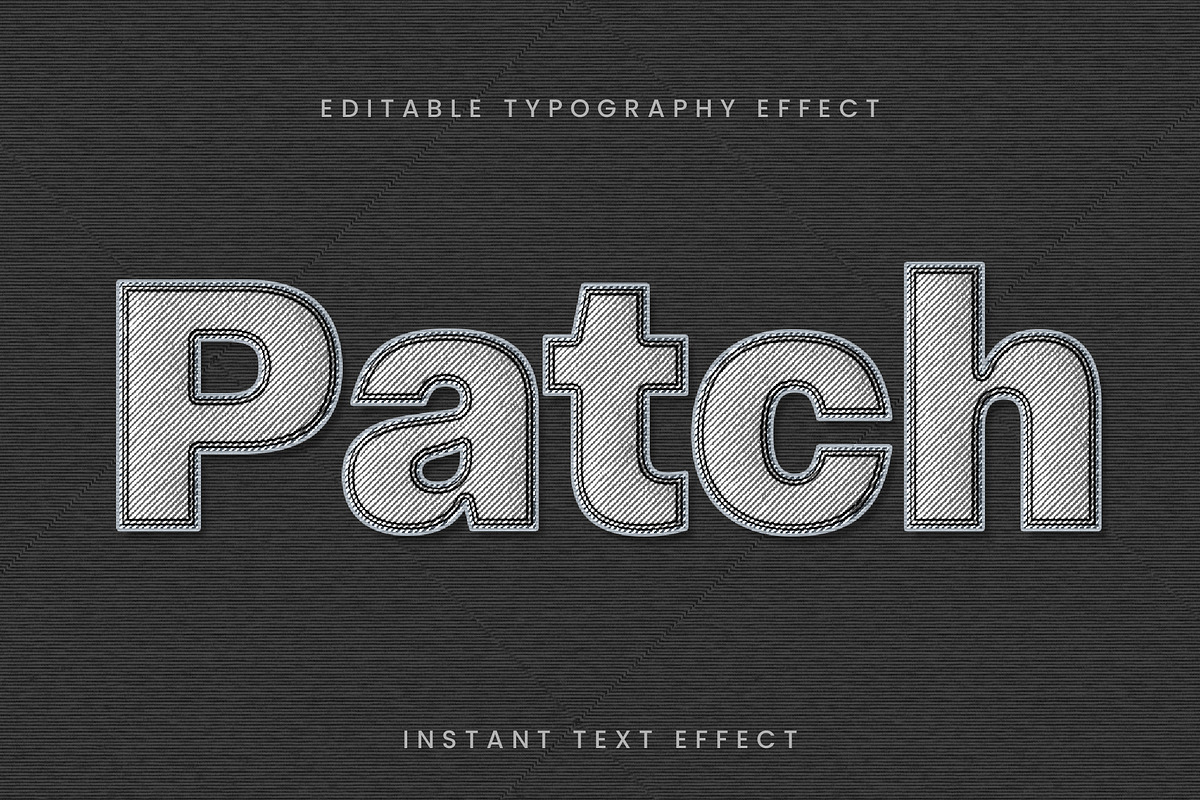

Transform typography and graphics into tactile, handcrafted visuals with the Patch Stitch Embroidery Text Effect. This fully editable Photoshop effect replicates the look and feel of embroidered patches: realistic stitch lines, fabric texture fills, and crisp embroidered outlines. Use it to create authentic apparel mockups, brand badges, craft-focused packaging, or any design that benefits from a textile aesthetic. The effect ships ready for immediate use and adapts quickly to your artwork, whether you work with type, logos, or vector shapes.
Why Choose This Embroidery Effect
This effect gives your projects a believable, high-quality embroidered appearance without the cost or time of real stitching. It uses layered Photoshop techniques to mimic thread direction, stitch density, and fabric weave, so your designs preserve detail at a variety of sizes. The effect supports fast customization—change colors, swap textures, and scale elements while keeping the stitched realism intact.
Related tutorial and inspiration
If you want to explore techniques and recent Photoshop capabilities for embroidery-style effects, see a step-by-step demonstration here: [Realistic Embroidery Patch Effect in Photoshop – NEW Filter Explained](https://www.youtube.com/watch?v=23hCkptb6Vo). This resource shows current Photoshop approaches that complement the editable files included with this product.
Key Features
- Photoshop format (fully layered PSD)
- Editable and customizable in Photoshop—adjust color, size, and texture
- Realistic patch and stitch embroidery effect with fabric texture
- Separate layers for base fabric, stitched fill, embroidered outline, and shading
- Scalable vector-friendly placement for logos and text
- Non-destructive adjustments using smart objects and adjustment layers
- Organized, labeled layers for fast editing and export
What’s Included
- One PSD file with multiple pre-made patch compositions
- Smart object placeholders for text, logos, and shapes
- Alternative fabric texture layers for cotton, twill, and felt
- Documentation with step-by-step editing instructions and export tips
- Color and stitch presets to speed up variations
File Types & Compatibility
The product is designed primarily for Adobe Photoshop (PSD). Smart objects and grouped layers allow non-destructive edits in recent Photoshop versions. You can insert vector logos or editable text and apply the patch effect quickly. For workflows requiring vector-only output, export high-resolution PNG or flattened PSD layers and trace in vector software if necessary.
How to Use
Quick Start
- Open the PSD file in Photoshop.
- Locate the smart object named “Artwork Placeholder” and double-click to edit.
- Place your logo, type, or vector into the smart object, save, and close the smart object window.
- Adjust fabric textures, stitch color, and outline thickness via the labeled adjustment layers.
- Export as PNG for web or flattened PSD/TIFF for print mockups.
Advanced Tips
- For realistic scale, preview the design at the final output size and refine stitch density accordingly.
- Use subtle drop shadows and inner shadows to simulate raised embroidery on fabric.
- Swap fabric layers (cotton, twill, felt) to see how thread sheen and contrast change with different substrates.
- When using text, convert type to shape before placing into the smart object to preserve stitch direction and edge quality.
Design Applications
Use this embroidery effect across a broad range of projects:
- Apparel mockups — patches on jackets, hats, and bags
- Branding — badges, seals, and heritage logos
- Product packaging and craft labels
- DIY and maker projects — printable templates and mockups
- Social media and promotional imagery that needs a tactile, handcrafted look
Licensing & Support
This product includes a standard commercial license that permits use in client work and final products. The PSD files use free-type friendly techniques and clearly label any third-party textures or assets; consult the included documentation for font and texture attribution. If you need help customizing the files, reviewing export settings, or resolving compatibility with your Photoshop version, follow the instructions in the documentation or contact the seller for direct support.